



X'te Paylaş

Facebook'ta Paylaş

Threads'te Paylaş

Bluesky'da Paylaş

Panoya Kopyala

E-posta ile Paylaş
Spring has arrived alongside that unfortunate day of pranks and jesters! April Fools is the one time a year where skepticism should be doubled, and Mojang’s yearly joke is a good example to follow. A fake update titled “Saving Minecraft one block at a time” that removes inventories and adds unexpectedly fun alternatives to explore. Today we go over the Minecraft April Fools 2022 snapshot, how to install it, and more.
Minecraft April Fools 2022
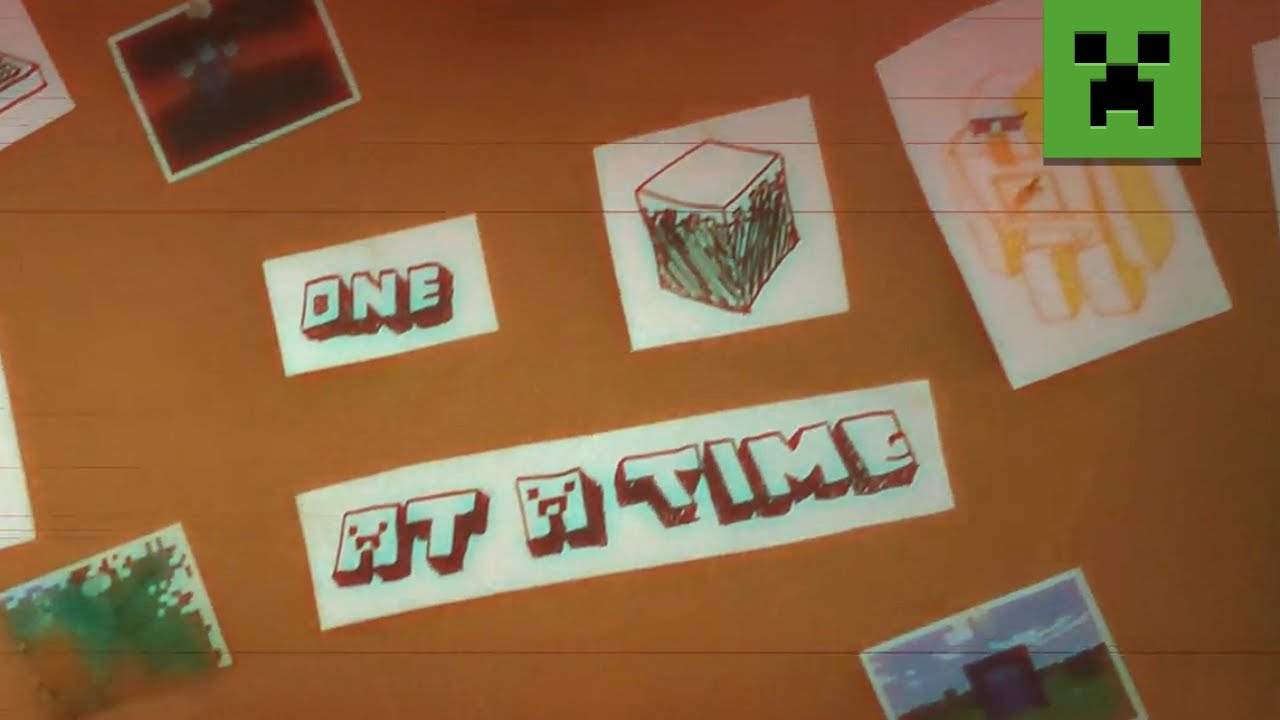

In Mojang’s latest blog post, Per Landin sadly explains that Minecraft has strayed from its rightful path. The game has become too complex, it sucks now, and 2012 was better. For that reason, all future updates were cancelled in favor of a new “downdate” where we will go back to the basics saving the game one block at a time!
One Block at a Time Features

The biggest change players will notice is that inventories have been removed, but blocks can now be “stacked” overhead, carried, and thrown to compensate. Unfortunately, enchanting was just too confusing, so now that’s gone too, but don’t worry about that because combat has been revised!
Throw the zombies, throw the glass at zombies and watch it shatter, and most importantly, throw zombies at zombies! Worried about storing items? Then worry no longer, for every block in the world is an inventory slot now!
But that’s not all, because as players have found, many secrets still remain hidden. Take barrels, for example! /u/Trard on Reddit discovered that they can now be worn by throwing them up in the air and landing it on your head. What more is there left to unravel?
How to Install the April Fools Snapshot
Installing the “Saving Minecraft one block at a time” update is a straightforward process done right from the Minecraft client. To quote the official Minecraft blog, players need only do the following:
“To install the snapshot, open up the Minecraft Launcher and enable snapshots in the “Installations” tab.”
From there, make a new installation with the snapshot and click play. But be warned, snapshots can corrupt old worlds! Ensure backups have been taken!
How to make Minecraft April Fools Servers
Interest in throwing friends at zombies too? Snapshot servers can be created for free through home hosting, but we recommend paid hosting options for ease of use and performance. Especially with snapshots that can be buggy!
Paid hosting is offered here at BisectHosting and many other places around the web. In either case, no less than 4GB of server RAM is recommended.
Minecraft April Fools 2022
It is a yearly tradition that Mojang releases a joke announcement or update, but this one is truly a block above the rest! The Minecraft April Fools 2022 update was surprisingly fun and gave the game a neat twist. I fully expect to see some mods and modpacks adopt this style of play! As unordinary as it may seem, it is well worth trying on this silly April day.
Until Next Time,
BisectHosting =)
Minecraft sunucunuzu oluşturun
Bir plan seçin, bir oyun belirleyin ve arkadaşlarınızla oynayın!
Oyun dünyasındaki en son güncellemeler için abone olun!

20.000'den fazla kafa dengi üyeden oluşan topluluğumuzun bir parçası olun!
Bu blogu nasıl değerlendirirsiniz?


İlgili Bloglar







İLK SENİN HABERİN OLSUN!
Barındırdığımız oyunlar, şirket haberleri ve özel fırsatlar hakkında güncellemeler için e-posta listemize katılın. Haberdar olun!













