
Minecraft 27.1 Update: Release Date Predictions, New Features, & More
tarihinde yazan:

Paylaş:

X'te Paylaş

Facebook'ta Paylaş

Threads'te Paylaş

Bluesky'da Paylaş

Panoya Kopyala

E-posta ile Paylaş
Announced during San Diego TwitchCon 2026, the Minecraft 27.1 Game Drop will be the first update of 2027, complete with a brand-new weapon! So, today, we explore the Minecraft 27.1 release date window while highlighting some of the most exciting features on the way so far!
 The Minecraft 27.1 Game Drop is confirmed to be releasing in 2027. A more specific date is not yet available. However, previous quarter one game drops suggest a release date around late March.
As for snapshots, there are none yet since Minecraft 26.4 is still in testing and awaiting release. It is not known if a 27.1 snapshot will be shared before the new year. Hopefully we get a holiday miracle, and they sneak one in!
 As of November 19, 2026, there are no snapshots available for the Minecraft 27.1 Game Drop or official methods of testing the Throwing Disc. Attempting to load the latest snapshot will instead result in a Minecraft 26.4 Deep Freeze snapshot. Those who would still like to prepare a snapshot install ahead of time can do so from right inside the Minecraft client. The necessary steps can each be found below:
Minecraft 27.1 Release Date
Minecraft 27.1 Highlights
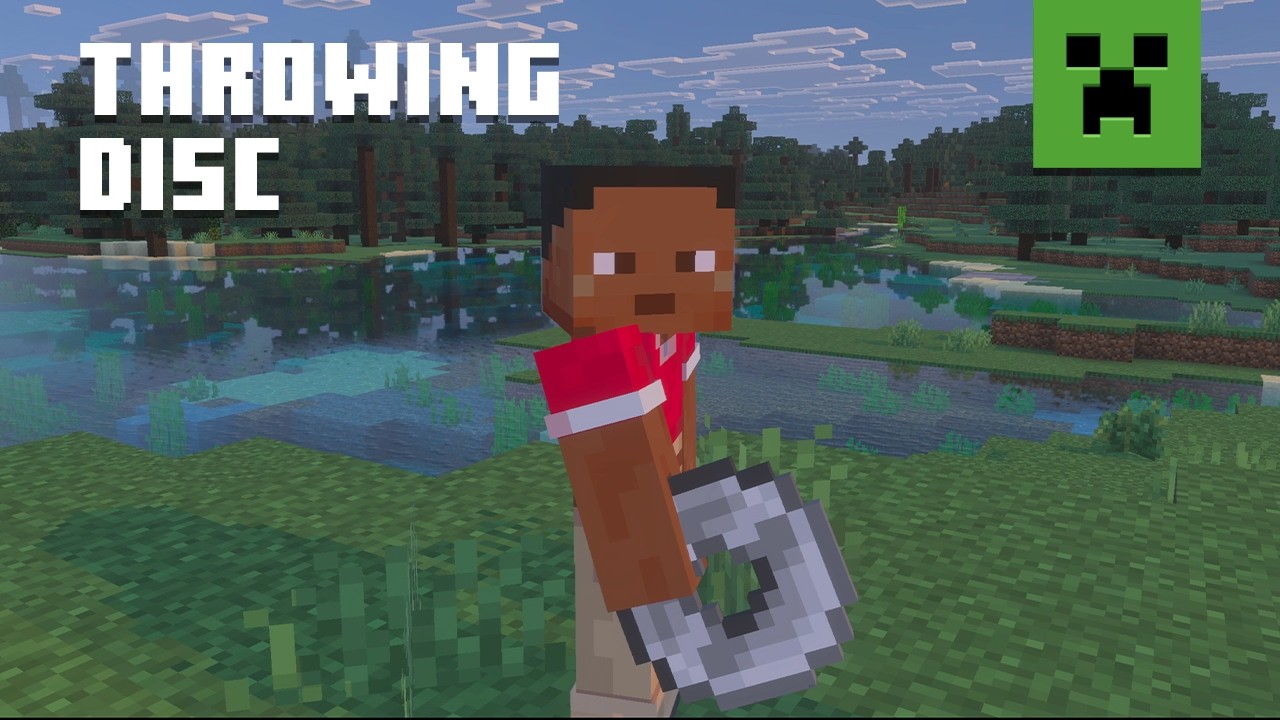
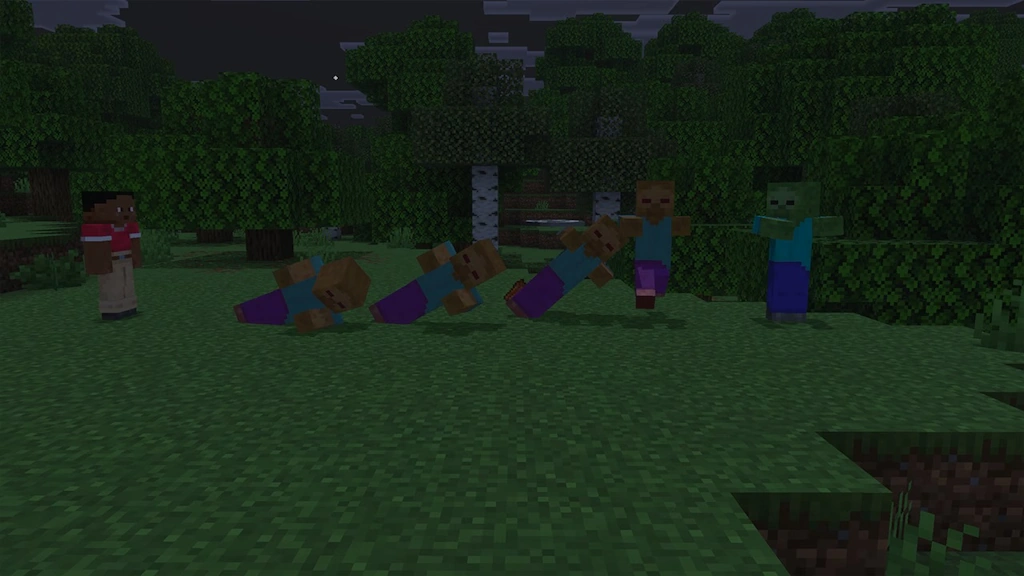
Throwing Discs
- Recipe: Copper Ingot, Iron Ingot, Gold Ingot, Diamond, or Netherite ingot x4
How to Install Minecraft 27.1 Snapshots
As of November 19, 2026, there are no snapshots available for the Minecraft 27.1 Game Drop or official methods of testing the Throwing Disc. Attempting to load the latest snapshot will instead result in a Minecraft 26.4 Deep Freeze snapshot. Those who would still like to prepare a snapshot install ahead of time can do so from right inside the Minecraft client. The necessary steps can each be found below:
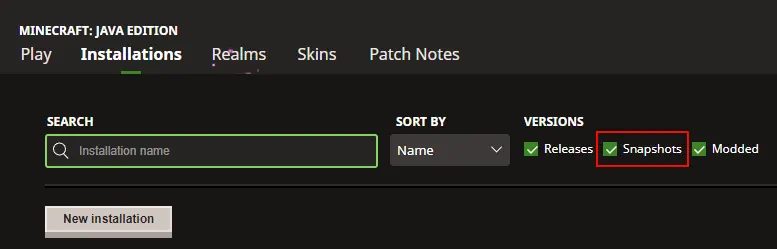
- Open the Minecraft Launcher and select Java Edition.
- Enable snapshots under the ‘Installations’ tab.
- If a new installation called “Latest Snapshot,” represented by a dirt block, is now present, that can be used immediately to start playing. Otherwise, proceed with step four.
- Click ‘New Installation’
- Select ‘Latest Snapshot’ in the drop-down menu.
- Click ‘Install.’
Kendi
Minecraft sunucunuzu oluşturun
Minecraft sunucunuzu oluşturun
Bir plan seçin, bir oyun belirleyin ve arkadaşlarınızla oynayın!
Bültenimize Katılın
Oyun dünyasındaki en son güncellemeler için abone olun!

Discord'umuza Katılın
20.000'den fazla kafa dengi üyeden oluşan topluluğumuzun bir parçası olun!
Bu blogu nasıl değerlendirirsiniz?
Fikrinizi paylaşın ve bloglarımızı daha da iyi hale getirmemize yardımcı olun!
Beğenmedim
Nötr
Beğendim

Bir oyun sunucusuna mı ihtiyacınız var?
Siz ve arkadaşlarınızın düşük gecikme süresi ve özel ayarlarla özel olarak oynayabileceğiniz bir oyun sunucusu kiralayın. 110+ oyun arasından seçim yapın, dünyanın dört bir yanından insanları davet edin ve özel maçların keyfini çıkarın veya kendi kurallarınızla kendi çevrimiçi topluluğunuzu oluşturun.

İlgili Bloglar







İLK SENİN HABERİN OLSUN!
Barındırdığımız oyunlar, şirket haberleri ve özel fırsatlar hakkında güncellemeler için e-posta listemize katılın. Haberdar olun!













