

Assetto Corsa Mods Guide: How to Install, Content Manager, & more
Опубликовано автором

Поделиться:

Поделиться в X

Поделиться в Facebook

Поделиться в Threads

Поделиться в Bluesky

Скопировать в буфер обмена

Поделиться по email
Do you want to enhance your Vanilla Assetto Corsa experience? Installing a mod (or two) can introduce a world of difference to how the game looks and functions. So, here we'll cover how to download and add mods to Assetto Corsa.
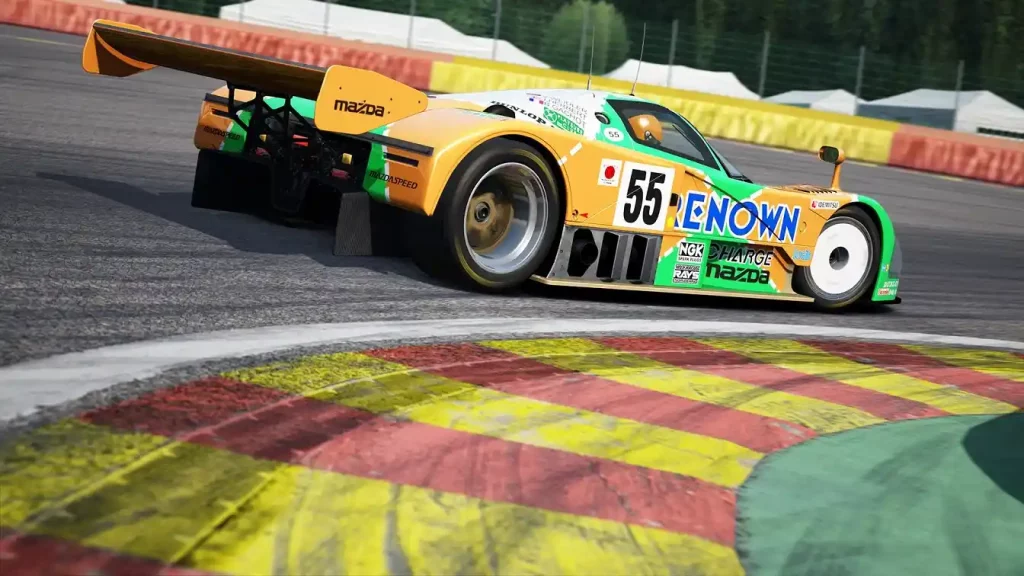 Installing an Assetto Corsa Mod typically requires the game’s Content Manager app, which you can download here. However, an alternate procedure exists to install mods if you don’t want to use this app. You can find both processes below:
How To Install Assetto Corsa Mods
Installing an Assetto Corsa Mod typically requires the game’s Content Manager app, which you can download here. However, an alternate procedure exists to install mods if you don’t want to use this app. You can find both processes below:
Installing Assetto Corsa Mods With Content Manager
It’s important to mention that Content Manager comes in free and premium versions. The latter gives you access to new features before the developers release them to the lite version. Additionally, paying for the premium version helps support the app’s developers. With that, here are the steps to install mods with Content Manager, assuming that you’ve installed the app:- 1. Open Content Manager and search for the Assetto Corsa folder in your system
- 2. Download your preferred Assetto Corsa mod
- 3. Search for the folder with the Assetto Corsa mod in your system and drag it to Content Manager
- 4. Wait for the mod installation to complete
- 5. Run Assetto Corsa to check if the mod is working as intended
Installing Assetto Corsa Mods Without Content Manager
Installing an Assetto Corsa mod without the Content Manager is still a reasonably straightforward process. However, the previous procedure is still more convenient than the manual method. Nonetheless, here are the steps to install your preferred Assetto Corsa mod without the Content Manager app:- 1. Download your preferred Assetto Corsa mod
- 2. Search and open the Assetto Corsa game directory on your PC
- 3. Extract the Assetto Corsa mod’s contents into the game’s directory
- 4. Run Assetto Corsa to check if the mod is working as intended
Создайте свой собственный
сервер Assetto Corsa
сервер Assetto Corsa
Выберите тариф, укажите игру и играйте с друзьями!
Подпишитесь на нашу рассылку
Подпишитесь, чтобы получать последние новости из мира игр!

Присоединяйтесь к нашему Discord
Станьте частью нашего сообщества, в котором уже более 20000 единомышленников!
Как бы вы оценили этот блог?
Поделитесь своим мнением и помогите нам сделать наши блоги еще лучше!
Не понравилось
Нейтрально
Понравилось

Нужен игровой сервер?
Арендуйте игровой сервер, где вы и ваши друзья сможете играть в закрытом режиме с низкой задержкой и собственными настройками. Выбирайте из 110+ игр, приглашайте людей со всего мира и наслаждайтесь приватными матчами или создайте свое собственное онлайн-сообщество со своими правилами.

Похожие статьи







УЗНАЙТЕ ВСЕ ПЕРВЫМИ!
Подпишитесь на нашу рассылку, чтобы получать обновления о наших играх, новости компании и эксклюзивные предложения. Будьте в курсе!













