

The Isle Console Commands & Admin Panel Guide
Opublikowano przez

Udostępnij:

Udostępnij na X

Udostępnij na Facebooku

Udostępnij na Threads

Udostępnij na Bluesky

Skopiuj do schowka

Udostępnij przez e-mail
(Estimated Read Time: 3 minutes)
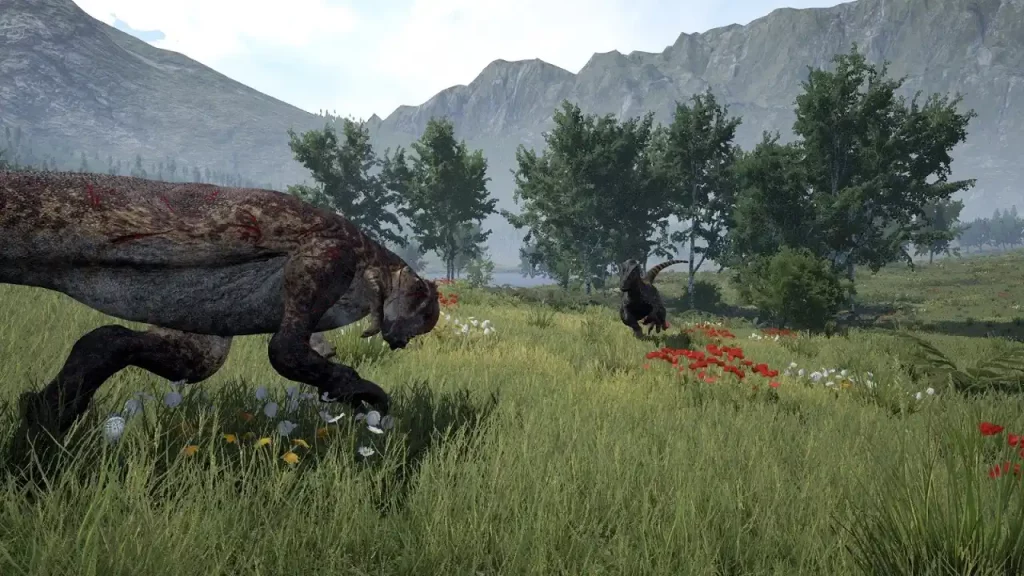
The prehistoric world of The Isle can be dangerous for experienced players, and absolutely ruthless to the unprepared. Sometimes, you might need extra help, and this assistance can come in the form of admin console commands in The Isle.The Isle Console Commands & How to Access Admin Panel
 First, press the Enter key (by default) to open the chat/command console. Also, you might need to type “/adminpanel" (without the quotes) before accessing the administrator commands. This extra step is a typical requirement for the Evrima Branch. If typing “/adminpanel” doesn’t work, pressing the Insert keyboard key may let you use the admin commands.
It’s also important to mention that some admin console commands for The Isle may only work if you're a server administrator. With that, here are the admin commands you can use in The Isle:
First, press the Enter key (by default) to open the chat/command console. Also, you might need to type “/adminpanel" (without the quotes) before accessing the administrator commands. This extra step is a typical requirement for the Evrima Branch. If typing “/adminpanel” doesn’t work, pressing the Insert keyboard key may let you use the admin commands.
It’s also important to mention that some admin console commands for The Isle may only work if you're a server administrator. With that, here are the admin commands you can use in The Isle:
- /announce: make a server announcement
- /kick [player name or Steam ID] [reason]: Kick a player from the server
- /ban [player name or Steam ID] [hours] [reason]: Temporarily bans a specific player from the server for a set period
- /unban [Steam ID]: Unbans a banned player
- /grow [player name]: Activate the next growth stage for yourself or another player
- /heal [player name]: Heals a player’s broken leg and restores hunger and thirst
- /slay [player name]: Kills specific player
- /goto [player name]: Teleport to the specified player’s position
- /bring [player name]: Teleports the specified player to your position
- /time [hour]: Change the in-game time
- /weather [condition]: Changes the in-game weather
- Backslash (\): Toggle Spectator Mode
Zapisz się do newslettera
Subskrybuj, aby otrzymywać najnowsze informacje ze świata gier!

Dołącz do naszego Discorda
Zostań częścią naszej społeczności ponad 20,000 podobnie myślących członków!
Jak oceniasz ten wpis?
Podziel się swoją opinią i pomóż nam tworzyć jeszcze lepsze artykuły!
Nie podobał mi się
Neutralnie
Podobał mi się

Potrzebujesz serwera do gry?
Wynajmij serwer gier, na którym Ty i Twoi znajomi możecie grać prywatnie z niskim opóźnieniem i własnymi ustawieniami. Wybieraj spośród 110+ gier, zaproś ludzi z całego świata i ciesz się prywatnymi rozgrywkami lub zbuduj własną społeczność online z własnymi zasadami.

Powiązane wpisy







BĄDŹ NA BIEŻĄCO!
Dołącz do naszego newslettera, aby otrzymywać informacje o naszych hostowanych grach, nowościach firmowych i ekskluzywnych ofertach. Bądź na bieżąco!













