
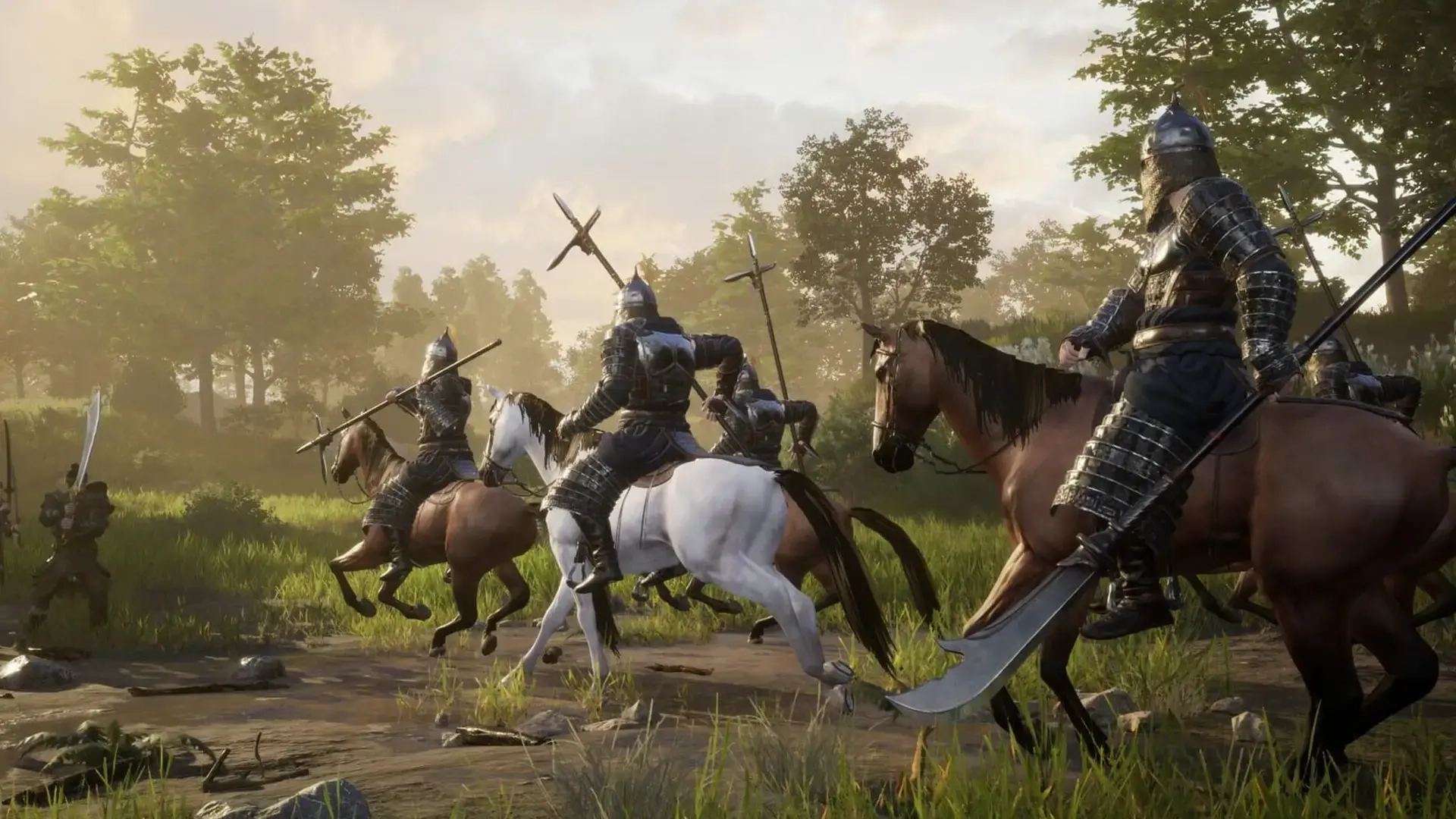
Myth of Empires Controls Guide: All PC Keybinds
Opublikowano przez

Udostępnij:

Udostępnij na X

Udostępnij na Facebooku

Udostępnij na Threads

Udostępnij na Bluesky

Skopiuj do schowka

Udostępnij przez e-mail
(Estimated Read Time: 3 minutes)
Before building an empire and conquering the world in Myth of Empires, you must first learn and master its basic controls. With that in mind, here we'll cover all the controls and keybinds for Myth of Empires.Myth of Empires Controls and Keybinds
 First, it's important to mention that Myth of Empires is only available on the PC through Steam. Additionally, it has limited controller support at the time of writing. In other words, players may use a controller to play the game, but some buttons may not work on their chosen gamepads.
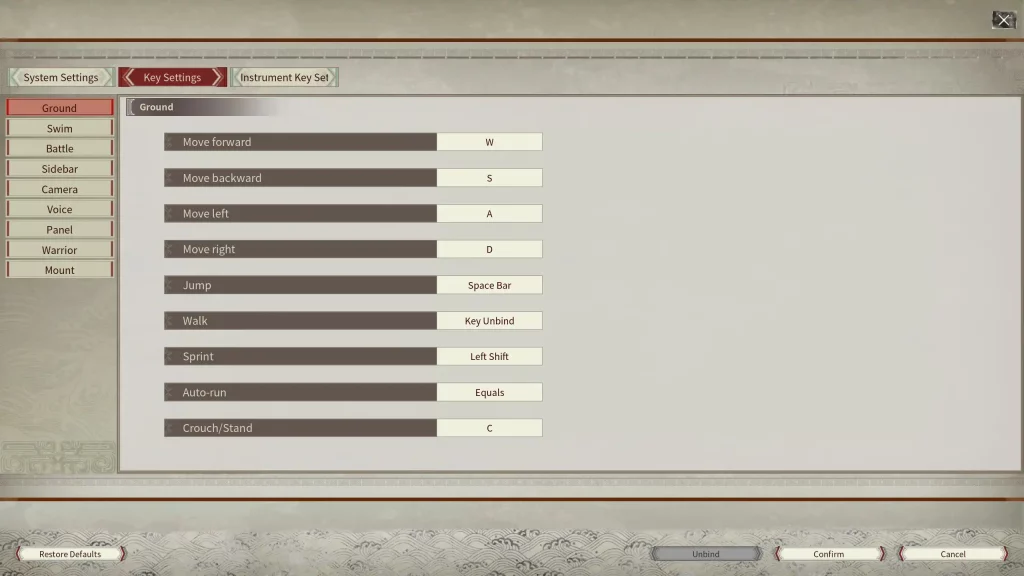
With that, here are all the basic PC controls for Myth of Empires using the keyboard and mouse peripherals:
First, it's important to mention that Myth of Empires is only available on the PC through Steam. Additionally, it has limited controller support at the time of writing. In other words, players may use a controller to play the game, but some buttons may not work on their chosen gamepads.
With that, here are all the basic PC controls for Myth of Empires using the keyboard and mouse peripherals:
Ground
- Move forward: W
- Move backward: S
- Move left: A
- Move right: D
- Jump: Space Bar
- Walk: N/A
- Sprint: Left Shift
- Auto-run: Equals (=)
- Crouch/Stand: C
Swim
- Swim up: Space Bar
- Swim down: Q
Battle
- Climb: Space Bar
- Block: Right Mouse Button
- Attack: Left Mouse Button
- Kick: F
- Attack upwards: Num 8
- Attack downwards: Num 2
- Attack left: Num 4
- Attack Right: Num 6
- Attack from upper left: Num 7
- Attack from upper right: Num 9
- Attack from bottom left: Num 1
- Attack from bottom right: Num 3
- Toggle single/continuous attack: B
- Mainhand weapon skill: X
- Offhand weapon skill: Z
Sidebar
- Sidebar 1: 1
- Sidebar 2: 2
- Sidebar 3: 3
- Sidebar 4: 4
- Sidebar 5: 5
- Sidebar 6: 6
- Sidebar 7: 7
- Sidebar 8: 8
- Sidebar 9: 9
- Sidebar 0: 0
- Sidebar Last Page: Shift + Up
- Sidebar Next Page: Shift + Down
Camera
- Zoom out: Mouse Wheel Down
- Zoom in: Mouse Wheel Up
- Track projectile: Left Alt
- Toggle perspective: V
- Free camera: O
Voice
- Press to talk: H
Panel
- Show/hide chatbox: Ctrl + T
- Show/hide message prompts: Ctrl + R
- Open Crafting Panel: P
- Open Inventory Panel: I
- Open Map: K
- Open Missions Panel: M
- Open Warrior Panel: L
- Open Guild Panel: Y
- Open Emote Panel: G
- Hide Panel: Tab
- Show/hide key info: Ctrl + H
- Open Instrument Settings Panel: Ctrl + F
- Show/hide Mission Tracker Panel: J
Warrior
- Select all warriors: Ctrl + 1
- Selected Warrior 1: Ctrl + 2
- Selected Warrior 2: Ctrl + 3
- Selected Warrior 3: Ctrl + 4
- Selected Warrior 4: Ctrl + 5
- Selected Warrior 5: Ctrl + 6
- Move warrior: F1
- Warrior formation: F2
- Attack method: F3
- Warrior mount: F4
- Warrior attack: F5
- Battle mode: F6
- Alert radius: F7
- Rescue: F8
Mount
- Call horse: U
Zapisz się do newslettera
Subskrybuj, aby otrzymywać najnowsze informacje ze świata gier!

Dołącz do naszego Discorda
Zostań częścią naszej społeczności ponad 20,000 podobnie myślących członków!
Jak oceniasz ten wpis?
Podziel się swoją opinią i pomóż nam tworzyć jeszcze lepsze artykuły!
Nie podobał mi się
Neutralnie
Podobał mi się

Potrzebujesz serwera do gry?
Wynajmij serwer gier, na którym Ty i Twoi znajomi możecie grać prywatnie z niskim opóźnieniem i własnymi ustawieniami. Wybieraj spośród 110+ gier, zaproś ludzi z całego świata i ciesz się prywatnymi rozgrywkami lub zbuduj własną społeczność online z własnymi zasadami.

Powiązane wpisy







BĄDŹ NA BIEŻĄCO!
Dołącz do naszego newslettera, aby otrzymywać informacje o naszych hostowanych grach, nowościach firmowych i ekskluzywnych ofertach. Bądź na bieżąco!













