

Minecraft Ender Dragon Egg Guide: How to Loot, Display, & more
Opublikowano przez

Udostępnij:

Udostępnij na X

Udostępnij na Facebooku

Udostępnij na Threads

Udostępnij na Bluesky

Skopiuj do schowka

Udostępnij przez e-mail
The ender dragon egg is one of the rarest items players can obtain, but if not careful, it may fall into the void after teleporting away. So, today, we explain step by step how to loot the ender dragon egg.
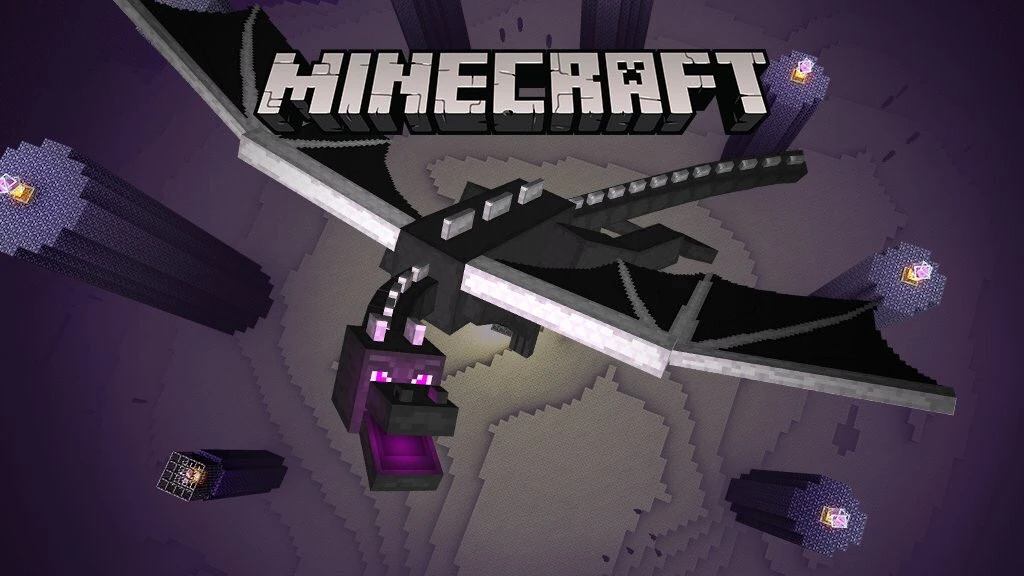 Before one can even consider looting the ender dragon egg, the ender dragon must first be slain. We offer a guide on how to achieve this feat here. Once the dragon is defeated, the egg will appear on top of the exit portal. Don’t touch it just yet, though!
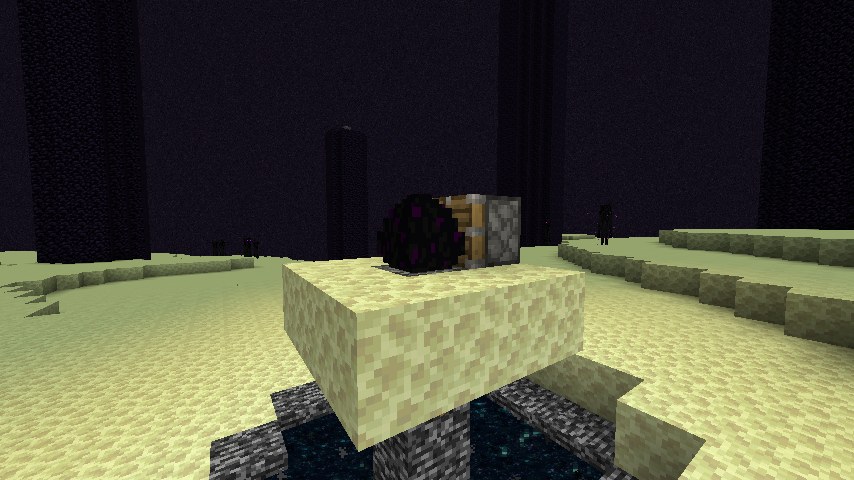 The dragon egg cannot be gathered with silk touch or any tool for that matter. Attempting to do so will cause the egg to teleport, potentially sending it into the void.
Instead, players must use a piston and redstone torch. The piston can be crafted using three plank blocks, four cobblestone blocks, one iron ingot, and one redstone, while the restone torch needs only a stick and one redstone. If the ender dragon egg is still on top of the exit portal, we recommend creating a small three-by-three platform around it at this point as well.
Once ready, place the piston directly next to the egg while ensuring that the piston is facing it. Then, place a redstone torch next to the piston to activate it. If all was done correctly, the egg should now be broken and available to pick up.
Congratulations on looting the dragon egg!
The dragon egg cannot be gathered with silk touch or any tool for that matter. Attempting to do so will cause the egg to teleport, potentially sending it into the void.
Instead, players must use a piston and redstone torch. The piston can be crafted using three plank blocks, four cobblestone blocks, one iron ingot, and one redstone, while the restone torch needs only a stick and one redstone. If the ender dragon egg is still on top of the exit portal, we recommend creating a small three-by-three platform around it at this point as well.
Once ready, place the piston directly next to the egg while ensuring that the piston is facing it. Then, place a redstone torch next to the piston to activate it. If all was done correctly, the egg should now be broken and available to pick up.
Congratulations on looting the dragon egg!
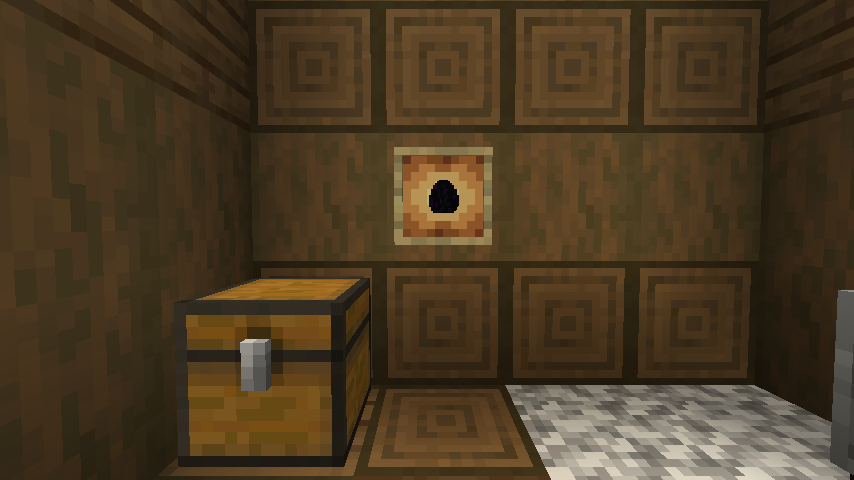 The dragon egg is an amazing trophy to have, but one punch, and it may end up somewhere far below the overworld. For this reason, we recommend that any player attempting to display the egg use an item frame or put it within a glass case to prevent any accidents. After all, only one egg can be looted in Java Edition and only two in Bedrock Edition.
Slay the Ender Dragon
Before one can even consider looting the ender dragon egg, the ender dragon must first be slain. We offer a guide on how to achieve this feat here. Once the dragon is defeated, the egg will appear on top of the exit portal. Don’t touch it just yet, though!
How to Loot the Ender Dragon Egg
The dragon egg cannot be gathered with silk touch or any tool for that matter. Attempting to do so will cause the egg to teleport, potentially sending it into the void.
Instead, players must use a piston and redstone torch. The piston can be crafted using three plank blocks, four cobblestone blocks, one iron ingot, and one redstone, while the restone torch needs only a stick and one redstone. If the ender dragon egg is still on top of the exit portal, we recommend creating a small three-by-three platform around it at this point as well.
Once ready, place the piston directly next to the egg while ensuring that the piston is facing it. Then, place a redstone torch next to the piston to activate it. If all was done correctly, the egg should now be broken and available to pick up.
Congratulations on looting the dragon egg!
Displaying the Egg
The dragon egg is an amazing trophy to have, but one punch, and it may end up somewhere far below the overworld. For this reason, we recommend that any player attempting to display the egg use an item frame or put it within a glass case to prevent any accidents. After all, only one egg can be looted in Java Edition and only two in Bedrock Edition.Zapisz się do newslettera
Subskrybuj, aby otrzymywać najnowsze informacje ze świata gier!

Dołącz do naszego Discorda
Zostań częścią naszej społeczności ponad 20,000 podobnie myślących członków!
Jak oceniasz ten wpis?
Podziel się swoją opinią i pomóż nam tworzyć jeszcze lepsze artykuły!
Nie podobał mi się
Neutralnie
Podobał mi się

Potrzebujesz serwera do gry?
Wynajmij serwer gier, na którym Ty i Twoi znajomi możecie grać prywatnie z niskim opóźnieniem i własnymi ustawieniami. Wybieraj spośród 110+ gier, zaproś ludzi z całego świata i ciesz się prywatnymi rozgrywkami lub zbuduj własną społeczność online z własnymi zasadami.

Powiązane wpisy







BĄDŹ NA BIEŻĄCO!
Dołącz do naszego newslettera, aby otrzymywać informacje o naszych hostowanych grach, nowościach firmowych i ekskluzywnych ofertach. Bądź na bieżąco!













