

Assetto Corsa Mods Guide: How to Install, Content Manager, & more
Opublikowano przez

Udostępnij:

Udostępnij na X

Udostępnij na Facebooku

Udostępnij na Threads

Udostępnij na Bluesky

Skopiuj do schowka

Udostępnij przez e-mail
Do you want to enhance your Vanilla Assetto Corsa experience? Installing a mod (or two) can introduce a world of difference to how the game looks and functions. So, here we'll cover how to download and add mods to Assetto Corsa.
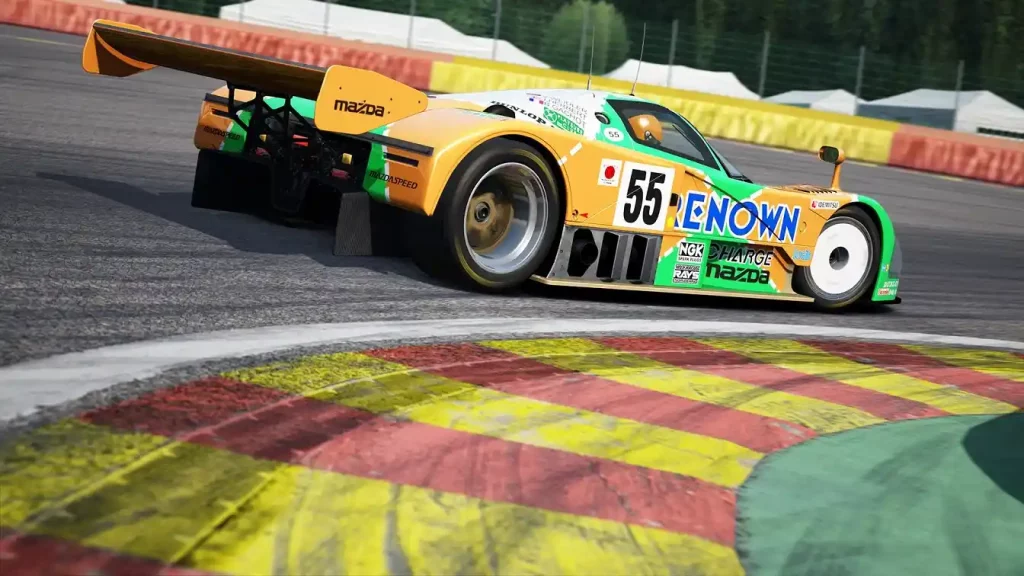 Installing an Assetto Corsa Mod typically requires the game’s Content Manager app, which you can download here. However, an alternate procedure exists to install mods if you don’t want to use this app. You can find both processes below:
How To Install Assetto Corsa Mods
Installing an Assetto Corsa Mod typically requires the game’s Content Manager app, which you can download here. However, an alternate procedure exists to install mods if you don’t want to use this app. You can find both processes below:
Installing Assetto Corsa Mods With Content Manager
It’s important to mention that Content Manager comes in free and premium versions. The latter gives you access to new features before the developers release them to the lite version. Additionally, paying for the premium version helps support the app’s developers. With that, here are the steps to install mods with Content Manager, assuming that you’ve installed the app:- 1. Open Content Manager and search for the Assetto Corsa folder in your system
- 2. Download your preferred Assetto Corsa mod
- 3. Search for the folder with the Assetto Corsa mod in your system and drag it to Content Manager
- 4. Wait for the mod installation to complete
- 5. Run Assetto Corsa to check if the mod is working as intended
Installing Assetto Corsa Mods Without Content Manager
Installing an Assetto Corsa mod without the Content Manager is still a reasonably straightforward process. However, the previous procedure is still more convenient than the manual method. Nonetheless, here are the steps to install your preferred Assetto Corsa mod without the Content Manager app:- 1. Download your preferred Assetto Corsa mod
- 2. Search and open the Assetto Corsa game directory on your PC
- 3. Extract the Assetto Corsa mod’s contents into the game’s directory
- 4. Run Assetto Corsa to check if the mod is working as intended
Zapisz się do newslettera
Subskrybuj, aby otrzymywać najnowsze informacje ze świata gier!

Dołącz do naszego Discorda
Zostań częścią naszej społeczności ponad 20,000 podobnie myślących członków!
Jak oceniasz ten wpis?
Podziel się swoją opinią i pomóż nam tworzyć jeszcze lepsze artykuły!
Nie podobał mi się
Neutralnie
Podobał mi się

Potrzebujesz serwera do gry?
Wynajmij serwer gier, na którym Ty i Twoi znajomi możecie grać prywatnie z niskim opóźnieniem i własnymi ustawieniami. Wybieraj spośród 110+ gier, zaproś ludzi z całego świata i ciesz się prywatnymi rozgrywkami lub zbuduj własną społeczność online z własnymi zasadami.

Powiązane wpisy







BĄDŹ NA BIEŻĄCO!
Dołącz do naszego newslettera, aby otrzymywać informacje o naszych hostowanych grach, nowościach firmowych i ekskluzywnych ofertach. Bądź na bieżąco!













