
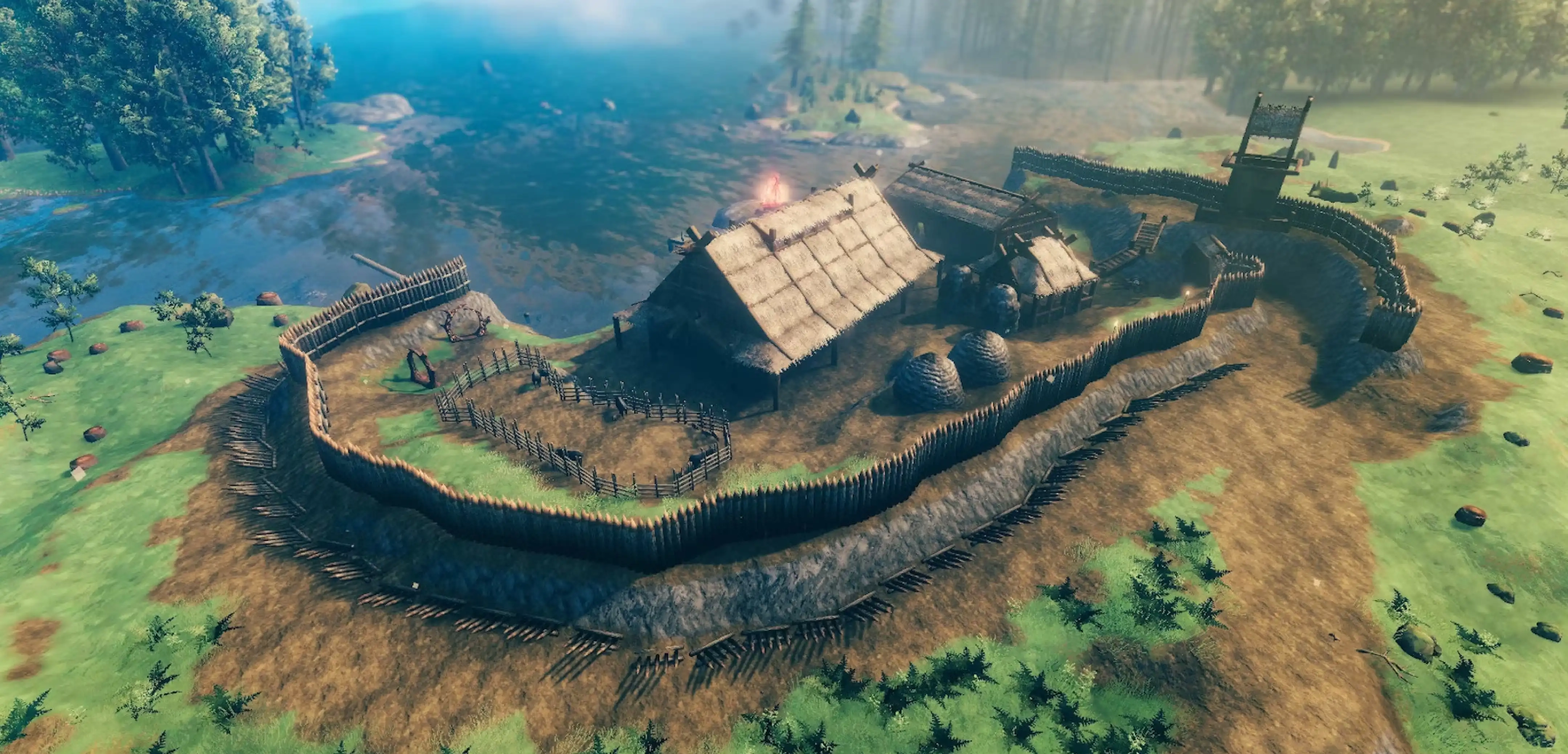
Valheim Controls Guide (PC, Console)
Pubblicato il da

Condividi:

Condividi su X

Condividi su Facebook

Condividi su Threads

Condividi su Bluesky

Copia negli Appunti

Condividi via email
(Estimated Read Time: 6 minutes)
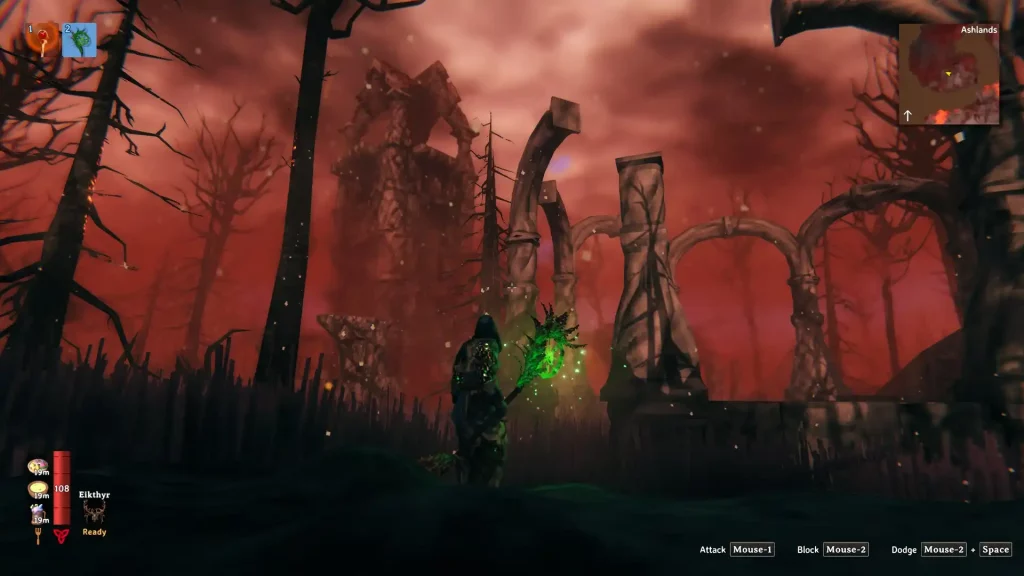
Developer Iron Gate Studio recently released the Ashlands Update for Valheim, which means many new players are starting their Nordic adventure. To get you ready to take on the mighty challenges of the Ashlands, here in our Valheim controls guide, we'll cover all the keybinds you'll need along the way on both PC and console platforms.Valheim Controls Guide
 It’s important to mention that players can change the keybinds for the mouse and keyboard controls in Valheim, particularly for its PC version. However, you can’t change the controller keybinds from the in-game Settings menu. Instead, you'll need to modify the controller keybinds in Steam before launching the game to match your needs.
Additionally, Valheim has full Xbox controller support. Although it's possible to use other gamepads, including PlayStation controllers, you might miss out on some of the translation.
It’s important to mention that players can change the keybinds for the mouse and keyboard controls in Valheim, particularly for its PC version. However, you can’t change the controller keybinds from the in-game Settings menu. Instead, you'll need to modify the controller keybinds in Steam before launching the game to match your needs.
Additionally, Valheim has full Xbox controller support. Although it's possible to use other gamepads, including PlayStation controllers, you might miss out on some of the translation.
Valheim Mouse & Keyboard Controls (PC)
- Forward: W
- Left: A
- Backward: S
- Right: D
- Inventory: Tab
- Map: M
- Zoom Out: Comma (,)
- Zoom In: Period (.)
- Deconstruct: Middle Mouse Button (while in build mode)
- Alternative Placement: Left Shift (while in build mode)
- Build Menu: Right Mouse Button (with the Build Hammer equipped)
- Previous Tab/Snap Point: Q
- Next Tab/Snap Point: E
- Attack: Left Mouse Button
- Secondary Attack: Middle Mouse Button
- Block: Right Mouse Button
- Use: E
- Jump: Space
- Run: Left Shift
- Toggle Walk: C
- Crouch: Left Ctrl
- Hide/Show Weapon: R
- Sit: X
- Forsaken Power: F
- Auto-Run: Q
- Toggle Auto-Pickup: V
Valheim Xbox Controller Classic Controls (PC)
- Rotate/Block: Left Trigger
- Alternative Placement/Run: Left Bumper
- Move: Left Analog Stick
- Previous Snap Point/Toggle Auto-Pickup/Crouch: Press Left Analog Stick
- Cycle Hotbar/Map Zoom In: Left/Right Directional Buttons
- Zoom In View/Use Hotbar Item: Up Directional Button
- Zoom Out View/Forsaken Power: Down Directional Button
- Place/Attack: Right Trigger
- Deconstruct/Secondary Attack: Right Bumper
- Inventory: Y
- Dodge/Jump: B
- Sit: X
- Use/Build Menu: A
- Look: Right Analog Stick
- Next Snap Point/Hide/Show Weapon: Press Right Analog Stick
- Toggle HUD/Menu: Menu Button
- Chat/Map: View Button
Valheim PlayStation Controller Classic Controls (PC)
- Rotate/Block: L2
- Alternative Placement/Run: L1
- Move: Left Analog Stick
- Previous Snap Point/Toggle Auto-Pickup/Crouch: Press Left Analog Stick
- Cycle Hotbar/Map Zoom In: Left/Right Directional Buttons
- Zoom In View/Use Hotbar Item: Up Directional Button
- Zoom Out View/Forsaken Power: Down Directional Button
- Place/Attack: R2
- Deconstruct/Secondary Attack: R1
- Inventory: Triangle
- Dodge/Jump: Circle
- Sit: Square
- Use/Build Menu: X
- Look: Right Analog Stick
- Next Snap Point/Hide/Show Weapon: Press Right Analog Stick
- Toggle HUD/Menu: Options Button
- Chat/Map: Share Button
Valheim PlayStation Controller Console Controls (PC Layout 1)
- Move: Left Analog Stick
- Look: Right Analog Stick
- Map Zoom In/Cycle Hotbar: Left/Right Directional Buttons
- Zoom In View/Use Hotbar Item: Up Directional Button
- Zoom Out View/Sit: Down Directional Button
- Toggle Auto-Pickup/Previous Snap Point/Run: Press Left Analog Stick
- Inventory: Triangle
- Dodge/Build Menu: Circle
- Use: Square
- Jump: X
- Alternate Placement/Next Snap Point/Crouch: Press Right Analog Stick
- Forsaken Power: Press Left Analog Stick + Right Analog Stick
- Chat/Map: Share Button
- Toggle HUD/Menu: Options Button
- Rotate (Build Mode)/Hide/Show Weapon: L2
- Rotate (Build Mode)/Secondary Attack: R2
- Place Item/Attack: R1
- Deconstruct/Block: L1
Valheim PlayStation Controller Console Controls (PC Layout 2)
- Move: Left Analog Stick
- Look: Right Analog Stick
- Map Zoom In/Cycle Hotbar: Left/Right Directional Buttons
- Zoom In View/Use Hotbar Item: Up Directional Button
- Zoom Out View/Sit: Down Directional Button
- Toggle Auto-Pickup/Previous Snap Point/Run: Press Left Analog Stick
- Inventory: Triangle
- Dodge/Build Menu: Circle
- Use: Square
- Jump: X
- Alternate Placement/Next Snap Point/Crouch: Press Right Analog Stick
- Forsaken Power: Press Left Analog Stick + Right Analog Stick
- Chat/Map: Share Button
- Toggle HUD/Menu: Options Button
- Rotate (Build Mode)/Block: L2
- Rotate (Build Mode)/Attack: R2
- Place Item/Secondary Attack: R1
- Deconstruct/Hide/Show Weapon: L1
Valheim Xbox Controller Controls (Console Layout 1)
- Move: Left Analog Stick
- Look: Right Analog Stick
- Map Zoom In/Cycle Hotbar: Left/Right Directional Buttons
- Zoom In View/Use Hotbar Item: Up Directional Button
- Zoom Out View/Sit: Down Directional Button
- Toggle Auto-Pickup/Previous Snap Point/Run: Press Left Analog Stick
- Inventory: Y
- Dodge/Build Menu: B
- Use: X
- Jump: A
- Alternate Placement/Next Snap Point/Crouch: Press Right Analog Stick
- Forsaken Power: Press Left Analog Stick + Right Analog Stick
- Chat/Map: View Button
- Toggle HUD/Menu: Menu Button
- Rotate (Build Mode)/Hide/Show Weapon: Left Trigger
- Rotate (Build Mode)/Secondary Attack: Right Trigger
- Place Item/Attack: Right Bumper
- Deconstruct/Block: Left Bumper
Valheim Xbox Controller Controls (Console Layout 2)
- Move: Left Analog Stick
- Look: Right Analog Stick
- Map Zoom In/Cycle Hotbar: Left/Right Directional Buttons
- Zoom In View/Use Hotbar Item: Up Directional Button
- Zoom Out View/Sit: Down Directional Button
- Toggle Auto-Pickup/Previous Snap Point/Run: Press Left Analog Stick
- Inventory: Y
- Dodge/Build Menu: B
- Use: X
- Jump: A
- Alternate Placement/Next Snap Point/Crouch: Press Right Analog Stick
- Forsaken Power: Press Left Analog Stick + Right Analog Stick
- Chat/Map: View Button
- Toggle HUD/Menu: Menu Button
- Rotate (Build Mode)/Block: Left Trigger
- Rotate (Build Mode)/Attack: Right Trigger
- Place Item/Secondary Attack: Right Bumper
- Deconstruct/Hide/Show Weapon: Left Bumper
Crea il tuo server
Valheim
Valheim
Scegli un piano, seleziona un gioco e gioca con i tuoi amici!
Iscriviti alla nostra Newsletter
Iscriviti per ricevere gli ultimi aggiornamenti sul mondo del gaming!

Unisciti al nostro Discord
Entra a far parte della nostra community con oltre 20.000 membri appassionati come te!
Come valuteresti questo blog?
Condividi la tua opinione e aiutaci a migliorare sempre di più i nostri blog!
Non mi è piaciuto
Neutrale
Mi è piaciuto

Hai bisogno di un server di gioco?
Noleggia un server di gioco dove tu e i tuoi amici potrete giocare in privato con bassa latenza e impostazioni personalizzate. Scegli tra 110+ giochi, invita persone da tutto il mondo, goditi le partite private o costruisci la tua community online con le tue regole.

Blog Pertinenti







SCOPRI LE ULTIME NOVITÀ!
Iscriviti alla nostra newsletter per ricevere aggiornamenti sui nostri giochi ospitati, novità aziendali e offerte esclusive. Rimani sempre aggiornato!













