

Minecraft Ender Dragon Egg Guide: How to Loot, Display, & more
Pubblicato il da

Condividi:

Condividi su X

Condividi su Facebook

Condividi su Threads

Condividi su Bluesky

Copia negli Appunti

Condividi via email
The ender dragon egg is one of the rarest items players can obtain, but if not careful, it may fall into the void after teleporting away. So, today, we explain step by step how to loot the ender dragon egg.
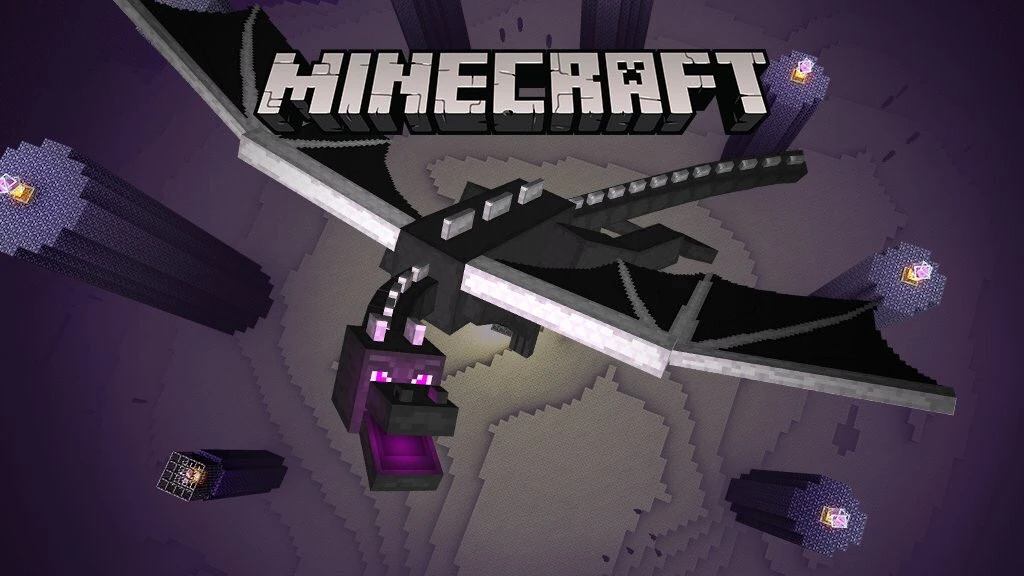 Before one can even consider looting the ender dragon egg, the ender dragon must first be slain. We offer a guide on how to achieve this feat here. Once the dragon is defeated, the egg will appear on top of the exit portal. Don’t touch it just yet, though!
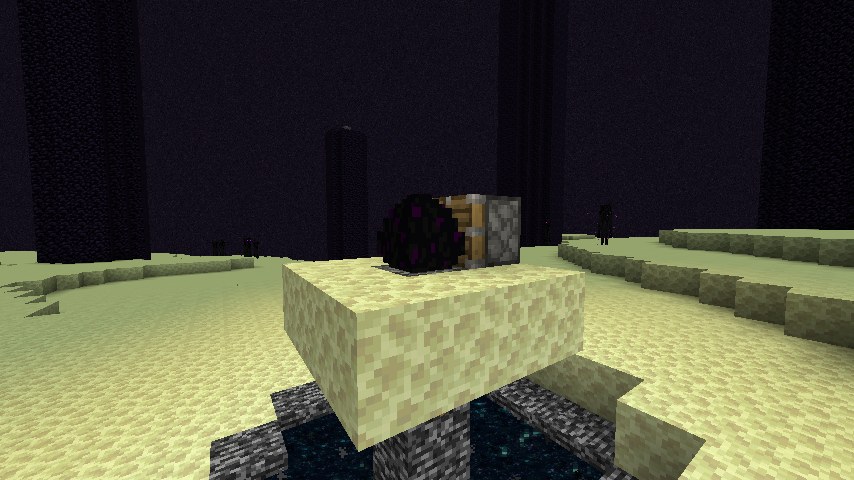 The dragon egg cannot be gathered with silk touch or any tool for that matter. Attempting to do so will cause the egg to teleport, potentially sending it into the void.
Instead, players must use a piston and redstone torch. The piston can be crafted using three plank blocks, four cobblestone blocks, one iron ingot, and one redstone, while the restone torch needs only a stick and one redstone. If the ender dragon egg is still on top of the exit portal, we recommend creating a small three-by-three platform around it at this point as well.
Once ready, place the piston directly next to the egg while ensuring that the piston is facing it. Then, place a redstone torch next to the piston to activate it. If all was done correctly, the egg should now be broken and available to pick up.
Congratulations on looting the dragon egg!
The dragon egg cannot be gathered with silk touch or any tool for that matter. Attempting to do so will cause the egg to teleport, potentially sending it into the void.
Instead, players must use a piston and redstone torch. The piston can be crafted using three plank blocks, four cobblestone blocks, one iron ingot, and one redstone, while the restone torch needs only a stick and one redstone. If the ender dragon egg is still on top of the exit portal, we recommend creating a small three-by-three platform around it at this point as well.
Once ready, place the piston directly next to the egg while ensuring that the piston is facing it. Then, place a redstone torch next to the piston to activate it. If all was done correctly, the egg should now be broken and available to pick up.
Congratulations on looting the dragon egg!
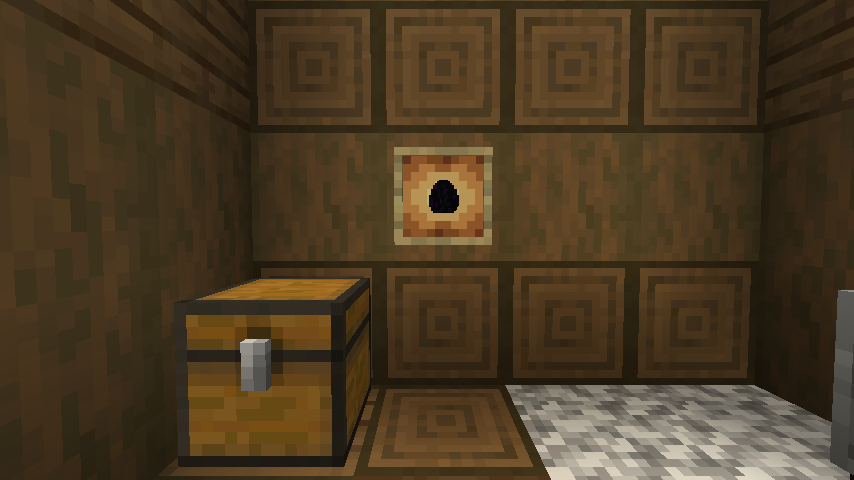 The dragon egg is an amazing trophy to have, but one punch, and it may end up somewhere far below the overworld. For this reason, we recommend that any player attempting to display the egg use an item frame or put it within a glass case to prevent any accidents. After all, only one egg can be looted in Java Edition and only two in Bedrock Edition.
Slay the Ender Dragon
Before one can even consider looting the ender dragon egg, the ender dragon must first be slain. We offer a guide on how to achieve this feat here. Once the dragon is defeated, the egg will appear on top of the exit portal. Don’t touch it just yet, though!
How to Loot the Ender Dragon Egg
The dragon egg cannot be gathered with silk touch or any tool for that matter. Attempting to do so will cause the egg to teleport, potentially sending it into the void.
Instead, players must use a piston and redstone torch. The piston can be crafted using three plank blocks, four cobblestone blocks, one iron ingot, and one redstone, while the restone torch needs only a stick and one redstone. If the ender dragon egg is still on top of the exit portal, we recommend creating a small three-by-three platform around it at this point as well.
Once ready, place the piston directly next to the egg while ensuring that the piston is facing it. Then, place a redstone torch next to the piston to activate it. If all was done correctly, the egg should now be broken and available to pick up.
Congratulations on looting the dragon egg!
Displaying the Egg
The dragon egg is an amazing trophy to have, but one punch, and it may end up somewhere far below the overworld. For this reason, we recommend that any player attempting to display the egg use an item frame or put it within a glass case to prevent any accidents. After all, only one egg can be looted in Java Edition and only two in Bedrock Edition.Crea il tuo server
Minecraft
Minecraft
Scegli un piano, seleziona un gioco e gioca con i tuoi amici!
Iscriviti alla nostra Newsletter
Iscriviti per ricevere gli ultimi aggiornamenti sul mondo del gaming!

Unisciti al nostro Discord
Entra a far parte della nostra community con oltre 20.000 membri appassionati come te!
Come valuteresti questo blog?
Condividi la tua opinione e aiutaci a migliorare sempre di più i nostri blog!
Non mi è piaciuto
Neutrale
Mi è piaciuto

Hai bisogno di un server di gioco?
Noleggia un server di gioco dove tu e i tuoi amici potrete giocare in privato con bassa latenza e impostazioni personalizzate. Scegli tra 110+ giochi, invita persone da tutto il mondo, goditi le partite private o costruisci la tua community online con le tue regole.

Blog Pertinenti







SCOPRI LE ULTIME NOVITÀ!
Iscriviti alla nostra newsletter per ricevere aggiornamenti sui nostri giochi ospitati, novità aziendali e offerte esclusive. Rimani sempre aggiornato!













