
Minecraft 27.1 Update: Release Date Predictions, New Features, & More
Pubblicato il da

Condividi:

Condividi su X

Condividi su Facebook

Condividi su Threads

Condividi su Bluesky

Copia negli Appunti

Condividi via email
Announced during San Diego TwitchCon 2026, the Minecraft 27.1 Game Drop will be the first update of 2027, complete with a brand-new weapon! So, today, we explore the Minecraft 27.1 release date window while highlighting some of the most exciting features on the way so far!
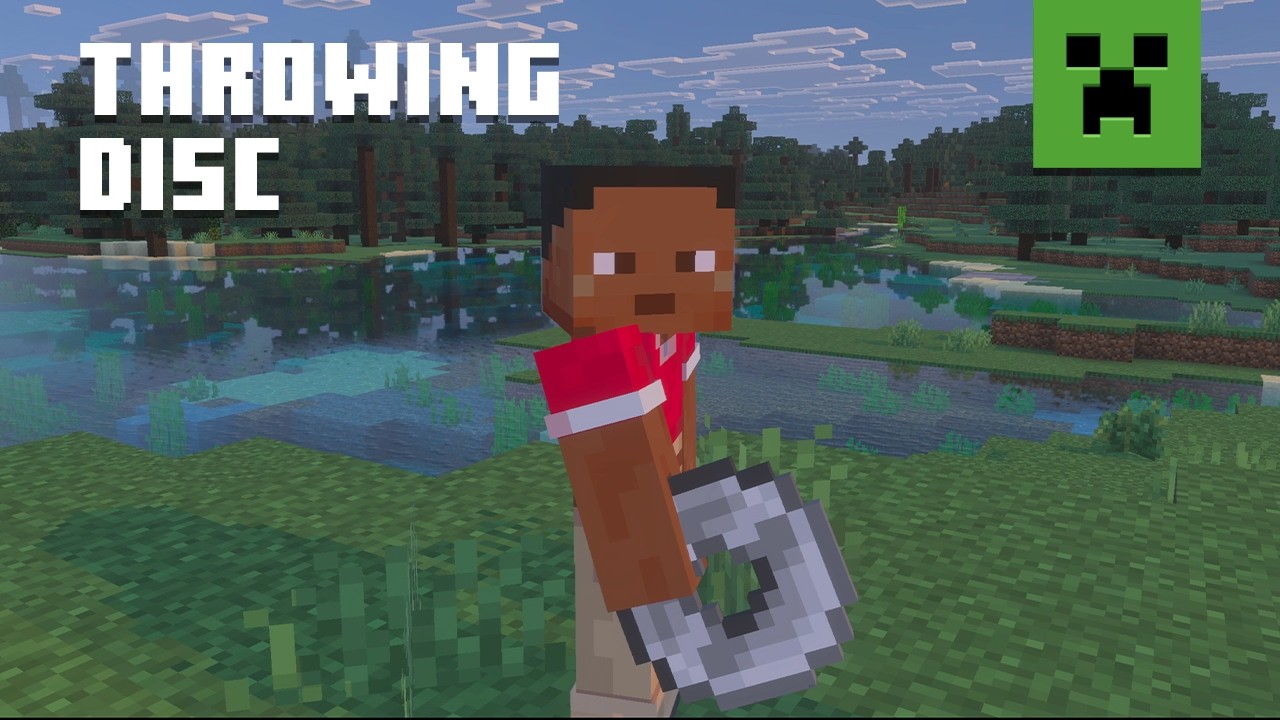
 The Minecraft 27.1 Game Drop is confirmed to be releasing in 2027. A more specific date is not yet available. However, previous quarter one game drops suggest a release date around late March.
As for snapshots, there are none yet since Minecraft 26.4 is still in testing and awaiting release. It is not known if a 27.1 snapshot will be shared before the new year. Hopefully we get a holiday miracle, and they sneak one in!
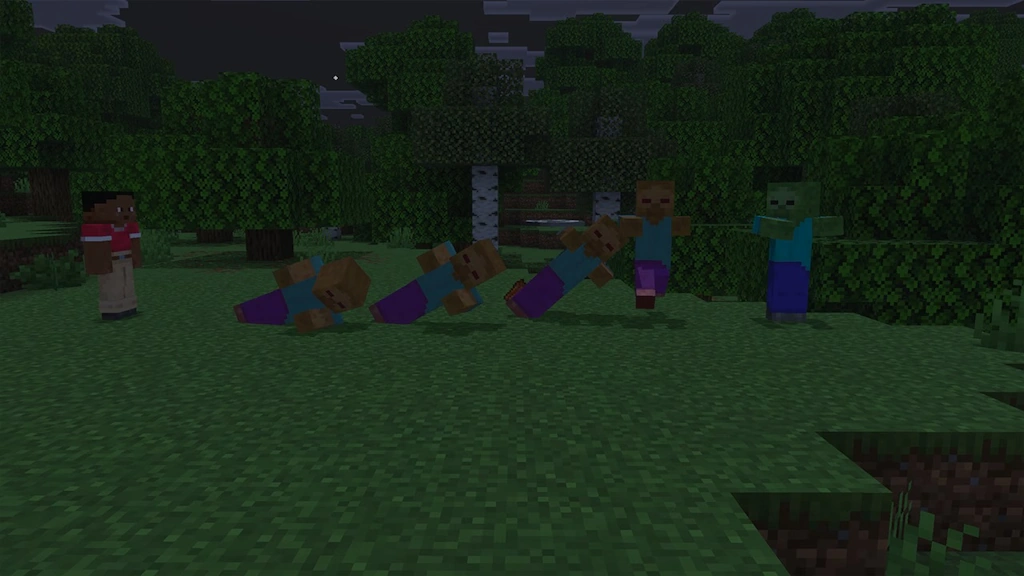
 As of November 19, 2026, there are no snapshots available for the Minecraft 27.1 Game Drop or official methods of testing the Throwing Disc. Attempting to load the latest snapshot will instead result in a Minecraft 26.4 Deep Freeze snapshot. Those who would still like to prepare a snapshot install ahead of time can do so from right inside the Minecraft client. The necessary steps can each be found below:
Minecraft 27.1 Release Date
Minecraft 27.1 Highlights
Throwing Discs
- Recipe: Copper Ingot, Iron Ingot, Gold Ingot, Diamond, or Netherite ingot x4
How to Install Minecraft 27.1 Snapshots
As of November 19, 2026, there are no snapshots available for the Minecraft 27.1 Game Drop or official methods of testing the Throwing Disc. Attempting to load the latest snapshot will instead result in a Minecraft 26.4 Deep Freeze snapshot. Those who would still like to prepare a snapshot install ahead of time can do so from right inside the Minecraft client. The necessary steps can each be found below:
- Open the Minecraft Launcher and select Java Edition.
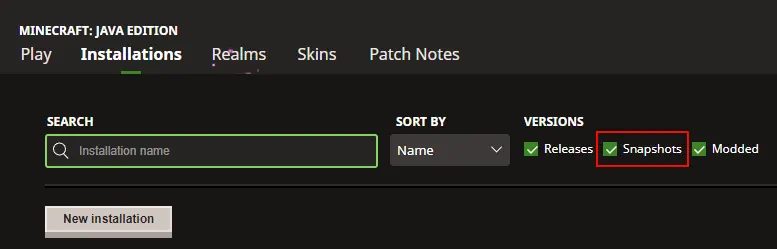
- Enable snapshots under the ‘Installations’ tab.
- If a new installation called “Latest Snapshot,” represented by a dirt block, is now present, that can be used immediately to start playing. Otherwise, proceed with step four.
- Click ‘New Installation’
- Select ‘Latest Snapshot’ in the drop-down menu.
- Click ‘Install.’
Crea il tuo server
Minecraft
Minecraft
Scegli un piano, seleziona un gioco e gioca con i tuoi amici!
Iscriviti alla nostra Newsletter
Iscriviti per ricevere gli ultimi aggiornamenti sul mondo del gaming!

Unisciti al nostro Discord
Entra a far parte della nostra community con oltre 20.000 membri appassionati come te!
Come valuteresti questo blog?
Condividi la tua opinione e aiutaci a migliorare sempre di più i nostri blog!
Non mi è piaciuto
Neutrale
Mi è piaciuto

Hai bisogno di un server di gioco?
Noleggia un server di gioco dove tu e i tuoi amici potrete giocare in privato con bassa latenza e impostazioni personalizzate. Scegli tra 110+ giochi, invita persone da tutto il mondo, goditi le partite private o costruisci la tua community online con le tue regole.

Blog Pertinenti







SCOPRI LE ULTIME NOVITÀ!
Iscriviti alla nostra newsletter per ricevere aggiornamenti sui nostri giochi ospitati, novità aziendali e offerte esclusive. Rimani sempre aggiornato!













