
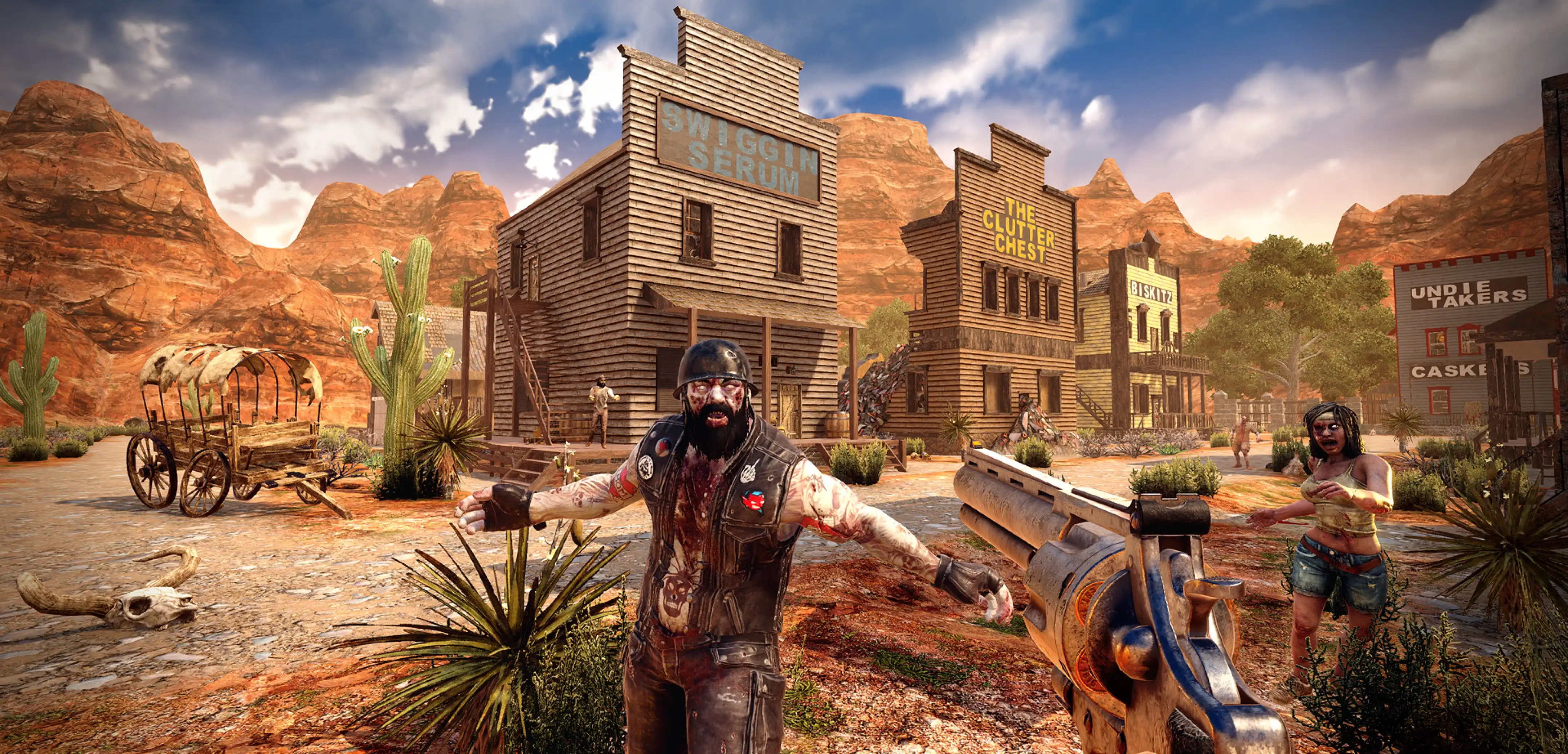
How to Fix the Origin Ray Fail Error in 7 Days To Die
Pubblicato il da

Condividi:

Condividi su X

Condividi su Facebook

Condividi su Threads

Condividi su Bluesky

Copia negli Appunti

Condividi via email
It’s safe to say that the survival genre has its fair share of bugs and errors across all of its major games, and 7 Days to Die is no exception. With the game in early access, some of this is expected. One particular problem that plagues many players in 7 Days to Die, however, is the Origin Ray Fail error message. Often, a crash accompanies this error message, forcing players to restart the game. So, keep reading as we give you some possible solutions to fix this error.
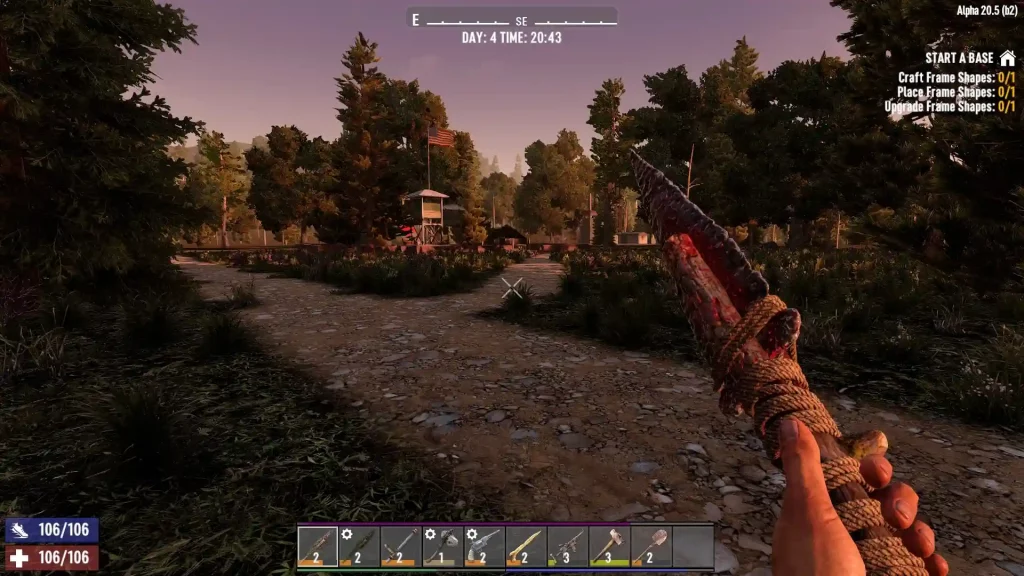 Different possible solutions exist to help you fix the “Origin Ray Fail” error in 7 Days to Die. But note that the following measures may not work for everyone. If so, you may need to contact the game’s helpline for assistance from the developers.
7 Days to Die: How to Fix the Origin Ray Fail Error
Different possible solutions exist to help you fix the “Origin Ray Fail” error in 7 Days to Die. But note that the following measures may not work for everyone. If so, you may need to contact the game’s helpline for assistance from the developers.
Solution #1: Delete the Drone
If the cause of the error message is because of an incorrectly positioned drone, here are the steps to fix it:- Press the WIN+R key on your keyboard to launch the Run console
- Type “%appdata%” (without the quotes) in the small window’s field and click “OK”
- Navigate to the 7 Days to Die folder, and then open “saves”
- Search and open your world’s folder
- Delete the files “drones.dat” and “drones.dat.bak”
- Launch the game, and press “F1” on your keyboard to open the console
- Type “cm” (without the quotes) and press “Enter” on your keyboard
- Press “U” on your keyboard to launch Creative Mode
- Recover your drone (and other in-game items) lost from deleting the broken unit
- Leave creative mode by pressing “F1” and typing “cm” on the console (optional)
Solution #2: Reinstall the Game
If the first method didn’t work, perhaps an incorrectly-placed drone isn’t the issue. If so, you may need to delete and reinstall the game for it to have a fresh start. Assuming you didn’t tamper with your save file, the error should disappear after a successful reinstallation.What Causes the Origin Ray Fail Error?
The Origin Fail Error in 7 Days to Die, particularly in Alpha 21, typically occurs because of improper positioning of an item. Generally, this issue appears because of an active drone leaving the character’s render distance. But the error may still occur because of reasons like the following:- Incorrect idle animation of in-game objects (e.g., tree sway and fire particles)
- Character fails to match the speed of the ridden vehicle
- Sudden FPS drops because the PC can’t render objects due to it being low spec
- Improper mod installation
- Tampering with the game’s files
Crea il tuo server
7 Days to Die
7 Days to Die
Scegli un piano, seleziona un gioco e gioca con i tuoi amici!
Iscriviti alla nostra Newsletter
Iscriviti per ricevere gli ultimi aggiornamenti sul mondo del gaming!

Unisciti al nostro Discord
Entra a far parte della nostra community con oltre 20.000 membri appassionati come te!
Come valuteresti questo blog?
Condividi la tua opinione e aiutaci a migliorare sempre di più i nostri blog!
Non mi è piaciuto
Neutrale
Mi è piaciuto

Hai bisogno di un server di gioco?
Noleggia un server di gioco dove tu e i tuoi amici potrete giocare in privato con bassa latenza e impostazioni personalizzate. Scegli tra 110+ giochi, invita persone da tutto il mondo, goditi le partite private o costruisci la tua community online con le tue regole.

Blog Pertinenti







SCOPRI LE ULTIME NOVITÀ!
Iscriviti alla nostra newsletter per ricevere aggiornamenti sui nostri giochi ospitati, novità aziendali e offerte esclusive. Rimani sempre aggiornato!













