
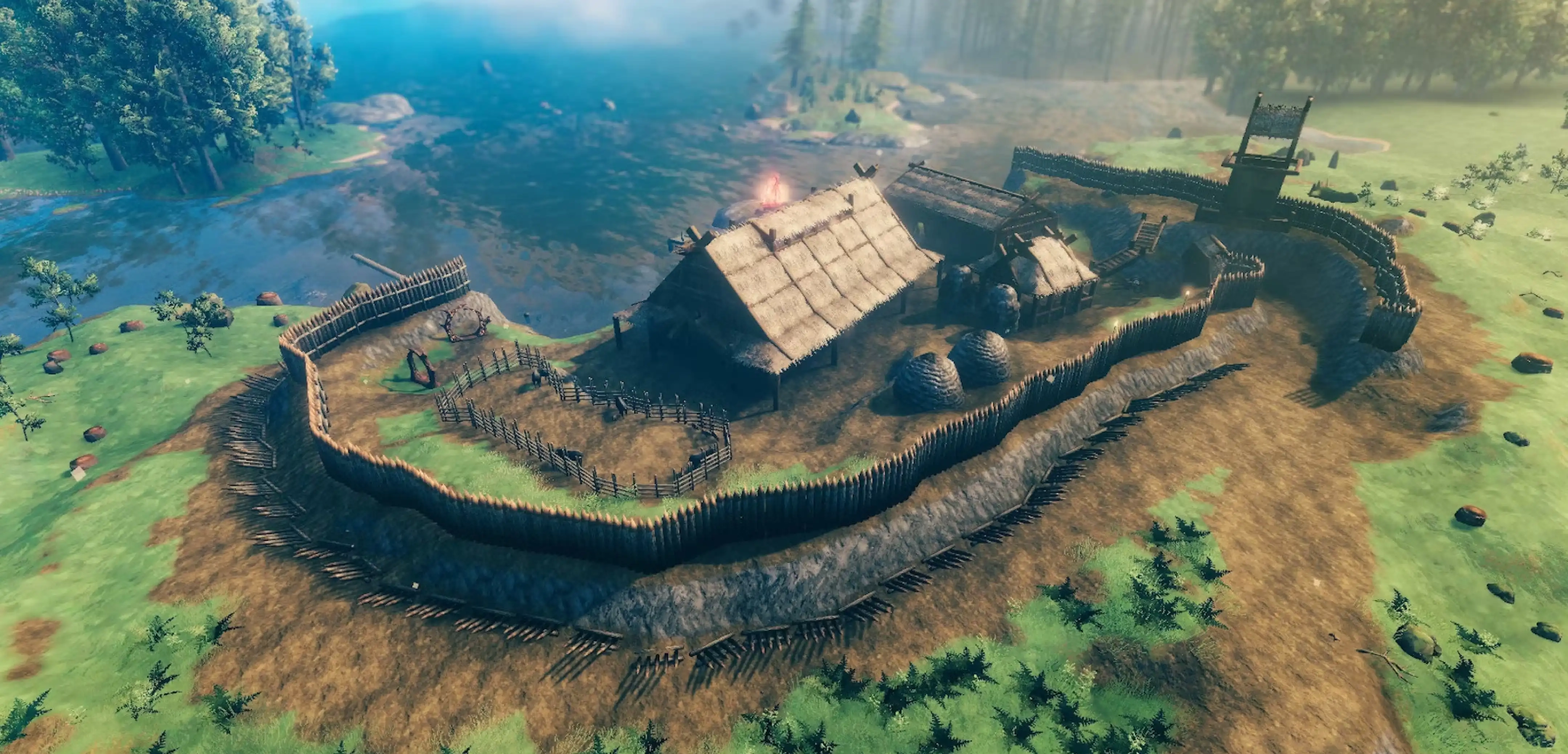
Valheim Controls Guide (PC, Console)
Publié le par

Partager :

Partager sur X

Partager sur Facebook

Partager sur Threads

Partager sur Bluesky

Copier dans le presse-papiers

Partager par e-mail
(Estimated Read Time: 6 minutes)
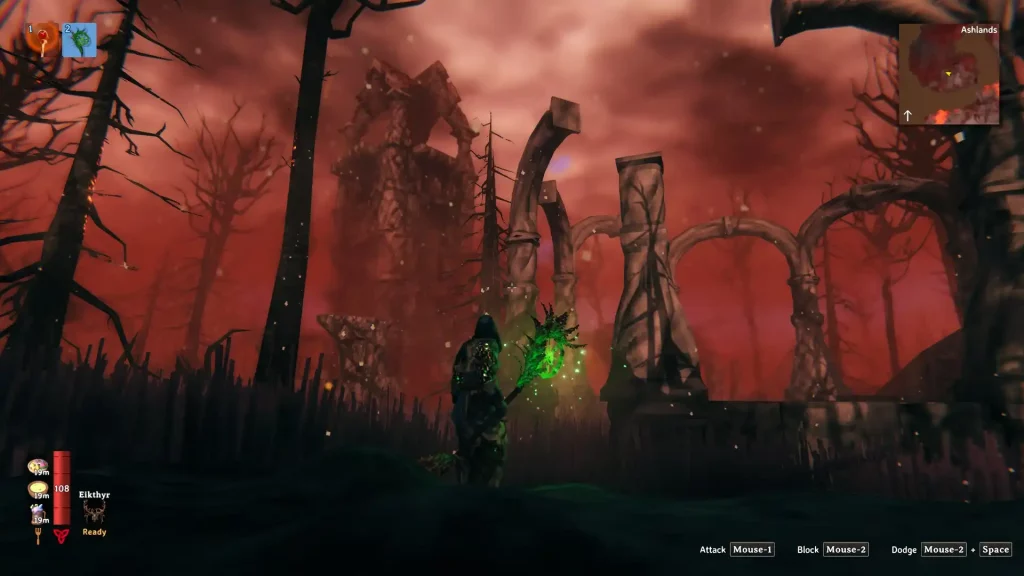
Developer Iron Gate Studio recently released the Ashlands Update for Valheim, which means many new players are starting their Nordic adventure. To get you ready to take on the mighty challenges of the Ashlands, here in our Valheim controls guide, we'll cover all the keybinds you'll need along the way on both PC and console platforms.Valheim Controls Guide
 It’s important to mention that players can change the keybinds for the mouse and keyboard controls in Valheim, particularly for its PC version. However, you can’t change the controller keybinds from the in-game Settings menu. Instead, you'll need to modify the controller keybinds in Steam before launching the game to match your needs.
Additionally, Valheim has full Xbox controller support. Although it's possible to use other gamepads, including PlayStation controllers, you might miss out on some of the translation.
It’s important to mention that players can change the keybinds for the mouse and keyboard controls in Valheim, particularly for its PC version. However, you can’t change the controller keybinds from the in-game Settings menu. Instead, you'll need to modify the controller keybinds in Steam before launching the game to match your needs.
Additionally, Valheim has full Xbox controller support. Although it's possible to use other gamepads, including PlayStation controllers, you might miss out on some of the translation.
Valheim Mouse & Keyboard Controls (PC)
- Forward: W
- Left: A
- Backward: S
- Right: D
- Inventory: Tab
- Map: M
- Zoom Out: Comma (,)
- Zoom In: Period (.)
- Deconstruct: Middle Mouse Button (while in build mode)
- Alternative Placement: Left Shift (while in build mode)
- Build Menu: Right Mouse Button (with the Build Hammer equipped)
- Previous Tab/Snap Point: Q
- Next Tab/Snap Point: E
- Attack: Left Mouse Button
- Secondary Attack: Middle Mouse Button
- Block: Right Mouse Button
- Use: E
- Jump: Space
- Run: Left Shift
- Toggle Walk: C
- Crouch: Left Ctrl
- Hide/Show Weapon: R
- Sit: X
- Forsaken Power: F
- Auto-Run: Q
- Toggle Auto-Pickup: V
Valheim Xbox Controller Classic Controls (PC)
- Rotate/Block: Left Trigger
- Alternative Placement/Run: Left Bumper
- Move: Left Analog Stick
- Previous Snap Point/Toggle Auto-Pickup/Crouch: Press Left Analog Stick
- Cycle Hotbar/Map Zoom In: Left/Right Directional Buttons
- Zoom In View/Use Hotbar Item: Up Directional Button
- Zoom Out View/Forsaken Power: Down Directional Button
- Place/Attack: Right Trigger
- Deconstruct/Secondary Attack: Right Bumper
- Inventory: Y
- Dodge/Jump: B
- Sit: X
- Use/Build Menu: A
- Look: Right Analog Stick
- Next Snap Point/Hide/Show Weapon: Press Right Analog Stick
- Toggle HUD/Menu: Menu Button
- Chat/Map: View Button
Valheim PlayStation Controller Classic Controls (PC)
- Rotate/Block: L2
- Alternative Placement/Run: L1
- Move: Left Analog Stick
- Previous Snap Point/Toggle Auto-Pickup/Crouch: Press Left Analog Stick
- Cycle Hotbar/Map Zoom In: Left/Right Directional Buttons
- Zoom In View/Use Hotbar Item: Up Directional Button
- Zoom Out View/Forsaken Power: Down Directional Button
- Place/Attack: R2
- Deconstruct/Secondary Attack: R1
- Inventory: Triangle
- Dodge/Jump: Circle
- Sit: Square
- Use/Build Menu: X
- Look: Right Analog Stick
- Next Snap Point/Hide/Show Weapon: Press Right Analog Stick
- Toggle HUD/Menu: Options Button
- Chat/Map: Share Button
Valheim PlayStation Controller Console Controls (PC Layout 1)
- Move: Left Analog Stick
- Look: Right Analog Stick
- Map Zoom In/Cycle Hotbar: Left/Right Directional Buttons
- Zoom In View/Use Hotbar Item: Up Directional Button
- Zoom Out View/Sit: Down Directional Button
- Toggle Auto-Pickup/Previous Snap Point/Run: Press Left Analog Stick
- Inventory: Triangle
- Dodge/Build Menu: Circle
- Use: Square
- Jump: X
- Alternate Placement/Next Snap Point/Crouch: Press Right Analog Stick
- Forsaken Power: Press Left Analog Stick + Right Analog Stick
- Chat/Map: Share Button
- Toggle HUD/Menu: Options Button
- Rotate (Build Mode)/Hide/Show Weapon: L2
- Rotate (Build Mode)/Secondary Attack: R2
- Place Item/Attack: R1
- Deconstruct/Block: L1
Valheim PlayStation Controller Console Controls (PC Layout 2)
- Move: Left Analog Stick
- Look: Right Analog Stick
- Map Zoom In/Cycle Hotbar: Left/Right Directional Buttons
- Zoom In View/Use Hotbar Item: Up Directional Button
- Zoom Out View/Sit: Down Directional Button
- Toggle Auto-Pickup/Previous Snap Point/Run: Press Left Analog Stick
- Inventory: Triangle
- Dodge/Build Menu: Circle
- Use: Square
- Jump: X
- Alternate Placement/Next Snap Point/Crouch: Press Right Analog Stick
- Forsaken Power: Press Left Analog Stick + Right Analog Stick
- Chat/Map: Share Button
- Toggle HUD/Menu: Options Button
- Rotate (Build Mode)/Block: L2
- Rotate (Build Mode)/Attack: R2
- Place Item/Secondary Attack: R1
- Deconstruct/Hide/Show Weapon: L1
Valheim Xbox Controller Controls (Console Layout 1)
- Move: Left Analog Stick
- Look: Right Analog Stick
- Map Zoom In/Cycle Hotbar: Left/Right Directional Buttons
- Zoom In View/Use Hotbar Item: Up Directional Button
- Zoom Out View/Sit: Down Directional Button
- Toggle Auto-Pickup/Previous Snap Point/Run: Press Left Analog Stick
- Inventory: Y
- Dodge/Build Menu: B
- Use: X
- Jump: A
- Alternate Placement/Next Snap Point/Crouch: Press Right Analog Stick
- Forsaken Power: Press Left Analog Stick + Right Analog Stick
- Chat/Map: View Button
- Toggle HUD/Menu: Menu Button
- Rotate (Build Mode)/Hide/Show Weapon: Left Trigger
- Rotate (Build Mode)/Secondary Attack: Right Trigger
- Place Item/Attack: Right Bumper
- Deconstruct/Block: Left Bumper
Valheim Xbox Controller Controls (Console Layout 2)
- Move: Left Analog Stick
- Look: Right Analog Stick
- Map Zoom In/Cycle Hotbar: Left/Right Directional Buttons
- Zoom In View/Use Hotbar Item: Up Directional Button
- Zoom Out View/Sit: Down Directional Button
- Toggle Auto-Pickup/Previous Snap Point/Run: Press Left Analog Stick
- Inventory: Y
- Dodge/Build Menu: B
- Use: X
- Jump: A
- Alternate Placement/Next Snap Point/Crouch: Press Right Analog Stick
- Forsaken Power: Press Left Analog Stick + Right Analog Stick
- Chat/Map: View Button
- Toggle HUD/Menu: Menu Button
- Rotate (Build Mode)/Block: Left Trigger
- Rotate (Build Mode)/Attack: Right Trigger
- Place Item/Secondary Attack: Right Bumper
- Deconstruct/Hide/Show Weapon: Left Bumper
Créez votre propre
serveur Valheim
serveur Valheim
Choisissez un plan, sélectionnez un jeu et jouez avec vos amis !
Abonnez-vous à notre newsletter
Abonnez-vous pour recevoir les dernières mises à jour sur l'univers du jeu vidéo !

Rejoignez notre Discord
Rejoignez notre communauté de plus de 20 000 membres passionnés !
Comment évalueriez-vous ce blog ?
Partagez votre avis et aidez-nous à améliorer nos blogs !
Pas aimé
Neutre
Aimé

Besoin d'un serveur de jeu ?
Louez un serveur de jeu où vous et vos amis pouvez jouer en privé avec une faible latence et des paramètres personnalisés. Choisissez parmi 110+ jeux, invitez des joueurs du monde entier et profitez de parties privées, ou créez votre propre communauté en ligne avec vos propres règles.

Blogs pertinents







OBTENEZ LES DERNIÈRES INFOS !
Inscrivez-vous à nos e-mails pour obtenir des mises à jour sur nos jeux hébergés, des nouvelles de l'entreprise et des offres exclusives. Restez au courant !













