

The Isle Console Commands & Admin Panel Guide
Publié le par

Partager :

Partager sur X

Partager sur Facebook

Partager sur Threads

Partager sur Bluesky

Copier dans le presse-papiers

Partager par e-mail
(Estimated Read Time: 3 minutes)
The prehistoric world of The Isle can be dangerous for experienced players, and absolutely ruthless to the unprepared. Sometimes, you might need extra help, and this assistance can come in the form of admin console commands in The Isle.The Isle Console Commands & How to Access Admin Panel
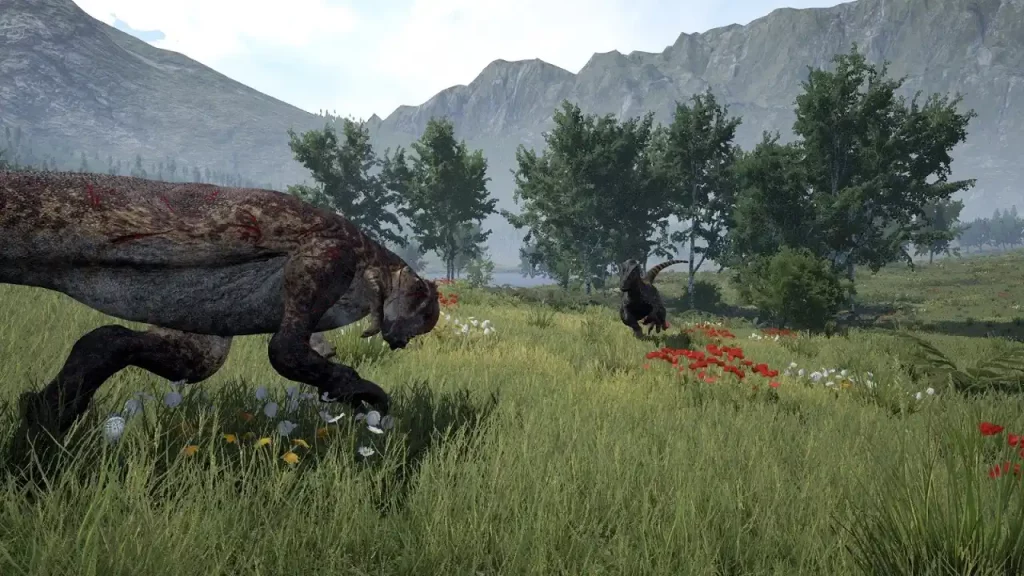 First, press the Enter key (by default) to open the chat/command console. Also, you might need to type “/adminpanel" (without the quotes) before accessing the administrator commands. This extra step is a typical requirement for the Evrima Branch. If typing “/adminpanel” doesn’t work, pressing the Insert keyboard key may let you use the admin commands.
It’s also important to mention that some admin console commands for The Isle may only work if you're a server administrator. With that, here are the admin commands you can use in The Isle:
First, press the Enter key (by default) to open the chat/command console. Also, you might need to type “/adminpanel" (without the quotes) before accessing the administrator commands. This extra step is a typical requirement for the Evrima Branch. If typing “/adminpanel” doesn’t work, pressing the Insert keyboard key may let you use the admin commands.
It’s also important to mention that some admin console commands for The Isle may only work if you're a server administrator. With that, here are the admin commands you can use in The Isle:
- /announce: make a server announcement
- /kick [player name or Steam ID] [reason]: Kick a player from the server
- /ban [player name or Steam ID] [hours] [reason]: Temporarily bans a specific player from the server for a set period
- /unban [Steam ID]: Unbans a banned player
- /grow [player name]: Activate the next growth stage for yourself or another player
- /heal [player name]: Heals a player’s broken leg and restores hunger and thirst
- /slay [player name]: Kills specific player
- /goto [player name]: Teleport to the specified player’s position
- /bring [player name]: Teleports the specified player to your position
- /time [hour]: Change the in-game time
- /weather [condition]: Changes the in-game weather
- Backslash (\): Toggle Spectator Mode
Créez votre propre
serveur The Isle
serveur The Isle
Choisissez un plan, sélectionnez un jeu et jouez avec vos amis !
Abonnez-vous à notre newsletter
Abonnez-vous pour recevoir les dernières mises à jour sur l'univers du jeu vidéo !

Rejoignez notre Discord
Rejoignez notre communauté de plus de 20 000 membres passionnés !
Comment évalueriez-vous ce blog ?
Partagez votre avis et aidez-nous à améliorer nos blogs !
Pas aimé
Neutre
Aimé

Besoin d'un serveur de jeu ?
Louez un serveur de jeu où vous et vos amis pouvez jouer en privé avec une faible latence et des paramètres personnalisés. Choisissez parmi 110+ jeux, invitez des joueurs du monde entier et profitez de parties privées, ou créez votre propre communauté en ligne avec vos propres règles.

Blogs pertinents







OBTENEZ LES DERNIÈRES INFOS !
Inscrivez-vous à nos e-mails pour obtenir des mises à jour sur nos jeux hébergés, des nouvelles de l'entreprise et des offres exclusives. Restez au courant !













