
How Long is Night in DayZ?
Publié le par

Partager :

Partager sur X

Partager sur Facebook

Partager sur Threads

Partager sur Bluesky

Copier dans le presse-papiers

Partager par e-mail
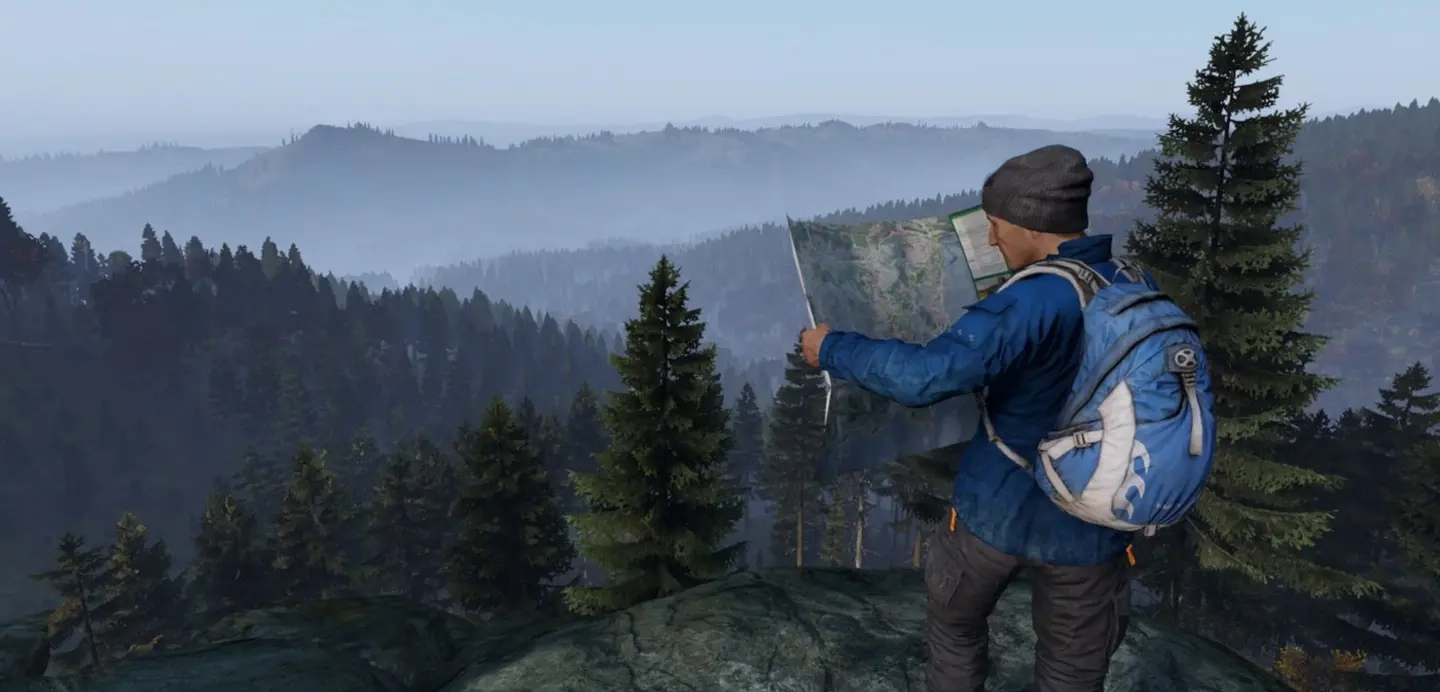
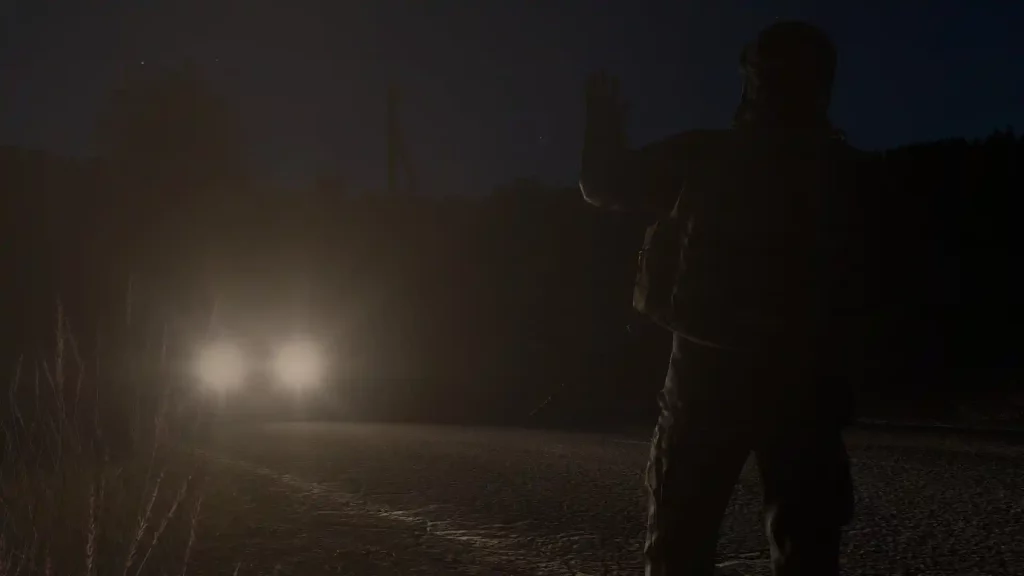
The sun is setting in the distance, and in DayZ, that doesn't mean it's time to stargaze. As darkness looms, so do the living dead, or worse, players with NVGs. With so much danger, it's important to plan, and to be able to, you'll need to know how long you have. With that, here's how long night is in DayZ and how the day and night cycles work.
 Normally, the time of day and night in DayZ reflects the real world. In particular, it follows the server time to check if it’s day or night in the game. That also means that the night in DayZ can last up to 12 real hours. This is extremely uncommon, however, as even official servers come with massive multipliers to night and day lengths. Server administrators can alter the day/night cycle speed using a 1x to 8x multiplier. So, if an administrator sets the night cycle to the maximum 8x speed, that means that the night only lasts 1/8th of the standard period, which is 1.5 actual hours.
This cycle system also works the same for daytime, which can be altered to be anywhere between 12 and 1.5 real hours long.
When adjusting how long night and day last in DayZ, server admins have the option to break them up as they wish. For example, if you want your players to always be on the lookout for undead hordes, you may set the night in DayZ to be longer than the day. If you want more activity and movement on your server, more likely you'll limit the length of night and make the daytime considerably longer.
Normally, the time of day and night in DayZ reflects the real world. In particular, it follows the server time to check if it’s day or night in the game. That also means that the night in DayZ can last up to 12 real hours. This is extremely uncommon, however, as even official servers come with massive multipliers to night and day lengths. Server administrators can alter the day/night cycle speed using a 1x to 8x multiplier. So, if an administrator sets the night cycle to the maximum 8x speed, that means that the night only lasts 1/8th of the standard period, which is 1.5 actual hours.
This cycle system also works the same for daytime, which can be altered to be anywhere between 12 and 1.5 real hours long.
When adjusting how long night and day last in DayZ, server admins have the option to break them up as they wish. For example, if you want your players to always be on the lookout for undead hordes, you may set the night in DayZ to be longer than the day. If you want more activity and movement on your server, more likely you'll limit the length of night and make the daytime considerably longer.
DayZ Day/Night Cycle: How Long is Night?
Normally, the time of day and night in DayZ reflects the real world. In particular, it follows the server time to check if it’s day or night in the game. That also means that the night in DayZ can last up to 12 real hours. This is extremely uncommon, however, as even official servers come with massive multipliers to night and day lengths. Server administrators can alter the day/night cycle speed using a 1x to 8x multiplier. So, if an administrator sets the night cycle to the maximum 8x speed, that means that the night only lasts 1/8th of the standard period, which is 1.5 actual hours.
This cycle system also works the same for daytime, which can be altered to be anywhere between 12 and 1.5 real hours long.
When adjusting how long night and day last in DayZ, server admins have the option to break them up as they wish. For example, if you want your players to always be on the lookout for undead hordes, you may set the night in DayZ to be longer than the day. If you want more activity and movement on your server, more likely you'll limit the length of night and make the daytime considerably longer.
How to Change Day And Night Length in DayZ
As mentioned earlier, only administrators can change a particular server's day and night cycle speed. If you have server admin access, the typical steps to change this parameter are the following:- Stop the server
- Navigate to the DayZ configuration files in your system and search for “serverDZ.cfg”
- Open serverDZ.cfg using a text editor (e.g., Notepad)
- Find the parameter “Time Acceleration”
- Modify the day cycle speed (12-hour day cycle has a value of 1)
- Find the parameter “Server Night Time Acceleration”
- Modify the night cycle speed
- Save the file and relaunch your DayZ server
Créez votre propre
serveur DayZ
serveur DayZ
Choisissez un plan, sélectionnez un jeu et jouez avec vos amis !
Abonnez-vous à notre newsletter
Abonnez-vous pour recevoir les dernières mises à jour sur l'univers du jeu vidéo !

Rejoignez notre Discord
Rejoignez notre communauté de plus de 20 000 membres passionnés !
Comment évalueriez-vous ce blog ?
Partagez votre avis et aidez-nous à améliorer nos blogs !
Pas aimé
Neutre
Aimé

Besoin d'un serveur de jeu ?
Louez un serveur de jeu où vous et vos amis pouvez jouer en privé avec une faible latence et des paramètres personnalisés. Choisissez parmi 110+ jeux, invitez des joueurs du monde entier et profitez de parties privées, ou créez votre propre communauté en ligne avec vos propres règles.

Blogs pertinents







OBTENEZ LES DERNIÈRES INFOS !
Inscrivez-vous à nos e-mails pour obtenir des mises à jour sur nos jeux hébergés, des nouvelles de l'entreprise et des offres exclusives. Restez au courant !













