

Assetto Corsa Mods Guide: How to Install, Content Manager, & more
Publié le par

Partager :

Partager sur X

Partager sur Facebook

Partager sur Threads

Partager sur Bluesky

Copier dans le presse-papiers

Partager par e-mail
Do you want to enhance your Vanilla Assetto Corsa experience? Installing a mod (or two) can introduce a world of difference to how the game looks and functions. So, here we'll cover how to download and add mods to Assetto Corsa.
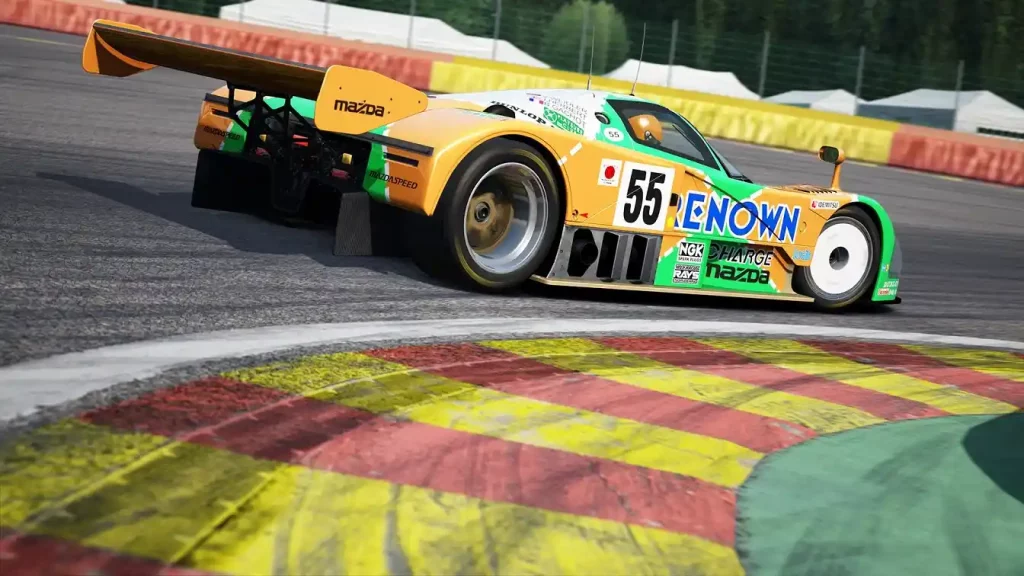 Installing an Assetto Corsa Mod typically requires the game’s Content Manager app, which you can download here. However, an alternate procedure exists to install mods if you don’t want to use this app. You can find both processes below:
How To Install Assetto Corsa Mods
Installing an Assetto Corsa Mod typically requires the game’s Content Manager app, which you can download here. However, an alternate procedure exists to install mods if you don’t want to use this app. You can find both processes below:
Installing Assetto Corsa Mods With Content Manager
It’s important to mention that Content Manager comes in free and premium versions. The latter gives you access to new features before the developers release them to the lite version. Additionally, paying for the premium version helps support the app’s developers. With that, here are the steps to install mods with Content Manager, assuming that you’ve installed the app:- 1. Open Content Manager and search for the Assetto Corsa folder in your system
- 2. Download your preferred Assetto Corsa mod
- 3. Search for the folder with the Assetto Corsa mod in your system and drag it to Content Manager
- 4. Wait for the mod installation to complete
- 5. Run Assetto Corsa to check if the mod is working as intended
Installing Assetto Corsa Mods Without Content Manager
Installing an Assetto Corsa mod without the Content Manager is still a reasonably straightforward process. However, the previous procedure is still more convenient than the manual method. Nonetheless, here are the steps to install your preferred Assetto Corsa mod without the Content Manager app:- 1. Download your preferred Assetto Corsa mod
- 2. Search and open the Assetto Corsa game directory on your PC
- 3. Extract the Assetto Corsa mod’s contents into the game’s directory
- 4. Run Assetto Corsa to check if the mod is working as intended
Créez votre propre
serveur Assetto Corsa
serveur Assetto Corsa
Choisissez un plan, sélectionnez un jeu et jouez avec vos amis !
Abonnez-vous à notre newsletter
Abonnez-vous pour recevoir les dernières mises à jour sur l'univers du jeu vidéo !

Rejoignez notre Discord
Rejoignez notre communauté de plus de 20 000 membres passionnés !
Comment évalueriez-vous ce blog ?
Partagez votre avis et aidez-nous à améliorer nos blogs !
Pas aimé
Neutre
Aimé

Besoin d'un serveur de jeu ?
Louez un serveur de jeu où vous et vos amis pouvez jouer en privé avec une faible latence et des paramètres personnalisés. Choisissez parmi 110+ jeux, invitez des joueurs du monde entier et profitez de parties privées, ou créez votre propre communauté en ligne avec vos propres règles.

Blogs pertinents







OBTENEZ LES DERNIÈRES INFOS !
Inscrivez-vous à nos e-mails pour obtenir des mises à jour sur nos jeux hébergés, des nouvelles de l'entreprise et des offres exclusives. Restez au courant !













