
Voyagers of Nera Controls Guide: PC (Mouse & Keyboard) and Controller (PlayStation, Xbox)
发布于 ,作者

分享:

分享至 X

分享至 Facebook

分享至 Threads

分享至 Bluesky

复制到剪贴板

通过电子邮件分享
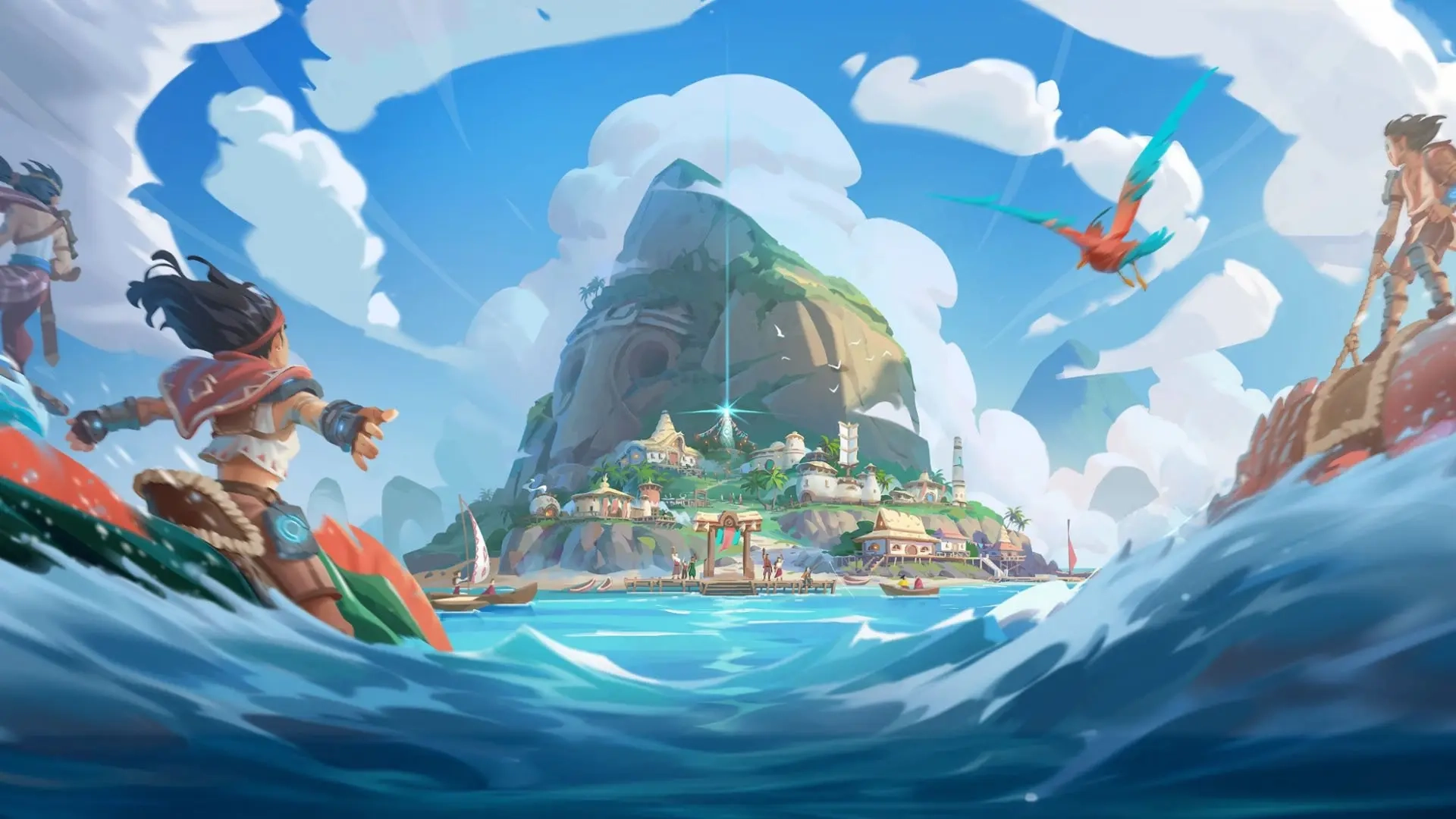
Before diving headfirst into the oceanic open world offered by Voyagers of Nera, you must learn the game's controls. Luckily, you can play the game with a mouse & keyboard or your favorite controller! We'll tell you everything you need to know down below.
 Most controls in Voyagers of Nera should feel familiar to anyone who has played an action RPG or survival crafting game in recent years. You have an attack button, a dodge button, the ability to sprint, swim, jump, and create some buildings. Nothing too tricky!
If your controls aren't exactly how you want, you can rebind them in the game's settings. You can do this for your mouse & keyboard or for your controller. Additionally, Voyagers of Nera is currently in early access. As a result, additional controls may become available or mixed around in the future. This also means that not all controls are mapped to the controller at this point in time. However, you can still play each crucial part of the game with a controller. You just won't have access to some functions, such as the game's Emote Wheel.
Most controls in Voyagers of Nera should feel familiar to anyone who has played an action RPG or survival crafting game in recent years. You have an attack button, a dodge button, the ability to sprint, swim, jump, and create some buildings. Nothing too tricky!
If your controls aren't exactly how you want, you can rebind them in the game's settings. You can do this for your mouse & keyboard or for your controller. Additionally, Voyagers of Nera is currently in early access. As a result, additional controls may become available or mixed around in the future. This also means that not all controls are mapped to the controller at this point in time. However, you can still play each crucial part of the game with a controller. You just won't have access to some functions, such as the game's Emote Wheel.
Voyagers of Nera Controls - PC (Mouse & Keyboard)
Most controls in Voyagers of Nera should feel familiar to anyone who has played an action RPG or survival crafting game in recent years. You have an attack button, a dodge button, the ability to sprint, swim, jump, and create some buildings. Nothing too tricky!
If your controls aren't exactly how you want, you can rebind them in the game's settings. You can do this for your mouse & keyboard or for your controller. Additionally, Voyagers of Nera is currently in early access. As a result, additional controls may become available or mixed around in the future. This also means that not all controls are mapped to the controller at this point in time. However, you can still play each crucial part of the game with a controller. You just won't have access to some functions, such as the game's Emote Wheel.
Character Movement
- Move Forward: W
- Move Backward: D
- Move Left: A
- Move Right: S
- Jump: Spacebar
- Sprint: Left Shift
- Glide: Right Mouse Button
- Dodge: Left Ctrl
- Dive - Ascend: Spacebar
- Dive - Descend: C
- Skimmer: Z
Combat & Interaction
- Primary Attack: Left Mouse Button
- Secondary Action: Right Mouse Button
- Interact: E
- Secondary Interact: V
- Tertiary Interact: F
- Quick Swap Ammo: G
- Spirit Ability 1: Q
- Spirit Ability 2: R
- Elder Spirit Ability: F
User Interface
- Emote Wheel: U
- Toggle Build Mode: B
- Map: M
- Menu: Tab
- Settings: Escape
- Journal: J
- Inventory: I
- Knowledge Tree: K
- Take Screenshot: P
Boat Controls
- Move Forward: A (When at the Sail of your boat)
- Move Backward: S (When at the Sail of your boat)
- Move Left: A (When at the Rudder of your boat)
- Move Right: D (When at the Rudder of your boat)
Voyagers of Nera Controls - PC (Controller - Xbox)
Character Movement
- Move Forward: Left Stick Up
- Move Backward: Left Stick Down
- Move Left: Left Stick Left
- Move Right: Left Stick Right
- Jump: A
- Sprint: Click Left Stick
- Glide: LT
- Dodge: B
- Dive - Ascend: A
- Dive - Descend: Click Right Stick
- Skimmer: Y
Combat & Interaction
- Primary Attack: RT
- Secondary Action: LT
- Interact: X
- Spirit Ability 1: D-Pad Left
- Spirit Ability 2: D-Pad Right
- Elder Spirit Ability: D-Pad Down
User Interface
- Settings: Start
- Inventory: Menu
- Toggle Build Mode: D-Pad Up
- Cycle Through Hotbar: LB & RB
- Open Quick Equip Wheel: Hold RB
Boat Controls
- Move Forward: Left Stick Up (When at the Sail of your boat)
- Move Backward: Left Stick Down (When at the Sail of your boat)
- Move Left: Left Stick Left (When at the Rudder of your boat)
- Move Right: Left Stick Right (When at the Rudder of your boat)
Voyagers of Nera Controls - PC (Controller - PlayStation)
Character Movement
- Move Forward: Left Stick Up
- Move Backward: Left Stick Down
- Move Left: Left Stick Left
- Move Right: Left Stick Right
- Jump: X (Cross)
- Sprint: L3
- Glide: L2
- Dodge: Circle
- Dive - Ascend: X (Cross)
- Dive - Descend: R3
- Skimmer: Triangle
Combat & Interaction
- Primary Attack: R2
- Secondary Action: L2
- Interact: Square
- Spirit Ability 1: D-Pad Left
- Spirit Ability 2: D-Pad Right
- Elder Spirit Ability: D-Pad Down
User Interface
- Settings: Options
- Inventory: Touchpad
- Toggle Build Mode: D-Pad Up
- Cycle Through Hotbar: L1 & R1
- Open Quick Equip Wheel: Hold R1
Boat Controls
- Move Forward: Left Stick Up (When at the Sail of your boat)
- Move Backward: Left Stick Down (When at the Sail of your boat)
- Move Left: Left Stick Left (When at the Rudder of your boat)
- Move Right: Left Stick Right (When at the Rudder of your boat)

您对这篇博客有何评价?
分享您的看法,帮助我们将博客做得更好!
不喜欢
一般
喜欢

需要游戏服务器吗?
租用一台游戏服务器,您可以和朋友们在极低延迟和自定义设置下私密游玩。从 110+ 款游戏中挑选您的最爱,邀请全球玩家,享受私密对战,或者按照您自己的规则建立属于您的在线社区。








获取第一手独家资讯!
订阅我们的电子邮件,获取有关我们托管游戏、公司新闻和独家优惠的最新动态。随时掌握一手资讯!













