
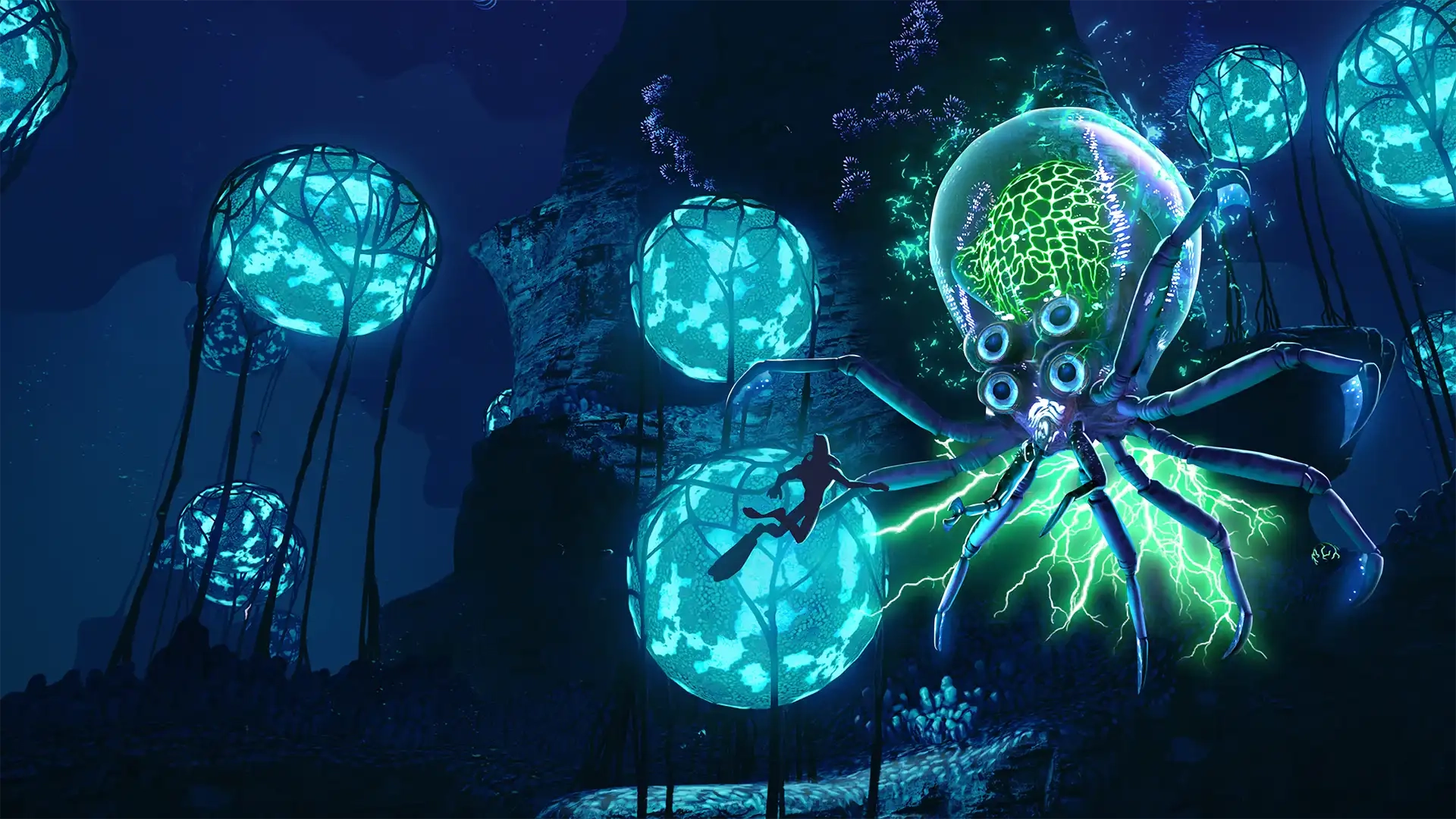
Subnautica Controls Guide: PC, Xbox, PlayStation, & Switch
发布于 ,作者

分享:

分享至 X

分享至 Facebook

分享至 Threads

分享至 Bluesky

复制到剪贴板

通过电子邮件分享
The alien ocean of Subnautica is filled with monstrous fish that would love to make you their next meal. You'll need to gather resources, keep an eye on your oxygen levels, and outswim some apex predators in order to survive. However, you ought to familiarize yourself with the game's controls first! Luckily, our Subnautica controls guide can help you out no matter which platform you're swimming on.
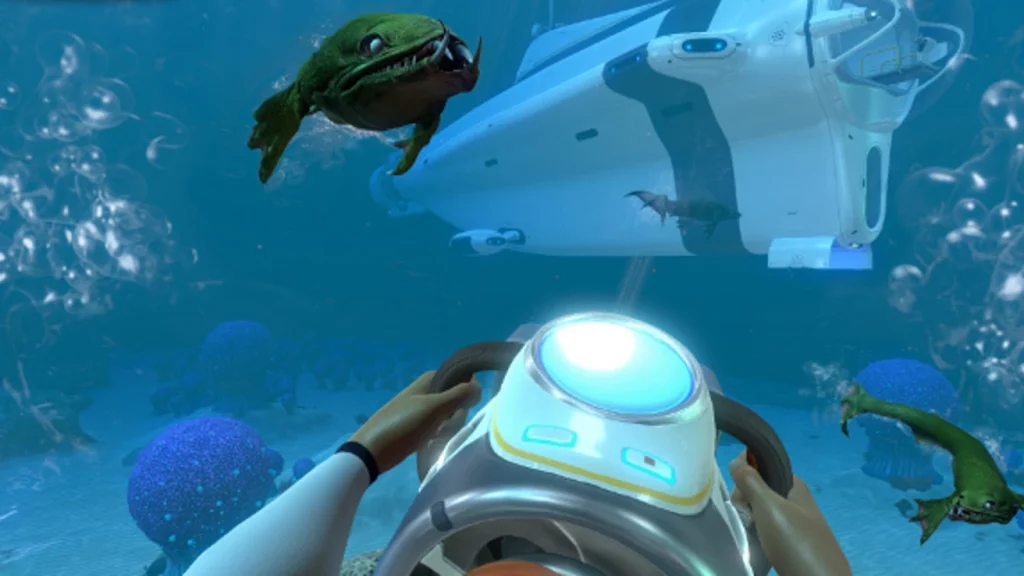 There's not too many controls to wrap your head around in Subnautica. You'll do some light inventory management and interact with some building menus, but swimming and controlling vehicles make up the bulk of your gameplay controls. Naturally, you'll have more keybinds available to you if you're playing on PC, but you can rebind your preferred keybinds on any console or PC.
Subnautica has more controls and options than everything we've listed below, but these are the game's default controls. Interestingly, Subnautica allows you to list more than one button to a specific function. You can swap things around however you like and find what works best for you as you and your friends attempt to flee the planet.
There's not too many controls to wrap your head around in Subnautica. You'll do some light inventory management and interact with some building menus, but swimming and controlling vehicles make up the bulk of your gameplay controls. Naturally, you'll have more keybinds available to you if you're playing on PC, but you can rebind your preferred keybinds on any console or PC.
Subnautica has more controls and options than everything we've listed below, but these are the game's default controls. Interestingly, Subnautica allows you to list more than one button to a specific function. You can swap things around however you like and find what works best for you as you and your friends attempt to flee the planet.
Subnautica Controls & Keybinds: PC
There's not too many controls to wrap your head around in Subnautica. You'll do some light inventory management and interact with some building menus, but swimming and controlling vehicles make up the bulk of your gameplay controls. Naturally, you'll have more keybinds available to you if you're playing on PC, but you can rebind your preferred keybinds on any console or PC.
Subnautica has more controls and options than everything we've listed below, but these are the game's default controls. Interestingly, Subnautica allows you to list more than one button to a specific function. You can swap things around however you like and find what works best for you as you and your friends attempt to flee the planet.
- Jump: Spacebar
- PDA: Tab
- Deconstruct: Q
- Exit / Holster: E
- Left Hand / Use: Left Mouse Click
- Right Hand: Right Mouse Click
- Next Item: Scroll Wheel Up
- Previous Item: Scroll Wheel Down
- Slot 1: 1
- Slot 2: 2
- Slot 3: 3
- Slot 4: 4
- Slot 5: 5
- Load Tool: F
- Rotate Item Left: Q
- Rotate Item Right: E
- Take Picture: F11
- Reload: R
- Sprint: Left Shift
- Move Up: Spacebar
- Move Down: C
- Move Forward: W
- Move Backward: S
- Move Left: A
- Move Right: D
- Debug Information Menu: F1
- Debug Graphics Menu: F3
- Hide/Show Interface: F6
- Feedback Menu: F8
- Windowed / Fullscreen: Alt+Enter
Abiotic Factor Controls: Xbox
- Move: Left Control Stick
- Look: Right Control Stick
- Jump: Y
- PDA: View
- Deconstruct: Down on D-Pad
- Exit / Holster: B
- Left Hand / Use: A / LT
- Right Hand: RT
- Cycle Next: Right on D-Pad
- Cycle Previous: Left on D-Pad
- Tool Alternate Use: Up on D-Pad
- Take Picture: Click Right Stick
- Reload: X
- Sprint: A
- Move Up: RB
- Move Down: LB
Subnautica Controls: PlayStation
- Move: Left Control Stick
- Look: Right Control Stick
- Jump: Triangle
- PDA: Touchpad
- Deconstruct: Down on D-Pad
- Exit / Holster: Circle
- Left Hand / Use: Cross / L2
- Right Hand: R2
- Cycle Next: Right on D-Pad
- Cycle Previous: Left on D-Pad
- Tool Alternate Use: Up on D-Pad
- Take Picture: R3
- Reload: Square
- Sprint: Cross
- Move Up: R1
- Move Down: L1
Subnautica Controls: Nintendo Switch
- Move: Left Control Stick
- Look: Right Control Stick
- Jump: X
- PDA: -
- Deconstruct: Down on D-Pad
- Exit / Holster: A
- Left Hand / Use: B / L2
- Right Hand: ZR
- Cycle Next: Right on D-Pad
- Cycle Previous: Left on D-Pad
- Tool Alternate Use: Up on D-Pad
- Take Picture: Click Right Stick
- Reload: Y
- Sprint: B
- Move Up: R
- Move Down: L

您对这篇博客有何评价?
分享您的看法,帮助我们将博客做得更好!
不喜欢
一般
喜欢

需要游戏服务器吗?
租用一台游戏服务器,您可以和朋友们在极低延迟和自定义设置下私密游玩。从 110+ 款游戏中挑选您的最爱,邀请全球玩家,享受私密对战,或者按照您自己的规则建立属于您的在线社区。








获取第一手独家资讯!
订阅我们的电子邮件,获取有关我们托管游戏、公司新闻和独家优惠的最新动态。随时掌握一手资讯!













