
How to Paint in Space Engineers
发布于 ,作者

分享:

分享至 X

分享至 Facebook

分享至 Threads

分享至 Bluesky

复制到剪贴板

通过电子邮件分享
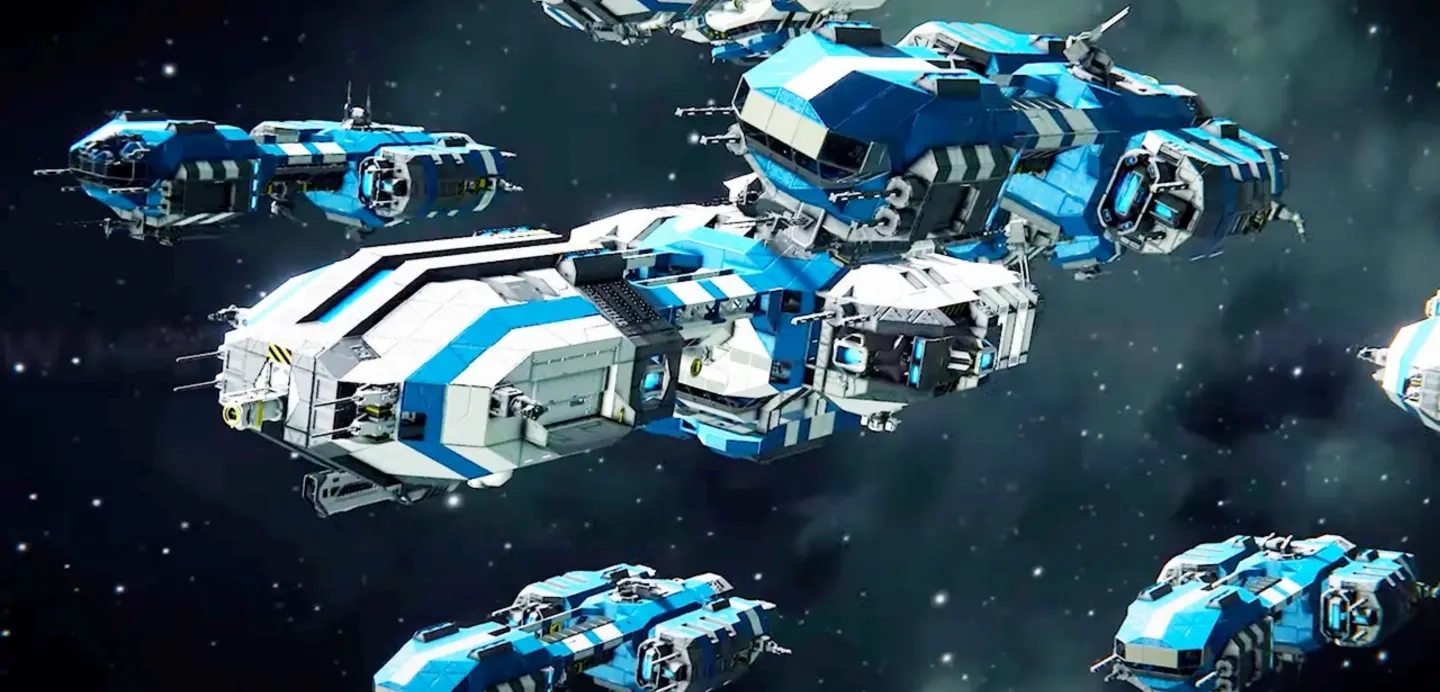
Perhaps you’re looking into adding some spice to the blocks in Space Engineers. Coloring those assets can be a great way to personalize them. So, continue reading to learn how to paint in Space Engineers and bring color to what might otherwise be a black-and-white (and gray) world.
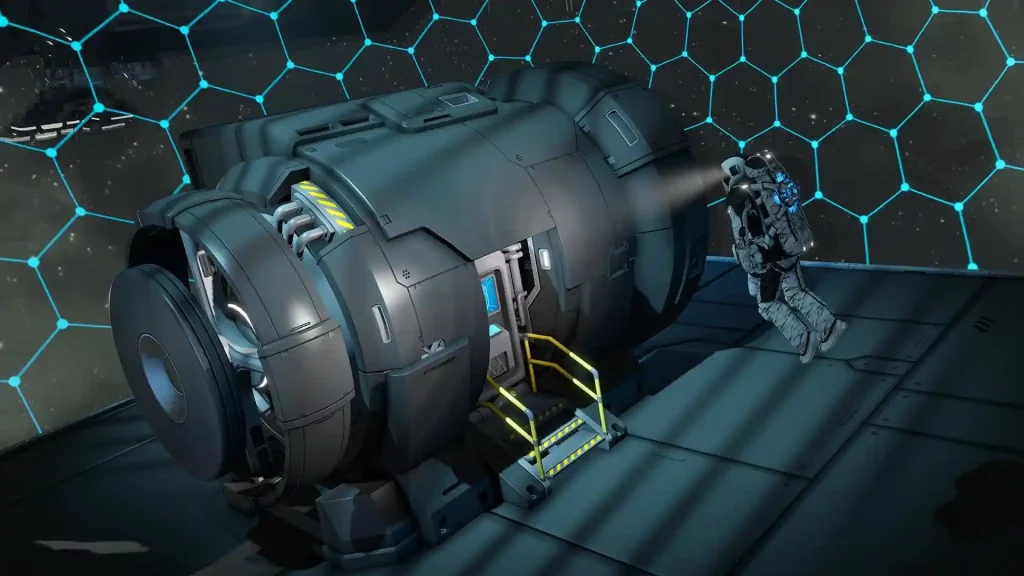 You can use the Space Engineers paint mechanic to color different blocks, including thrusters and refineries. Start by entering Block Placement Mode by selecting any block you want to place into the world. Alternatively, you can press CTRL+G while sitting in your ship’s cockpit to access this mode.
Next, select a block you want to place and press “P” (by default) on your keyboard to access the Color Picker. Here, you can choose from various colors and textures for your block. If you’re unsatisfied with the default color set, altering the sliders can modify their hue, saturation, and vibrancy. Alternatively, you can enter the color’s specific Hex code into the designated field if you know it.
Tip: Use the “[“ and “]” keys to cycle through the color choices quickly.
While in Block Placement Mode, highlight the block you want to paint. Then, click on it using the middle mouse button (by default) to paint that side. Alternatively, you can hold CTRL while holding the middle mouse button to color a 3x3-block area or SHIFT to paint a 5x5-block area. You can also press CTRL+SHIFT+middle mouse button to paint an entire grid.
Tip: Press SHIFT+P on a side to copy the color of a block and place it on another block.
You can use the Space Engineers paint mechanic to color different blocks, including thrusters and refineries. Start by entering Block Placement Mode by selecting any block you want to place into the world. Alternatively, you can press CTRL+G while sitting in your ship’s cockpit to access this mode.
Next, select a block you want to place and press “P” (by default) on your keyboard to access the Color Picker. Here, you can choose from various colors and textures for your block. If you’re unsatisfied with the default color set, altering the sliders can modify their hue, saturation, and vibrancy. Alternatively, you can enter the color’s specific Hex code into the designated field if you know it.
Tip: Use the “[“ and “]” keys to cycle through the color choices quickly.
While in Block Placement Mode, highlight the block you want to paint. Then, click on it using the middle mouse button (by default) to paint that side. Alternatively, you can hold CTRL while holding the middle mouse button to color a 3x3-block area or SHIFT to paint a 5x5-block area. You can also press CTRL+SHIFT+middle mouse button to paint an entire grid.
Tip: Press SHIFT+P on a side to copy the color of a block and place it on another block.
How to Paint in Space Engineers
You can use the Space Engineers paint mechanic to color different blocks, including thrusters and refineries. Start by entering Block Placement Mode by selecting any block you want to place into the world. Alternatively, you can press CTRL+G while sitting in your ship’s cockpit to access this mode.
Next, select a block you want to place and press “P” (by default) on your keyboard to access the Color Picker. Here, you can choose from various colors and textures for your block. If you’re unsatisfied with the default color set, altering the sliders can modify their hue, saturation, and vibrancy. Alternatively, you can enter the color’s specific Hex code into the designated field if you know it.
Tip: Use the “[“ and “]” keys to cycle through the color choices quickly.
While in Block Placement Mode, highlight the block you want to paint. Then, click on it using the middle mouse button (by default) to paint that side. Alternatively, you can hold CTRL while holding the middle mouse button to color a 3x3-block area or SHIFT to paint a 5x5-block area. You can also press CTRL+SHIFT+middle mouse button to paint an entire grid.
Tip: Press SHIFT+P on a side to copy the color of a block and place it on another block.
Texture Packs
As mentioned earlier, you can paint in Space Engineers using textures instead of solid colors. Note that vanilla Space Engineers already has preset textures you can use on blocks. But you can also download and use textures from paid DLCs and mods. Below are some texture choices to select to paint in Space Engineers:Preset Textures
- None
- Battered Armor
- Clean Armor
- Corrugated Armor
- CowMooFlage Armor
- Rusty Armor
- Weldless Armor
- Wood Armor
Automaton Pack
- Plastic Armor
Deluxe Edition Pack
- Golden Armor
Economy Deluxe Pack
- Disco Armor
- Glamour Armor
- Silver Armor
Frostbite Pack
- Frozen Armor
Heavy Industry Pack
- Hazard Armor
Sparks of the Future Pack
- Neon Colorable Lights
- Neon Colorable Surface
- SciFi Armor
Style Pack
- Mossy Armor
- Carbon Fiber Armor
- Digital Camouflage Armor
Warfare 2 Pack
- Woodland Camo Armor
Wasteland Pack
- Concrete Armor
- Dust Armor
- Heavy Rust Armor
- Retrofuture Armor

您对这篇博客有何评价?
分享您的看法,帮助我们将博客做得更好!
不喜欢
一般
喜欢

需要游戏服务器吗?
租用一台游戏服务器,您可以和朋友们在极低延迟和自定义设置下私密游玩。从 110+ 款游戏中挑选您的最爱,邀请全球玩家,享受私密对战,或者按照您自己的规则建立属于您的在线社区。








获取第一手独家资讯!
订阅我们的电子邮件,获取有关我们托管游戏、公司新闻和独家优惠的最新动态。随时掌握一手资讯!













