

RuneScape: Dragonwilds Controls Guide (Keyboard, Mouse, Controller)
发布于 ,作者

分享:

分享至 X

分享至 Facebook

分享至 Threads

分享至 Bluesky

复制到剪贴板

通过电子邮件分享
Are you looking into entering the world of Ashenfall? If so, mastering the default controls of RuneScape: Dragonwilds should be your first right of passage. Whether you’re using a keyboard or gamepad, engraving the commands to muscle memory separates the survivor from the fallen. So, begin your journey to become an expert adventurer by learning the game’s default keybinds through this guide.
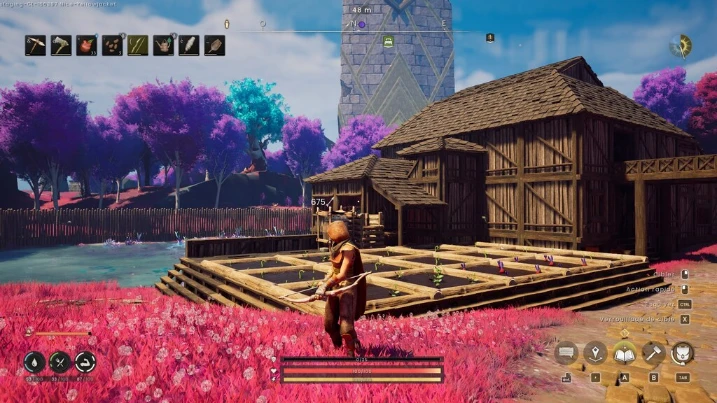
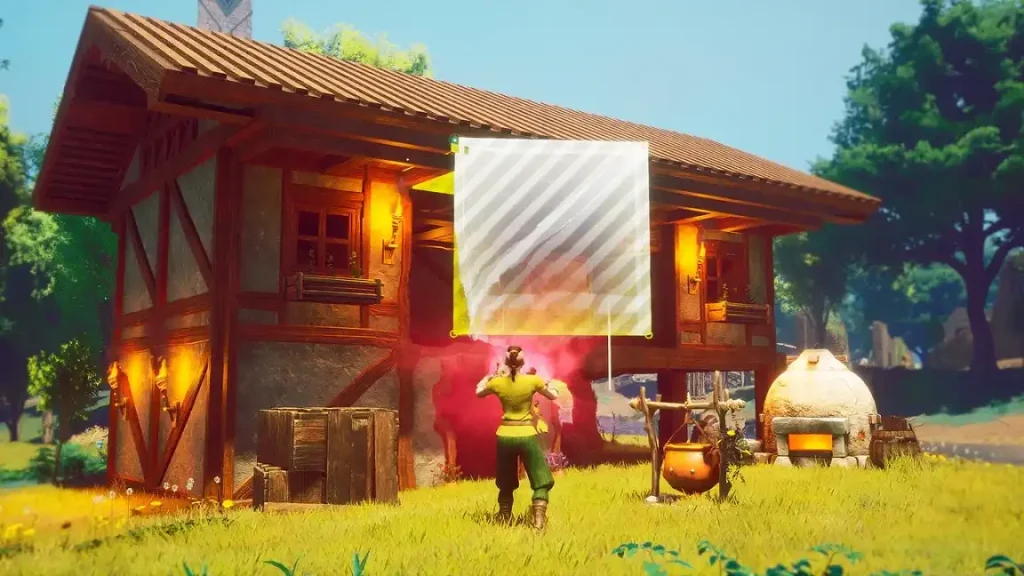 While Dragonwilds supports controllers and gamepads, it's important to note that many recommend using your mouse for some sections, including menus.
RuneScape: Dragonwilds Controls Guide
The following guide highlights the default controls for RuneScape: Dragonwilds. Consider these default keybinds for the gamepad and keyboard & mouse to be your foundation as a new player. Veterans, on the other hand, can use this guide to help remap their keybinds that suit their unique playstyles, especially for combat, resource farming, and basic survival.RuneScape: Dragonwilds Keyboard & Mouse Controls
Basic Movement Controls
- Move Forward: W
- Move Left: A
- Move Backward: S
- Move Right: D
- Crouch: C
- Jump: Space
- Sprint: SHIFT
Combat Controls
- Primary Action: Left mouse button
- Secondary Action: Right mouse button
- Special Action: Middle mouse button
- Interact: E
- Secondary Interact: F
- Evade: CTRL
Menu Controls
- Main Menu: M
- Journal: J
- Building: B
- Emote Menu: H
- Inventory Toggle: TAB
- Map: M
- Skills Menu: K
- Spells Menu: Q
- Top Bar Skills: K
- Top Bar Tab Left: Q
- Top Bar Tab Right: E
Inventory & Item Management Controls
- Destroy Item: X
- Grant Quick Transfer: CTRL
- Grant Split Stack: SHIFT
- Take All: R
Quick Access Controls
- Quick Access Slot 1: 1
- Quick Access Slot 2: 2
- Quick Access Slot 3: 3
- Quick Access Slot 4: 4
- Quick Access Slot 5: 5
- Quick Access Slot 6: 6
- Quick Access Slot 7: 7
- Quick Access Slot 8: 8
Building Controls
- Building Tab Left: Q
- Building Tab Right: E
- Cancel Building: Escape
- Destroy Object: Middle mouse button
- Free Placement: Y
- Oculus Move Down: C
- Oculus Move Up: Space
- Quick Interact: Left mouse button
- Repair: T
Crafting Controls
- Crafting Tab Left: Q
- Crafting Tab Right: E
Quest Dialog Controls
- Continue Conversation: Space
- Cancel Conversation: Escape
- Select Answer 1: 1
- Select Answer 2: 2
- Select Answer 3: 3
- Select Answer 4: 4
RuneScape: Dragonwilds Controller Controls (Xbox Controller Layout)
While Dragonwilds supports controllers and gamepads, it's important to note that many recommend using your mouse for some sections, including menus.
Basic Movement Controls
- Character Movement: Left analog stick
- Crouch: Click the right analog stick
- Jump: A
- Sprint: Click the left analog stick
Combat Controls
- Primary Action: Right trigger
- Secondary Action: Left trigger
- Special Action: Right bumper
- Interact: X
- Evade: B
Menu Controls
- Main Menu: Menu button
- Journal: Menu button
- Building: Down directional button
- Inventory Toggle: Y
- Map: Menu button
- Skills Menu: Menu button
- Spells Menu: Left bumper
- Top Bar Tab Left: Left bumper
- Top Bar Tab Right: Right bumper
Inventory & Item Management Controls
- Destroy Item: X
- Take All: Y
Building Controls
- Building Tab Left: Left bumper
- Building Tab Right: Right bumper
- Cancel Building: Up directional button
- Destroy Object: Left bumper
- Free Placement: Right directional button
- Oculus Move Down: Left analog stick
- Oculus Move Up: Right analog stick
- Quick Interact: Right bumper
- Repair: Down directional button
Crafting Controls
- Crafting Tab Left: Left bumper
- Crafting Tab Right: Right bumper
Quest Dialog Controls
- Continue Conversation: X
- Cancel Conversation: B

您对这篇博客有何评价?
分享您的看法,帮助我们将博客做得更好!
不喜欢
一般
喜欢

需要游戏服务器吗?
租用一台游戏服务器,您可以和朋友们在极低延迟和自定义设置下私密游玩。从 110+ 款游戏中挑选您的最爱,邀请全球玩家,享受私密对战,或者按照您自己的规则建立属于您的在线社区。








获取第一手独家资讯!
订阅我们的电子邮件,获取有关我们托管游戏、公司新闻和独家优惠的最新动态。随时掌握一手资讯!













