
Project Zomboid Controls Guide
发布于 ,作者

分享:

分享至 X

分享至 Facebook

分享至 Threads

分享至 Bluesky

复制到剪贴板

通过电子邮件分享
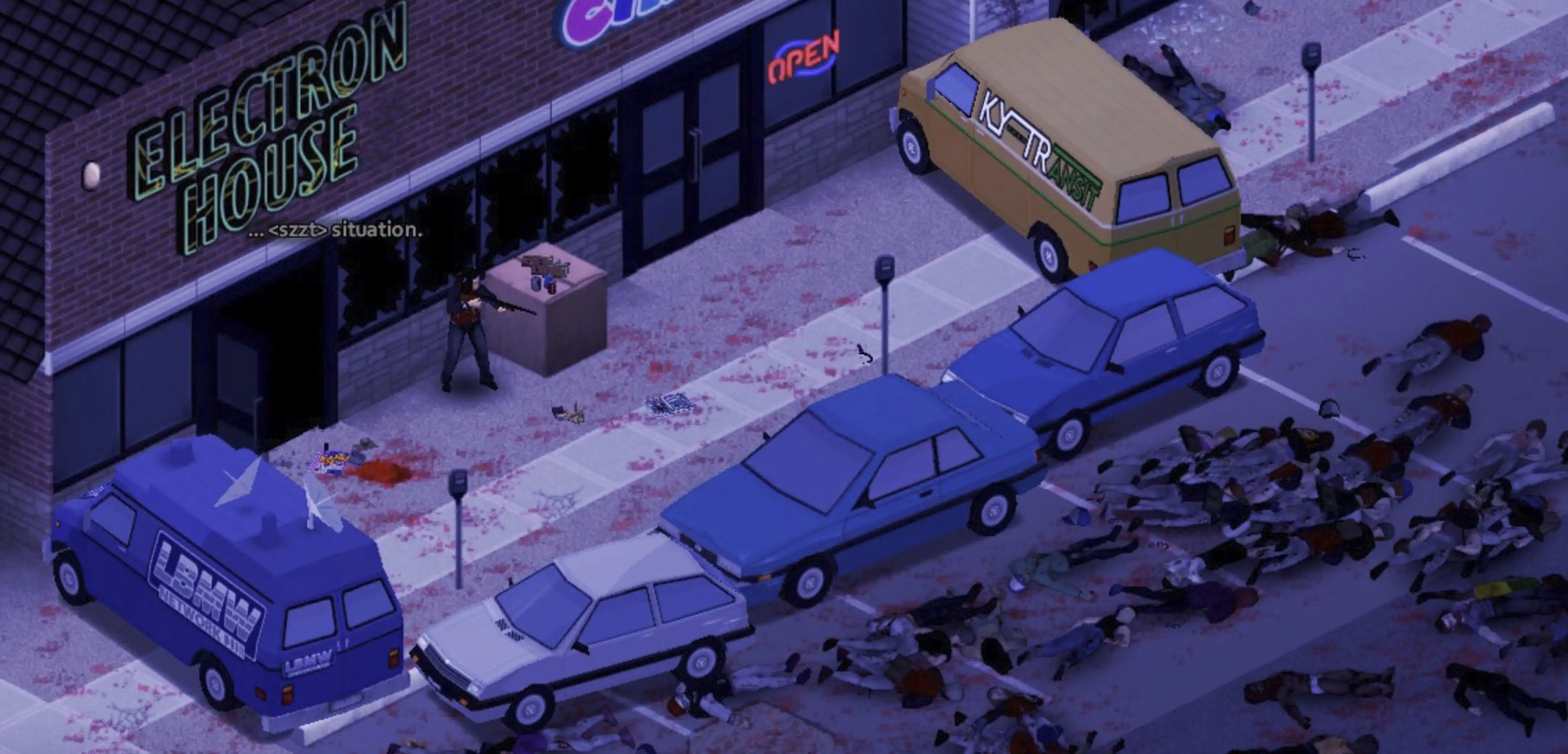
Becoming proficient with the controls in Project Zomboid is crucial for staying alive in its unforgiving, zombie-filled environment. Survivors must use the game’s available controls to make conscious decisions, such as attacking or running away, which ultimately affect their survival. So, continue reading to learn more about the controls and keybinds for Project Zomboid and become a master survivor in Knox Country.
 The following controls and keybinds for Project Zomboid follow Build 41. Some controls may change with future builds.
All Project Zomboid Controls and Keybinds
The following controls and keybinds for Project Zomboid follow Build 41. Some controls may change with future builds.
Keyboard & Mouse
Note that most Project Zomboid controls and keybinds are editable. Players can modify certain controls to help fit their preferred playstyle.Player Control
- Forward: W
- Backward: S
- Left: A
- Right: D
- Run: Left Shift
- Sprint: Left Alt
- Rotate Building: R
- Toggle Mode: Tab
- Cancel Action: Escape
- Walk To: Y
Combat
- Sneak: C
- Aim: Left Control
- Shove/Stomp: Space
- Rack Firearm: X
- Reload Weapon: R
- Manual Floor Attack: Left Alt
Vehicle
- Start Vehicle Engine: N
- Toggle Vehicle Headlights: F
- Vehicle Heater: O
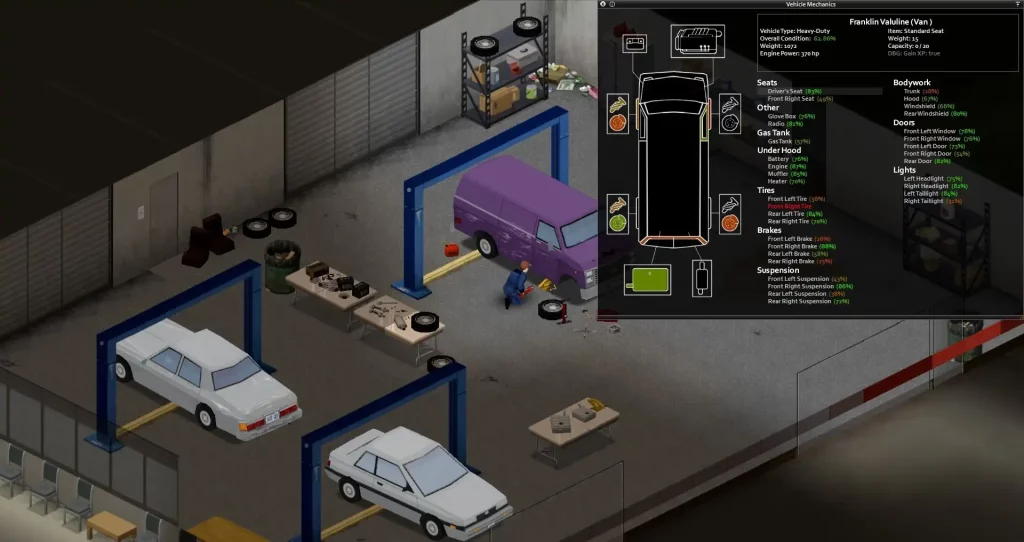
- Vehicle Info: U
- Horn: Q
- Vehicle Radial Menu: V
- Switch Seat: Z
User Interface
- Toggle Crafting UI: B
- Main Menu: Escape
- Toggle Inventory: I
- Toggle Skill Panel: L
- Toggle Health Panel: H
- Toggle Moveable Panel Mode: ]
- Toggle Map: M
- Take Screenshot: F10
- Toggle Survival Guide: F1
- Display FPS: K
- Pause: F2
- Normal Speed: F3
- Fast Forward x1: F4
- Fast Forward x2: F5
- Fast Forward x3: F6
- Zoom In: =
- Zoom Out: .
Hotkeys
- Hotbar 1: 1
- Hotbar 2: 2
- Hotbar 3: 3
- Hotbar 4: 4
- Hotbar 5: 5
- Equip/Turn/Off Light Source: F
Multiplayer
- Toggle Safety: G
- Toggle Chat: T
- Alt Toggle Chat: Return
- Switch Chat Stream: Tab
Voice
- Push-to-Talk: Left Alt
NPC Interaction
- Shout: Q
- Emotes Wheel (long press): Q
Debug
- Toggle Lua Debugger: F11
- Toggle Lua Console: `
- Toggle God Mode and Invisible: N
- Toggle Models Enabled: F3
- Toggle Animation Text: F6
Search Mode
- Toggle Search Mode: End
Gamepad
It’s important to mention that the gamepad controls for Project Zomboid are displayed with the configurations of an Xbox controller. Although it’s possible to use other gamepads with other button layouts, such as the PlayStation 5 DualSense controller, the game will still display the button configurations of an Xbox controller, which may confuse some players.- Move Player: Left stick
- Toggle Walk/Run: Press Left analog stick
- Navigate Contextual Menus: Directional Pad
- Sneak/Aim, Navigate Radial Menu: Right analog stick
- Interact 1: A
- Interact 2: B
- Display Contextual Menu, Available Interactions, & Quick Loot/Drop Item: X
- Inventory: Y
- Navigate Tabs: Left and Right Bumpers
- Shove/Stomp: Left Trigger
- Fire/Attack: Right Trigger
- Display Radial Menu: View/Back
- Pause/Menu: Start

您对这篇博客有何评价?
分享您的看法,帮助我们将博客做得更好!
不喜欢
一般
喜欢

需要游戏服务器吗?
租用一台游戏服务器,您可以和朋友们在极低延迟和自定义设置下私密游玩。从 110+ 款游戏中挑选您的最爱,邀请全球玩家,享受私密对战,或者按照您自己的规则建立属于您的在线社区。








获取第一手独家资讯!
订阅我们的电子邮件,获取有关我们托管游戏、公司新闻和独家优惠的最新动态。随时掌握一手资讯!













