
Mount & Blade II: Bannerlord Controls Guide: PC, Xbox, & PlayStation
发布于 ,作者

分享:

分享至 X

分享至 Facebook

分享至 Threads

分享至 Bluesky

复制到剪贴板

通过电子邮件分享
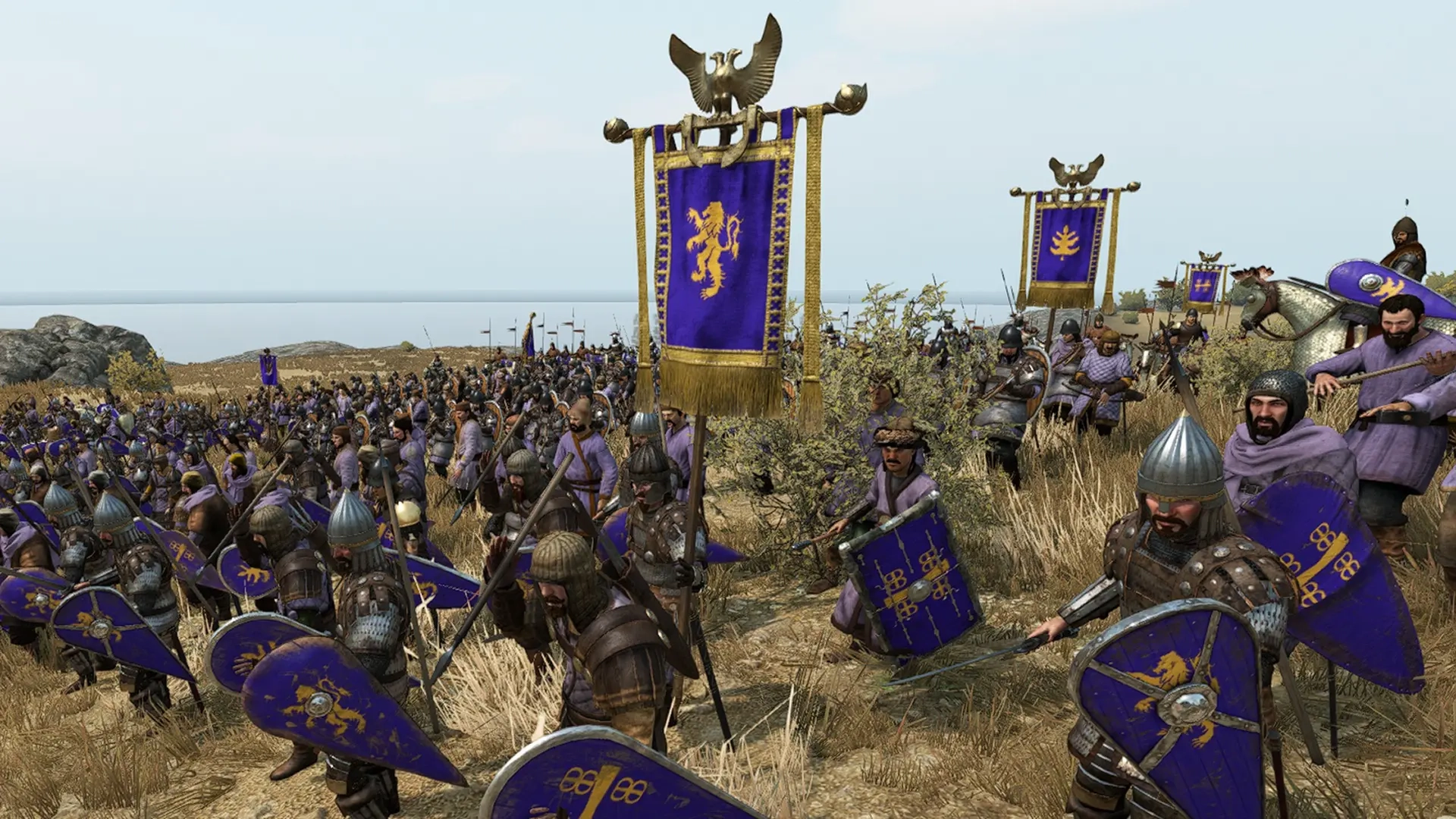
Are you ready to seize the land of Calradia? Would you like to shape it however you see fit? You can do this and much more in Mount & Blade II: Bannerlord, but you'll need to understand the game's controls first! With our controls guide, you'll be conquering fiefdoms and mowing through rival armies in no time.
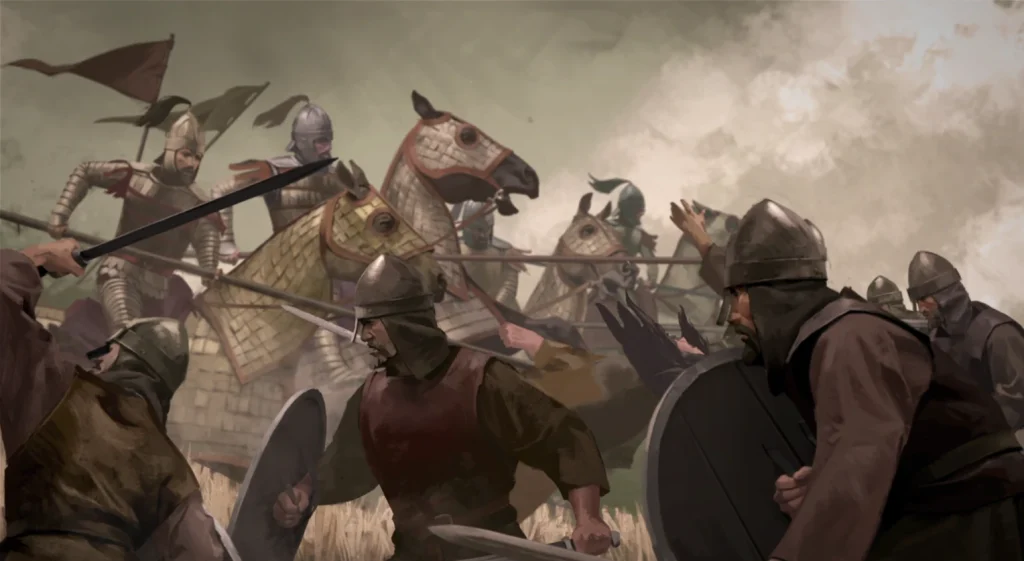 You can enjoy kingdom-making combat and role-playing in Mount & Blade II: Bannerlord on PC, Xbox, or PlayStation. With the game being available on consoles, this means you can also play with a controller on PC if you prefer. This is a great option if you're not fond of mouse and keyboard, but it's worth noting that using a mouse and keyboard offers significantly more options for controls and shortcuts. Additionally, a mouse and keyboard can make the game's frequent menu navigation easier.
Unfortunately, when playing on console, there is no way to remap the game's controls without going into the console's settings. On PC, you can rebind mouse and keyboard controls for general actions, but you cannot remap the game's controls when navigating the overworld map. Aside from that, you can customize your PC experience for Mount & Blade II: Bannerlord however you want, and mods can help you tweak your controls even further.
You can enjoy kingdom-making combat and role-playing in Mount & Blade II: Bannerlord on PC, Xbox, or PlayStation. With the game being available on consoles, this means you can also play with a controller on PC if you prefer. This is a great option if you're not fond of mouse and keyboard, but it's worth noting that using a mouse and keyboard offers significantly more options for controls and shortcuts. Additionally, a mouse and keyboard can make the game's frequent menu navigation easier.
Unfortunately, when playing on console, there is no way to remap the game's controls without going into the console's settings. On PC, you can rebind mouse and keyboard controls for general actions, but you cannot remap the game's controls when navigating the overworld map. Aside from that, you can customize your PC experience for Mount & Blade II: Bannerlord however you want, and mods can help you tweak your controls even further.
Mount & Blade II: Bannerlord Controls & Keybinds: PC (Mouse & Keyboard)
You can enjoy kingdom-making combat and role-playing in Mount & Blade II: Bannerlord on PC, Xbox, or PlayStation. With the game being available on consoles, this means you can also play with a controller on PC if you prefer. This is a great option if you're not fond of mouse and keyboard, but it's worth noting that using a mouse and keyboard offers significantly more options for controls and shortcuts. Additionally, a mouse and keyboard can make the game's frequent menu navigation easier.
Unfortunately, when playing on console, there is no way to remap the game's controls without going into the console's settings. On PC, you can rebind mouse and keyboard controls for general actions, but you cannot remap the game's controls when navigating the overworld map. Aside from that, you can customize your PC experience for Mount & Blade II: Bannerlord however you want, and mods can help you tweak your controls even further.
Action Controls
- Move Forward: W
- Move Backward: S
- Strafe Left: A
- Strafe Right: D
- Leave: Tab
- Show Indicators: Left Alt
- Attack: Left Mouse Button
- Defend: Right Mouse Button
- Equip Next Weapon: Mouse Scroll Up
- Equip Next Shield: Mouse Scroll Down
- Interact: F
- Jump: Spacebar
- Crouch: Z
- Kick/Bash: E
- Switch Weapon Usage: X
- Equip Item 1: Numpad 1
- Equip Item 2: Numpad 2
- Equip Item 3: Numpad 3
- Equip Item 4: Numpad 4
- Drop Weapon: G
- Sheathe Weapon: \
- Zoom: Left Shift
- View Character: -
- Lock Target: Middle Mouse Button
- Camera Toggle: R
- Character Zoom In: Numpad +
- Character Zoom Out: Numpad -
- Toggle Walk/Run Mode: Caps Lock
- Taunt: O
- Push to Talk: V
- Equipment Switch Menu: U
- Show Cursor: Middle Mouse Button
Order Menu Controls
- View Orders: Backspace
- Select Order 1: F1
- Select Order 2: F2
- Select Order 3: F3
- Select Order 4: F4
- Select Order 5: F5
- Select Order 6: F6
- Select Order 7: F7
- Select Order 8: F8
- Select Order Return: F9
- Select Everyone: 0
- Select Group 1: 1
- Select Group 2: 2
- Select Group 3: 3
- Select Group 4: 4
- Select Group 5: 5
- Select Group 6: 6
- Select Group 7: 7
- Select Group 8: 8
Campaign Map Controls
- Map Move Up: W
- Map Move Down: S
- Map Move Left: A
- Map Move Right: D
- Move Party Up: Up Arrow
- Move Party Down: Down Arrow
- Move Party Left: Left Arrow
- Move Party Right: Right Arrow
- Quick Save: F5
- Camera Speed Up: Left Shift
- Zoom In: Mouse Scroll Up
- Zoom Out: Mouse Scroll Down
- Map Rotate Left: Q
- Map Rotate Right: E
- Pause Time: 1
- Resume Time: 2
- Fast-Forward Time: 3
- Resume/Pause Time: Spacebar
Menu Shortcuts Controls
- Banner Editor: B
- Character Developer: C
- Inventory: I
- Encyclopedia: N
- Kingdom: K
- Clan: L
- Quests: J
- Party: P
- Face Generation: V
Photo Mode Controls
- Hide UI: H
- Roll Camera Left: Q
- Roll Camera Right: E
- Take Picture: Enter
- Export Buffer Visualizations: Backspace
- Toggle Camera Follow Mode: V
- Toggle Cursor: C
- Toggle Vignette: X
- Toggle Characters: B
- Reset: T
Chat Controls
- Initiate Chat: T
- Initiate Chat (Secondary): Y
- Finalize Chat: Enter
Mount & Blade II: Bannerlord Controls & Keybinds: Xbox Controller
Action Controls
- Attack: RT
- Defend: LT
- Equipment Switch Menu: RB
- Show Indicators: LB
- Jump: A
- Kick/Bash: X
- Show Scoreboard: B
- Interact: Y
- Pause Menu: Menu
- Log: View
- Move Character: Left Control Stick
- Camera Toggle: Click Left Control Stick
- Look: Right Control Stick
- Lock Target: Click Right Control Stick
- Taunt: D-Pad Up
- Crouch: D-Pad Down
- View Character: D-Pad Left
- Push to Talk: D-Pad Right
Pre-Battle Controls
- Rotate Camera: Right Control Stick
- Raise Camera: RB
- Lower Camera: LB
- Fly Over Terrain: Hold LT + Left Control Stick
- Select a Formation or Unit: A
- Order a Selected Formation or Unit to Move to a Location: RT
- Change Size of Selected Formation or Unit: Hold RT + Right Control Stick
- Quick Move Selected Formation or Unit: X
- Quick Order Selected Formation or Unit to a Line: A
- Quick Toggle Selected Formation or Unit: B
- Navigate Backward Through Menus: Menu
Battle Controls
- Battle Options Radial Menu: Hold LB
- Toggle AI Army Control: Hold LB + B + Y
- Open Formation or Unit Selection Menu: Hold LB + D-Pad Left or D-Pad Right
- Select a Specific Formation or Unit: Hold LB + D-Pad Down
- Move a Selected Formation or Unit: RT
Map Controls
- Zoom In: RT
- Zoom Out: LT
- Toggle Fast Forward: RB
- Show Indicators: LB
- Select on Map: A
- Resume/Pause Time: X
- Change Cursor Mode: B
- Pause Menu: Menu
- Encyclopedia: View
- Map Camera Rotate: Right Control Stick
- Track Settlement: Click Right Stick
- Map Cursor Move: Left Control Stick
- Camera Follow Mode: Click Left Stick
- Fast Cursor Move Up: D-Pad Up
- Fast Cursor Move Down: D-Pad Down
- Fast Cursor Move Left: D-Pad Left
- Fast Cursor Move Right: D-Pad Right
Mount & Blade II: Bannerlord Controls & Keybinds: PlayStation Controller
Action Controls
- Attack: R2
- Defend: L2
- Equipment Switch Menu: R1
- Show Indicators: L1
- Jump: Cross
- Kick/Bash: Square
- Show Scoreboard: Circle
- Interact: Triangle
- Pause Menu: Options
- Log: Touchpad
- Move Character: Left Control Stick
- Camera Toggle: L3
- Look: Right Control Stick
- Lock Target: R3
- Taunt: D-Pad Up
- Crouch: D-Pad Down
- View Character: D-Pad Left
- Push to Talk: D-Pad Right
Pre-Battle Controls
- Rotate Camera: Right Control Stick
- Raise Camera: R1
- Lower Camera: L1
- Fly Over Terrain: Hold L2 + Left Control Stick
- Select a Formation or Unit: Cross
- Order a Selected Formation or Unit to Move to a Location: R2
- Change Size of Selected Formation or Unit: Hold R2 + Right Control Stick
- Quick Move Selected Formation or Unit: Square
- Quick Order Selected Formation or Unit to a Line: Cross
- Quick Toggle Selected Formation or Unit: Circle
- Navigate Backward Through Menus: Options
Battle Controls
- Battle Options Radial Menu: Hold L1
- Toggle AI Army Control: Hold L1 + Circle + Triangle
- Open Formation or Unit Selection Menu: Hold L1 + D-Pad Left or D-Pad Right
- Select a Specific Formation or Unit: Hold L1 + D-Pad Down
- Move a Selected Formation or Unit: R2
Map Controls
- Zoom In: R2
- Zoom Out: L2
- Toggle Fast Forward: R1
- Show Indicators: L1
- Select on Map: Cross
- Resume/Pause Time: Square
- Change Cursor Mode: Circle
- Pause Menu: Options
- Encyclopedia: Touchpad
- Map Camera Rotate: Right Control Stick
- Track Settlement: R3
- Map Cursor Move: Left Control Stick
- Camera Follow Mode: L3
- Fast Cursor Move Up: D-Pad Up
- Fast Cursor Move Down: D-Pad Down
- Fast Cursor Move Left: D-Pad Left
- Fast Cursor Move Right: D-Pad Right

您对这篇博客有何评价?
分享您的看法,帮助我们将博客做得更好!
不喜欢
一般
喜欢

需要游戏服务器吗?
租用一台游戏服务器,您可以和朋友们在极低延迟和自定义设置下私密游玩。从 110+ 款游戏中挑选您的最爱,邀请全球玩家,享受私密对战,或者按照您自己的规则建立属于您的在线社区。








获取第一手独家资讯!
订阅我们的电子邮件,获取有关我们托管游戏、公司新闻和独家优惠的最新动态。随时掌握一手资讯!













