
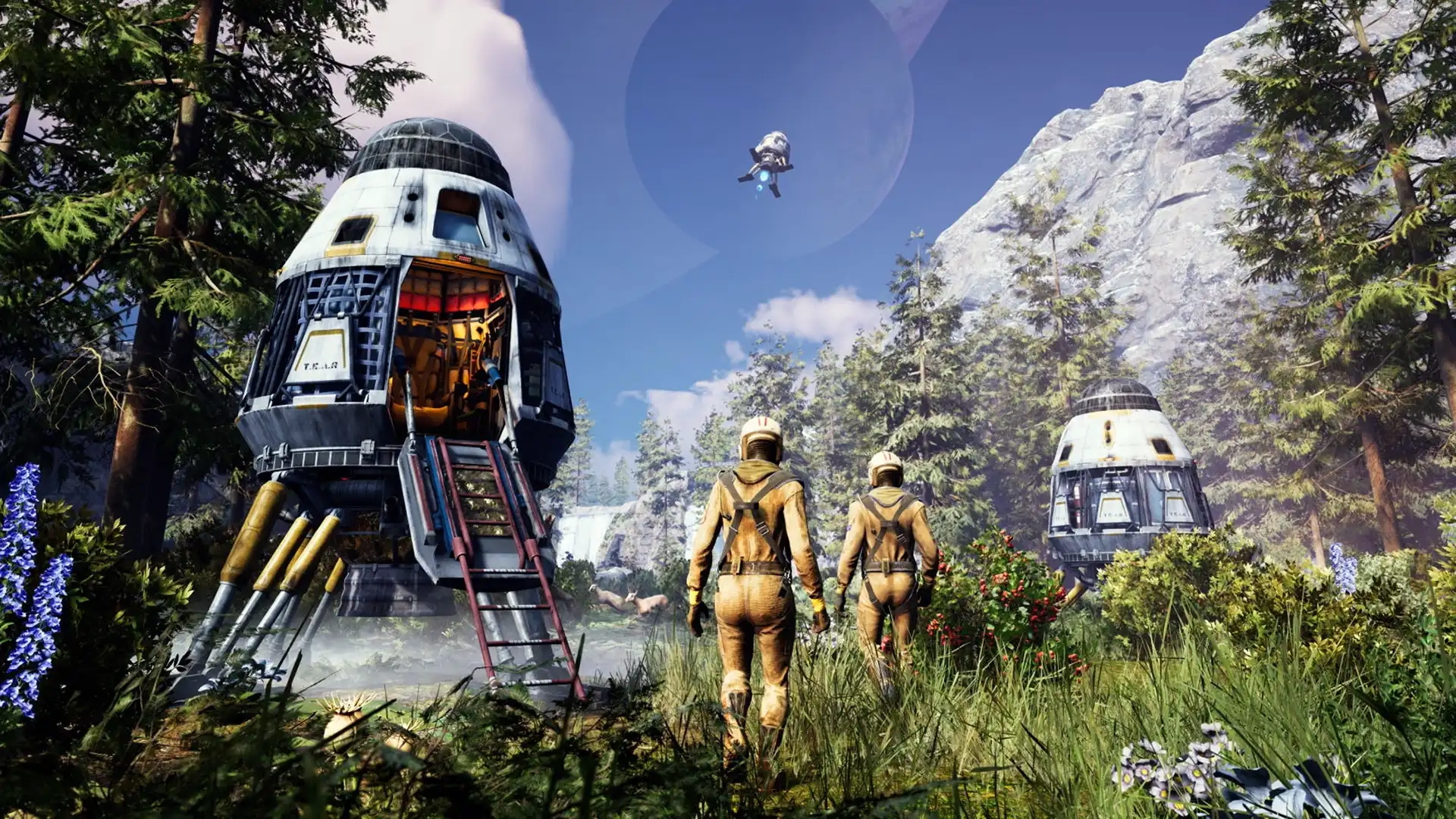
Icarus Controls Guide (PC, Console)
发布于 ,作者

分享:

分享至 X

分享至 Facebook

分享至 Threads

分享至 Bluesky

复制到剪贴板

通过电子邮件分享
The world of Icarus tests each player’s ability to survive, and mastering the game’s controls improves your chances of walking off a ferocious Grizzly Bear attack. Whether you’re commanding your character with a controller or a keyboard & mouse, the in-game controls can become your lifeline. So, start your journey to becoming a master Prospector by understanding the game’s controls through this guide.
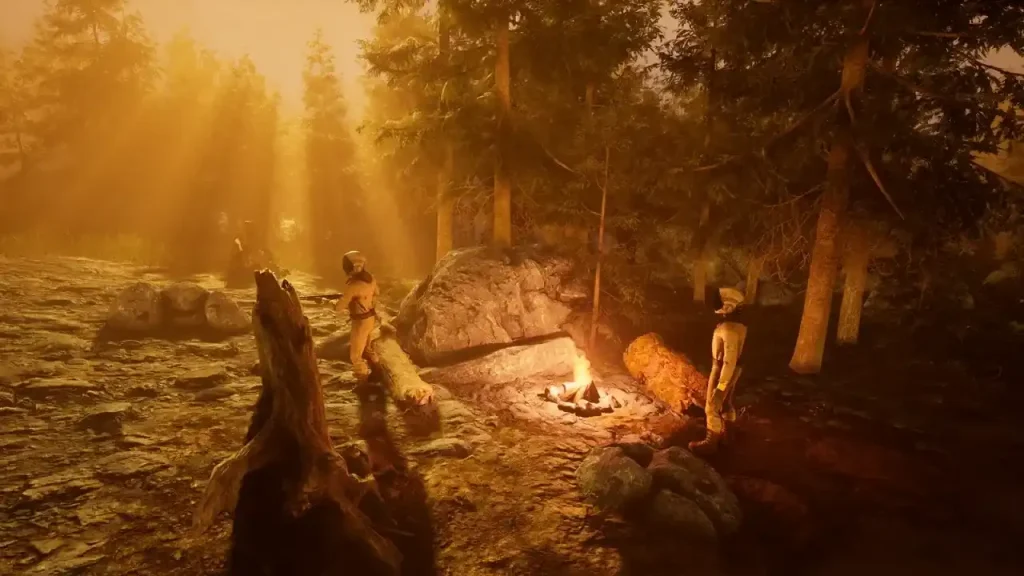 Consider this Icarus Controls Guide to be a control room schematic. Below are the default keybinds across the game’s PC and console editions. That said, feel free to rebind the control schemes to tailor them to your unique playstyle, especially for combat and crafting.
Note: The controls mentioned below are for the game’s PC and PS5 editions. Follow this page for updates on the game’s Xbox controls.
Consider this Icarus Controls Guide to be a control room schematic. Below are the default keybinds across the game’s PC and console editions. That said, feel free to rebind the control schemes to tailor them to your unique playstyle, especially for combat and crafting.
Note: The controls mentioned below are for the game’s PC and PS5 editions. Follow this page for updates on the game’s Xbox controls.
Icarus Controls for PC & Console Editions
Consider this Icarus Controls Guide to be a control room schematic. Below are the default keybinds across the game’s PC and console editions. That said, feel free to rebind the control schemes to tailor them to your unique playstyle, especially for combat and crafting.
Note: The controls mentioned below are for the game’s PC and PS5 editions. Follow this page for updates on the game’s Xbox controls.
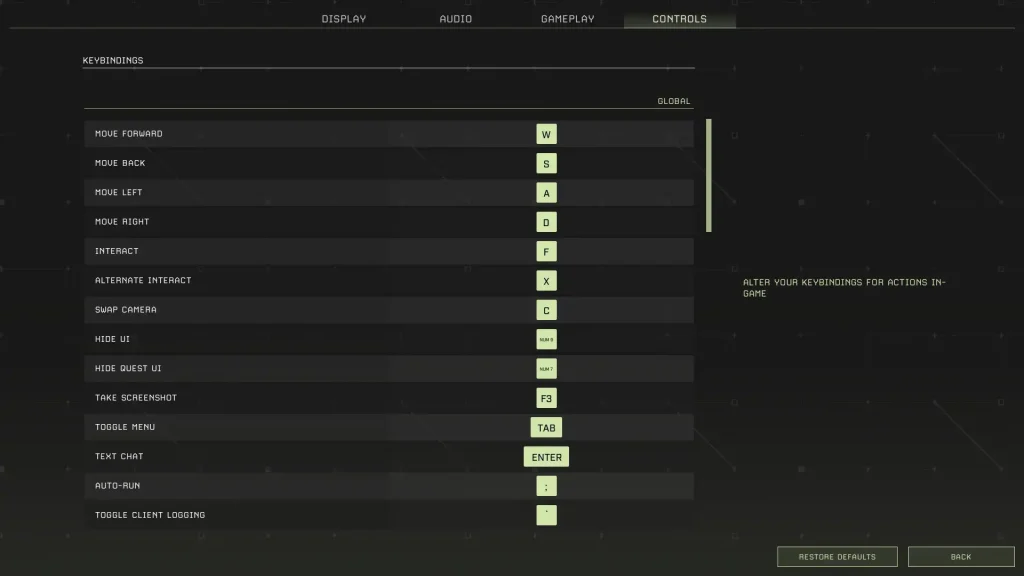
Icarus PC Controls (Keyboard & Mouse)
Global Controls
- Move Forward: W
- Move Back: S
- Move Left: A
- Move Right: D
- Interact: F
- Alternate Interact: X
- Swap Camera: C
- Hide UI: Numpad 9
- Hide Quest UI: Numpad 7
- Take Screenshot: F3
- Toggle Menu: Tab
- Text Chat: Enter
- Auto Run: Semicolon (;)
- Toggle Client Logging: Backtick (`)
- Open Field Guide: J
- Open Field Guide to Index: F1
- Loot All: Q
Player Controls (On Foot)
- Free Look: Left ALT
- Sprint: Left SHIFT
- Jump: Space
- Crouch: Left CTRL
- Hands: H
- Hotbar Forward: Mouse scroll wheel down
- Hotbar Back: Mouse scroll wheel up
- Hotbar 1: 1
- Hotbar 2: 2
- Hotbar 3: 3
- Hotbar 4: 4
- Hotbar 5: 5
- Hotbar 6: 6
- Hotbar 7: 7
- Hotbar 8: 8
- Hotbar 9: 9
- Hotbar 0: 0
- Hotbar Backpack: G
- Destroy Building Piece: Y
- Unfocus Building Grid: END
- Disable Building Grid Focus: HOME
- Raise Building Grid Offset: Page Up
- Lower Building Grid Offset: Page Down
- Toggle Suit Light: L
- Play Emote: Numpad +
- Toggle Photo Mode: Numpad 8
Weapons Controls
- Fire: Left mouse button
- Alternate Fire: Right mouse button
- Reload: R
In Prospect Controls
- Inventory: I
- Crafting: O
- Map: M
- Tech: P
Tamed Creatures Controls
- Toggle Stay/Follow: Slash (/)
- Cycle Combat Behavior: INSERT/DELETE
- Nearby Tamed Creatures Follow: Left Bracket ([)
- Nearby Tamed Creatures Stay: Right Bracket (])
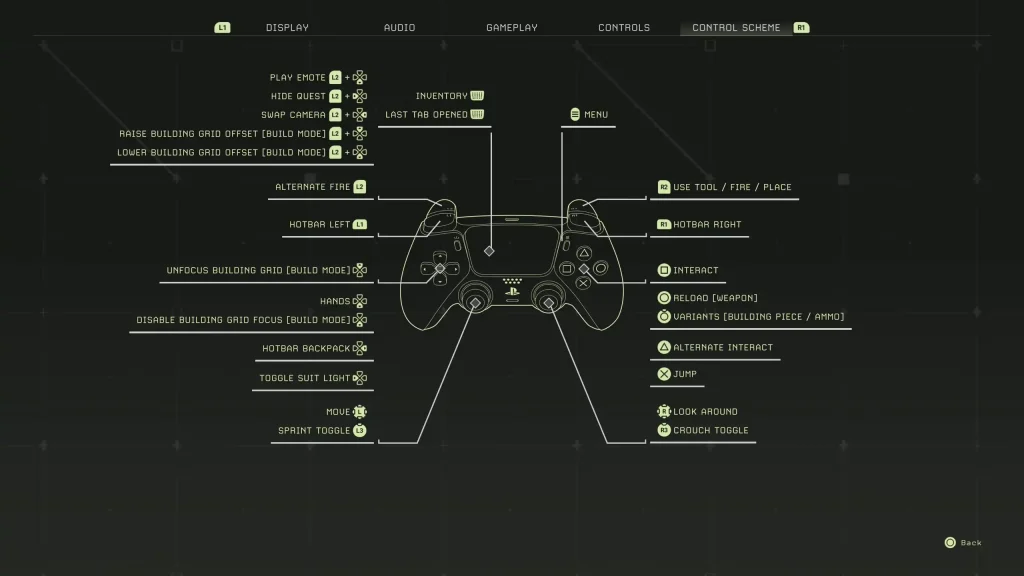
Icarus PlayStation 5 Controls
- Play Emote: L2 + Down directional button
- Hide Quest: L2 + Left directional button
- Swap Camera: L2 + Right directional button
- Raise Building Grid Offset (Build Mode): L2 + Up directional button
- Lower Building Grid Offset (Build Mode): L2 + Down directional button
- Alternate Fire: L2
- Hotbar Left: L1
- Unfocus Building Grid (Build Mode): Up directional button
- Hands: Down Directional Button
- Disable Building Grid Focus (Build Mode): Down directional button
- Hotbar Backpack: Right directional button
- Toggle Suit Light: Left directional button
- Basic Movement: Left analog stick
- Sprint Toggle: L3
- Inventory/Last Tab Opened: Press the touchpad
- Menu: Options button
- Use Tool/Fire/Place: R2
- Hotbar Right: R1
- Interact: Square
- Reload (Weapon): Circle
- Variants (Building Piece/Ammo): Hold Circle
- Alternate Interact: Triangle
- Jump: X
- Look Around: Right analog stick
- Crouch Toggle: R3

您对这篇博客有何评价?
分享您的看法,帮助我们将博客做得更好!
不喜欢
一般
喜欢

需要游戏服务器吗?
租用一台游戏服务器,您可以和朋友们在极低延迟和自定义设置下私密游玩。从 110+ 款游戏中挑选您的最爱,邀请全球玩家,享受私密对战,或者按照您自己的规则建立属于您的在线社区。








获取第一手独家资讯!
订阅我们的电子邮件,获取有关我们托管游戏、公司新闻和独家优惠的最新动态。随时掌握一手资讯!













