

Hytale Error Applying Update (How to Fix)
发布于 ,作者

分享:

分享至 X

分享至 Facebook

分享至 Threads

分享至 Bluesky

复制到剪贴板

通过电子邮件分享
Hytale has already released some updates since its early access launch to fix bugs and minor issues. But many players have met with an unfortunate error when updating the game this frequently, which states "Error applying update to "game": error applying patch...".
Here we'll cover how to fix the "Hytale error applying update" message and get back into Orbis to enjoy the game (and your Hytale server) once more!
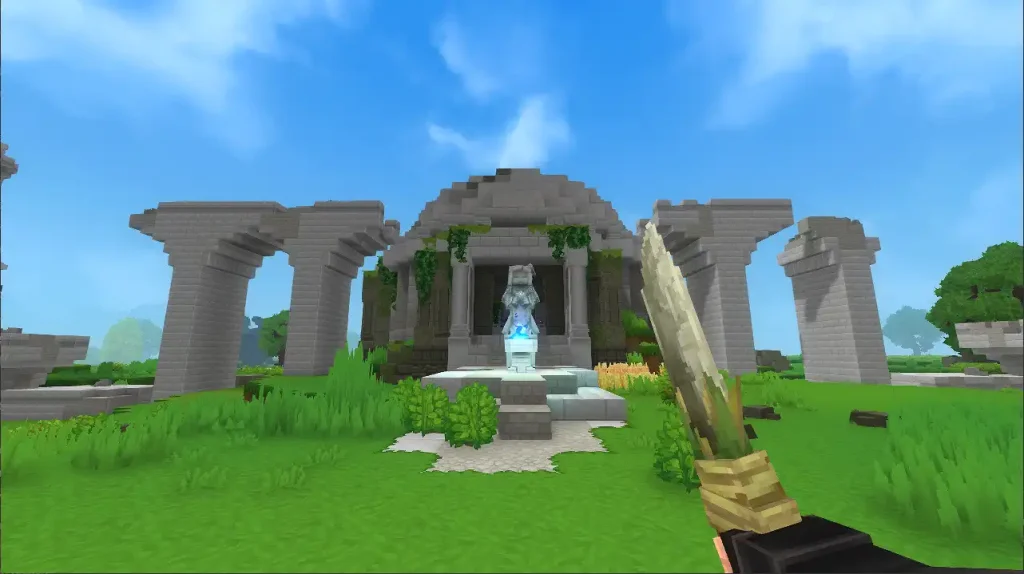 While Hytale updates can error for several different reasons, the most prevalent issue you'll see is the "Error Applying Update" message. Thankfully, this error is a very quick fix, and you certainly don't need to be a wizard to pull it off!
To fix this error, simply clear storage space for the update. This message is received when players don't have enough file space for the Hytale update, and with some updates being significantly bigger than others already, it may be a surprise to suddenly see the error on your second or third patch of the game.
Once you've cleared enough space for the Hytale update, simply press Update in your client once more, and the patch should complete successfully!
If you have further update errors after successfully clearing this one, you should look into the specific error message you receive to learn more about it. This isn't the first, and with how big the game is and how frequently it has been updating, it certainly won't be the last!
While Hytale updates can error for several different reasons, the most prevalent issue you'll see is the "Error Applying Update" message. Thankfully, this error is a very quick fix, and you certainly don't need to be a wizard to pull it off!
To fix this error, simply clear storage space for the update. This message is received when players don't have enough file space for the Hytale update, and with some updates being significantly bigger than others already, it may be a surprise to suddenly see the error on your second or third patch of the game.
Once you've cleared enough space for the Hytale update, simply press Update in your client once more, and the patch should complete successfully!
If you have further update errors after successfully clearing this one, you should look into the specific error message you receive to learn more about it. This isn't the first, and with how big the game is and how frequently it has been updating, it certainly won't be the last!
Hytale Error Applying Update Fix
While Hytale updates can error for several different reasons, the most prevalent issue you'll see is the "Error Applying Update" message. Thankfully, this error is a very quick fix, and you certainly don't need to be a wizard to pull it off!
To fix this error, simply clear storage space for the update. This message is received when players don't have enough file space for the Hytale update, and with some updates being significantly bigger than others already, it may be a surprise to suddenly see the error on your second or third patch of the game.
Once you've cleared enough space for the Hytale update, simply press Update in your client once more, and the patch should complete successfully!
If you have further update errors after successfully clearing this one, you should look into the specific error message you receive to learn more about it. This isn't the first, and with how big the game is and how frequently it has been updating, it certainly won't be the last!
您对这篇博客有何评价?
分享您的看法,帮助我们将博客做得更好!
不喜欢
一般
喜欢

需要游戏服务器吗?
租用一台游戏服务器,您可以和朋友们在极低延迟和自定义设置下私密游玩。从 110+ 款游戏中挑选您的最爱,邀请全球玩家,享受私密对战,或者按照您自己的规则建立属于您的在线社区。








获取第一手独家资讯!
订阅我们的电子邮件,获取有关我们托管游戏、公司新闻和独家优惠的最新动态。随时掌握一手资讯!













