

How to Turn Off Vibrant Visuals in Minecraft
发布于 ,作者

分享:

分享至 X

分享至 Facebook

分享至 Threads

分享至 Bluesky

复制到剪贴板

通过电子邮件分享
Vibrant Visuals is here, which has brought many players cheer, but not everyone shares the sentiment, and that is completely fair. So, today, we answer the question, “How to turn off Vibrant Visuals in Minecraft,” to get things back to how they used to appear.
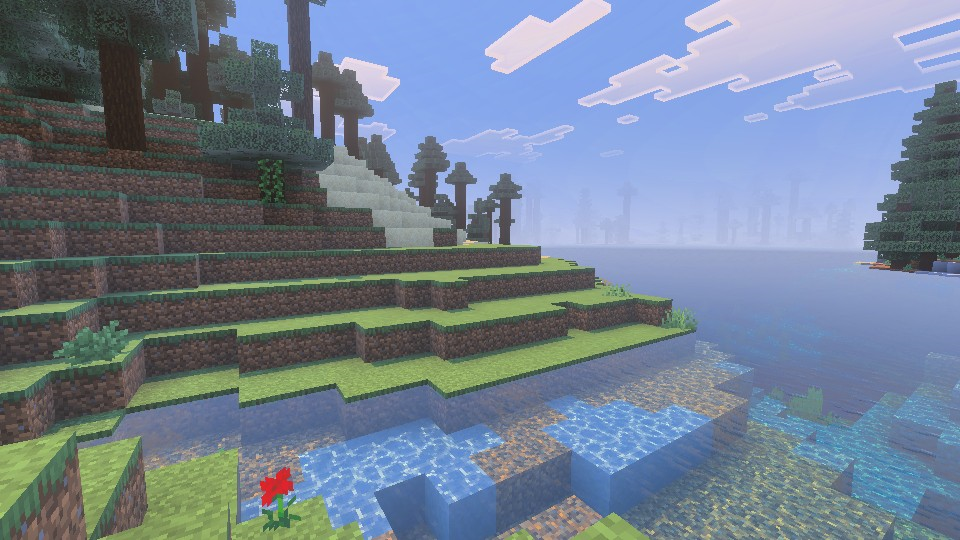 Vibrant Visuals is a new graphics setting found above “Fancy” in Minecraft Minecraft 1.21.6 Chase the Skies. It updates select textures, makes water more realistic, and adds dynamic lighting with accurate shadows that are rendered down to the pixel. For many Bedrock Edition players, it was enabled automatically after updating. However, the setting is entirely optional and can be turned off in the main menu, following the steps in the section below.
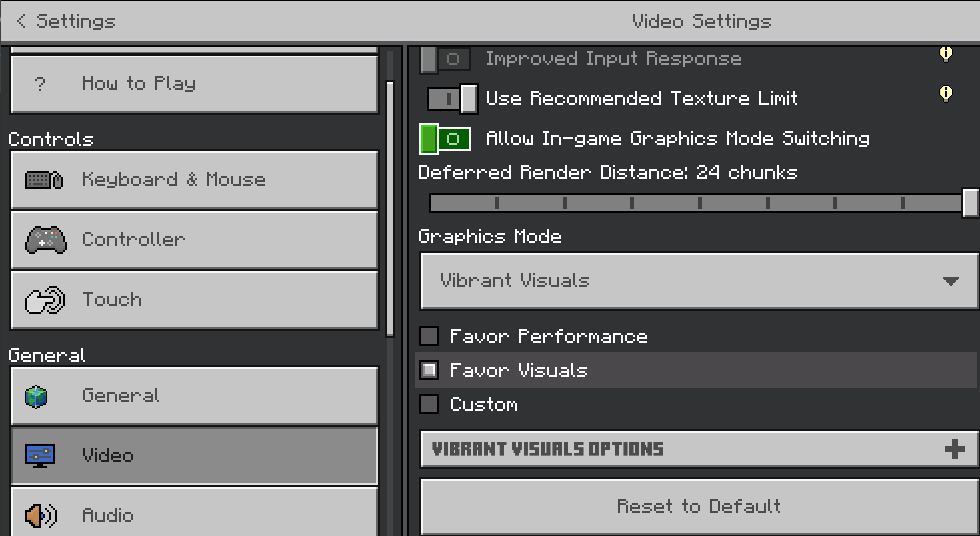
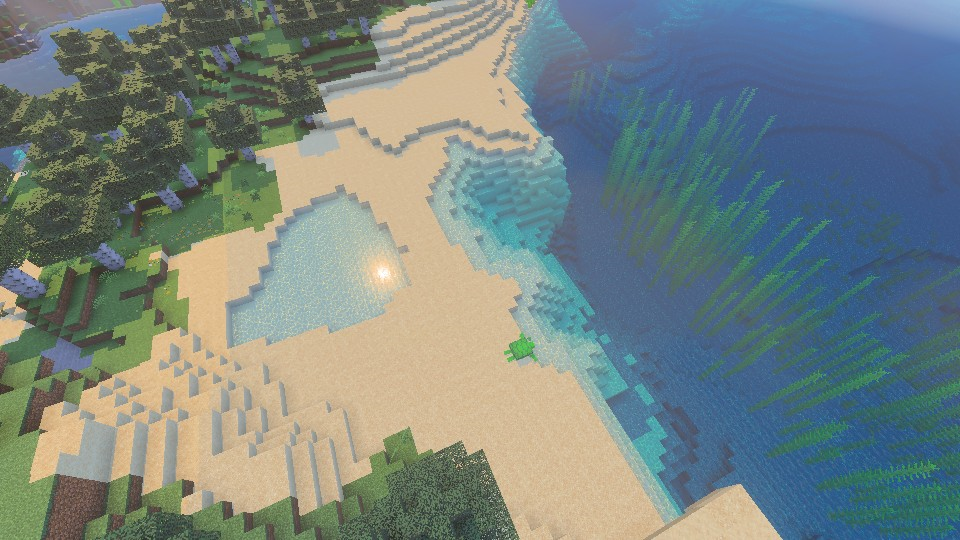 Bedrock Edition players can turn on Vibrant Visuals in the main menu at any time, following the same steps we outlined in the section above. If it was turned off due to performance issues, we recommend trying it once more with the “Favor Performance” sub-option selected instead. Should that still not help, the “V.V. Options” can be adjusted to better suit your system as well.
What Is Vibrant Visuals?
Vibrant Visuals is a new graphics setting found above “Fancy” in Minecraft Minecraft 1.21.6 Chase the Skies. It updates select textures, makes water more realistic, and adds dynamic lighting with accurate shadows that are rendered down to the pixel. For many Bedrock Edition players, it was enabled automatically after updating. However, the setting is entirely optional and can be turned off in the main menu, following the steps in the section below.
How to Turn Off Vibrant Visuals in Minecraft
- Open Minecraft Bedrock Edition
- Click “Settings”
- Click “Video”
- Scroll Down to “Graphics Mode”
- Select “Simple” or “Fancy” From the Dropdown Menu
- Leave the Settings and Enjoy Minecraft 1.21.6
Can It Be Enabled Later?
Bedrock Edition players can turn on Vibrant Visuals in the main menu at any time, following the same steps we outlined in the section above. If it was turned off due to performance issues, we recommend trying it once more with the “Favor Performance” sub-option selected instead. Should that still not help, the “V.V. Options” can be adjusted to better suit your system as well.
您对这篇博客有何评价?
分享您的看法,帮助我们将博客做得更好!
不喜欢
一般
喜欢

需要游戏服务器吗?
租用一台游戏服务器,您可以和朋友们在极低延迟和自定义设置下私密游玩。从 110+ 款游戏中挑选您的最爱,邀请全球玩家,享受私密对战,或者按照您自己的规则建立属于您的在线社区。








获取第一手独家资讯!
订阅我们的电子邮件,获取有关我们托管游戏、公司新闻和独家优惠的最新动态。随时掌握一手资讯!













