

How to Get the Minecraft Creeper Cape
发布于 ,作者

分享:

分享至 X

分享至 Facebook

分享至 Threads

分享至 Bluesky

复制到剪贴板

通过电子邮件分享
(Estimated Read Time: 3 Minutes)
Minecraft's 15th anniversary is on the horizon, meaning celebrations galore! But this year, an unintentional sneak peek has shown us one of the goodies in store. So, today, we explore how to get the Minecraft creeper cape as per the official Minecraft website's unintentional leaks.What Are Minecraft Capes?
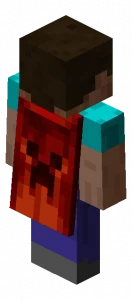 Capes in Minecraft are a cosmetic option one can select alongside their skin. However, unlike skins which are available to everyone, capes are exclusive rewards, or cosmetics Bedrock Edition users can purchase in the Minecraft store. Very few capes are available for Java Edition, so it's important to grab them before they're gone!
How to Get the Minecraft Creeper Cape
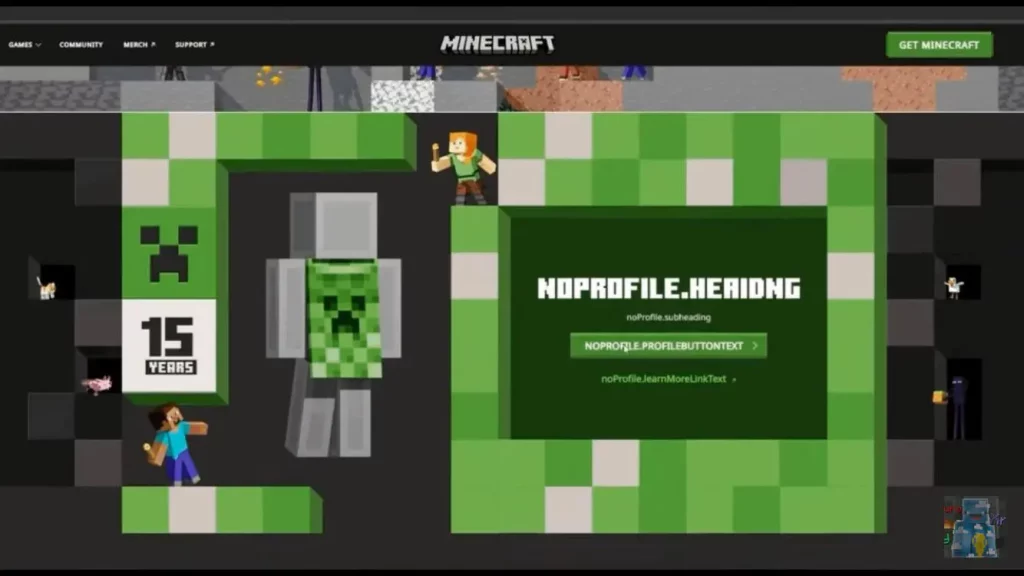 In celebration of Minecraft's 15th anniversary, everyone is receiving a limited-time creeper cape as a reward! Both Java Edition and Bedrock Edition users will be able to obtain their cape by going to a currently unavailable webpage, which we will link to here as soon as it appears.
Once available, it should be as simple as clicking claim on a large green button while logged in, assuming the leaked page remains the same. In either case, one thing is certain: it will be a limited-time reward, so be sure to get it before it disappears! We will be sure to have the exact dates listed here.
In celebration of Minecraft's 15th anniversary, everyone is receiving a limited-time creeper cape as a reward! Both Java Edition and Bedrock Edition users will be able to obtain their cape by going to a currently unavailable webpage, which we will link to here as soon as it appears.
Once available, it should be as simple as clicking claim on a large green button while logged in, assuming the leaked page remains the same. In either case, one thing is certain: it will be a limited-time reward, so be sure to get it before it disappears! We will be sure to have the exact dates listed here.
How to Change Capes: Minecraft Creeper Cape Java Edition
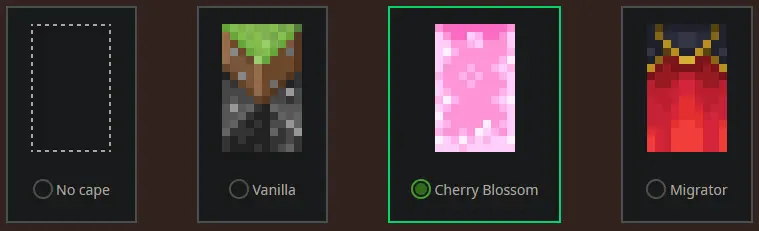 To check if you have any capes or to change the one you are wearing on Java Edition, simply open the official Minecraft website and follow the steps below.
- Select "Account" in the top right corner and then "Login."
- Click "My Games" on the left side of your Minecraft profile.
- Under "Minecraft: Java Edition," select "Change Skin."
- Scroll down to "Change Your Cape - PC/Mac."
- Click your desired cape.
How to Change Capes: Minecraft Creeper Cape Bedrock Edition
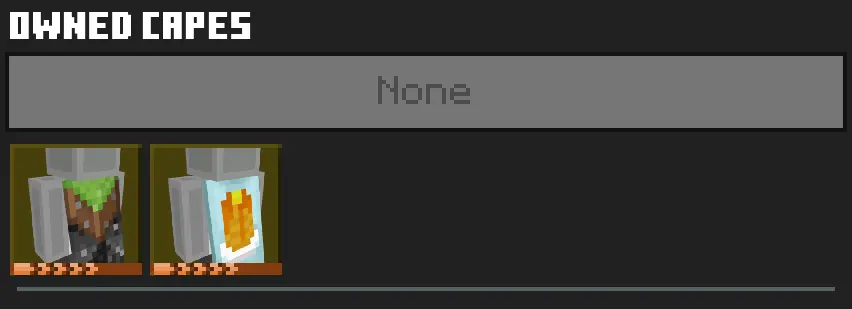 To check if you have any capes or to change the one you are wearing on Bedrock Edition, simply open the Bedrock Edition client and follow the steps below.
- Login to the Minecraft Bedrock Edition client.
- Select "Dressing Room."
- Click the red cape icon on the left side of the screen.
- Pick your desired cape and select "Equipped."

您对这篇博客有何评价?
分享您的看法,帮助我们将博客做得更好!
不喜欢
一般
喜欢

需要游戏服务器吗?
租用一台游戏服务器,您可以和朋友们在极低延迟和自定义设置下私密游玩。从 110+ 款游戏中挑选您的最爱,邀请全球玩家,享受私密对战,或者按照您自己的规则建立属于您的在线社区。








获取第一手独家资讯!
订阅我们的电子邮件,获取有关我们托管游戏、公司新闻和独家优惠的最新动态。随时掌握一手资讯!













