

How to Get the Aurora Minecraft Cape Code
发布于 ,作者

分享:

分享至 X

分享至 Facebook

分享至 Threads

分享至 Bluesky

复制到剪贴板

通过电子邮件分享
Mojang is celebrating the release of Minecraft Dungeons 2 with a Java Edition and Bedrock Edition cape that is among the most stunning released to date! So, today, we explain step by step how to get the Aurora Minecraft Cape code and redeem it right away.
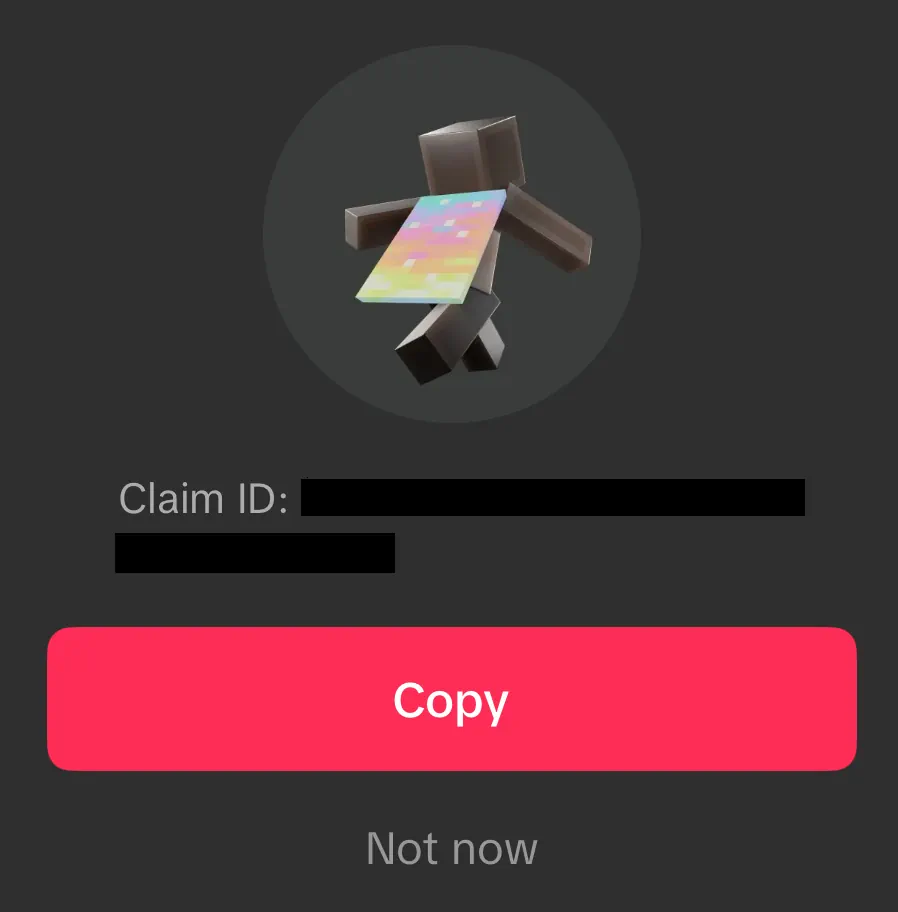 From September 29, 2026, at 7:00 UTC to October 15, 2026, at 6:59 UTC, Minecraft fans can earn an Aurora Minecraft Cape Code through viewership quests on either Twitch or TikTok. Twitch requires viewing 15 minutes of a partner or affiliate livestream in the Minecraft Dungeons 2 category, while TikTok requires viewing three minutes of an eligible Minecraft Dungeons 2 livestream. Both codes can be earned, but only one can be redeemed per Microsoft account. All Aurora Cape Codes expire October 31, 2026.
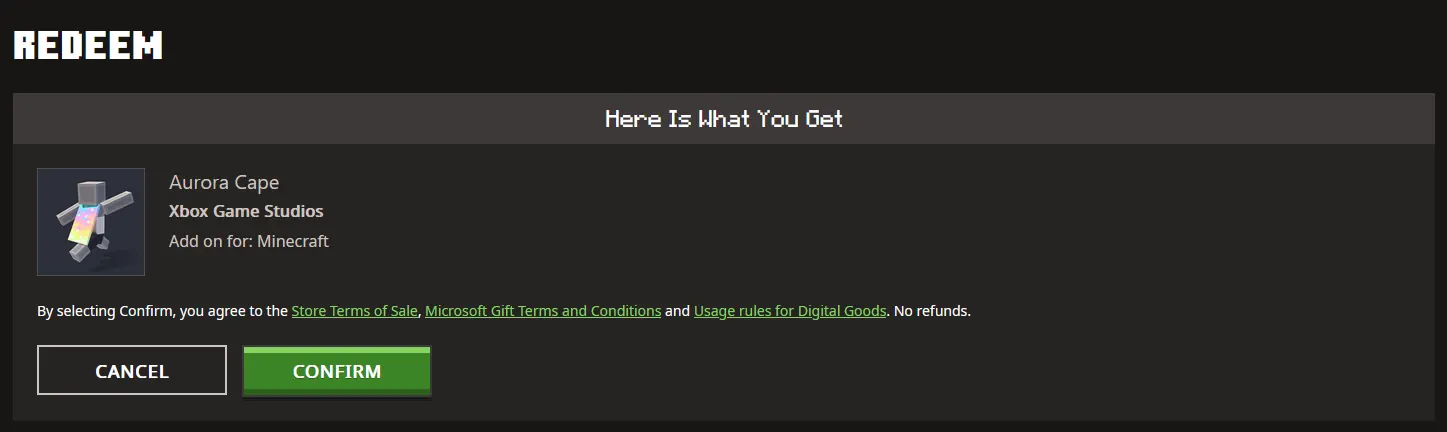 Once a code has been claimed from either Twitch or TikTok, it can be redeemed on the official Minecraft Redemption webpage, following the steps below:
How to Get the Aurora Minecraft Cape Code
From September 29, 2026, at 7:00 UTC to October 15, 2026, at 6:59 UTC, Minecraft fans can earn an Aurora Minecraft Cape Code through viewership quests on either Twitch or TikTok. Twitch requires viewing 15 minutes of a partner or affiliate livestream in the Minecraft Dungeons 2 category, while TikTok requires viewing three minutes of an eligible Minecraft Dungeons 2 livestream. Both codes can be earned, but only one can be redeemed per Microsoft account. All Aurora Cape Codes expire October 31, 2026.
Twitch:
- Log in or create a Twitch account.
- Open the Minecraft Dungeons 2 category.
- Watch 15 minutes of a partner or affiliate Minecraft Dungeons 2 livestream.
- Claim the code on the Twitch Drops & Rewards webpage.
- Redeem the code on the official Minecraft Redemptions webpage.
TikTok:
- Log in or create a TikTok account on the TikTok mobile app.
- Watch 3 minutes of an eligible Minecraft Dungeons 2 livestream.
- Claim the provided code by tapping the reward icon or reward notification.
- Redeem the code on the official Minecraft Redemption webpage.
How to Redeem Minecraft Codes
Once a code has been claimed from either Twitch or TikTok, it can be redeemed on the official Minecraft Redemption webpage, following the steps below:
- Open the official Minecraft Redemption Code webpage.
- Paste the 25-character code into the text box provided.
- Click “Redeem.”
- Sign in to your Microsoft account if not already done.
- Click “Confirm.”

您对这篇博客有何评价?
分享您的看法,帮助我们将博客做得更好!
不喜欢
一般
喜欢

需要游戏服务器吗?
租用一台游戏服务器,您可以和朋友们在极低延迟和自定义设置下私密游玩。从 110+ 款游戏中挑选您的最爱,邀请全球玩家,享受私密对战,或者按照您自己的规则建立属于您的在线社区。








获取第一手独家资讯!
订阅我们的电子邮件,获取有关我们托管游戏、公司新闻和独家优惠的最新动态。随时掌握一手资讯!













