

BisectHosting's New and Improved Games Panel UI/UX Overhaul is Here
发布于 ,作者

分享:

分享至 X

分享至 Facebook

分享至 Threads

分享至 Bluesky

复制到剪贴板

通过电子邮件分享
Our goal at BisectHosting is to deliver the best possible server hosting experience, and one of the ways we do that is by continuing to iterate and improve upon our existing services. Our latest effort in improving our services is an enormous update to our UI/UX to make our user-friendly games panel systems even friendlier!
Here, we’ll provide you with some details on the new UI/UX changes you can look forward to in our latest games panel overhaul.
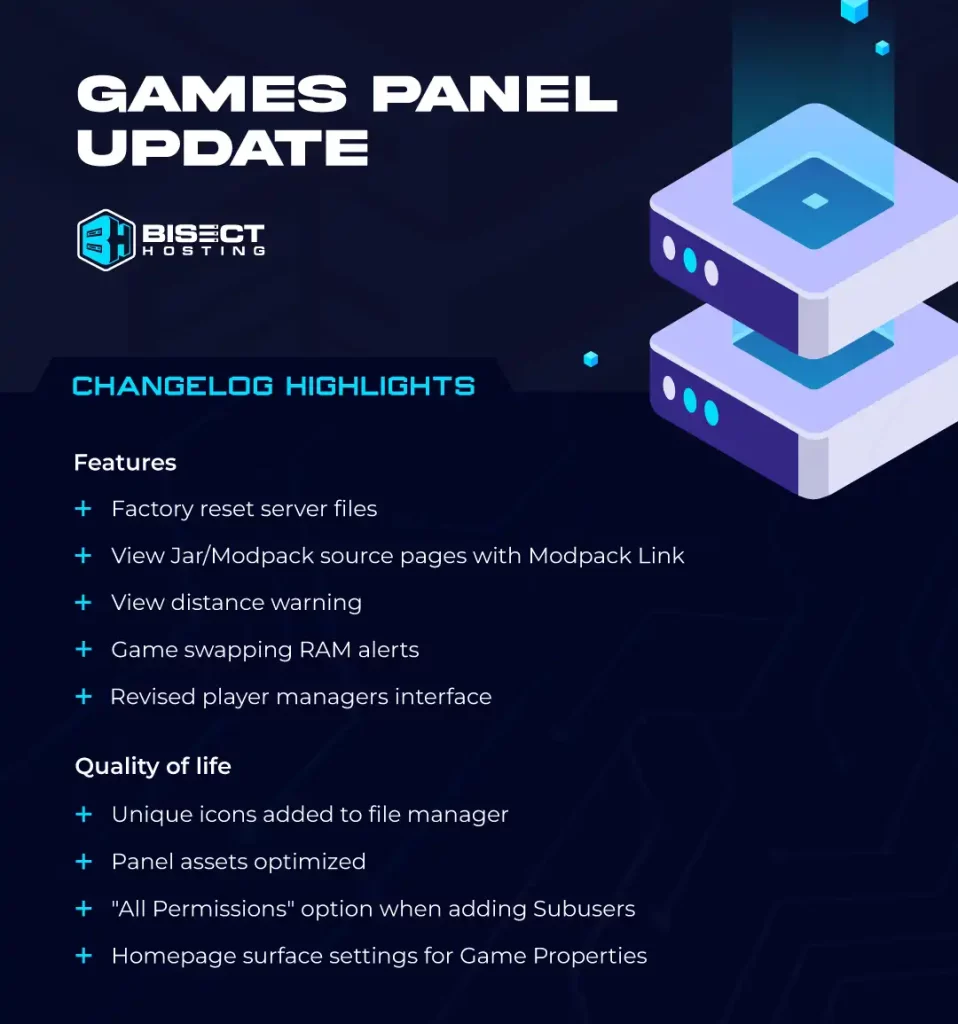
New & Improved UI/UX Features for the BisectHosting Games Panel
Revised Player Manager Interface
We’ve brought the overall look and feel of our Player Manager up to date to give our design system a more unified appearance and to prep for future features we’ve got cooking up. We’ve also applied button and text color contrasts to make navigating the Player Manager even easier.Installed Modpack Link
With this handy addition, you’ll be able to view the original JAR/Modpack source page with a single click. Simply select the Modpack link next to the Reinstall button on your JAR menu.File Unique Icons
With different File Icons in your File Manager, you’ll now have an easier time distinguishing one file type from another. We’ve added icons for compressed files, JAR files, executables, images, and more!Reinstall Factory Reset Files
If you’ve made too many adjustments to your server that you’d like to undo, we’ve now made it a cinch to activate a Factory Reset and put all of your files, startup variables, and configurations back to how they were when you started your server.Homepage Surface Settings for Game Properties (Minecraft)
Due to popular demand, GIS-specified configurations will now be viewable on the Homepage. You can change world names, view distances, adjust difficulties, change player counts, and more (Minecraft only.) This will allow you to make some big changes of your own with even less hassle than before.View Distance & RAM Warnings
If you try to set your view distance too high, we now have a small warning that will appear to let you know while providing a bit of information. Similarly, we’ll also display a warning to let you know if you have insufficient RAM when you’re game-swapping.Image Asset Optimization
We’ve optimized the images in our panel to reduce the load times of our pages & modals so that your time in the control panel is quicker and more responsive.“All Permissions” Option in User Permissions
When you’re adding Subusers in your Games Panel, you’ll now have the option to choose “All Permissions.”New JAR Menu Fallback Icons/Images
When you don’t have a customized image within your JAR menu, we’ve got some new JAR icons of our own. These are just the highlights of the UI & UX updates you can look forward to in our latest control panel update, and we hope that they’ll enhance your server hosting experience. If you have any questions, our support team can be reached, as always, 24/7/365. Until next time!
您对这篇博客有何评价?
分享您的看法,帮助我们将博客做得更好!
不喜欢
一般
喜欢

需要游戏服务器吗?
租用一台游戏服务器,您可以和朋友们在极低延迟和自定义设置下私密游玩。从 110+ 款游戏中挑选您的最爱,邀请全球玩家,享受私密对战,或者按照您自己的规则建立属于您的在线社区。








获取第一手独家资讯!
订阅我们的电子邮件,获取有关我们托管游戏、公司新闻和独家优惠的最新动态。随时掌握一手资讯!













