

American Truck Simulator Console Commands Guide
发布于 ,作者

分享:

分享至 X

分享至 Facebook

分享至 Threads

分享至 Bluesky

复制到剪贴板

通过电子邮件分享
American Truck Simulator offers an immersive and realistic trucking experience. Still, some players might want to experiment with certain aspects of the game. If so, consider using console commands in American Truck Simulator, and we’re here to help you learn how to use them.
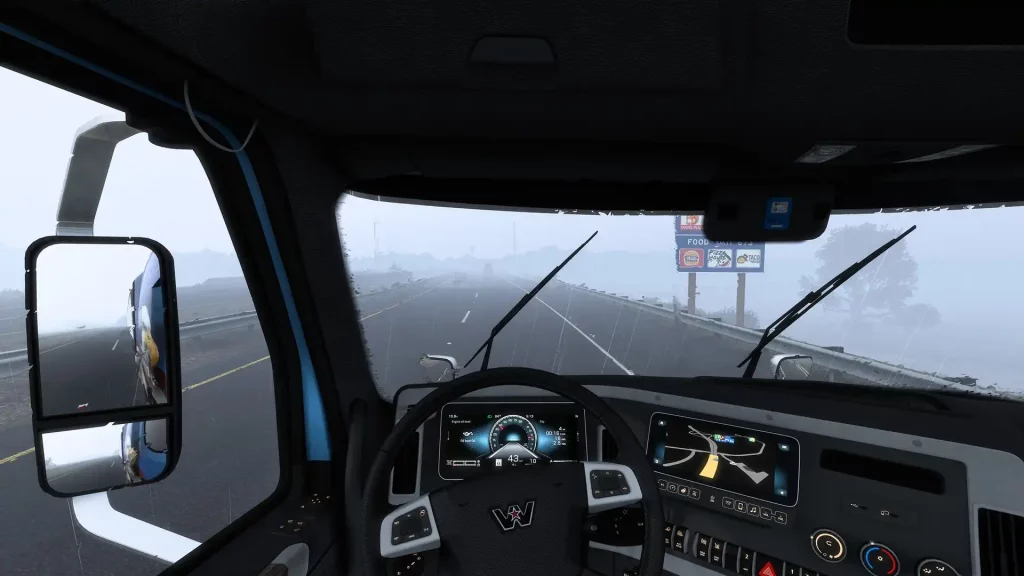 First, ensure that American Truck Simulator isn’t running. Then, search for the game’s home directory. Note that the game’s default locations generally differ depending on your system.
How to Enable Console Commands in American Truck Simulator
First, ensure that American Truck Simulator isn’t running. Then, search for the game’s home directory. Note that the game’s default locations generally differ depending on your system.
- Windows: <User>\Documents\American Truck Simulator\
- Linux: ~/Library/Application Support/American Truck Simulator
- macOS: <User>/.local/share/American Truck Simulator/
All Admin Commands
Remember, create a backup of your save file before enabling the command console and using the available admin commands. Although using console commands in American Truck Simulator can be a fun way to customize your experience, beginners and veterans should still exercise caution when using these features. It’s also important to mention that American Truck Simulator doesn’t have a money cheat or add money command, unlike other simulation games like Farming Simulator 22. However, players can use certain mods to generate money and EXP faster than normal. With that, below are the usable console commands for American Truck Simulator:- Edit: Enable the map editor
- Exec: Execute specific commands
- Exit: Exit the game
- G_console: Enable/disable the gaming console
- G_flyspeed: Enable free camera movement
- G_minicon: Enable/disable various values and technical data (e.g., FPS)
- G_news: Enable/disable the showing of new features
- G_police: Enable/disable the police
- G_set_skybox: Sets the sky to the specified ID or value
- G_set_time: Sets the game to the specified time
- G_set_weather: Change the current weather to the specified weather condition
- G_show_game_elements: Enable/disable various in-game items, such as gas station repair icons
- G_traffic: Enable/disable the traffic
- Game: Reloads the game
- Goto (city name): Teleports to the specified city
- Goto (x;y;z): Teleports to the specific coordinates
- Pause: Pauses the game
- R_fullscreen: Enable/disable full-screen mode
- R_mirror_view_distance: Sets the mirror rendering distance
- R_texture_detail: Sets the game’s current detail quality (set to “0” for the best quality)
- Save: Trigger the quick save
- Screenshot: Takes a screenshot
- Sys_info: Display the operating system’s information
- Vid_mem: Display tech information regarding the graphics card used
- Vid_name: Display the exact name of the graphics card used
- Vid_ver: Display the graphics driver version
- Warp: Sets the game’s speed and timescale

您对这篇博客有何评价?
分享您的看法,帮助我们将博客做得更好!
不喜欢
一般
喜欢

需要游戏服务器吗?
租用一台游戏服务器,您可以和朋友们在极低延迟和自定义设置下私密游玩。从 110+ 款游戏中挑选您的最爱,邀请全球玩家,享受私密对战,或者按照您自己的规则建立属于您的在线社区。








获取第一手独家资讯!
订阅我们的电子邮件,获取有关我们托管游戏、公司新闻和独家优惠的最新动态。随时掌握一手资讯!













