
All WARDOGS Twitch Drops: Requirements, End Date, & More
发布于 ,作者

分享:

分享至 X

分享至 Facebook

分享至 Threads

分享至 Bluesky

复制到剪贴板

通过电子邮件分享
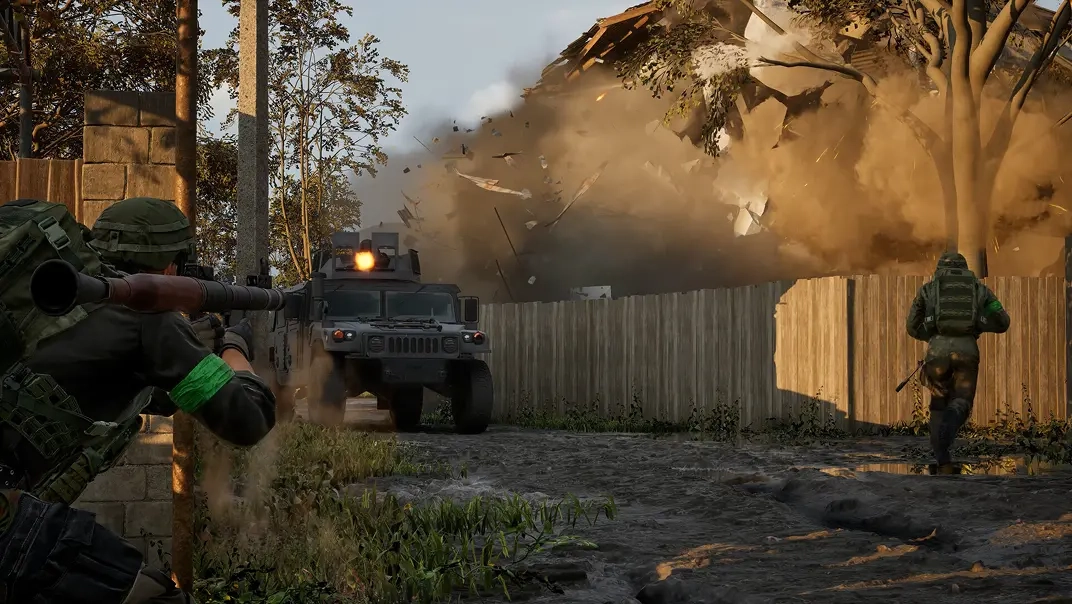
WARDOGS has officially entered early access, and to celebrate over on Twitch, there is an abundance of cosmetics and items to earn! So, today, explore all WARDOGS Twitch Drops and rewards, the requirements to get them, and when their limited availability comes to a close.
 Requirements:
 Requirements:
 Requirements:
 Requirements:
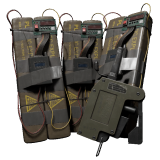 Requirements:
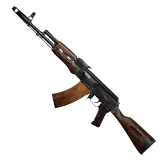 Requirements:
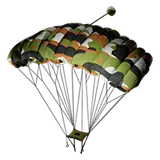 Requirements:
 Requirements:
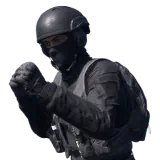 Requirements:
 Requirements:
 Requirements:
 Once the watch time requirements have been met, the Twitch account in use will need to be linked with a Steam account to redeem the rewards. The steps below can be followed to link an account:
All WARDOGS Twitch Drops
Twitch Badges
Two WARDOGS Twitch badges are available from September 3 at 2:00 PM EDT to September 30 at 1:59 PM EDT. Once earned, they can be selected to appear next to your username in any Twitch chat, akin to a subscriber badge. They are a Twitch cosmetic, not a cosmetic in WARDOGS. For this reason, they do not require a linked WARDOGS account to redeem.WARDOG
Requirements:
- Find a participating WARDOGS Steam.
- Watch 30 minutes.
- Claim under “Drops & Rewards.”
Warlord
Requirements:
- Find a participating WARDOGS Steam.
- Purchase or gift one subscription.
- Claim under “Drops & Rewards.”
Twitch Drops
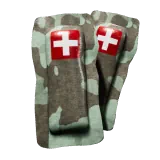
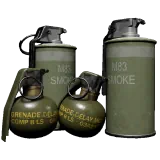
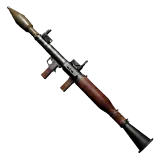
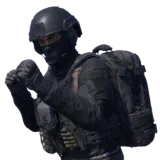
In addition to the badges, fans can earn up to nine in-game items from September 10 at 12:00 PM EDT to September 13 at 10:59 PM EDT. To earn every reward, 15 hours of participating WARDOGS streams must be watched. These are not cosmetics but instead one-time-use items added to your vault. Essentially, a free loadout.Bronze Drop 1 [EA 0.1]
Requirements:
- Watch 15 Minutes
Bronze Drop 2 [EA 0.1]
Requirements:
- Watch 1 Hour
Silver Drop 1 [EA 0.1]
Requirements:
- Watch 2 Hours
Gold Drop 1 [EA 0.1]
Requirements:
- Watch 5 Hours
Gold Drop 2 [EA 0.1]
Requirements:
- Watch 7 Hours
Gold Drop 3 [EA 0.1]
Requirements:
- Watch 9 Hours
Silver Drop 2 [EA 0.1]
Requirements:
- Watch 11 Hours
Gold Drop 4 [EA 0.1]
Requirements:
- Watch 13 Hours
Gold Drop 5 [EA 0.1]
Requirements:
- Watch 15 Hours
How to Redeem the WARDOGS Item Rewards From Twitch Drops
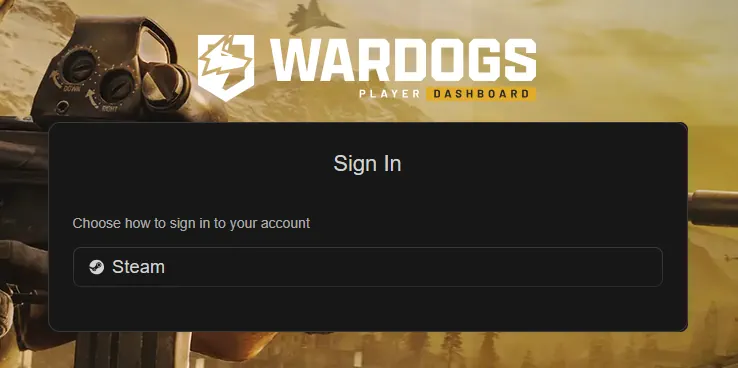
Once the watch time requirements have been met, the Twitch account in use will need to be linked with a Steam account to redeem the rewards. The steps below can be followed to link an account:
- Open the Twitch “Drops & Rewards” page.
- Select the “All Campaigns” tab.
- Select WARDOGS.
- Click “Connect”.
- Select Steam and sign in.
- Confirm the connection.

您对这篇博客有何评价?
分享您的看法,帮助我们将博客做得更好!
不喜欢
一般
喜欢

需要游戏服务器吗?
租用一台游戏服务器,您可以和朋友们在极低延迟和自定义设置下私密游玩。从 110+ 款游戏中挑选您的最爱,邀请全球玩家,享受私密对战,或者按照您自己的规则建立属于您的在线社区。








获取第一手独家资讯!
订阅我们的电子邮件,获取有关我们托管游戏、公司新闻和独家优惠的最新动态。随时掌握一手资讯!













