
Abiotic Factor Controls Guide: PC, Xbox, & PlayStation
发布于 ,作者

分享:

分享至 X

分享至 Facebook

分享至 Threads

分享至 Bluesky

复制到剪贴板

通过电子邮件分享
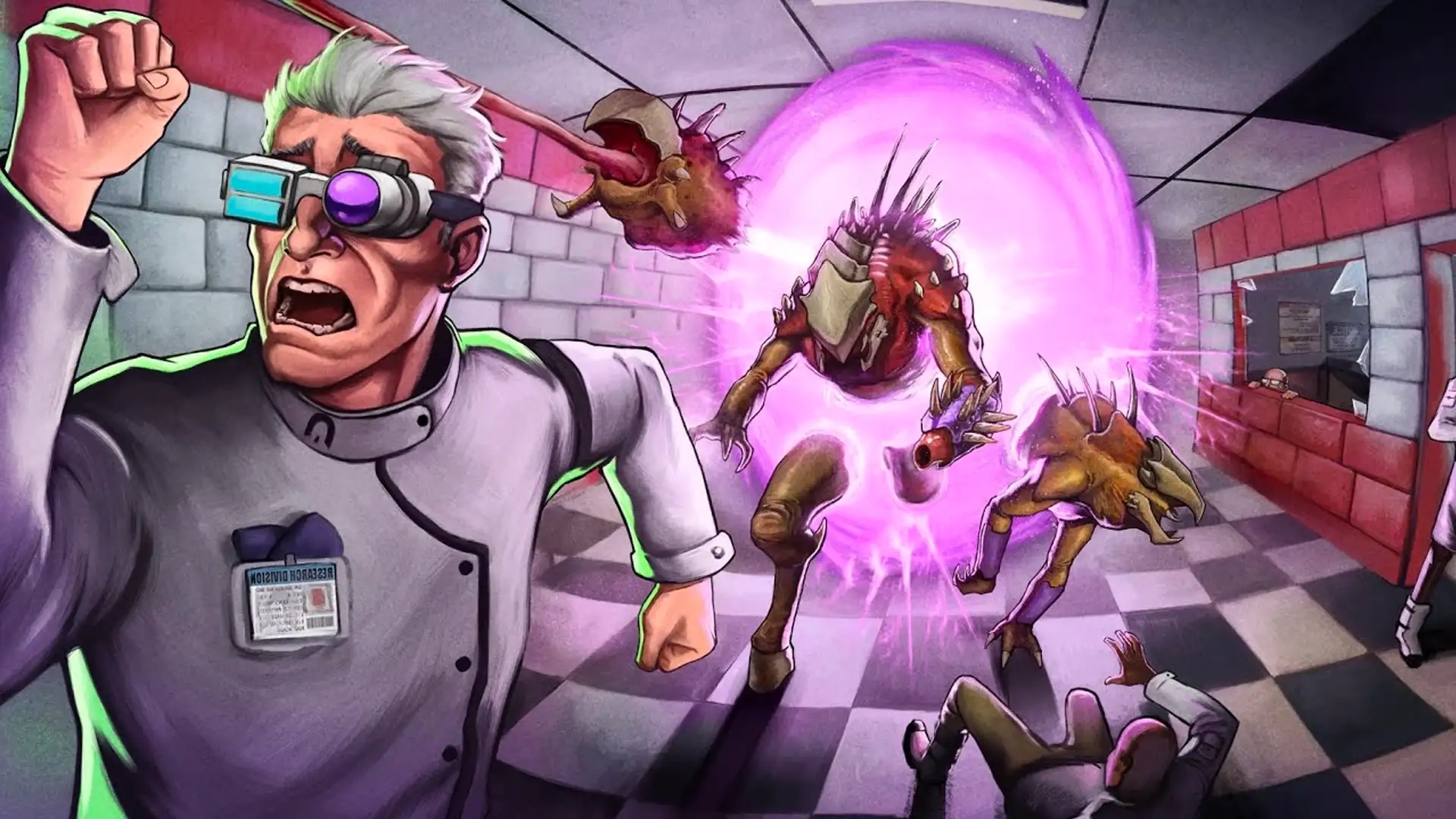
Unfortunately, a paranormal containment failure has resulted in chaos at GATE labs. This is bad news for you and your friends, since you're employees at GATE! To make it out of Abiotic Factor alive, you'll have to use your brains and survival skills. And some guns, of course. However, you must come to grips with the game's controls before you can start surviving, and our Abiotic Factor Controls guide can help you along the way!
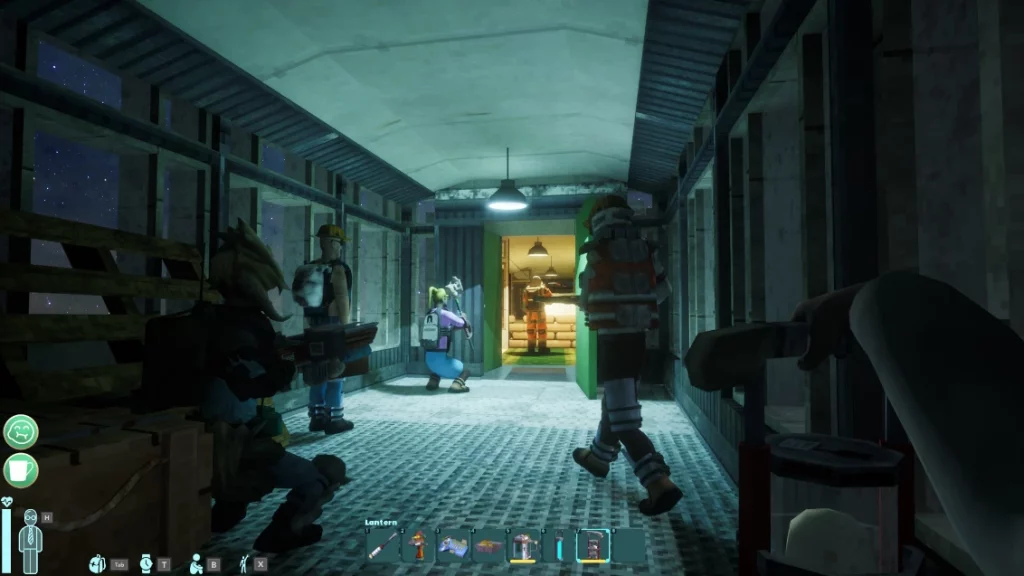 Whether you're playing Abiotic Factor on PC or a console, you'll find that most of the controls simply dictate how you move and interact with the world. On PC, you'll have even more control over your experience thanks to a keyboard with many more buttons. Of course, you can also play Abiotic Factor with a controller on PC.
By default, you'll have the controls listed below all mapped out. However, there are additional controls that you can set up yourself. Additionally, you can change any of the default keybindings however you want. This applies to playing on consoles as well! If you think that the game doesn't feel good to control, take some time to readjust your keybindings and tinker with the settings to find what fits best for you.
Whether you're playing Abiotic Factor on PC or a console, you'll find that most of the controls simply dictate how you move and interact with the world. On PC, you'll have even more control over your experience thanks to a keyboard with many more buttons. Of course, you can also play Abiotic Factor with a controller on PC.
By default, you'll have the controls listed below all mapped out. However, there are additional controls that you can set up yourself. Additionally, you can change any of the default keybindings however you want. This applies to playing on consoles as well! If you think that the game doesn't feel good to control, take some time to readjust your keybindings and tinker with the settings to find what fits best for you.
Abiotic Factor Controls & Keybinds: PC
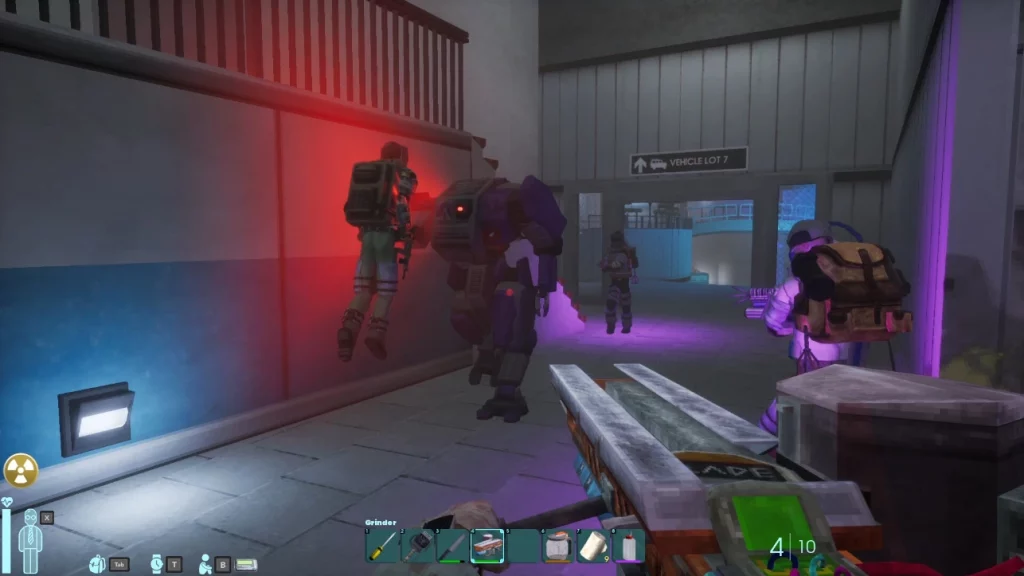
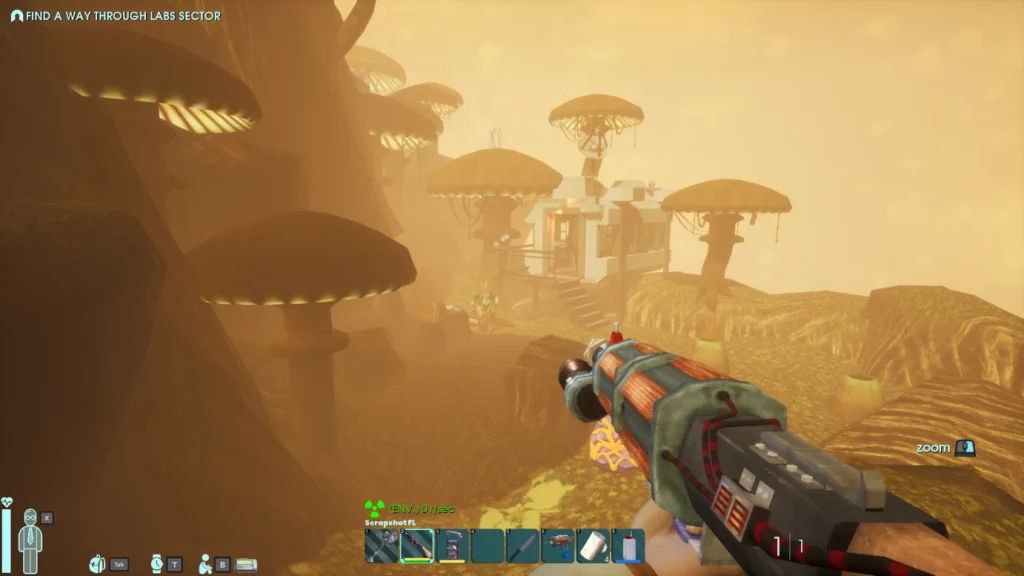
Whether you're playing Abiotic Factor on PC or a console, you'll find that most of the controls simply dictate how you move and interact with the world. On PC, you'll have even more control over your experience thanks to a keyboard with many more buttons. Of course, you can also play Abiotic Factor with a controller on PC.
By default, you'll have the controls listed below all mapped out. However, there are additional controls that you can set up yourself. Additionally, you can change any of the default keybindings however you want. This applies to playing on consoles as well! If you think that the game doesn't feel good to control, take some time to readjust your keybindings and tinker with the settings to find what fits best for you.
Movement
- Move Forward: W
- Move Backward: S
- Move Left: A
- Move Right: D
- Jump: Spacebar
- Sprint: Left Shift
- Crouch: Ctrl
- Swim Up: Spacebar
- Swim Down: Ctrl
Actions
- Fire: Left Mouse Click
- Toggle Flashlight: V
- Drop Item: G
- Alt Fire: Right Mouse Click
- Primary Interact: E
- Rotate Deployable: R
- Reload Weapon: R
- Secondary Interact: F
- Holster Item: H
Hotbar
- Hotbar Radial: Y
- Hotbar Slot 1: 1
- Hotbar Slot 2: 2
- Hotbar Slot 3: 3
- Hotbar Slot 4: 4
- Hotbar Slot 5: 5
- Hotbar Slot 6: 6
- Hotbar Slot 7: 7
- Hotbar Slot 8: 8
- Hotbar Slot 9: 9
- Hotbar Slot 10: 0
- Next Hotbar Item: Scroll Wheel
- Previous Hotbar Item: Scroll Wheel
Misc
- Toggle Hud: F10
- Actiage Pager: +
- Player List: F1
- Sleep Minigame - Jump: W
- Toilet Minigame - Ease: E
Menus
- Open Inventory: Tab
- Toggle Wristwatch: T
- Emotes: B
- Open Journal: J
- Open Health Panel: X
- Open Skills Panel: K
- Open Crafting Panel: C
UI
- Inventory Modifier Key: Shift
- Take All From Container: F
- Store All of Type: Q
- Inventory Modifier Key: Ctrl
Vehicle
- Throttle: W
- Reverse: S
- Steer Left: A
- Steer Right: D
- Handbrake: Spacebar
- Horn: Left Mouse Click
Abiotic Factor Controls: Xbox
Movement
- Move Forward: Left Control Stick Up
- Move Backward: Left Control Stick Down
- Move Left: Left Control Stick Left
- Move Right: Left Control Stick Right
- Jump: A
- Sprint: Click Left Stick
- Crouch: B
Actions
- Fire: RT
- Toggle Flashlight: Click Right Stick
- Drop Item: Down on D-Pad
- Alt Fire: LT
- Primary Interact: X
- Rotate Deployable: LT
- Reload Weapon: RB
- Secondary Interact: Y
Hotbar
- Hotbar Radial: LB
Misc
- Sleep Minigame - Jump: Up on D-Pad
- Toilet Minigame - Ease: X
Menus
- Open Inventory: View
- Toggle Wristwatch: Right on D-Pad
- Emotes: Up on D-Pad
UI
- Inventory Modifier Key: LT
- Take All From Container: Y
- Store All of Type: RT
Vehicle
- Throttle: Left Control Stick Up
- Reverse: Left Control Stick Down
- Steer Left: Left Control Stick Left
- Steer Right: Left Control Stick Right
- Handbrake: A
- Horn: B
Abiotic Factor Controls: PlayStation
Movement
- Move Forward: Left Control Stick Up
- Move Backward: Left Control Stick Down
- Move Left: Left Control Stick Left
- Move Right: Left Control Stick Right
- Jump: Cross
- Sprint: L3
- Crouch: Circle
Actions
- Fire: R2
- Toggle Flashlight: R3
- Drop Item: Down on D-Pad
- Alt Fire: L2
- Primary Interact: Square
- Rotate Deployable: L2
- Reload Weapon: R1
- Secondary Interact: Triangle
Hotbar
- Hotbar Radial: L1
Misc
- Sleep Minigame - Jump: Up on D-Pad
- Toilet Minigame - Ease: Square
Menus
- Open Inventory: Touchpad
- Toggle Wristwatch: Right on D-Pad
- Emotes: Up on D-Pad
UI
- Inventory Modifier Key: L2
- Take All From Container: Triangle
- Store All of Type: R2
Vehicle
- Throttle: Left Control Stick Up
- Reverse: Left Control Stick Down
- Steer Left: Left Control Stick Left
- Steer Right: Left Control Stick Right
- Handbrake: Cross
- Horn: Circle

您对这篇博客有何评价?
分享您的看法,帮助我们将博客做得更好!
不喜欢
一般
喜欢

需要游戏服务器吗?
租用一台游戏服务器,您可以和朋友们在极低延迟和自定义设置下私密游玩。从 110+ 款游戏中挑选您的最爱,邀请全球玩家,享受私密对战,或者按照您自己的规则建立属于您的在线社区。








获取第一手独家资讯!
订阅我们的电子邮件,获取有关我们托管游戏、公司新闻和独家优惠的最新动态。随时掌握一手资讯!













