
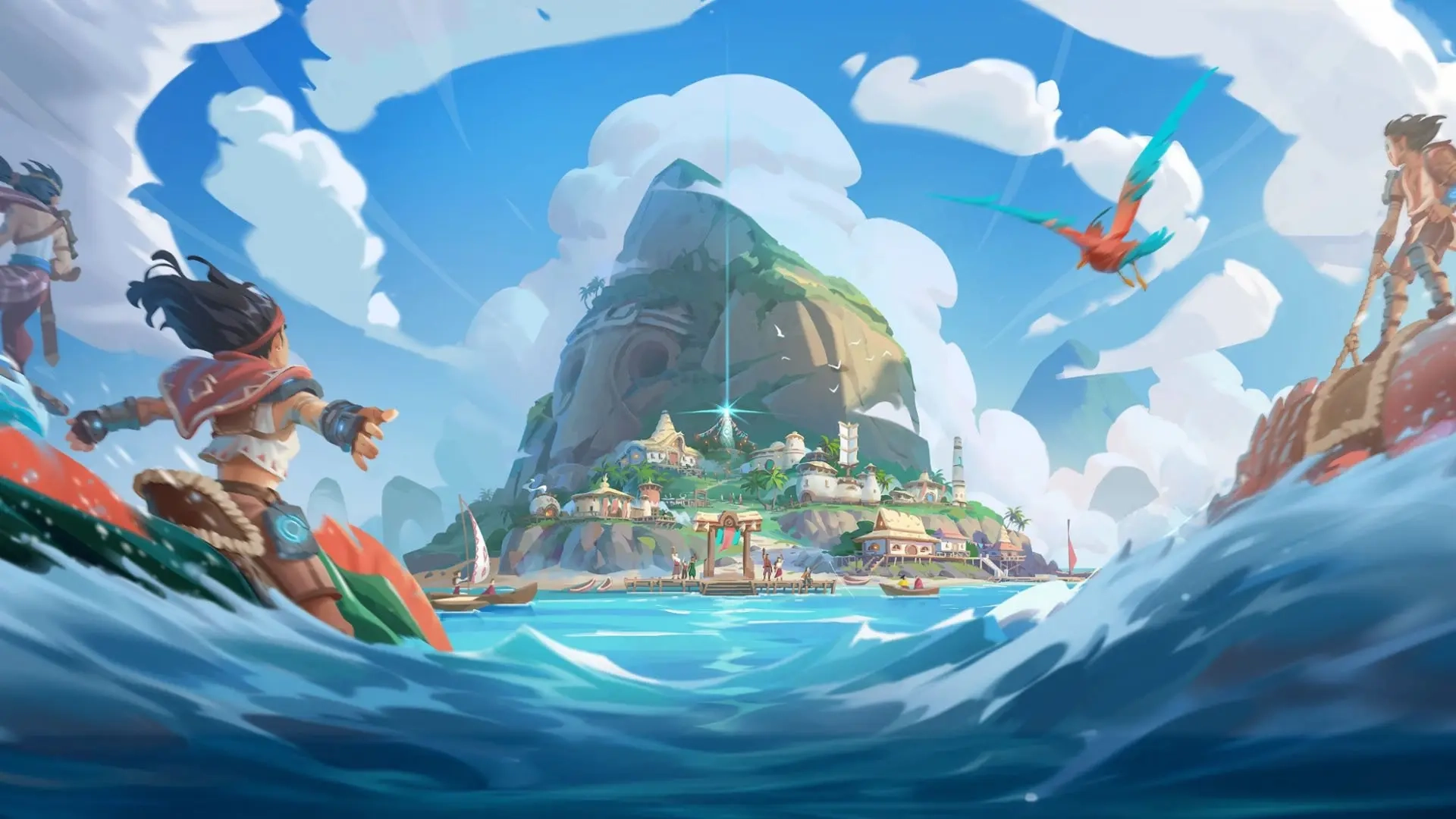
Voyagers of Nera Controls Guide: PC (Mouse & Keyboard) and Controller (PlayStation, Xbox)
tarihinde yazan:

Paylaş:

X'te Paylaş

Facebook'ta Paylaş

Threads'te Paylaş

Bluesky'da Paylaş

Panoya Kopyala

E-posta ile Paylaş
Before diving headfirst into the oceanic open world offered by Voyagers of Nera, you must learn the game's controls. Luckily, you can play the game with a mouse & keyboard or your favorite controller! We'll tell you everything you need to know down below.
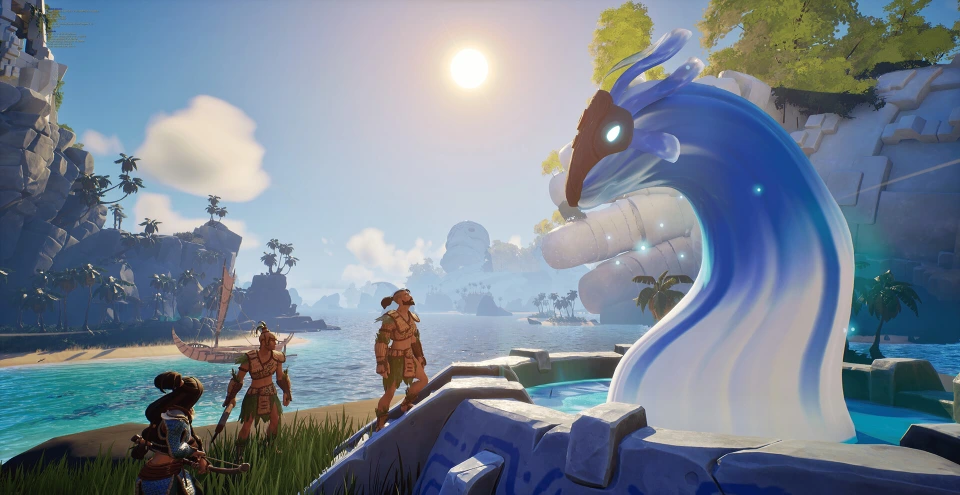 Most controls in Voyagers of Nera should feel familiar to anyone who has played an action RPG or survival crafting game in recent years. You have an attack button, a dodge button, the ability to sprint, swim, jump, and create some buildings. Nothing too tricky!
If your controls aren't exactly how you want, you can rebind them in the game's settings. You can do this for your mouse & keyboard or for your controller. Additionally, Voyagers of Nera is currently in early access. As a result, additional controls may become available or mixed around in the future. This also means that not all controls are mapped to the controller at this point in time. However, you can still play each crucial part of the game with a controller. You just won't have access to some functions, such as the game's Emote Wheel.
Most controls in Voyagers of Nera should feel familiar to anyone who has played an action RPG or survival crafting game in recent years. You have an attack button, a dodge button, the ability to sprint, swim, jump, and create some buildings. Nothing too tricky!
If your controls aren't exactly how you want, you can rebind them in the game's settings. You can do this for your mouse & keyboard or for your controller. Additionally, Voyagers of Nera is currently in early access. As a result, additional controls may become available or mixed around in the future. This also means that not all controls are mapped to the controller at this point in time. However, you can still play each crucial part of the game with a controller. You just won't have access to some functions, such as the game's Emote Wheel.
Voyagers of Nera Controls - PC (Mouse & Keyboard)
Most controls in Voyagers of Nera should feel familiar to anyone who has played an action RPG or survival crafting game in recent years. You have an attack button, a dodge button, the ability to sprint, swim, jump, and create some buildings. Nothing too tricky!
If your controls aren't exactly how you want, you can rebind them in the game's settings. You can do this for your mouse & keyboard or for your controller. Additionally, Voyagers of Nera is currently in early access. As a result, additional controls may become available or mixed around in the future. This also means that not all controls are mapped to the controller at this point in time. However, you can still play each crucial part of the game with a controller. You just won't have access to some functions, such as the game's Emote Wheel.
Character Movement
- Move Forward: W
- Move Backward: D
- Move Left: A
- Move Right: S
- Jump: Spacebar
- Sprint: Left Shift
- Glide: Right Mouse Button
- Dodge: Left Ctrl
- Dive - Ascend: Spacebar
- Dive - Descend: C
- Skimmer: Z
Combat & Interaction
- Primary Attack: Left Mouse Button
- Secondary Action: Right Mouse Button
- Interact: E
- Secondary Interact: V
- Tertiary Interact: F
- Quick Swap Ammo: G
- Spirit Ability 1: Q
- Spirit Ability 2: R
- Elder Spirit Ability: F
User Interface
- Emote Wheel: U
- Toggle Build Mode: B
- Map: M
- Menu: Tab
- Settings: Escape
- Journal: J
- Inventory: I
- Knowledge Tree: K
- Take Screenshot: P
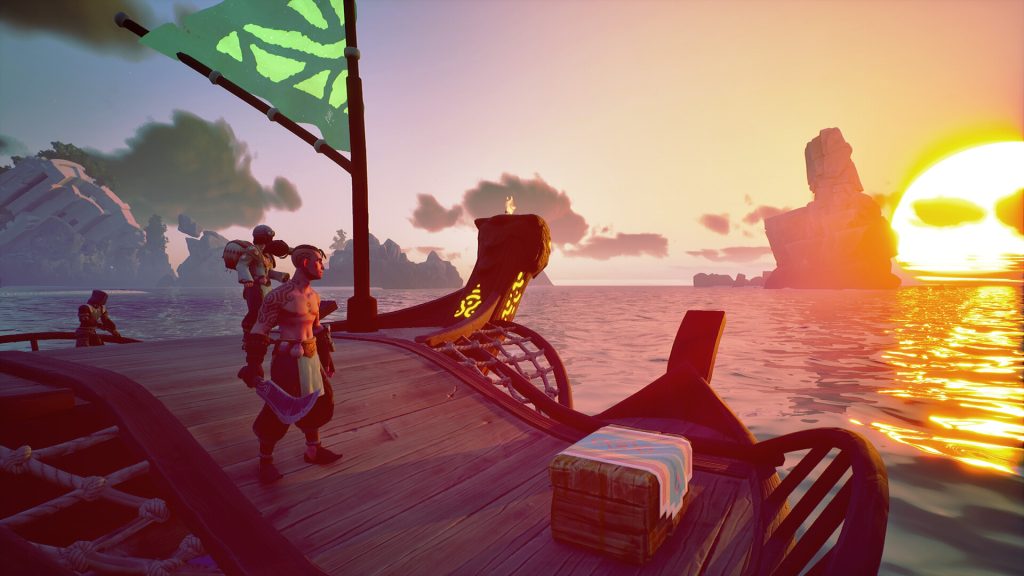
Boat Controls
- Move Forward: A (When at the Sail of your boat)
- Move Backward: S (When at the Sail of your boat)
- Move Left: A (When at the Rudder of your boat)
- Move Right: D (When at the Rudder of your boat)
Voyagers of Nera Controls - PC (Controller - Xbox)
Character Movement
- Move Forward: Left Stick Up
- Move Backward: Left Stick Down
- Move Left: Left Stick Left
- Move Right: Left Stick Right
- Jump: A
- Sprint: Click Left Stick
- Glide: LT
- Dodge: B
- Dive - Ascend: A
- Dive - Descend: Click Right Stick
- Skimmer: Y
Combat & Interaction
- Primary Attack: RT
- Secondary Action: LT
- Interact: X
- Spirit Ability 1: D-Pad Left
- Spirit Ability 2: D-Pad Right
- Elder Spirit Ability: D-Pad Down
User Interface
- Settings: Start
- Inventory: Menu
- Toggle Build Mode: D-Pad Up
- Cycle Through Hotbar: LB & RB
- Open Quick Equip Wheel: Hold RB
Boat Controls
- Move Forward: Left Stick Up (When at the Sail of your boat)
- Move Backward: Left Stick Down (When at the Sail of your boat)
- Move Left: Left Stick Left (When at the Rudder of your boat)
- Move Right: Left Stick Right (When at the Rudder of your boat)
Voyagers of Nera Controls - PC (Controller - PlayStation)
Character Movement
- Move Forward: Left Stick Up
- Move Backward: Left Stick Down
- Move Left: Left Stick Left
- Move Right: Left Stick Right
- Jump: X (Cross)
- Sprint: L3
- Glide: L2
- Dodge: Circle
- Dive - Ascend: X (Cross)
- Dive - Descend: R3
- Skimmer: Triangle
Combat & Interaction
- Primary Attack: R2
- Secondary Action: L2
- Interact: Square
- Spirit Ability 1: D-Pad Left
- Spirit Ability 2: D-Pad Right
- Elder Spirit Ability: D-Pad Down
User Interface
- Settings: Options
- Inventory: Touchpad
- Toggle Build Mode: D-Pad Up
- Cycle Through Hotbar: L1 & R1
- Open Quick Equip Wheel: Hold R1
Boat Controls
- Move Forward: Left Stick Up (When at the Sail of your boat)
- Move Backward: Left Stick Down (When at the Sail of your boat)
- Move Left: Left Stick Left (When at the Rudder of your boat)
- Move Right: Left Stick Right (When at the Rudder of your boat)
Kendi
Voyagers of Nera sunucunuzu oluşturun
Voyagers of Nera sunucunuzu oluşturun
Bir plan seçin, bir oyun belirleyin ve arkadaşlarınızla oynayın!
Bültenimize Katılın
Oyun dünyasındaki en son güncellemeler için abone olun!

Discord'umuza Katılın
20.000'den fazla kafa dengi üyeden oluşan topluluğumuzun bir parçası olun!
Bu blogu nasıl değerlendirirsiniz?
Fikrinizi paylaşın ve bloglarımızı daha da iyi hale getirmemize yardımcı olun!
Beğenmedim
Nötr
Beğendim

Bir oyun sunucusuna mı ihtiyacınız var?
Siz ve arkadaşlarınızın düşük gecikme süresi ve özel ayarlarla özel olarak oynayabileceğiniz bir oyun sunucusu kiralayın. 110+ oyun arasından seçim yapın, dünyanın dört bir yanından insanları davet edin ve özel maçların keyfini çıkarın veya kendi kurallarınızla kendi çevrimiçi topluluğunuzu oluşturun.

İlgili Bloglar







İLK SENİN HABERİN OLSUN!
Barındırdığımız oyunlar, şirket haberleri ve özel fırsatlar hakkında güncellemeler için e-posta listemize katılın. Haberdar olun!













