
Subnautica Controls Guide: PC, Xbox, PlayStation, & Switch
tarihinde yazan:

Paylaş:

X'te Paylaş

Facebook'ta Paylaş

Threads'te Paylaş

Bluesky'da Paylaş

Panoya Kopyala

E-posta ile Paylaş
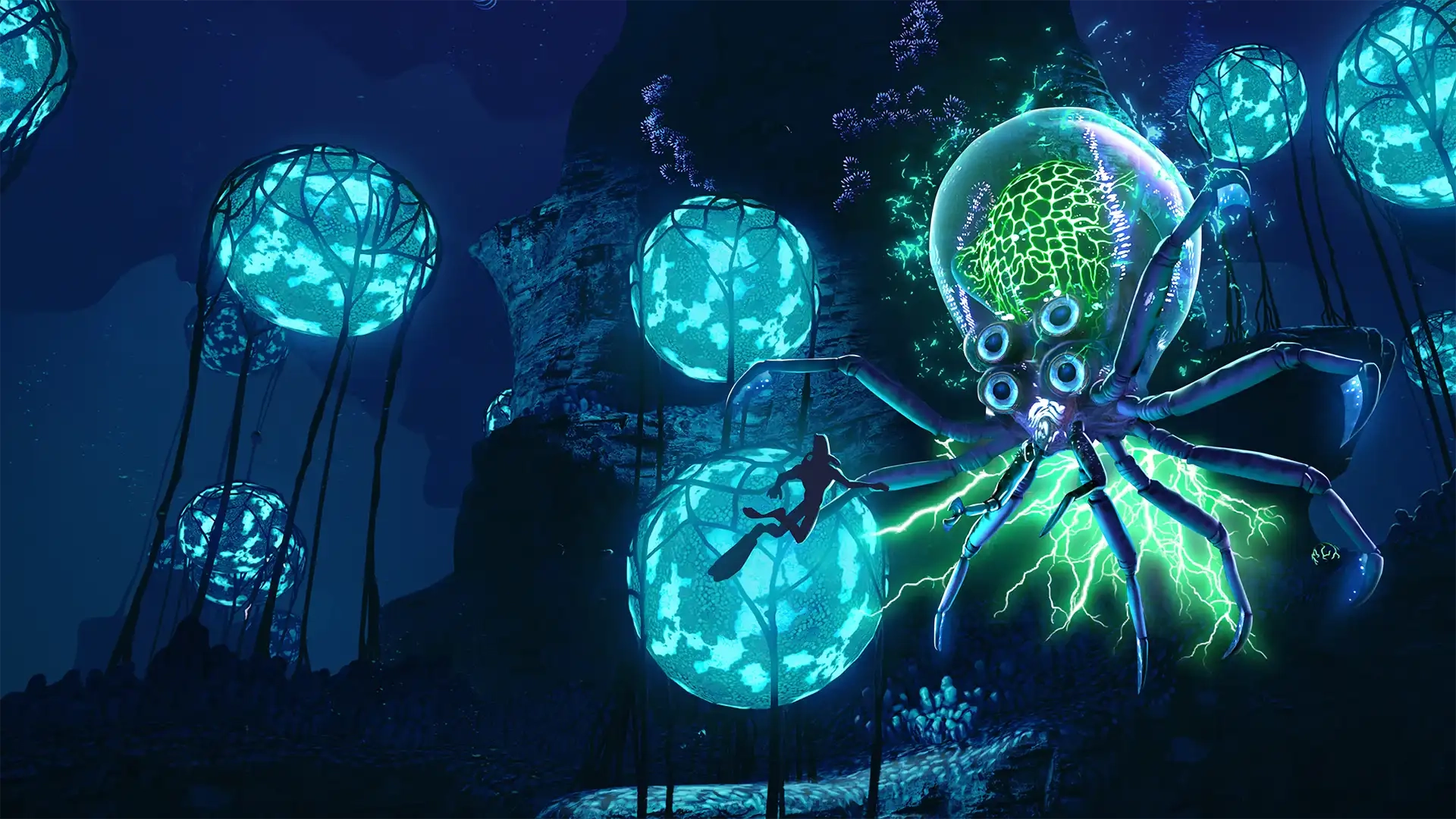
The alien ocean of Subnautica is filled with monstrous fish that would love to make you their next meal. You'll need to gather resources, keep an eye on your oxygen levels, and outswim some apex predators in order to survive. However, you ought to familiarize yourself with the game's controls first! Luckily, our Subnautica controls guide can help you out no matter which platform you're swimming on.
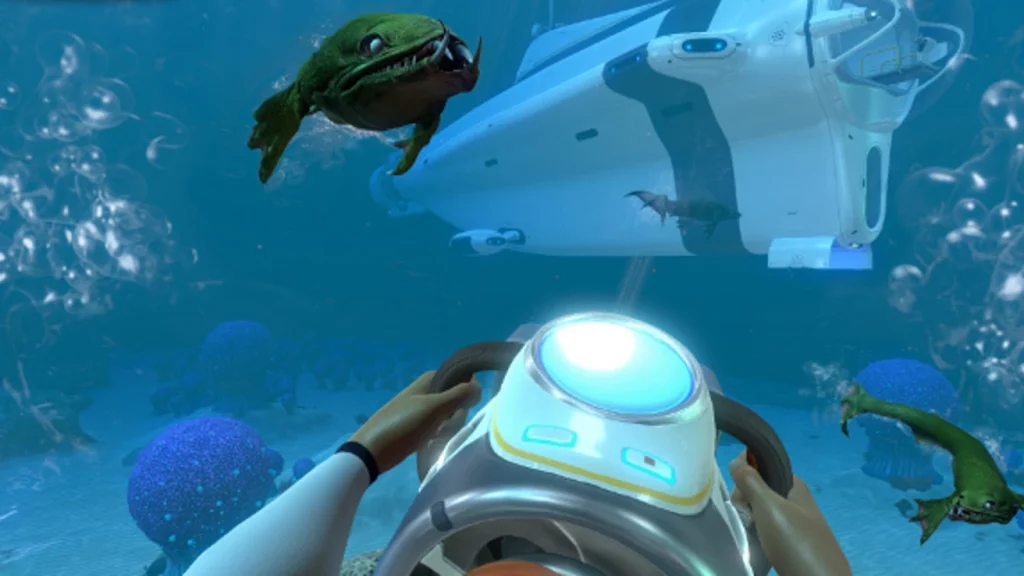 There's not too many controls to wrap your head around in Subnautica. You'll do some light inventory management and interact with some building menus, but swimming and controlling vehicles make up the bulk of your gameplay controls. Naturally, you'll have more keybinds available to you if you're playing on PC, but you can rebind your preferred keybinds on any console or PC.
Subnautica has more controls and options than everything we've listed below, but these are the game's default controls. Interestingly, Subnautica allows you to list more than one button to a specific function. You can swap things around however you like and find what works best for you as you and your friends attempt to flee the planet.
There's not too many controls to wrap your head around in Subnautica. You'll do some light inventory management and interact with some building menus, but swimming and controlling vehicles make up the bulk of your gameplay controls. Naturally, you'll have more keybinds available to you if you're playing on PC, but you can rebind your preferred keybinds on any console or PC.
Subnautica has more controls and options than everything we've listed below, but these are the game's default controls. Interestingly, Subnautica allows you to list more than one button to a specific function. You can swap things around however you like and find what works best for you as you and your friends attempt to flee the planet.
Subnautica Controls & Keybinds: PC
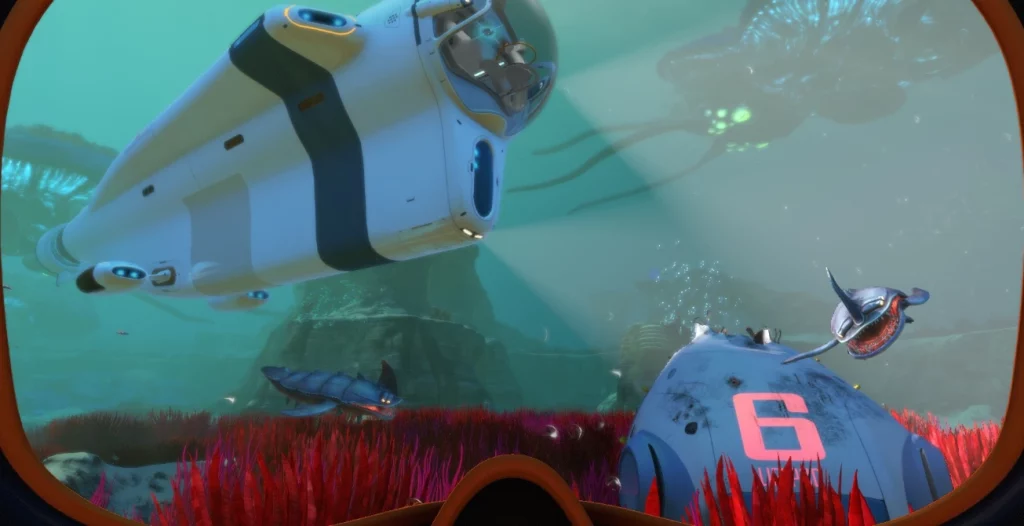
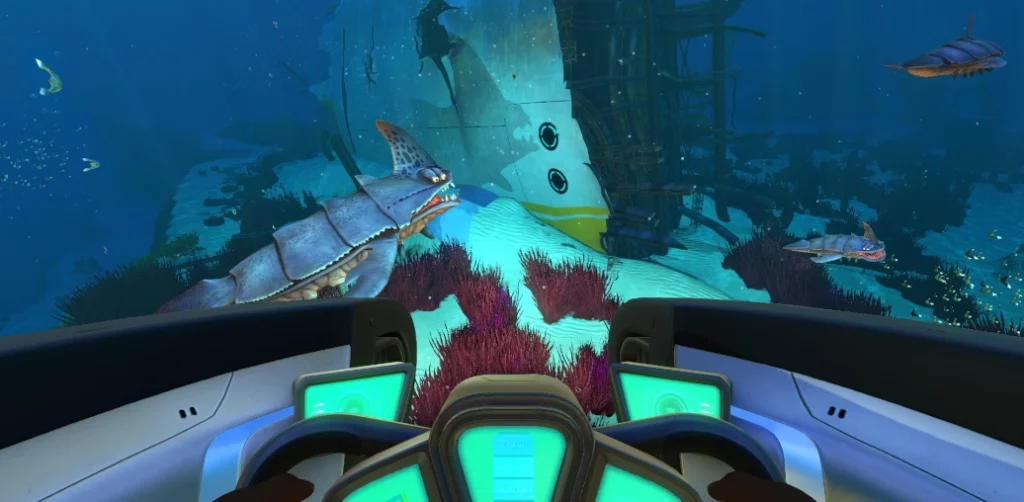
There's not too many controls to wrap your head around in Subnautica. You'll do some light inventory management and interact with some building menus, but swimming and controlling vehicles make up the bulk of your gameplay controls. Naturally, you'll have more keybinds available to you if you're playing on PC, but you can rebind your preferred keybinds on any console or PC.
Subnautica has more controls and options than everything we've listed below, but these are the game's default controls. Interestingly, Subnautica allows you to list more than one button to a specific function. You can swap things around however you like and find what works best for you as you and your friends attempt to flee the planet.
- Jump: Spacebar
- PDA: Tab
- Deconstruct: Q
- Exit / Holster: E
- Left Hand / Use: Left Mouse Click
- Right Hand: Right Mouse Click
- Next Item: Scroll Wheel Up
- Previous Item: Scroll Wheel Down
- Slot 1: 1
- Slot 2: 2
- Slot 3: 3
- Slot 4: 4
- Slot 5: 5
- Load Tool: F
- Rotate Item Left: Q
- Rotate Item Right: E
- Take Picture: F11
- Reload: R
- Sprint: Left Shift
- Move Up: Spacebar
- Move Down: C
- Move Forward: W
- Move Backward: S
- Move Left: A
- Move Right: D
- Debug Information Menu: F1
- Debug Graphics Menu: F3
- Hide/Show Interface: F6
- Feedback Menu: F8
- Windowed / Fullscreen: Alt+Enter
Abiotic Factor Controls: Xbox
- Move: Left Control Stick
- Look: Right Control Stick
- Jump: Y
- PDA: View
- Deconstruct: Down on D-Pad
- Exit / Holster: B
- Left Hand / Use: A / LT
- Right Hand: RT
- Cycle Next: Right on D-Pad
- Cycle Previous: Left on D-Pad
- Tool Alternate Use: Up on D-Pad
- Take Picture: Click Right Stick
- Reload: X
- Sprint: A
- Move Up: RB
- Move Down: LB
Subnautica Controls: PlayStation
- Move: Left Control Stick
- Look: Right Control Stick
- Jump: Triangle
- PDA: Touchpad
- Deconstruct: Down on D-Pad
- Exit / Holster: Circle
- Left Hand / Use: Cross / L2
- Right Hand: R2
- Cycle Next: Right on D-Pad
- Cycle Previous: Left on D-Pad
- Tool Alternate Use: Up on D-Pad
- Take Picture: R3
- Reload: Square
- Sprint: Cross
- Move Up: R1
- Move Down: L1
Subnautica Controls: Nintendo Switch
- Move: Left Control Stick
- Look: Right Control Stick
- Jump: X
- PDA: -
- Deconstruct: Down on D-Pad
- Exit / Holster: A
- Left Hand / Use: B / L2
- Right Hand: ZR
- Cycle Next: Right on D-Pad
- Cycle Previous: Left on D-Pad
- Tool Alternate Use: Up on D-Pad
- Take Picture: Click Right Stick
- Reload: Y
- Sprint: B
- Move Up: R
- Move Down: L
Kendi
Subnautica Nitrox sunucunuzu oluşturun
Subnautica Nitrox sunucunuzu oluşturun
Bir plan seçin, bir oyun belirleyin ve arkadaşlarınızla oynayın!
Bültenimize Katılın
Oyun dünyasındaki en son güncellemeler için abone olun!

Discord'umuza Katılın
20.000'den fazla kafa dengi üyeden oluşan topluluğumuzun bir parçası olun!
Bu blogu nasıl değerlendirirsiniz?
Fikrinizi paylaşın ve bloglarımızı daha da iyi hale getirmemize yardımcı olun!
Beğenmedim
Nötr
Beğendim

Bir oyun sunucusuna mı ihtiyacınız var?
Siz ve arkadaşlarınızın düşük gecikme süresi ve özel ayarlarla özel olarak oynayabileceğiniz bir oyun sunucusu kiralayın. 110+ oyun arasından seçim yapın, dünyanın dört bir yanından insanları davet edin ve özel maçların keyfini çıkarın veya kendi kurallarınızla kendi çevrimiçi topluluğunuzu oluşturun.

İlgili Bloglar







İLK SENİN HABERİN OLSUN!
Barındırdığımız oyunlar, şirket haberleri ve özel fırsatlar hakkında güncellemeler için e-posta listemize katılın. Haberdar olun!













