
Schedule 1 Console Commands Guide: All Commands & How to Access
tarihinde yazan:

Paylaş:

X'te Paylaş

Facebook'ta Paylaş

Threads'te Paylaş

Bluesky'da Paylaş

Panoya Kopyala

E-posta ile Paylaş
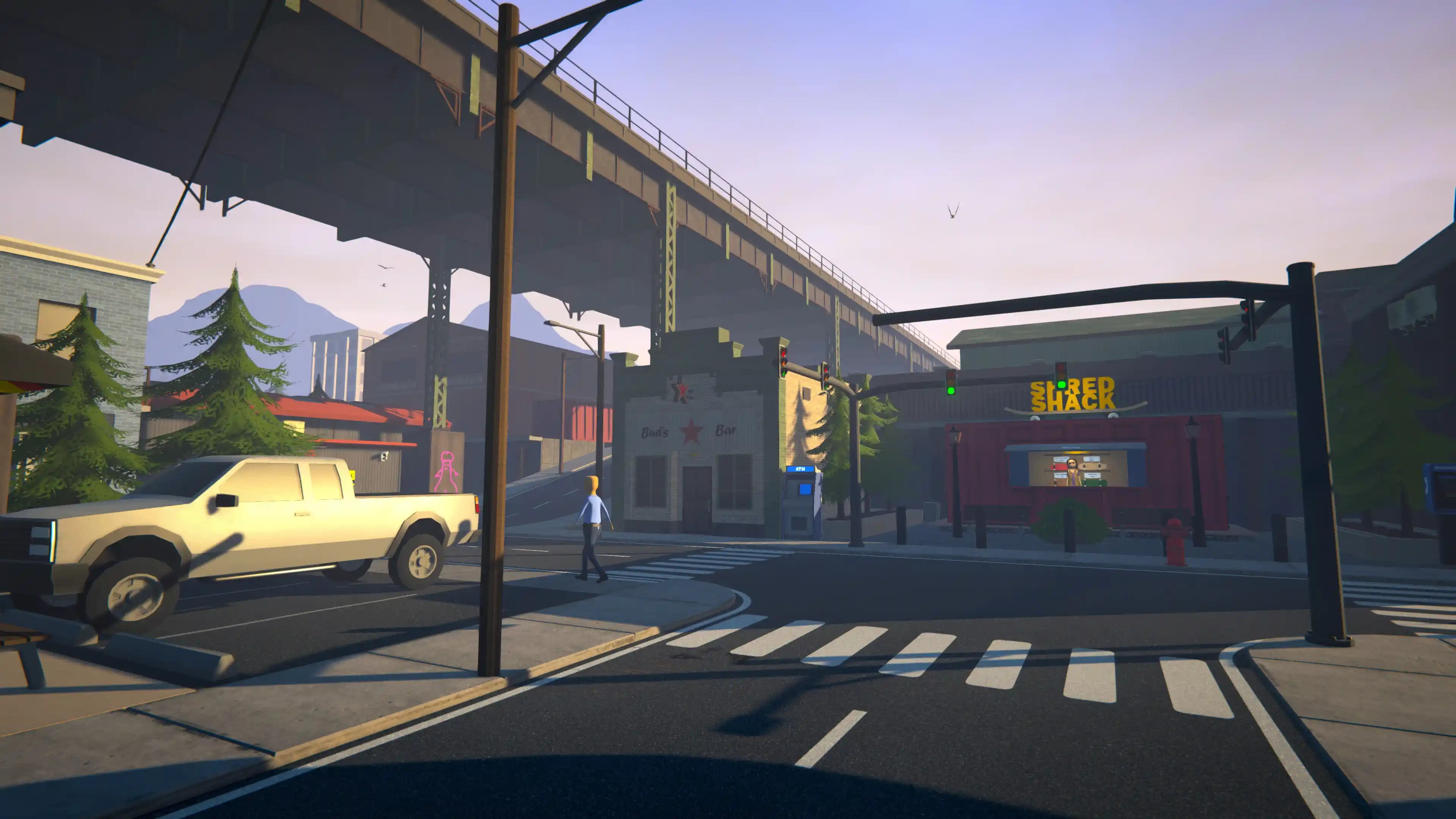
In Schedule 1, becoming the ultimate drug lord can take some time. You have to walk around town, build your empire from scratch, and make relatively small amounts of cash when you get started. Luckily, you can always use Schedule 1 console commands to speed things up if you feel like it!
We've gathered all the currently available Schedule 1 console commands for you down below, as well as how to open the console and get started!
 Before you can use any console commands, you need to do the following:
Schedule 1: How to Access Console Commands
Before you can use any console commands, you need to do the following:
- Hop into the Schedule 1 settings.
- Select the 'Game' tab.
- Check the box to turn on Console Commands.
Schedule 1: All Console Commands
Now that you know how to enter console commands, here's a list of each one you can use in Schedule 1. We've also listed a brief description of what each console command can do for you. Have fun!- addxp: Gives the player the specified amount of experience.
- bind: Binds a specified key to a specific command.
- unbind: Removes a specified bind.
- clearbinds: Clears all created binds.
- changecash: Adds the specified amount of money to the player's on-hand cash.
- changebalance: Adds the specified amount of money to the player's balance account.
- freecam: Toggles freecam.
- save: Creates a forced save.
- settime: Sets the time of day to whatever is specified.
- give: Gives the player the specified item. A number can be added to specify quantity.
- clearinventory: Clears the player's inventory.
- setowned: Sets a specified property to be owned by the player.
- packageproduct: Packages the currently equipped product with specified packaging.
- setstaminareserve: Sets the player's total stamina to whatever is specified.
- raisewanted: Increases the player's wanted level.
- lowerwanted: Decreases the player's wanted level.
- clearwanted: Clears the player's wanted level.
- setlawintensity: Sets the intensity of law enforcement on a scale from 1 to 10.
- spawnvehicle: Spawns a specified vehicle at the player's current location.
- setmovespeed: Sets the player's move speed multiplier.
- setjumpforce: Sets the player's jump force multiplier.
- teleport: Instantly teleports the player to the specified location.
- sethealth: Sets the player's health to the specified amount.
- settimescale: Sets the game's time scale to a specified multiplier.
- setvar: Sets the value of a specified variable.
- setqueststate: Sets the state of a specified quest.
- setquestentrystate: Sets the state of a specified quest entry.
- setemotion: Sets the facial expression of the player character.
- setunlocked: Unlocks a specified NPC.
- addemployee: Adds an employee of a specified type to a specified property.
- setdiscovered: Sets a specified product as discovered.
- growplants: Sets all plants in the world to become fully grown.
- setquality: Sets the quality of the player's currently equipped item.
- hideui: Hides all on-screen UI.
- disable: Disables a specified game object.
- enable: Enables a specified game object.
- endtutorial: Forces the game tutorial to immediately end.
- disablenpcasset: Disables a specified asset under all NPCs.
- showfps: Shows FPS label.
- hidefps: Hides FPS label.
Kendi
Schedule 1 sunucunuzu oluşturun
Schedule 1 sunucunuzu oluşturun
Bir plan seçin, bir oyun belirleyin ve arkadaşlarınızla oynayın!
Bültenimize Katılın
Oyun dünyasındaki en son güncellemeler için abone olun!

Discord'umuza Katılın
20.000'den fazla kafa dengi üyeden oluşan topluluğumuzun bir parçası olun!
Bu blogu nasıl değerlendirirsiniz?
Fikrinizi paylaşın ve bloglarımızı daha da iyi hale getirmemize yardımcı olun!
Beğenmedim
Nötr
Beğendim

Bir oyun sunucusuna mı ihtiyacınız var?
Siz ve arkadaşlarınızın düşük gecikme süresi ve özel ayarlarla özel olarak oynayabileceğiniz bir oyun sunucusu kiralayın. 110+ oyun arasından seçim yapın, dünyanın dört bir yanından insanları davet edin ve özel maçların keyfini çıkarın veya kendi kurallarınızla kendi çevrimiçi topluluğunuzu oluşturun.

İlgili Bloglar







İLK SENİN HABERİN OLSUN!
Barındırdığımız oyunlar, şirket haberleri ve özel fırsatlar hakkında güncellemeler için e-posta listemize katılın. Haberdar olun!













