

Hytale: How to Convert a Minecraft Build Into a Prefab
tarihinde yazan:

Paylaş:

X'te Paylaş

Facebook'ta Paylaş

Threads'te Paylaş

Bluesky'da Paylaş

Panoya Kopyala

E-posta ile Paylaş
Prefabs, or prefabricated content, are objects, structures, or blocks placed throughout Hytale. But what if you can turn one of your elaborate Minecraft creations into Hytale? You’re probably thinking that it’s going to take hours of building and resource gathering to recreate that masterpiece. Thankfully, it’s possible to transform your Minecraft build into a Hytale prefab, and we’re here to show you how through this guide!
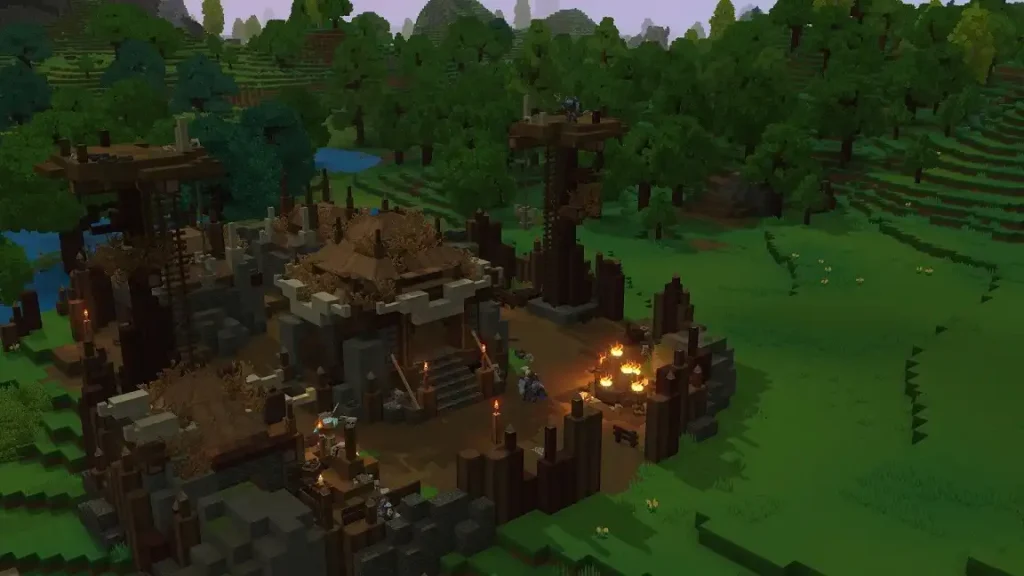 Converting a Minecraft build into a Hytale prefab is possible through Skytale’s Hytale Converter tool. This free online tool converts Minecraft .schematic, .schem, and .litematic files into prefab.json files for Hytale.
The tool is also reasonably straightforward to use. Simply upload the Minecraft schematic file into the converter, and click the “Convert file” button. Wait for the site to finish processing the file. Then, upload the newly converted prefab into Hytale.
The next step depends on whether you’re going to use the new prefab in single player mode or in a dedicated Hytale server. If you want to use the prefab as a solo player, move the downloaded file to the following path on your PC: C:\User\[Name]\AppData\Roaming\Hytale\UserData\Saves\[NomDuMonde]\prefabs. Otherwise, upload the file to the following folder if you’re an administrator of the Hytale server: \hytale\Server\prefabs.
With the file in the correct folder, launch Hytale and enter your world. Next, access Creative Mode, and then navigate to the “Creative Tools” tab by pressing “B” on your keyboard (by default).
Here, hover your mouse above the “World” dropdown menu, and then select “Prefabs.” If the previous steps were done correctly, the file should appear on your screen. Select it, and then place your Minecraft build into the Hytale world.
Remember, most standard Minecraft blocks can be converted into prefabs. However, some blocks, especially those from Minecraft mods, may not appear or function the same way upon converting them into Hytale prefabs. If so, some manual adjustments might be required to make them look and/or work as intended.
Converting a Minecraft build into a Hytale prefab is possible through Skytale’s Hytale Converter tool. This free online tool converts Minecraft .schematic, .schem, and .litematic files into prefab.json files for Hytale.
The tool is also reasonably straightforward to use. Simply upload the Minecraft schematic file into the converter, and click the “Convert file” button. Wait for the site to finish processing the file. Then, upload the newly converted prefab into Hytale.
The next step depends on whether you’re going to use the new prefab in single player mode or in a dedicated Hytale server. If you want to use the prefab as a solo player, move the downloaded file to the following path on your PC: C:\User\[Name]\AppData\Roaming\Hytale\UserData\Saves\[NomDuMonde]\prefabs. Otherwise, upload the file to the following folder if you’re an administrator of the Hytale server: \hytale\Server\prefabs.
With the file in the correct folder, launch Hytale and enter your world. Next, access Creative Mode, and then navigate to the “Creative Tools” tab by pressing “B” on your keyboard (by default).
Here, hover your mouse above the “World” dropdown menu, and then select “Prefabs.” If the previous steps were done correctly, the file should appear on your screen. Select it, and then place your Minecraft build into the Hytale world.
Remember, most standard Minecraft blocks can be converted into prefabs. However, some blocks, especially those from Minecraft mods, may not appear or function the same way upon converting them into Hytale prefabs. If so, some manual adjustments might be required to make them look and/or work as intended.
How to Convert a Minecraft Build Into a Hytale Prefab
Converting a Minecraft build into a Hytale prefab is possible through Skytale’s Hytale Converter tool. This free online tool converts Minecraft .schematic, .schem, and .litematic files into prefab.json files for Hytale.
The tool is also reasonably straightforward to use. Simply upload the Minecraft schematic file into the converter, and click the “Convert file” button. Wait for the site to finish processing the file. Then, upload the newly converted prefab into Hytale.
The next step depends on whether you’re going to use the new prefab in single player mode or in a dedicated Hytale server. If you want to use the prefab as a solo player, move the downloaded file to the following path on your PC: C:\User\[Name]\AppData\Roaming\Hytale\UserData\Saves\[NomDuMonde]\prefabs. Otherwise, upload the file to the following folder if you’re an administrator of the Hytale server: \hytale\Server\prefabs.
With the file in the correct folder, launch Hytale and enter your world. Next, access Creative Mode, and then navigate to the “Creative Tools” tab by pressing “B” on your keyboard (by default).
Here, hover your mouse above the “World” dropdown menu, and then select “Prefabs.” If the previous steps were done correctly, the file should appear on your screen. Select it, and then place your Minecraft build into the Hytale world.
Remember, most standard Minecraft blocks can be converted into prefabs. However, some blocks, especially those from Minecraft mods, may not appear or function the same way upon converting them into Hytale prefabs. If so, some manual adjustments might be required to make them look and/or work as intended.Kendi
Hytale sunucunuzu oluşturun
Hytale sunucunuzu oluşturun
Bir plan seçin, bir oyun belirleyin ve arkadaşlarınızla oynayın!
Bültenimize Katılın
Oyun dünyasındaki en son güncellemeler için abone olun!

Discord'umuza Katılın
20.000'den fazla kafa dengi üyeden oluşan topluluğumuzun bir parçası olun!
Bu blogu nasıl değerlendirirsiniz?
Fikrinizi paylaşın ve bloglarımızı daha da iyi hale getirmemize yardımcı olun!
Beğenmedim
Nötr
Beğendim

Bir oyun sunucusuna mı ihtiyacınız var?
Siz ve arkadaşlarınızın düşük gecikme süresi ve özel ayarlarla özel olarak oynayabileceğiniz bir oyun sunucusu kiralayın. 110+ oyun arasından seçim yapın, dünyanın dört bir yanından insanları davet edin ve özel maçların keyfini çıkarın veya kendi kurallarınızla kendi çevrimiçi topluluğunuzu oluşturun.

İlgili Bloglar







İLK SENİN HABERİN OLSUN!
Barındırdığımız oyunlar, şirket haberleri ve özel fırsatlar hakkında güncellemeler için e-posta listemize katılın. Haberdar olun!













