
American Truck Simulator Console Commands Guide
tarihinde yazan:

Paylaş:

X'te Paylaş

Facebook'ta Paylaş

Threads'te Paylaş

Bluesky'da Paylaş

Panoya Kopyala

E-posta ile Paylaş
American Truck Simulator offers an immersive and realistic trucking experience. Still, some players might want to experiment with certain aspects of the game. If so, consider using console commands in American Truck Simulator, and we’re here to help you learn how to use them.
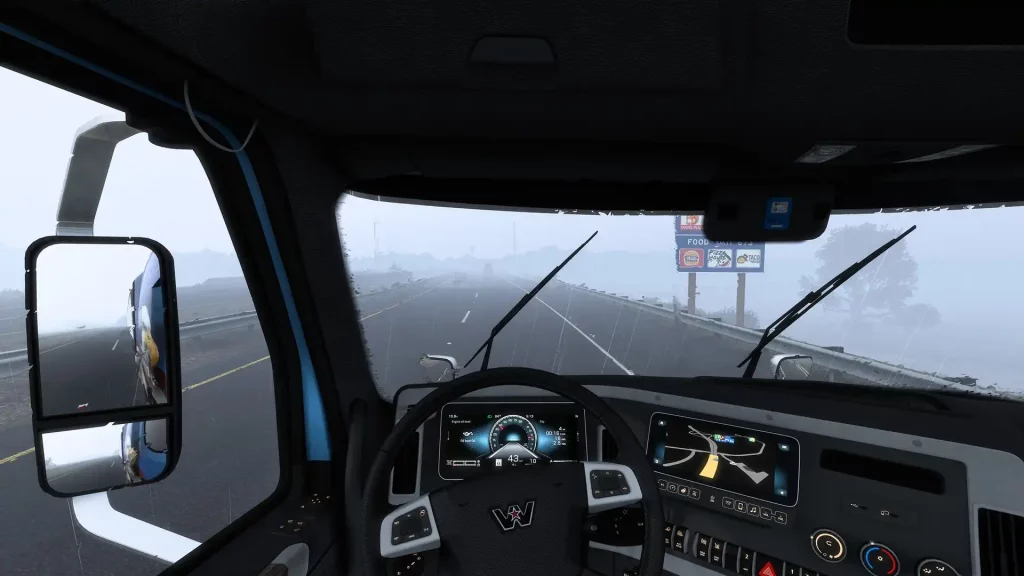 First, ensure that American Truck Simulator isn’t running. Then, search for the game’s home directory. Note that the game’s default locations generally differ depending on your system.
How to Enable Console Commands in American Truck Simulator
First, ensure that American Truck Simulator isn’t running. Then, search for the game’s home directory. Note that the game’s default locations generally differ depending on your system.
- Windows: <User>\Documents\American Truck Simulator\
- Linux: ~/Library/Application Support/American Truck Simulator
- macOS: <User>/.local/share/American Truck Simulator/
All Admin Commands
Remember, create a backup of your save file before enabling the command console and using the available admin commands. Although using console commands in American Truck Simulator can be a fun way to customize your experience, beginners and veterans should still exercise caution when using these features. It’s also important to mention that American Truck Simulator doesn’t have a money cheat or add money command, unlike other simulation games like Farming Simulator 22. However, players can use certain mods to generate money and EXP faster than normal. With that, below are the usable console commands for American Truck Simulator:- Edit: Enable the map editor
- Exec: Execute specific commands
- Exit: Exit the game
- G_console: Enable/disable the gaming console
- G_flyspeed: Enable free camera movement
- G_minicon: Enable/disable various values and technical data (e.g., FPS)
- G_news: Enable/disable the showing of new features
- G_police: Enable/disable the police
- G_set_skybox: Sets the sky to the specified ID or value
- G_set_time: Sets the game to the specified time
- G_set_weather: Change the current weather to the specified weather condition
- G_show_game_elements: Enable/disable various in-game items, such as gas station repair icons
- G_traffic: Enable/disable the traffic
- Game: Reloads the game
- Goto (city name): Teleports to the specified city
- Goto (x;y;z): Teleports to the specific coordinates
- Pause: Pauses the game
- R_fullscreen: Enable/disable full-screen mode
- R_mirror_view_distance: Sets the mirror rendering distance
- R_texture_detail: Sets the game’s current detail quality (set to “0” for the best quality)
- Save: Trigger the quick save
- Screenshot: Takes a screenshot
- Sys_info: Display the operating system’s information
- Vid_mem: Display tech information regarding the graphics card used
- Vid_name: Display the exact name of the graphics card used
- Vid_ver: Display the graphics driver version
- Warp: Sets the game’s speed and timescale
Kendi
American Truck Simulator sunucunuzu oluşturun
American Truck Simulator sunucunuzu oluşturun
Bir plan seçin, bir oyun belirleyin ve arkadaşlarınızla oynayın!
Bültenimize Katılın
Oyun dünyasındaki en son güncellemeler için abone olun!

Discord'umuza Katılın
20.000'den fazla kafa dengi üyeden oluşan topluluğumuzun bir parçası olun!
Bu blogu nasıl değerlendirirsiniz?
Fikrinizi paylaşın ve bloglarımızı daha da iyi hale getirmemize yardımcı olun!
Beğenmedim
Nötr
Beğendim

Bir oyun sunucusuna mı ihtiyacınız var?
Siz ve arkadaşlarınızın düşük gecikme süresi ve özel ayarlarla özel olarak oynayabileceğiniz bir oyun sunucusu kiralayın. 110+ oyun arasından seçim yapın, dünyanın dört bir yanından insanları davet edin ve özel maçların keyfini çıkarın veya kendi kurallarınızla kendi çevrimiçi topluluğunuzu oluşturun.

İlgili Bloglar







İLK SENİN HABERİN OLSUN!
Barındırdığımız oyunlar, şirket haberleri ve özel fırsatlar hakkında güncellemeler için e-posta listemize katılın. Haberdar olun!













