
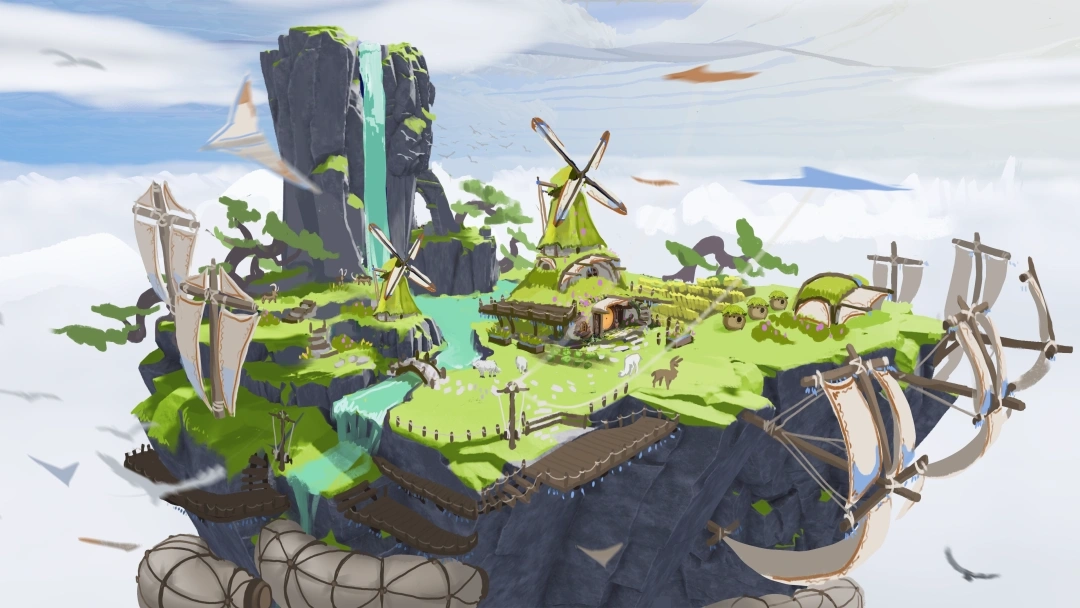
Aloft Console Commands Guide: All Cheats, How to Enter, & More
tarihinde yazan:

Paylaş:

X'te Paylaş

Facebook'ta Paylaş

Threads'te Paylaş

Bluesky'da Paylaş

Panoya Kopyala

E-posta ile Paylaş
Aloft entices its player base to spend dozens, if not hundreds, of hours exploring the map and living the airborne lives of their dreams. However, some players may want to modify certain in-game elements to help increase accessibility and convenience. You can achieve that by using console commands in Aloft, and we're here to help enable and use them.
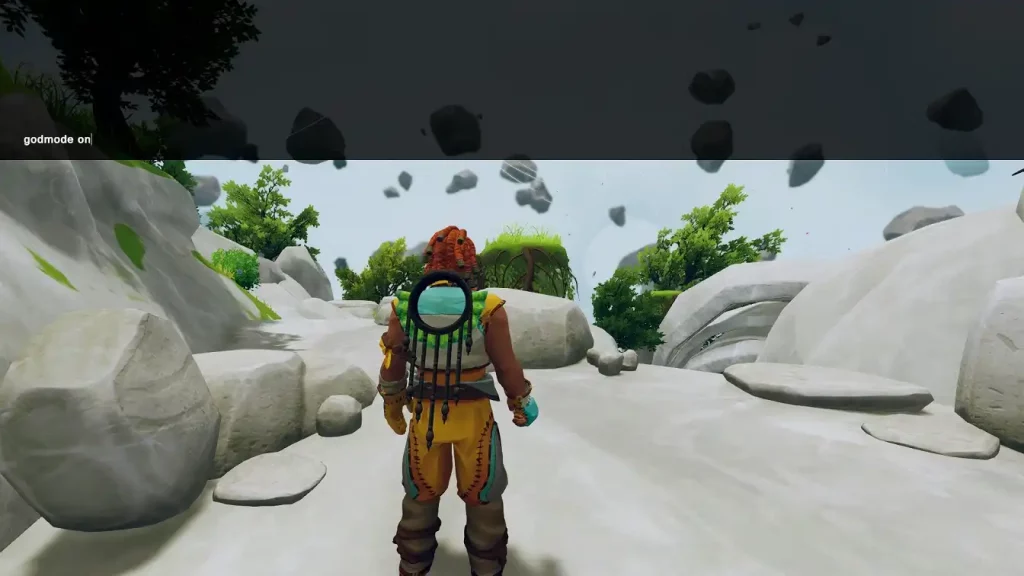
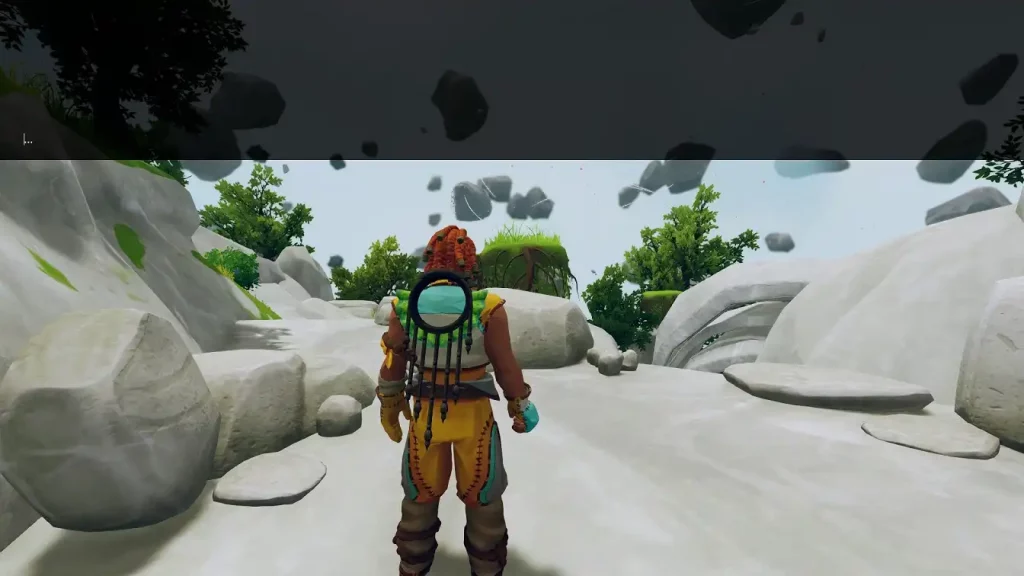 By default, players can enable the in-game console by pressing F1. If that keybind doesn’t work, Fn+F1 may make the command console appear. With the command console open, enter your desired console command and press Enter. Note that some console commands in Aloft require you to add an additional input to the string, such as “on,” “off,” or a specific number.
 Note that the following console commands in Aloft aren't case-sensitive. In particular, it's currently impossible to capitalize letters on the command console, as the game will automatically change them into lowercase.
Additionally, some console commands in Aloft may not work in multiplayer servers without the right permissions. Request for additional permissions from your Aloft server administrator if you want access to certain commands.
Note that the following console commands in Aloft aren't case-sensitive. In particular, it's currently impossible to capitalize letters on the command console, as the game will automatically change them into lowercase.
Additionally, some console commands in Aloft may not work in multiplayer servers without the right permissions. Request for additional permissions from your Aloft server administrator if you want access to certain commands.
How to Enable Console Commands in Aloft
By default, players can enable the in-game console by pressing F1. If that keybind doesn’t work, Fn+F1 may make the command console appear. With the command console open, enter your desired console command and press Enter. Note that some console commands in Aloft require you to add an additional input to the string, such as “on,” “off,” or a specific number.
All Aloft Console Commands & Cheats
Note that the following console commands in Aloft aren't case-sensitive. In particular, it's currently impossible to capitalize letters on the command console, as the game will automatically change them into lowercase.
Additionally, some console commands in Aloft may not work in multiplayer servers without the right permissions. Request for additional permissions from your Aloft server administrator if you want access to certain commands.
- charfirsttime: Resets the character’s first interactions.
- cloudtimescale X: Adjusts cloud floating speed.
- conditions <on/off>: Toggle condition triggers.
- creative on: Enable creative mode and unlock all recipes. Enabling this command cannot be undone. Also, quest progress may not continue while in creative mode.
- cropgrow X: Sets the crop growth rate (set to 100 for the fastest growth speed).
- damagemultiplier X: Sets the damage multiplier inflicted by the player on enemies (set to 100 for maximum damage inflicted).
- debug crop: Toggles crop growth display for individual plants.
- enginetimescale X true: Adjusts the engine’s timescale.
- exhaustiongodmode <on/off>: Toggles exhaustion god mode.
- fog X X: Sets fog levels to the specific minimum and maximum levels.
- getplayerposition: Displays the player’s current coordinates.
- give <item> X: Immediately spawns the specified item and its amount to the player’s inventory.
- godmode <on/off>: Toggles god mode and activates invincibility.
- heal X: Heals the character by the specified amount.
- hideui: Hides the UI for better screenshots.
- invisible <on/off>: Toggles the character’s invisibility.
- killnodes: Destroys all corrupted nodes on the current island and kills all mushroom creatures. However, the player will only receive Mykter Fibre from the destroyed nodes, not the defeated mushroom creatures.
- learnbluestone default: Unlocks a random crafting recipe.
- lodbias X: Adjusts the current game’s level-of-detail (LOD) bias.
- noclip <on/off> X: Toggles the ability for the player to pass through solid objects.
- photomodefilters <on/off>: Toggles photo mode filters.
- progression X: Sets the number of corruption nodes destroyed in the current map. Warning: This command may cause some issues to appear.
- rain X: Adjusts the intensity of rainy weather.
- renderdistance X: Alters the current game’s render distance to the specified number.
- sailgodmode <on/off>: Toggles god mode for sailing.
- spawn <animals>: Spawn the specified friendly animal. Place “animals” after the “spawn” command to spawn one of each non-hostile animal.
- spawn <enemies>: Spawns the specified enemy. Place “enemies” after the “spawn” command to spawn one of each enemy.
- teleport X: Teleports the player to a specific island.
- time XX: Sets the in-game time (uses 24-hour format).
- unstuck: Frees the character from being stuck.
- vroom X: Sets the character’s movement speed to the specified amount.
- wind X: Sets the wind intensity to the specified amount.
Kendi
Aloft sunucunuzu oluşturun
Aloft sunucunuzu oluşturun
Bir plan seçin, bir oyun belirleyin ve arkadaşlarınızla oynayın!
Bültenimize Katılın
Oyun dünyasındaki en son güncellemeler için abone olun!

Discord'umuza Katılın
20.000'den fazla kafa dengi üyeden oluşan topluluğumuzun bir parçası olun!
Bu blogu nasıl değerlendirirsiniz?
Fikrinizi paylaşın ve bloglarımızı daha da iyi hale getirmemize yardımcı olun!
Beğenmedim
Nötr
Beğendim

Bir oyun sunucusuna mı ihtiyacınız var?
Siz ve arkadaşlarınızın düşük gecikme süresi ve özel ayarlarla özel olarak oynayabileceğiniz bir oyun sunucusu kiralayın. 110+ oyun arasından seçim yapın, dünyanın dört bir yanından insanları davet edin ve özel maçların keyfini çıkarın veya kendi kurallarınızla kendi çevrimiçi topluluğunuzu oluşturun.

İlgili Bloglar







İLK SENİN HABERİN OLSUN!
Barındırdığımız oyunlar, şirket haberleri ve özel fırsatlar hakkında güncellemeler için e-posta listemize katılın. Haberdar olun!













