
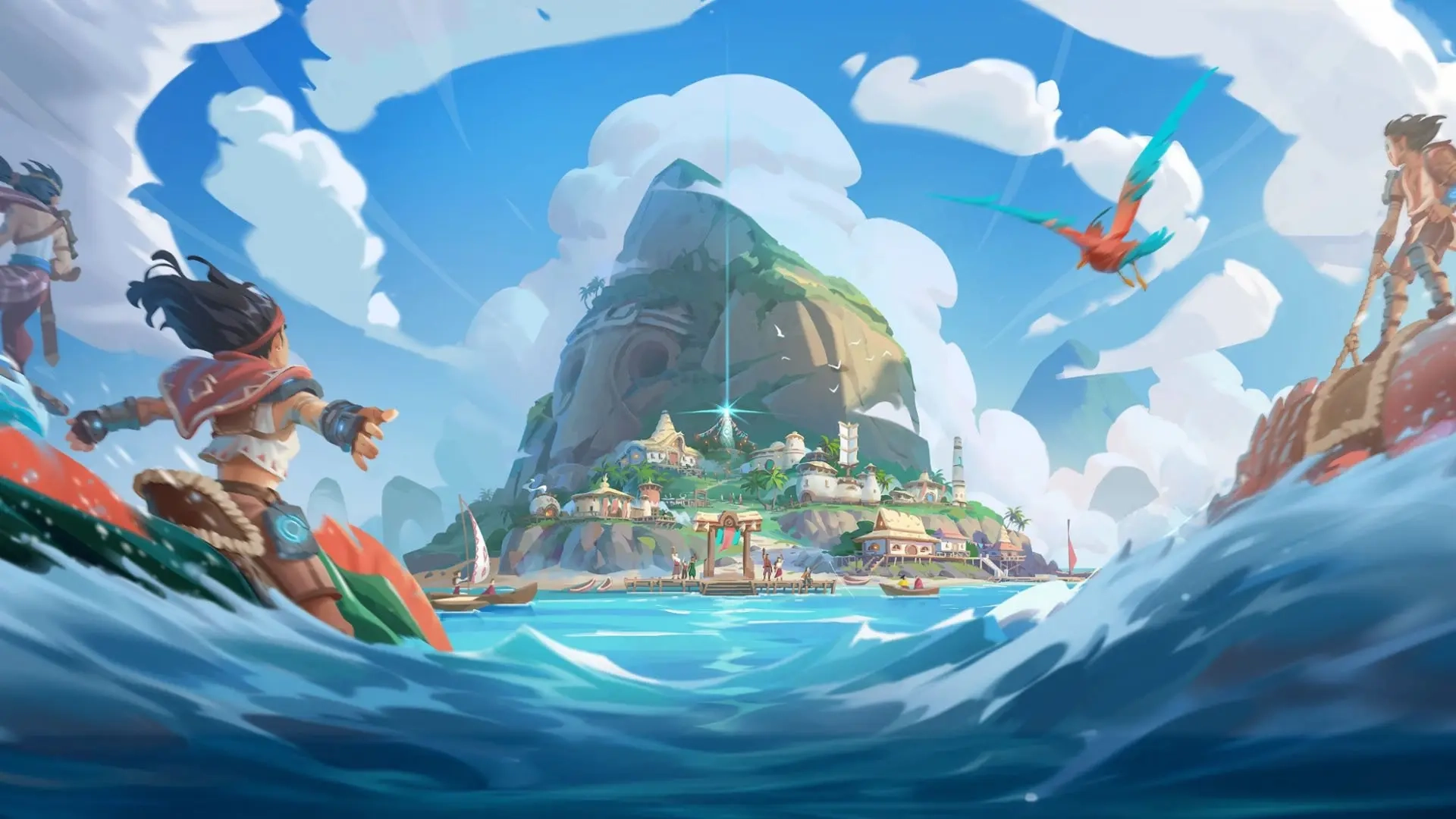
Voyagers of Nera Controls Guide: PC (Mouse & Keyboard) and Controller (PlayStation, Xbox)
Опубликовано автором

Поделиться:

Поделиться в X

Поделиться в Facebook

Поделиться в Threads

Поделиться в Bluesky

Скопировать в буфер обмена

Поделиться по email
Before diving headfirst into the oceanic open world offered by Voyagers of Nera, you must learn the game's controls. Luckily, you can play the game with a mouse & keyboard or your favorite controller! We'll tell you everything you need to know down below.
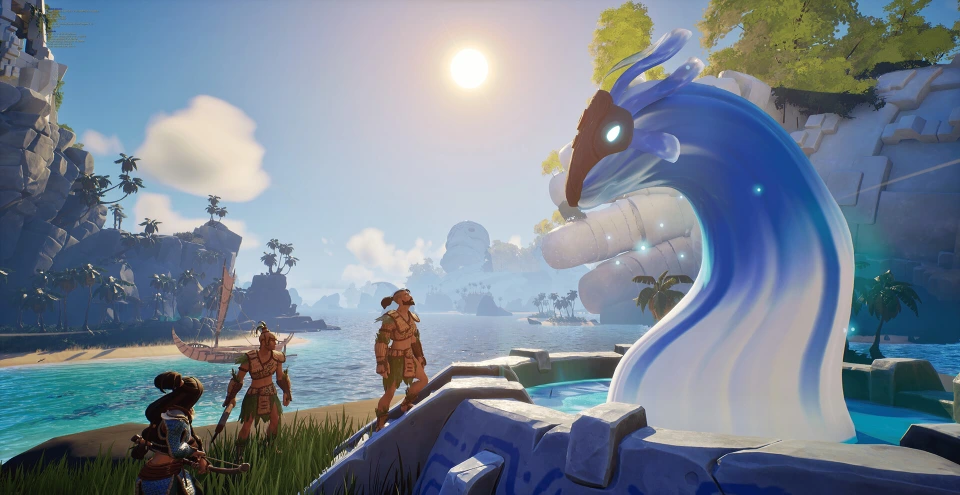 Most controls in Voyagers of Nera should feel familiar to anyone who has played an action RPG or survival crafting game in recent years. You have an attack button, a dodge button, the ability to sprint, swim, jump, and create some buildings. Nothing too tricky!
If your controls aren't exactly how you want, you can rebind them in the game's settings. You can do this for your mouse & keyboard or for your controller. Additionally, Voyagers of Nera is currently in early access. As a result, additional controls may become available or mixed around in the future. This also means that not all controls are mapped to the controller at this point in time. However, you can still play each crucial part of the game with a controller. You just won't have access to some functions, such as the game's Emote Wheel.
Most controls in Voyagers of Nera should feel familiar to anyone who has played an action RPG or survival crafting game in recent years. You have an attack button, a dodge button, the ability to sprint, swim, jump, and create some buildings. Nothing too tricky!
If your controls aren't exactly how you want, you can rebind them in the game's settings. You can do this for your mouse & keyboard or for your controller. Additionally, Voyagers of Nera is currently in early access. As a result, additional controls may become available or mixed around in the future. This also means that not all controls are mapped to the controller at this point in time. However, you can still play each crucial part of the game with a controller. You just won't have access to some functions, such as the game's Emote Wheel.
Voyagers of Nera Controls - PC (Mouse & Keyboard)
Most controls in Voyagers of Nera should feel familiar to anyone who has played an action RPG or survival crafting game in recent years. You have an attack button, a dodge button, the ability to sprint, swim, jump, and create some buildings. Nothing too tricky!
If your controls aren't exactly how you want, you can rebind them in the game's settings. You can do this for your mouse & keyboard or for your controller. Additionally, Voyagers of Nera is currently in early access. As a result, additional controls may become available or mixed around in the future. This also means that not all controls are mapped to the controller at this point in time. However, you can still play each crucial part of the game with a controller. You just won't have access to some functions, such as the game's Emote Wheel.
Character Movement
- Move Forward: W
- Move Backward: D
- Move Left: A
- Move Right: S
- Jump: Spacebar
- Sprint: Left Shift
- Glide: Right Mouse Button
- Dodge: Left Ctrl
- Dive - Ascend: Spacebar
- Dive - Descend: C
- Skimmer: Z
Combat & Interaction
- Primary Attack: Left Mouse Button
- Secondary Action: Right Mouse Button
- Interact: E
- Secondary Interact: V
- Tertiary Interact: F
- Quick Swap Ammo: G
- Spirit Ability 1: Q
- Spirit Ability 2: R
- Elder Spirit Ability: F
User Interface
- Emote Wheel: U
- Toggle Build Mode: B
- Map: M
- Menu: Tab
- Settings: Escape
- Journal: J
- Inventory: I
- Knowledge Tree: K
- Take Screenshot: P
Boat Controls
- Move Forward: A (When at the Sail of your boat)
- Move Backward: S (When at the Sail of your boat)
- Move Left: A (When at the Rudder of your boat)
- Move Right: D (When at the Rudder of your boat)
Voyagers of Nera Controls - PC (Controller - Xbox)
Character Movement
- Move Forward: Left Stick Up
- Move Backward: Left Stick Down
- Move Left: Left Stick Left
- Move Right: Left Stick Right
- Jump: A
- Sprint: Click Left Stick
- Glide: LT
- Dodge: B
- Dive - Ascend: A
- Dive - Descend: Click Right Stick
- Skimmer: Y
Combat & Interaction
- Primary Attack: RT
- Secondary Action: LT
- Interact: X
- Spirit Ability 1: D-Pad Left
- Spirit Ability 2: D-Pad Right
- Elder Spirit Ability: D-Pad Down
User Interface
- Settings: Start
- Inventory: Menu
- Toggle Build Mode: D-Pad Up
- Cycle Through Hotbar: LB & RB
- Open Quick Equip Wheel: Hold RB
Boat Controls
- Move Forward: Left Stick Up (When at the Sail of your boat)
- Move Backward: Left Stick Down (When at the Sail of your boat)
- Move Left: Left Stick Left (When at the Rudder of your boat)
- Move Right: Left Stick Right (When at the Rudder of your boat)
Voyagers of Nera Controls - PC (Controller - PlayStation)
Character Movement
- Move Forward: Left Stick Up
- Move Backward: Left Stick Down
- Move Left: Left Stick Left
- Move Right: Left Stick Right
- Jump: X (Cross)
- Sprint: L3
- Glide: L2
- Dodge: Circle
- Dive - Ascend: X (Cross)
- Dive - Descend: R3
- Skimmer: Triangle
Combat & Interaction
- Primary Attack: R2
- Secondary Action: L2
- Interact: Square
- Spirit Ability 1: D-Pad Left
- Spirit Ability 2: D-Pad Right
- Elder Spirit Ability: D-Pad Down
User Interface
- Settings: Options
- Inventory: Touchpad
- Toggle Build Mode: D-Pad Up
- Cycle Through Hotbar: L1 & R1
- Open Quick Equip Wheel: Hold R1
Boat Controls
- Move Forward: Left Stick Up (When at the Sail of your boat)
- Move Backward: Left Stick Down (When at the Sail of your boat)
- Move Left: Left Stick Left (When at the Rudder of your boat)
- Move Right: Left Stick Right (When at the Rudder of your boat)
Создайте свой собственный
сервер Voyagers of Nera
сервер Voyagers of Nera
Выберите тариф, укажите игру и играйте с друзьями!
Подпишитесь на нашу рассылку
Подпишитесь, чтобы получать последние новости из мира игр!

Присоединяйтесь к нашему Discord
Станьте частью нашего сообщества, в котором уже более 20000 единомышленников!
Как бы вы оценили этот блог?
Поделитесь своим мнением и помогите нам сделать наши блоги еще лучше!
Не понравилось
Нейтрально
Понравилось

Нужен игровой сервер?
Арендуйте игровой сервер, где вы и ваши друзья сможете играть в закрытом режиме с низкой задержкой и собственными настройками. Выбирайте из 110+ игр, приглашайте людей со всего мира и наслаждайтесь приватными матчами или создайте свое собственное онлайн-сообщество со своими правилами.

Похожие статьи







УЗНАЙТЕ ВСЕ ПЕРВЫМИ!
Подпишитесь на нашу рассылку, чтобы получать обновления о наших играх, новости компании и эксклюзивные предложения. Будьте в курсе!













