

RuneScape: Dragonwilds Controls Guide (Keyboard, Mouse, Controller)
Опубликовано автором

Поделиться:

Поделиться в X

Поделиться в Facebook

Поделиться в Threads

Поделиться в Bluesky

Скопировать в буфер обмена

Поделиться по email
Are you looking into entering the world of Ashenfall? If so, mastering the default controls of RuneScape: Dragonwilds should be your first right of passage. Whether you’re using a keyboard or gamepad, engraving the commands to muscle memory separates the survivor from the fallen. So, begin your journey to become an expert adventurer by learning the game’s default keybinds through this guide.
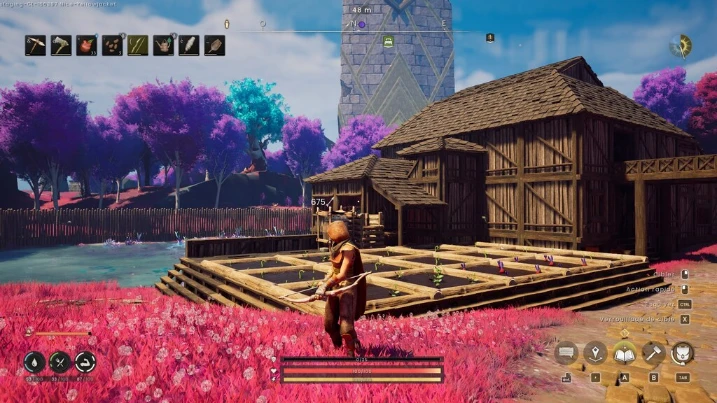
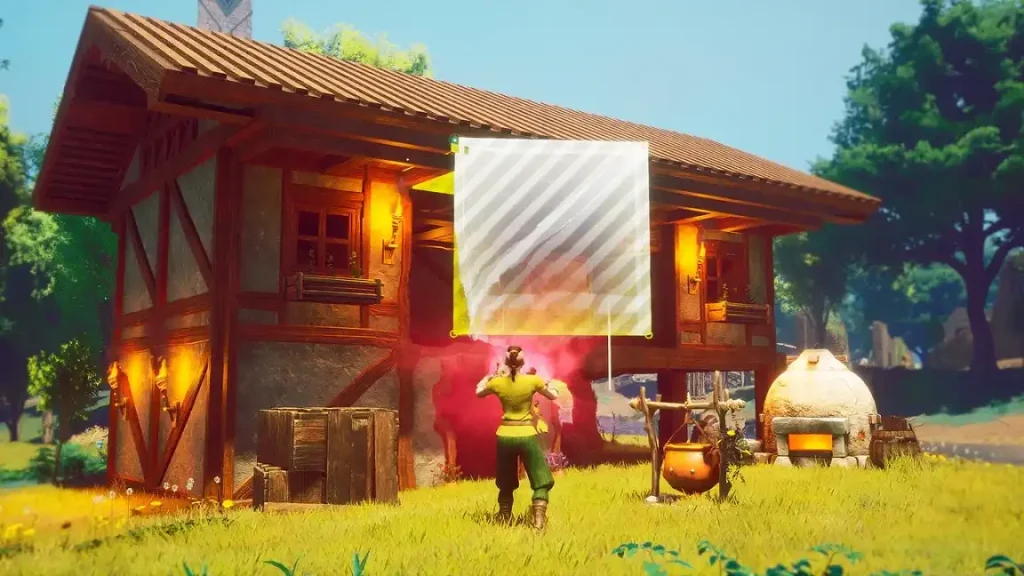 While Dragonwilds supports controllers and gamepads, it's important to note that many recommend using your mouse for some sections, including menus.
RuneScape: Dragonwilds Controls Guide
The following guide highlights the default controls for RuneScape: Dragonwilds. Consider these default keybinds for the gamepad and keyboard & mouse to be your foundation as a new player. Veterans, on the other hand, can use this guide to help remap their keybinds that suit their unique playstyles, especially for combat, resource farming, and basic survival.RuneScape: Dragonwilds Keyboard & Mouse Controls
Basic Movement Controls
- Move Forward: W
- Move Left: A
- Move Backward: S
- Move Right: D
- Crouch: C
- Jump: Space
- Sprint: SHIFT
Combat Controls
- Primary Action: Left mouse button
- Secondary Action: Right mouse button
- Special Action: Middle mouse button
- Interact: E
- Secondary Interact: F
- Evade: CTRL
Menu Controls
- Main Menu: M
- Journal: J
- Building: B
- Emote Menu: H
- Inventory Toggle: TAB
- Map: M
- Skills Menu: K
- Spells Menu: Q
- Top Bar Skills: K
- Top Bar Tab Left: Q
- Top Bar Tab Right: E
Inventory & Item Management Controls
- Destroy Item: X
- Grant Quick Transfer: CTRL
- Grant Split Stack: SHIFT
- Take All: R
Quick Access Controls
- Quick Access Slot 1: 1
- Quick Access Slot 2: 2
- Quick Access Slot 3: 3
- Quick Access Slot 4: 4
- Quick Access Slot 5: 5
- Quick Access Slot 6: 6
- Quick Access Slot 7: 7
- Quick Access Slot 8: 8
Building Controls
- Building Tab Left: Q
- Building Tab Right: E
- Cancel Building: Escape
- Destroy Object: Middle mouse button
- Free Placement: Y
- Oculus Move Down: C
- Oculus Move Up: Space
- Quick Interact: Left mouse button
- Repair: T
Crafting Controls
- Crafting Tab Left: Q
- Crafting Tab Right: E
Quest Dialog Controls
- Continue Conversation: Space
- Cancel Conversation: Escape
- Select Answer 1: 1
- Select Answer 2: 2
- Select Answer 3: 3
- Select Answer 4: 4
RuneScape: Dragonwilds Controller Controls (Xbox Controller Layout)
While Dragonwilds supports controllers and gamepads, it's important to note that many recommend using your mouse for some sections, including menus.
Basic Movement Controls
- Character Movement: Left analog stick
- Crouch: Click the right analog stick
- Jump: A
- Sprint: Click the left analog stick
Combat Controls
- Primary Action: Right trigger
- Secondary Action: Left trigger
- Special Action: Right bumper
- Interact: X
- Evade: B
Menu Controls
- Main Menu: Menu button
- Journal: Menu button
- Building: Down directional button
- Inventory Toggle: Y
- Map: Menu button
- Skills Menu: Menu button
- Spells Menu: Left bumper
- Top Bar Tab Left: Left bumper
- Top Bar Tab Right: Right bumper
Inventory & Item Management Controls
- Destroy Item: X
- Take All: Y
Building Controls
- Building Tab Left: Left bumper
- Building Tab Right: Right bumper
- Cancel Building: Up directional button
- Destroy Object: Left bumper
- Free Placement: Right directional button
- Oculus Move Down: Left analog stick
- Oculus Move Up: Right analog stick
- Quick Interact: Right bumper
- Repair: Down directional button
Crafting Controls
- Crafting Tab Left: Left bumper
- Crafting Tab Right: Right bumper
Quest Dialog Controls
- Continue Conversation: X
- Cancel Conversation: B
Создайте свой собственный
сервер Runescape: Dragonwilds
сервер Runescape: Dragonwilds
Выберите тариф, укажите игру и играйте с друзьями!
Подпишитесь на нашу рассылку
Подпишитесь, чтобы получать последние новости из мира игр!

Присоединяйтесь к нашему Discord
Станьте частью нашего сообщества, в котором уже более 20000 единомышленников!
Как бы вы оценили этот блог?
Поделитесь своим мнением и помогите нам сделать наши блоги еще лучше!
Не понравилось
Нейтрально
Понравилось

Нужен игровой сервер?
Арендуйте игровой сервер, где вы и ваши друзья сможете играть в закрытом режиме с низкой задержкой и собственными настройками. Выбирайте из 110+ игр, приглашайте людей со всего мира и наслаждайтесь приватными матчами или создайте свое собственное онлайн-сообщество со своими правилами.

Похожие статьи







УЗНАЙТЕ ВСЕ ПЕРВЫМИ!
Подпишитесь на нашу рассылку, чтобы получать обновления о наших играх, новости компании и эксклюзивные предложения. Будьте в курсе!













