

Romestead Controls Guide: PC (Keyboard & Controller)
Опубликовано автором

Поделиться:

Поделиться в X

Поделиться в Facebook

Поделиться в Threads

Поделиться в Bluesky

Скопировать в буфер обмена

Поделиться по email
You have a lot of work to do in Romestead. There are citizens to recruit, monsters to destroy, gods to appease, and an empire to build. But, before you get started, you ought to come to grips with the game's controls. To that end, we have our Romstead controls guide below for your convenience. Take a look and let your roaming, Roman adventure begin!
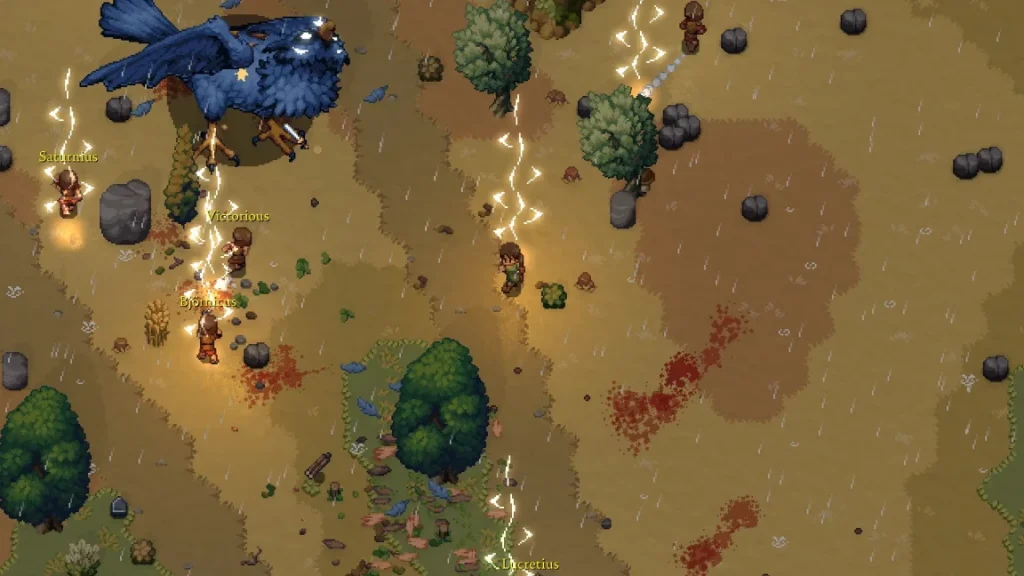 Romestead does feature a few tutorial quests to help you come to grips with the game. However, these tutorial quests are a bit more focused on what you need to do next in-game rather than what your buttons do. We've listed all of the possible in-game commands below, whether you're playing on PC with a mouse & keyboard or a controller.
Keep in mind that if you're using a mouse & keyboard, you will have access to a few more controls than when using a controller. Additionally, you can hop into the game's settings to modify your keybindings yourself for either control option. The game is still in early access, so some keybind switching might not work exactly as intended.
Romestead does feature a few tutorial quests to help you come to grips with the game. However, these tutorial quests are a bit more focused on what you need to do next in-game rather than what your buttons do. We've listed all of the possible in-game commands below, whether you're playing on PC with a mouse & keyboard or a controller.
Keep in mind that if you're using a mouse & keyboard, you will have access to a few more controls than when using a controller. Additionally, you can hop into the game's settings to modify your keybindings yourself for either control option. The game is still in early access, so some keybind switching might not work exactly as intended.
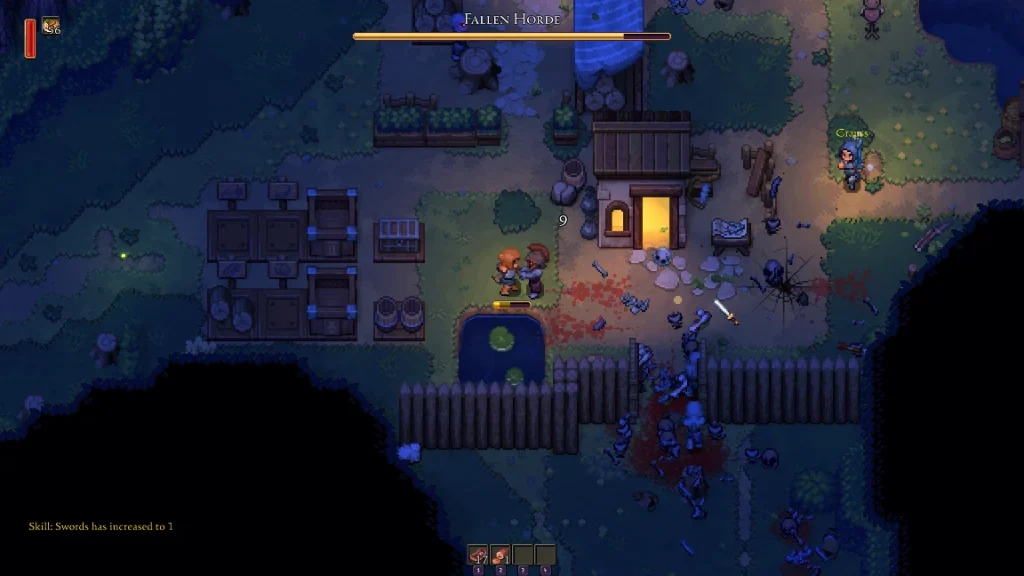
Romestead Controls & Keybinds: PC (Mouse & Keyboard)
Romestead does feature a few tutorial quests to help you come to grips with the game. However, these tutorial quests are a bit more focused on what you need to do next in-game rather than what your buttons do. We've listed all of the possible in-game commands below, whether you're playing on PC with a mouse & keyboard or a controller.
Keep in mind that if you're using a mouse & keyboard, you will have access to a few more controls than when using a controller. Additionally, you can hop into the game's settings to modify your keybindings yourself for either control option. The game is still in early access, so some keybind switching might not work exactly as intended.
- Primary Attack: Left Mouse Button
- Secondary Attack: Right Mouse Button
- Grab/Place: Spacebar
- Dash: Left or Right Shift
- Interact: E
- Cancel Action: Escape
- Furniture Mode: R
- Quick Heal: G
- Open Chat: Enter
- Send Message: Enter
- Toggle Minimap: N
- Place: Left Mouse Button
- Select: Left Mouse Button
- Close/Cancel: Escape
- Use/Quick Equip: Right Mouse Button
- Settings: Escape
- World Map: M
- Quests: T
- Skills: K
- Toggle Walking: CapsLock
- Switch Weapons: F
- Hotbar 1: 1
- Hotbar 2: 2
- Hotbar 3: 3
- Hotbar 4: 4
- Move Up: W
- Move Left: A
- Move Down: S
- Move Right: D
- UI Up: Arrow Up
- UI Left: Arrow Left
- UI Down: Arrow Down
- UI Right: Arrow Right
- Toggle Cursor: Not set by Default
- Hold to Split Stack: Left Control
Romestead Controls & Keybinds: PC (Controller)
- Primary Attack: RT (Xbox) R2 (PlayStation)
- Secondary Attack: LT (Xbox) L2 (PlayStation)
- Grab/Place: RB (Xbox) R1 (PlayStation)
- Dash: A (Xbox) Cross (PlayStation)
- Interact: X (Xbox) Square (PlayStation)
- Cancel Action: B (Xbox) Circle (PlayStation)
- Furniture Mode: Not set by default
- Toggle Minimap: Click in Left Stick
- Place: A (Xbox) Cross (PlayStation)
- Select: A (Xbox) Cross (PlayStation)
- Close/Cancel: B (Xbox) Circle (PlayStation)
- Use/Quick Equip: X (Xbox) Square (PlayStation)
- Drop: Y (Xbox) Triangle (PlayStation)
- Next Window: RB (Xbox) R1 (PlayStation)
- Previous Window: LB (Xbox) L1 (PlayStation)
- Open Notification: LT (Xbox) L2 (PlayStation)
- Bind to Hotbar: RT (Xbox) R2 (PlayStation)
- Toggle Walking: Not set by default
- Switch Weapons: Click in Right Stick
- Hotbar 1: D-Pad Up
- Hotbar 2: D-Pad Left
- Hotbar 3: D-Pad Right
- Hotbar 4: D-Pad Down
- Move Up: Not set by default
- Move Left: Not set by default
- Move Down: Not set by default
- Move Right: Not set by default
- UI Up: D-Pad Up or Left Stick Up
- UI Left: D-Pad Left or Left Stick Left
- UI Down: D-Pad Down or Left Stick Down
- UI Right: D-Pad Right or Left Stick Right
- Toggle Cursor: Not set by Default
Создайте свой собственный
сервер Romestead
сервер Romestead
Выберите тариф, укажите игру и играйте с друзьями!
Подпишитесь на нашу рассылку
Подпишитесь, чтобы получать последние новости из мира игр!

Присоединяйтесь к нашему Discord
Станьте частью нашего сообщества, в котором уже более 20000 единомышленников!
Как бы вы оценили этот блог?
Поделитесь своим мнением и помогите нам сделать наши блоги еще лучше!
Не понравилось
Нейтрально
Понравилось

Нужен игровой сервер?
Арендуйте игровой сервер, где вы и ваши друзья сможете играть в закрытом режиме с низкой задержкой и собственными настройками. Выбирайте из 110+ игр, приглашайте людей со всего мира и наслаждайтесь приватными матчами или создайте свое собственное онлайн-сообщество со своими правилами.

Похожие статьи







УЗНАЙТЕ ВСЕ ПЕРВЫМИ!
Подпишитесь на нашу рассылку, чтобы получать обновления о наших играх, новости компании и эксклюзивные предложения. Будьте в курсе!













