

Hytale Download Errors: Error Codes & How to Fix
Опубликовано автором

Поделиться:

Поделиться в X

Поделиться в Facebook

Поделиться в Threads

Поделиться в Bluesky

Скопировать в буфер обмена

Поделиться по email
Hytale has had a somewhat tumultuous start for some players when it comes to downloading the game and its early patches, resulting in a range of errors and error codes, some caused by overall server traffic, others by storage capacity concerns. Here we tackle all Hytale download errors that are currently known and cover how to fix them so you can get back into the game (and your server)!
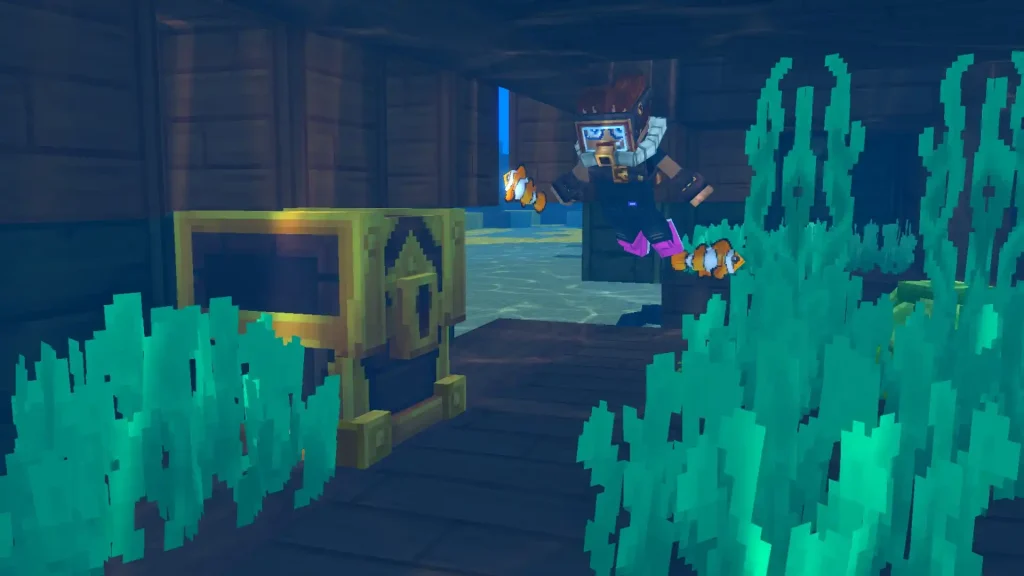
Hytale Download Errors: Common Error Code & How to Fix
"Error applying update to "game": error applying patch..."...
This error message is the current most likely error code you'll receive when downloading a Hytale update. Thankfully, it's an extremely quick fix and requires no tech wizardry! This error is received when players don't have enough storage space to download the Hytale update. This especially comes up with the game's frequent, varying-size updates during its early access start. To fix it, simply clear enough file space to download the update, then return to your client and click "Update".Error applying update to “game”: error downloading patch 0: error downloading file from https://game-patches.hytale.com/patches/windows/amd64/release/0/1.pwr: stream error: stream ID 1; INTERNAL_ERROR; received from peer
Many are speculating that this download error appears primarily because several players are simultaneously trying to download the game, causing slowdowns and crashes to the Hytale’s download server. So, the ideal solution is to click “Relaunch” and then try again. The game retains progress between attempts, so you won't have to continuously start from zero, so don't lose hope! Alternatively, connect to a VPN before and attempt to download the game again. Use different portals, particularly those with less server traffic than normal. Certain players reported that this method worked for them, as doing so showed little to no sign of issues when downloading the game. It may take a few (or a lot) of tries before the Hytale downloads successfully. So, patience and perseverance are advised to download and launch the game. Some players were able to download the game successfully, despite the error message appearing.Создайте свой собственный
сервер Hytale
сервер Hytale
Выберите тариф, укажите игру и играйте с друзьями!
Подпишитесь на нашу рассылку
Подпишитесь, чтобы получать последние новости из мира игр!

Присоединяйтесь к нашему Discord
Станьте частью нашего сообщества, в котором уже более 20000 единомышленников!
Как бы вы оценили этот блог?
Поделитесь своим мнением и помогите нам сделать наши блоги еще лучше!
Не понравилось
Нейтрально
Понравилось

Нужен игровой сервер?
Арендуйте игровой сервер, где вы и ваши друзья сможете играть в закрытом режиме с низкой задержкой и собственными настройками. Выбирайте из 110+ игр, приглашайте людей со всего мира и наслаждайтесь приватными матчами или создайте свое собственное онлайн-сообщество со своими правилами.

Похожие статьи







УЗНАЙТЕ ВСЕ ПЕРВЫМИ!
Подпишитесь на нашу рассылку, чтобы получать обновления о наших играх, новости компании и эксклюзивные предложения. Будьте в курсе!













