

How to Turn Off Vibrant Visuals in Minecraft
Опубликовано автором

Поделиться:

Поделиться в X

Поделиться в Facebook

Поделиться в Threads

Поделиться в Bluesky

Скопировать в буфер обмена

Поделиться по email
Vibrant Visuals is here, which has brought many players cheer, but not everyone shares the sentiment, and that is completely fair. So, today, we answer the question, “How to turn off Vibrant Visuals in Minecraft,” to get things back to how they used to appear.
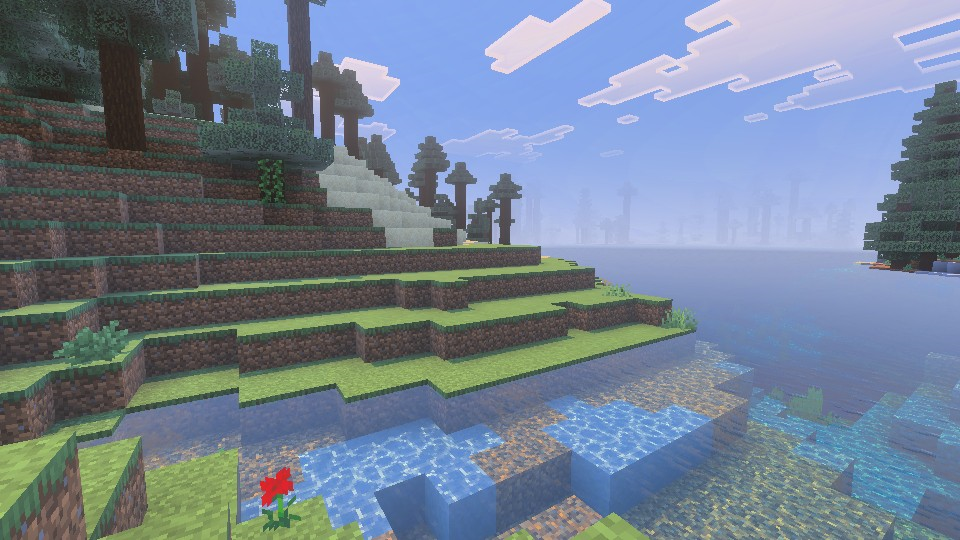 Vibrant Visuals is a new graphics setting found above “Fancy” in Minecraft Minecraft 1.21.6 Chase the Skies. It updates select textures, makes water more realistic, and adds dynamic lighting with accurate shadows that are rendered down to the pixel. For many Bedrock Edition players, it was enabled automatically after updating. However, the setting is entirely optional and can be turned off in the main menu, following the steps in the section below.
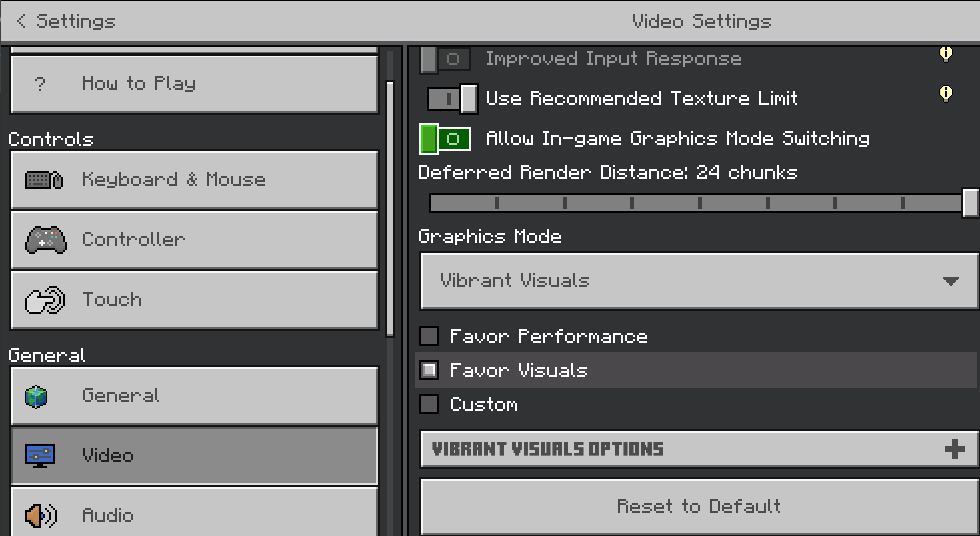
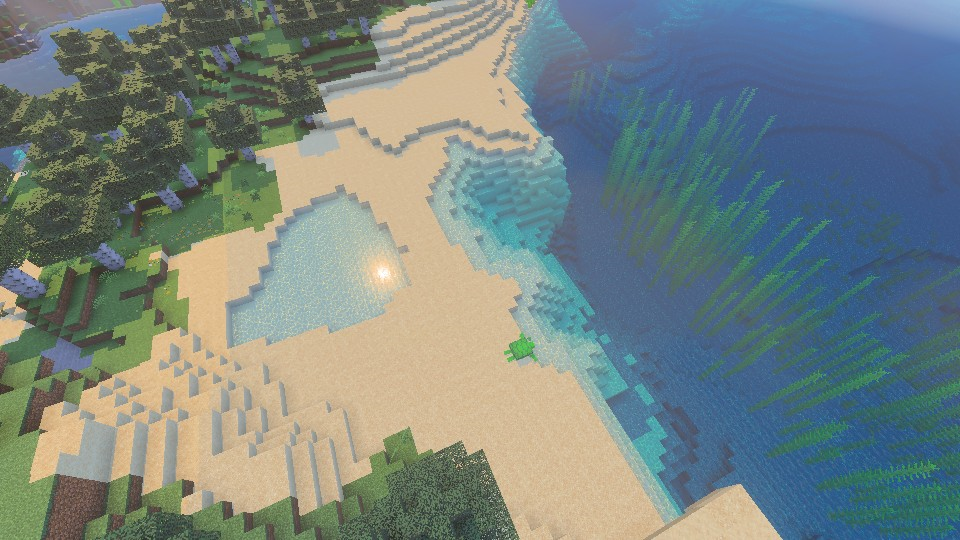 Bedrock Edition players can turn on Vibrant Visuals in the main menu at any time, following the same steps we outlined in the section above. If it was turned off due to performance issues, we recommend trying it once more with the “Favor Performance” sub-option selected instead. Should that still not help, the “V.V. Options” can be adjusted to better suit your system as well.
What Is Vibrant Visuals?
Vibrant Visuals is a new graphics setting found above “Fancy” in Minecraft Minecraft 1.21.6 Chase the Skies. It updates select textures, makes water more realistic, and adds dynamic lighting with accurate shadows that are rendered down to the pixel. For many Bedrock Edition players, it was enabled automatically after updating. However, the setting is entirely optional and can be turned off in the main menu, following the steps in the section below.
How to Turn Off Vibrant Visuals in Minecraft
- Open Minecraft Bedrock Edition
- Click “Settings”
- Click “Video”
- Scroll Down to “Graphics Mode”
- Select “Simple” or “Fancy” From the Dropdown Menu
- Leave the Settings and Enjoy Minecraft 1.21.6
Can It Be Enabled Later?
Bedrock Edition players can turn on Vibrant Visuals in the main menu at any time, following the same steps we outlined in the section above. If it was turned off due to performance issues, we recommend trying it once more with the “Favor Performance” sub-option selected instead. Should that still not help, the “V.V. Options” can be adjusted to better suit your system as well.Создайте свой собственный
сервер Minecraft
сервер Minecraft
Выберите тариф, укажите игру и играйте с друзьями!
Подпишитесь на нашу рассылку
Подпишитесь, чтобы получать последние новости из мира игр!

Присоединяйтесь к нашему Discord
Станьте частью нашего сообщества, в котором уже более 20000 единомышленников!
Как бы вы оценили этот блог?
Поделитесь своим мнением и помогите нам сделать наши блоги еще лучше!
Не понравилось
Нейтрально
Понравилось

Нужен игровой сервер?
Арендуйте игровой сервер, где вы и ваши друзья сможете играть в закрытом режиме с низкой задержкой и собственными настройками. Выбирайте из 110+ игр, приглашайте людей со всего мира и наслаждайтесь приватными матчами или создайте свое собственное онлайн-сообщество со своими правилами.

Похожие статьи







УЗНАЙТЕ ВСЕ ПЕРВЫМИ!
Подпишитесь на нашу рассылку, чтобы получать обновления о наших играх, новости компании и эксклюзивные предложения. Будьте в курсе!













