

How to Get the Aurora Minecraft Cape Code
Опубликовано автором

Поделиться:

Поделиться в X

Поделиться в Facebook

Поделиться в Threads

Поделиться в Bluesky

Скопировать в буфер обмена

Поделиться по email
Mojang is celebrating the release of Minecraft Dungeons 2 with a Java Edition and Bedrock Edition cape that is among the most stunning released to date! So, today, we explain step by step how to get the Aurora Minecraft Cape code and redeem it right away.
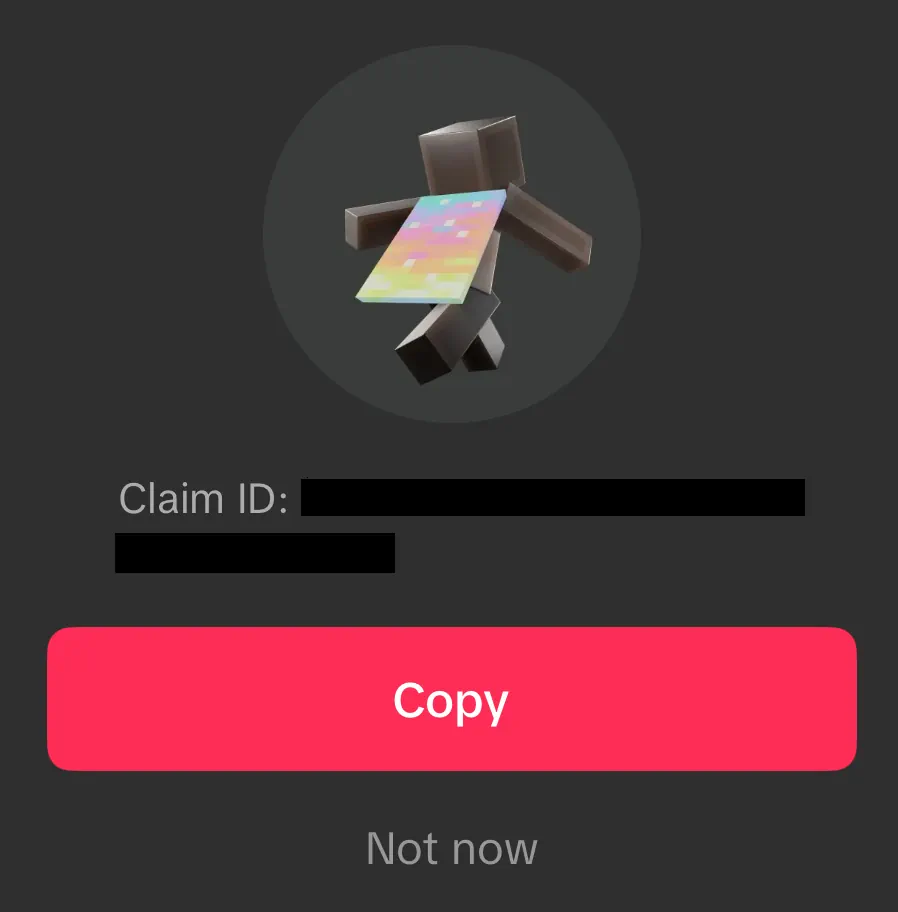 From September 29, 2026, at 7:00 UTC to October 15, 2026, at 6:59 UTC, Minecraft fans can earn an Aurora Minecraft Cape Code through viewership quests on either Twitch or TikTok. Twitch requires viewing 15 minutes of a partner or affiliate livestream in the Minecraft Dungeons 2 category, while TikTok requires viewing three minutes of an eligible Minecraft Dungeons 2 livestream. Both codes can be earned, but only one can be redeemed per Microsoft account. All Aurora Cape Codes expire October 31, 2026.
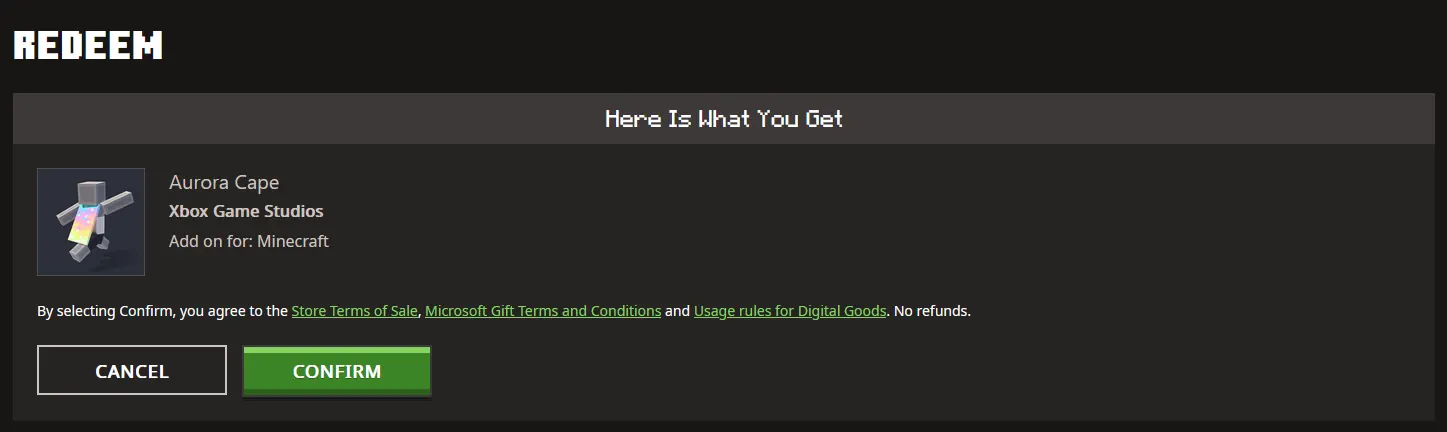 Once a code has been claimed from either Twitch or TikTok, it can be redeemed on the official Minecraft Redemption webpage, following the steps below:
How to Get the Aurora Minecraft Cape Code
From September 29, 2026, at 7:00 UTC to October 15, 2026, at 6:59 UTC, Minecraft fans can earn an Aurora Minecraft Cape Code through viewership quests on either Twitch or TikTok. Twitch requires viewing 15 minutes of a partner or affiliate livestream in the Minecraft Dungeons 2 category, while TikTok requires viewing three minutes of an eligible Minecraft Dungeons 2 livestream. Both codes can be earned, but only one can be redeemed per Microsoft account. All Aurora Cape Codes expire October 31, 2026.
Twitch:
- Log in or create a Twitch account.
- Open the Minecraft Dungeons 2 category.
- Watch 15 minutes of a partner or affiliate Minecraft Dungeons 2 livestream.
- Claim the code on the Twitch Drops & Rewards webpage.
- Redeem the code on the official Minecraft Redemptions webpage.
TikTok:
- Log in or create a TikTok account on the TikTok mobile app.
- Watch 3 minutes of an eligible Minecraft Dungeons 2 livestream.
- Claim the provided code by tapping the reward icon or reward notification.
- Redeem the code on the official Minecraft Redemption webpage.
How to Redeem Minecraft Codes
Once a code has been claimed from either Twitch or TikTok, it can be redeemed on the official Minecraft Redemption webpage, following the steps below:
- Open the official Minecraft Redemption Code webpage.
- Paste the 25-character code into the text box provided.
- Click “Redeem.”
- Sign in to your Microsoft account if not already done.
- Click “Confirm.”
Создайте свой собственный
сервер Minecraft
сервер Minecraft
Выберите тариф, укажите игру и играйте с друзьями!
Подпишитесь на нашу рассылку
Подпишитесь, чтобы получать последние новости из мира игр!

Присоединяйтесь к нашему Discord
Станьте частью нашего сообщества, в котором уже более 20000 единомышленников!
Как бы вы оценили этот блог?
Поделитесь своим мнением и помогите нам сделать наши блоги еще лучше!
Не понравилось
Нейтрально
Понравилось

Нужен игровой сервер?
Арендуйте игровой сервер, где вы и ваши друзья сможете играть в закрытом режиме с низкой задержкой и собственными настройками. Выбирайте из 110+ игр, приглашайте людей со всего мира и наслаждайтесь приватными матчами или создайте свое собственное онлайн-сообщество со своими правилами.

Похожие статьи







УЗНАЙТЕ ВСЕ ПЕРВЫМИ!
Подпишитесь на нашу рассылку, чтобы получать обновления о наших играх, новости компании и эксклюзивные предложения. Будьте в курсе!













