

GTA VI: How to Save & Autosaves Explained
Опубликовано автором

Поделиться:

Поделиться в X

Поделиться в Facebook

Поделиться в Threads

Поделиться в Bluesky

Скопировать в буфер обмена

Поделиться по email
It's been a long 13 years waiting for the next larger-than-life entry in the Grand Theft Auto series. Now that it's finally here and playable, however, GTA VI is jam-packed with details. One detail that isn't so clear, however, is how autosaves work, and how you save your game manually. While the game does have an opening prologue to teach you the controls, it doesn't explain much about how saving works. Here, we'll tell you exactly how to save your game in GTA VI and how autosaves work.
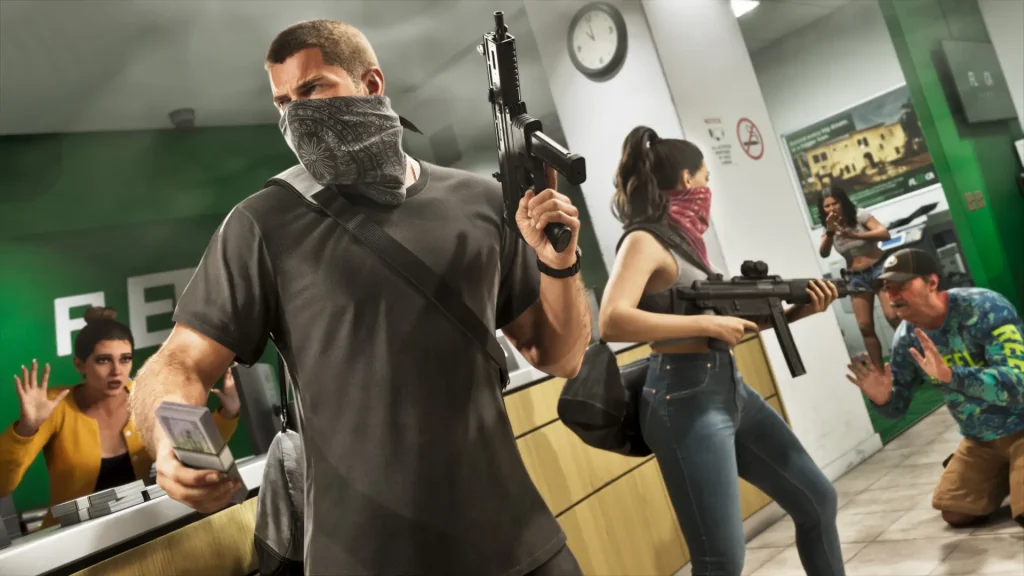 First and foremost, yes, you can manually save your game in GTA VI! All you need to do is press pause, which is the Select button if you're on PlayStation or the Menu button on Xbox, and you'll see a few options. Select the tab labeled Game, and you'll see this list:
How to Save & How Autosaves Work in GTA VI
First and foremost, yes, you can manually save your game in GTA VI! All you need to do is press pause, which is the Select button if you're on PlayStation or the Menu button on Xbox, and you'll see a few options. Select the tab labeled Game, and you'll see this list:
- Save Game
- Load Game
- New Game
Создайте свой собственный
сервер Game
сервер Game
Выберите тариф, укажите игру и играйте с друзьями!
Подпишитесь на нашу рассылку
Подпишитесь, чтобы получать последние новости из мира игр!

Присоединяйтесь к нашему Discord
Станьте частью нашего сообщества, в котором уже более 20000 единомышленников!
Как бы вы оценили этот блог?
Поделитесь своим мнением и помогите нам сделать наши блоги еще лучше!
Не понравилось
Нейтрально
Понравилось

Нужен игровой сервер?
Арендуйте игровой сервер, где вы и ваши друзья сможете играть в закрытом режиме с низкой задержкой и собственными настройками. Выбирайте из 110+ игр, приглашайте людей со всего мира и наслаждайтесь приватными матчами или создайте свое собственное онлайн-сообщество со своими правилами.

Похожие статьи







УЗНАЙТЕ ВСЕ ПЕРВЫМИ!
Подпишитесь на нашу рассылку, чтобы получать обновления о наших играх, новости компании и эксклюзивные предложения. Будьте в курсе!













