

Dune: Awakening Character Transfer Guide: Update 1.2.40.0 Changes & Walkthrough
Опубликовано автором

Поделиться:

Поделиться в X

Поделиться в Facebook

Поделиться в Threads

Поделиться в Bluesky

Скопировать в буфер обмена

Поделиться по email
Want to join your friends on a specific Dune: Awakening server without starting a new character? Feel like migrating toward a world with fewer players in it? Now, you can! Thanks to update 1.2.40.0, Dune: Awakening character transfers have arrived! Now, you can pack up your character, your base, your inventory, and even your vehicles and head to any server you like. It's not too complicated, but there are some specific steps to follow. So here, we'll go over everything you need to know about how to character transfer in Dune: Awakening.
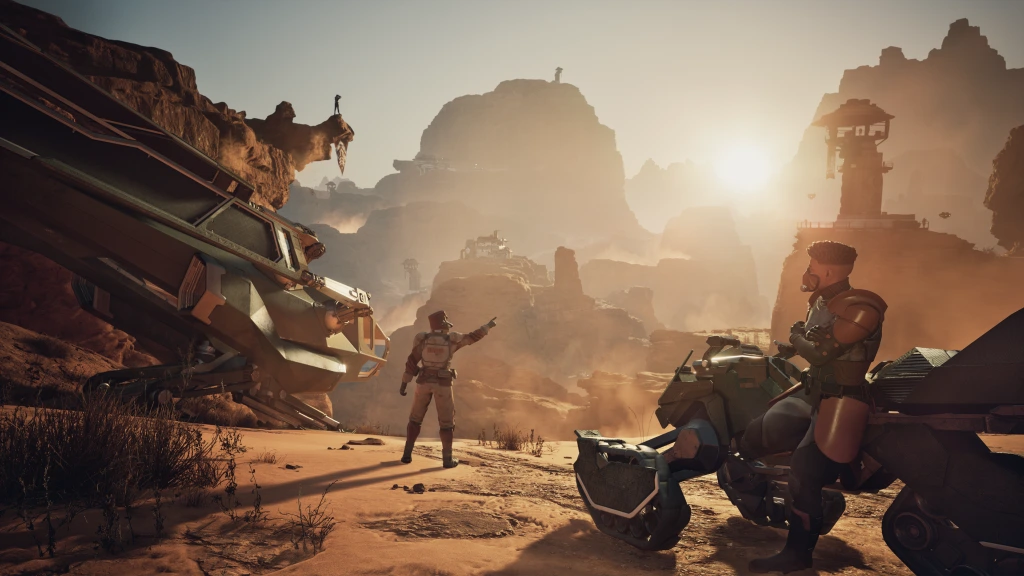 Once you have backed up your bases, vehicles, and inventory, you can begin the Character Transfer process.
How to Perform a Character Transfer in Dune: Awakening
What to Do Before Starting a Character Transfer in Dune: Awakening
Yes, character transfers between servers are now possible thanks to Dune: Awakening update 1.2.40.0. However, there are a few steps to follow before you attempt to transfer your character. Neglecting to follow these steps can result in your gear, bases, vehicles, and more being left behind and permanently lost. Before starting a character transfer, make sure you do the following:- Back up your base using the Base Reconstruction Tool.
- You can store up to three different bases in the BRT.
- Back up your vehicles using the Vehicle Backup Tool.
- Some vehicles are too large for the VBT. These vehicles can be disassembled with a Welding Torch, and their parts can be stored in either your bank or base storage.
- Place any valuables or desired items into your inventory and your bank.
- The contents of your inventory and bank will be transferred along with your character.
- This also includes any items you're selling on the in-game marketplace. Take them off the marketplace and store them in your inventory or bank to prevent their loss.
- Ensure your character is in the Hagga Basin before starting a character transfer.
- This is an especially important step, as you cannot start a character transfer if you are anywhere other than the Hagga Basin.
How to Complete a Character Transfer in Dune: Awakening
Once you have backed up your bases, vehicles, and inventory, you can begin the Character Transfer process.
- Exit to the Main Menu. Wait until your character is fully logged out.
- Click the Servers tab on the top left-hand side of the screen. You can see your single Transfer Token listed next to the Server Browser search box.
- Select the character you wish to transfer by finding them in the list of servers. For example, if you have a character on Griffin's Reach, you should see that character near the top of the server list with their current level.
- Press 'Z' to initiate 'Transfer Character.' You can also press 'X' to 'Delete Character.'
- Now, you select the new server you want to travel to. Here, you can see stats such as overall server population, how many friends you have on that server, and the server's ping. You can also cycle through official servers, private servers, and friends' servers.
- Warning messages will appear to remind you to back up your buildings, vehicles, and inventory. Additionally, you may see a message telling you that you can only have one character on each server. If you have another character on a server, the pop-up message will ask if you want the preexisting character deleted.
- A window will appear asking for your character name. By default, it lists your character's current name. However, this is a chance to rename yourself if you'd prefer.
- Your character will be transferred.
- When you load into the game, you will start in Hagga Basin. You can now head into the world, rebuild your bases and vehicles, and continue to explore and enjoy Dune: Awakening.
Создайте свой собственный
сервер Dune Awakening
сервер Dune Awakening
Выберите тариф, укажите игру и играйте с друзьями!
Подпишитесь на нашу рассылку
Подпишитесь, чтобы получать последние новости из мира игр!

Присоединяйтесь к нашему Discord
Станьте частью нашего сообщества, в котором уже более 20000 единомышленников!
Как бы вы оценили этот блог?
Поделитесь своим мнением и помогите нам сделать наши блоги еще лучше!
Не понравилось
Нейтрально
Понравилось

Нужен игровой сервер?
Арендуйте игровой сервер, где вы и ваши друзья сможете играть в закрытом режиме с низкой задержкой и собственными настройками. Выбирайте из 110+ игр, приглашайте людей со всего мира и наслаждайтесь приватными матчами или создайте свое собственное онлайн-сообщество со своими правилами.

Похожие статьи







УЗНАЙТЕ ВСЕ ПЕРВЫМИ!
Подпишитесь на нашу рассылку, чтобы получать обновления о наших играх, новости компании и эксклюзивные предложения. Будьте в курсе!













