
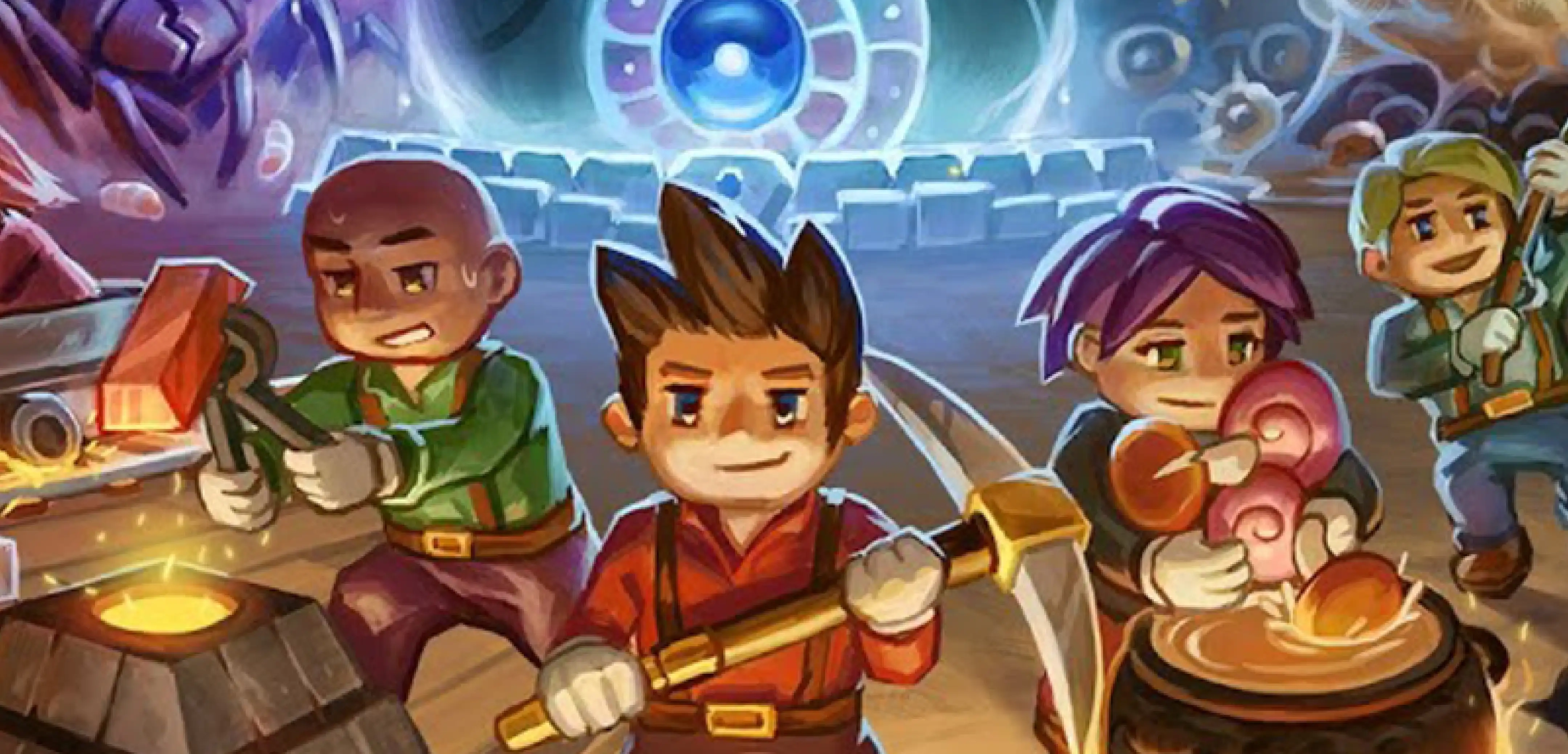
Core Keeper Beginner’s Guide: 5 Tips and Tricks for New Players
Опубликовано автором

Поделиться:

Поделиться в X

Поделиться в Facebook

Поделиться в Threads

Поделиться в Bluesky

Скопировать в буфер обмена

Поделиться по email
Before we get into our Core Keeper beginner's guide, we'll start with one very important tip - don’t let the cute, pixelated graphics fool you into thinking that this game will be a walk in the park. Careful planning is still vital to ensure you survive the depths of this game. Otherwise, you might get very, very used to your spawn point and the walk back to the action.
With that, here are some tips and tricks to help new players in Core Keeper.
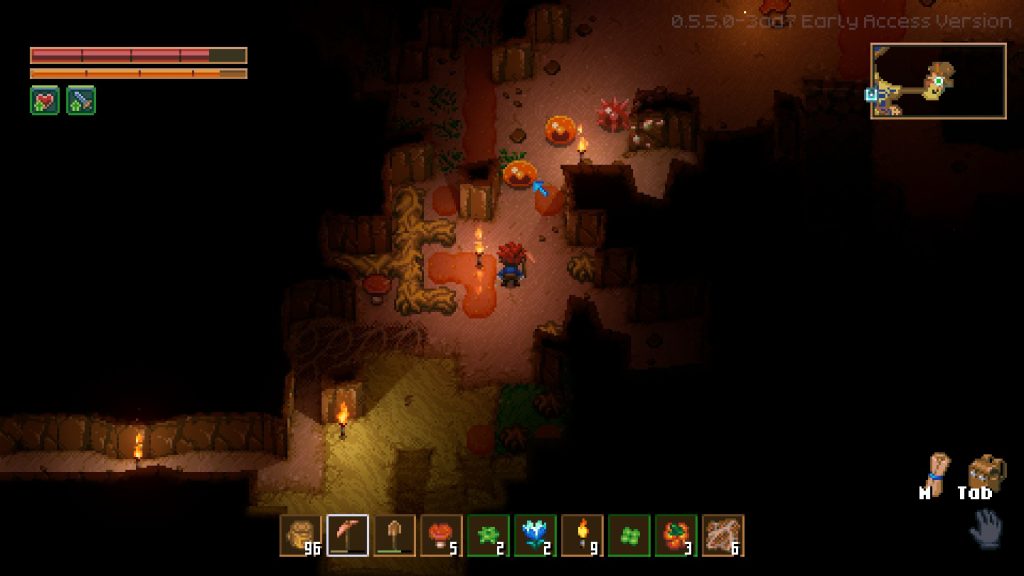 Note that the following tips and tricks aren’t only for Core Keeper beginners. Veterans of this title can use these helpful pieces of information if they forget some of the game’s essential aspects.
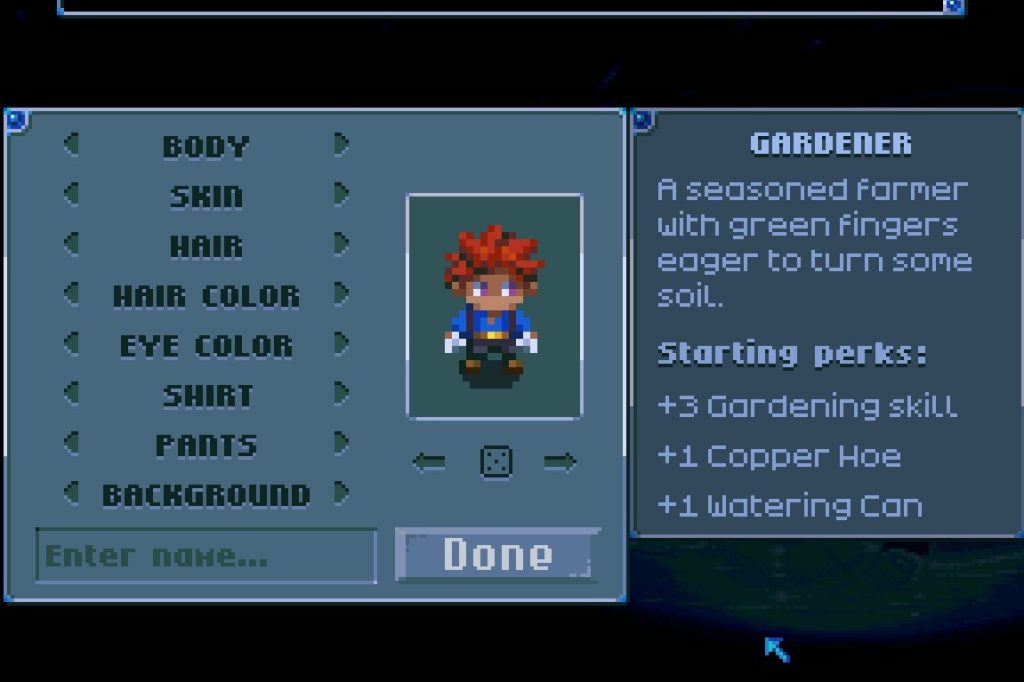 Out of the seven core backgrounds in Core Keeper, the gardener is a good choice for a new player. This background should feel right at home if you’re into similar roles from other games like Valheim.
Starting the game with this background immediately gives you the Copper Hoe and Watering Can. Use these items to grow crops in the Underground World.
Normally, you must gather Copper Bars to craft these tools. But since you have the hoe and can from the start, they’ll save you time and effort gathering those materials to help you start a farm.
Out of the seven core backgrounds in Core Keeper, the gardener is a good choice for a new player. This background should feel right at home if you’re into similar roles from other games like Valheim.
Starting the game with this background immediately gives you the Copper Hoe and Watering Can. Use these items to grow crops in the Underground World.
Normally, you must gather Copper Bars to craft these tools. But since you have the hoe and can from the start, they’ll save you time and effort gathering those materials to help you start a farm.
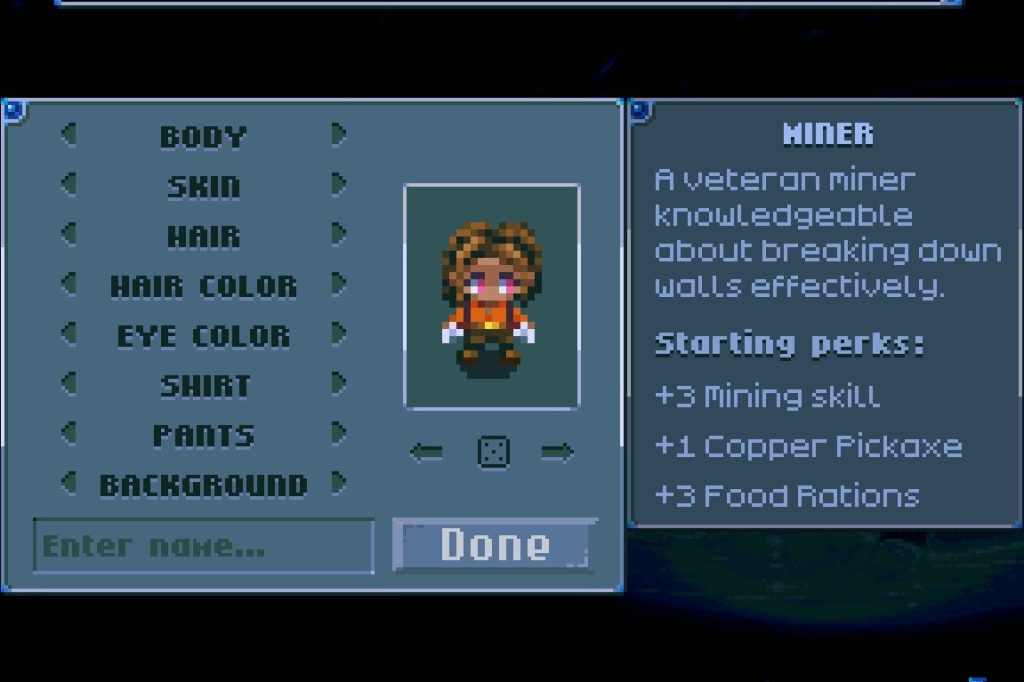 If you’re still unsure about picking the gardener background, or any of the other starting credentials in the game, you can pick the one that suits your interest. It’s because the background only exists to give you a head start. After an hour or two of playing, you’ll likely catch up to the things you missed during character creation.
For example, you picked the Miner background, giving you the pickaxe from the start. This background also increases your character’s Mining Skill by 3. However, you can upgrade this skill and get the pickaxe regardless of your background, as long as you progress through the game.
If you’re still unsure about picking the gardener background, or any of the other starting credentials in the game, you can pick the one that suits your interest. It’s because the background only exists to give you a head start. After an hour or two of playing, you’ll likely catch up to the things you missed during character creation.
For example, you picked the Miner background, giving you the pickaxe from the start. This background also increases your character’s Mining Skill by 3. However, you can upgrade this skill and get the pickaxe regardless of your background, as long as you progress through the game.
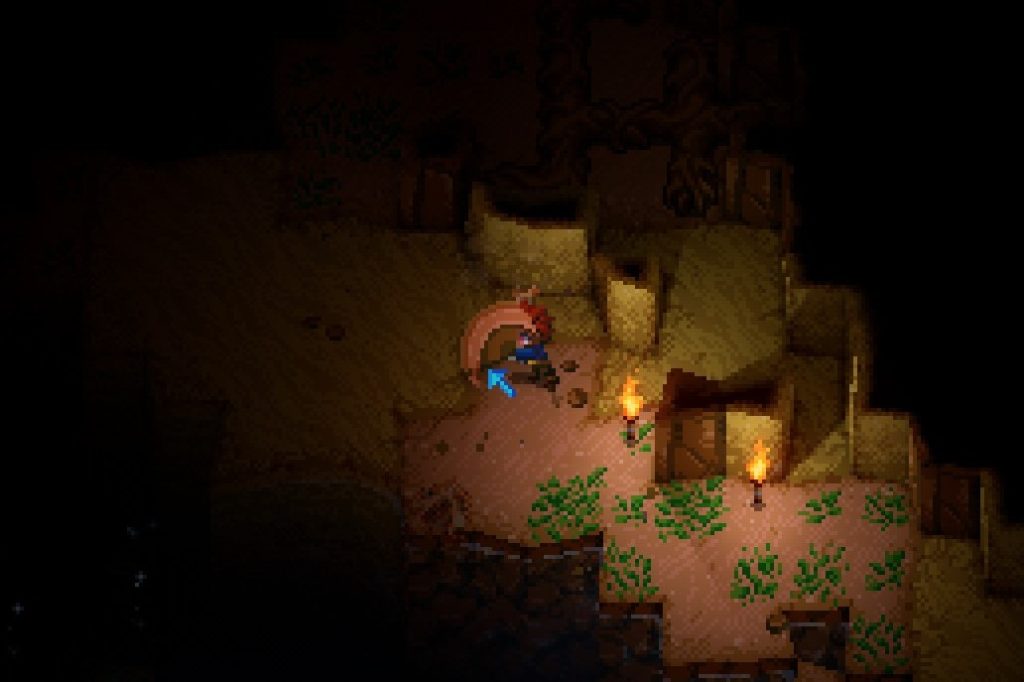 It wouldn't be a Core Keeper guide without some quality-of-life suggestions. When first starting out, many players default to pressing the action button continuously to gather nearby items. But mashing this button will only test your device’s hardware (and perhaps hurt your finger). Instead, hold the button, and your character will gather all nearby items increasingly until you release it.
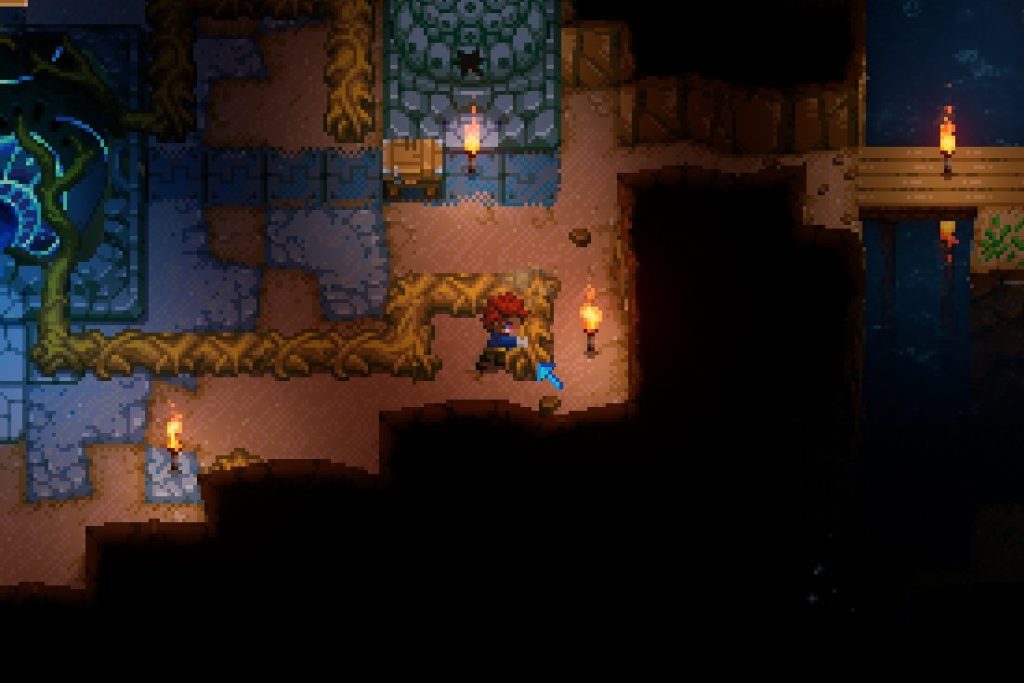 Without your character equipping anything, you can press the action or left mouse button to punch. Use this action to hit wood roots to gather wood. Although you may not acquire several pieces of wood through punching, it’s still a good way to harvest this material to craft early-game equipment and structures.
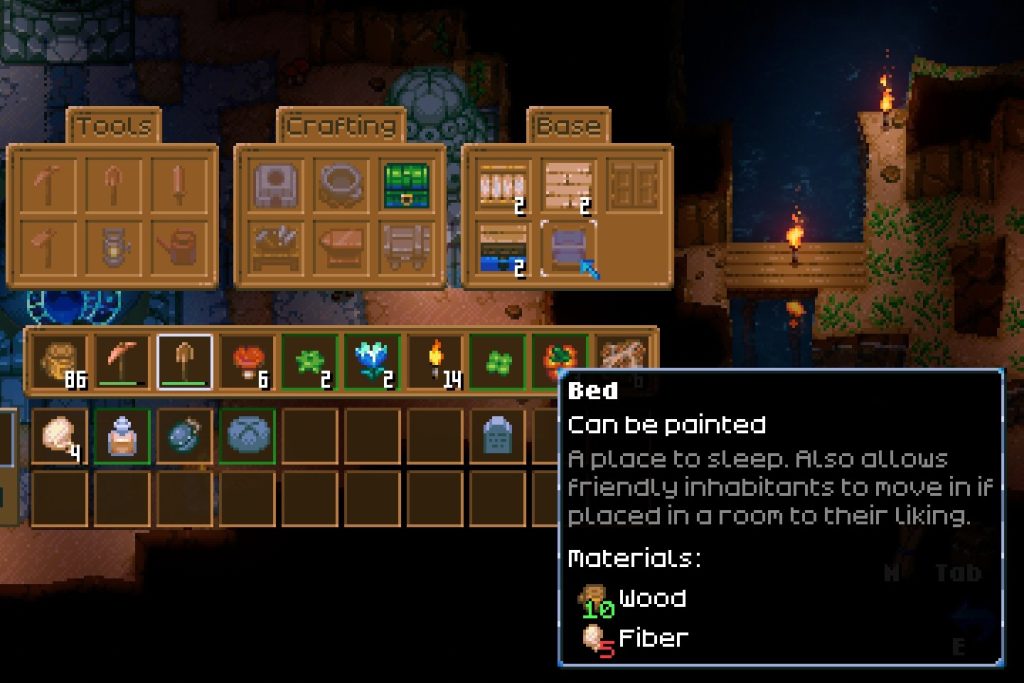 Crafting a Bed requires 10x Wood and 5x Fiber, and you can craft this fixture on a Workbench. Crafting a Workbench needs 8x Wood.
Make these interactive structures as you progress through the game’s depths. The bed, in particular, lets you restore health without your character needing to eat food. That way, you can save up on supplies as you proceed further.
Note: At the time of writing, there’s no way to destroy or salvage structures in the game. You can only remove them from their placement with the pickaxe.
Very soon, Core Keeper players can build to their heart’s content with the upcoming Creative Mode. This feature arrives with the game’s “Paws & Claws” update, which will go live on May 10, 2023.
Crafting a Bed requires 10x Wood and 5x Fiber, and you can craft this fixture on a Workbench. Crafting a Workbench needs 8x Wood.
Make these interactive structures as you progress through the game’s depths. The bed, in particular, lets you restore health without your character needing to eat food. That way, you can save up on supplies as you proceed further.
Note: At the time of writing, there’s no way to destroy or salvage structures in the game. You can only remove them from their placement with the pickaxe.
Very soon, Core Keeper players can build to their heart’s content with the upcoming Creative Mode. This feature arrives with the game’s “Paws & Claws” update, which will go live on May 10, 2023.

Core Keeper Beginner's Guide: 5 Tips & Tricks for New Players
Note that the following tips and tricks aren’t only for Core Keeper beginners. Veterans of this title can use these helpful pieces of information if they forget some of the game’s essential aspects.
1. Choose The Gardener Background
Out of the seven core backgrounds in Core Keeper, the gardener is a good choice for a new player. This background should feel right at home if you’re into similar roles from other games like Valheim.
Starting the game with this background immediately gives you the Copper Hoe and Watering Can. Use these items to grow crops in the Underground World.
Normally, you must gather Copper Bars to craft these tools. But since you have the hoe and can from the start, they’ll save you time and effort gathering those materials to help you start a farm.
2. Don’t Worry Too Much About Character Creation (Nothing's Final)
If you’re still unsure about picking the gardener background, or any of the other starting credentials in the game, you can pick the one that suits your interest. It’s because the background only exists to give you a head start. After an hour or two of playing, you’ll likely catch up to the things you missed during character creation.
For example, you picked the Miner background, giving you the pickaxe from the start. This background also increases your character’s Mining Skill by 3. However, you can upgrade this skill and get the pickaxe regardless of your background, as long as you progress through the game.
3. Hold The Action Button To Gather Goodies
It wouldn't be a Core Keeper guide without some quality-of-life suggestions. When first starting out, many players default to pressing the action button continuously to gather nearby items. But mashing this button will only test your device’s hardware (and perhaps hurt your finger). Instead, hold the button, and your character will gather all nearby items increasingly until you release it.
4. Don't Miss the Wood Roots
Without your character equipping anything, you can press the action or left mouse button to punch. Use this action to hit wood roots to gather wood. Although you may not acquire several pieces of wood through punching, it’s still a good way to harvest this material to craft early-game equipment and structures.
5. Take Advantage of Beds and Workbenches
Crafting a Bed requires 10x Wood and 5x Fiber, and you can craft this fixture on a Workbench. Crafting a Workbench needs 8x Wood.
Make these interactive structures as you progress through the game’s depths. The bed, in particular, lets you restore health without your character needing to eat food. That way, you can save up on supplies as you proceed further.
Note: At the time of writing, there’s no way to destroy or salvage structures in the game. You can only remove them from their placement with the pickaxe.
Very soon, Core Keeper players can build to their heart’s content with the upcoming Creative Mode. This feature arrives with the game’s “Paws & Claws” update, which will go live on May 10, 2023.
Создайте свой собственный
сервер Core Keeper
сервер Core Keeper
Выберите тариф, укажите игру и играйте с друзьями!
Подпишитесь на нашу рассылку
Подпишитесь, чтобы получать последние новости из мира игр!

Присоединяйтесь к нашему Discord
Станьте частью нашего сообщества, в котором уже более 20000 единомышленников!
Как бы вы оценили этот блог?
Поделитесь своим мнением и помогите нам сделать наши блоги еще лучше!
Не понравилось
Нейтрально
Понравилось

Нужен игровой сервер?
Арендуйте игровой сервер, где вы и ваши друзья сможете играть в закрытом режиме с низкой задержкой и собственными настройками. Выбирайте из 110+ игр, приглашайте людей со всего мира и наслаждайтесь приватными матчами или создайте свое собственное онлайн-сообщество со своими правилами.

Похожие статьи







УЗНАЙТЕ ВСЕ ПЕРВЫМИ!
Подпишитесь на нашу рассылку, чтобы получать обновления о наших играх, новости компании и эксклюзивные предложения. Будьте в курсе!













