
The Isle System Requirements: Minimum & Recommended PC Specs
Opublikowano przez

Udostępnij:

Udostępnij na X

Udostępnij na Facebooku

Udostępnij na Threads

Udostępnij na Bluesky

Skopiuj do schowka

Udostępnij przez e-mail
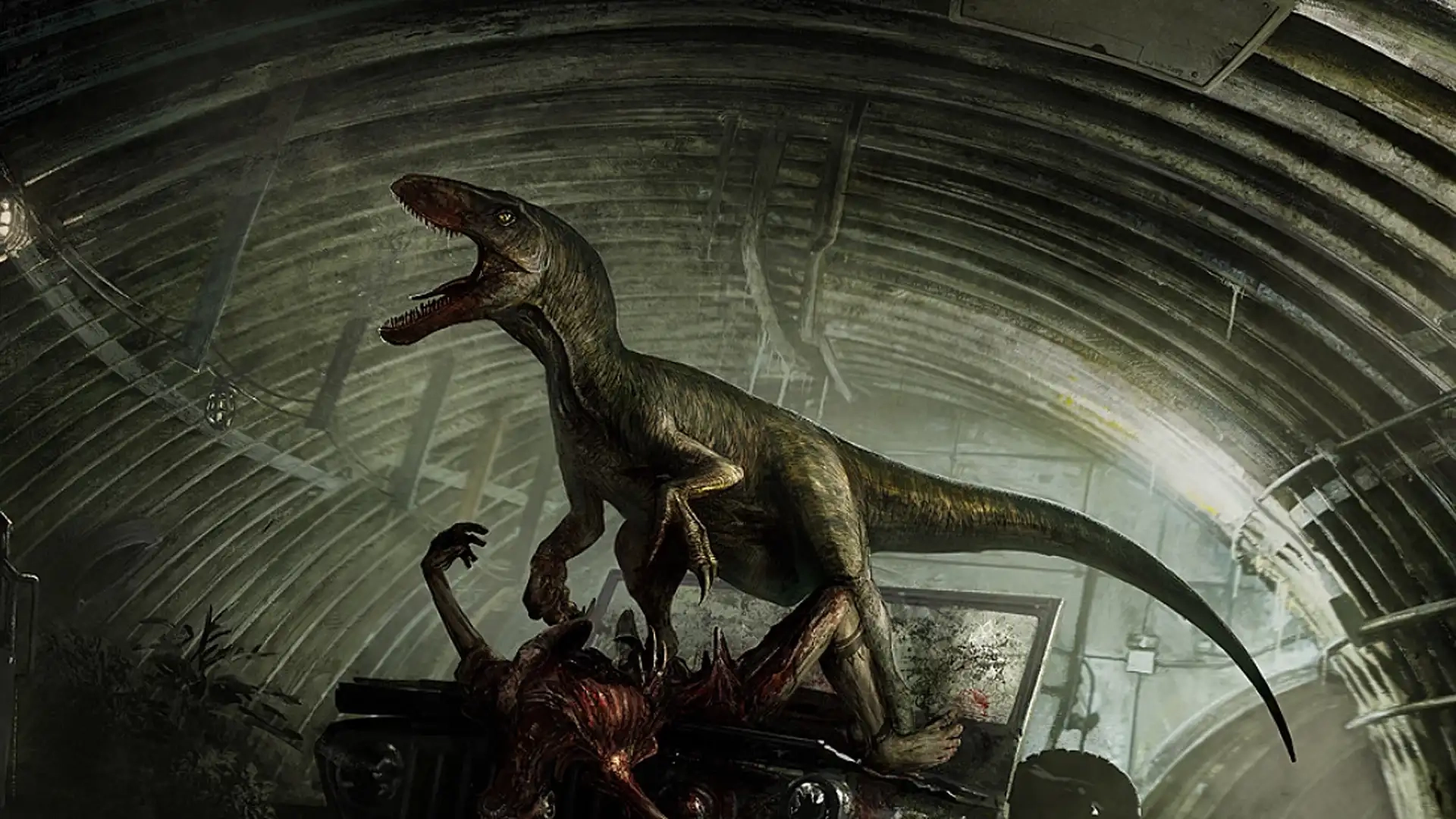
Romping around in The Isle as your favorite meat-eating or plant-munching dinosaurs is a fun time. Especially when you gather your friends on a custom dedicated server. But before you start living the dino life, you should make sure your PC can run the game. Here, we've outlined both the minimum and recommended PC specs for The Isle so you can ensure your rig is up to snuff.
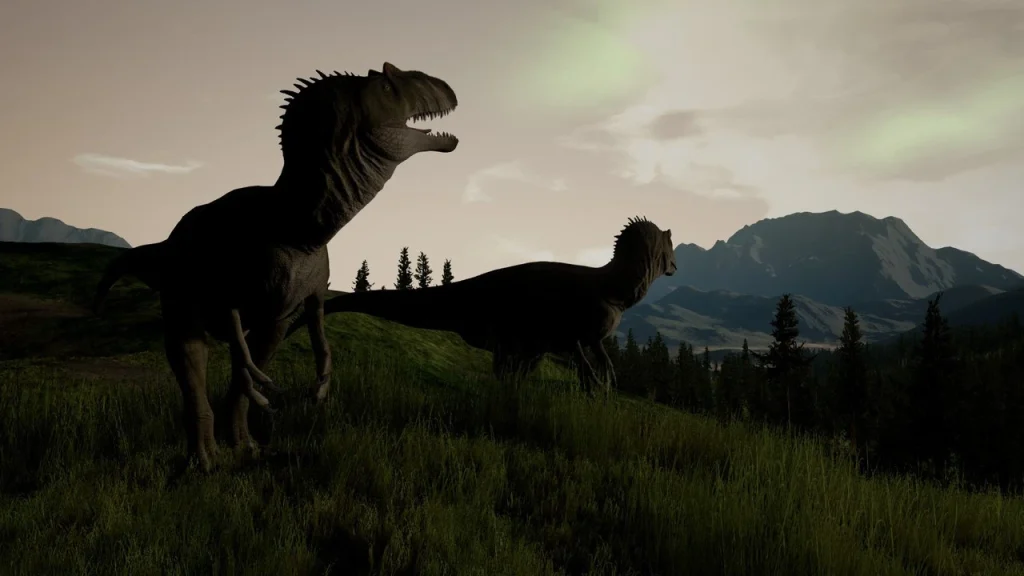 As an early access game, The Isle is still unfinished. As a result, it's not fully optimized, it has its fair share of bugs, and it can experience general online stability issues. With all of those Early Access quirks, it can be tricky to know if problems you experience are because of your PC or the game itself.
If you're having some stuttering gameplay trouble, here are a few things you can do to potentially improve performance:
As an early access game, The Isle is still unfinished. As a result, it's not fully optimized, it has its fair share of bugs, and it can experience general online stability issues. With all of those Early Access quirks, it can be tricky to know if problems you experience are because of your PC or the game itself.
If you're having some stuttering gameplay trouble, here are a few things you can do to potentially improve performance:
The Isle System Requirements: Minimum & Recommended PC Specs & Settings
As an early access game, The Isle is still unfinished. As a result, it's not fully optimized, it has its fair share of bugs, and it can experience general online stability issues. With all of those Early Access quirks, it can be tricky to know if problems you experience are because of your PC or the game itself.
If you're having some stuttering gameplay trouble, here are a few things you can do to potentially improve performance:
- Set the following graphics settings to Medium or Low:
- Post Processing
- Anti-Aliasing
- Shadows
- Effects
- View Distance
- Foliage
- Anytime you change your graphics settings, restart the game.
- Ensure the game's Smooth FPS box has been checked.
- Use the FPS cap setting to set a hard cap for your game's frame rate.
- A frame rate of 60 or 30 is recommended if your game is truly experiencing stuttering.
- Ensure your graphics card drivers are always up to date.
- Delete your game's Config Folder by doing the following:
- Close the game.
- Open your computer's Run box by pressing the Windows Key & R.
- Type "%localappdata%" and press Enter.
- Scroll until you find the file named "TheIsle" and enter it.
- Enter the file "Saved" and delete the Config folder inside.
- This can remove unwanted junk files that are bogging down your game's performance.
Minimum System Requirements for The Isle
- OS: Windows 7 (64-bit)
- Processor: Quad-core Intel or AMD - 3.0 GHz
- Memory: 8 GB RAM
- Graphics: NVIDIA GeForce GTX 960 or AMD Radeon R9 280X
- DirectX: Version 11
- Network: Broadband Internet Connection
- Storage: 25 GB
Recommended System Requirements for The Isle
- OS: Windows 10 (64-bit)
- Processor: Quad-core Intel or AMD - 3.4 GHz
- Memory: 16 GB RAM
- Graphics: NVIDIA GeForce GTX 1070
- DirectX: Version 11
- Network: Broadband Internet Connection
- Storage: 25GB
Zapisz się do newslettera
Subskrybuj, aby otrzymywać najnowsze informacje ze świata gier!

Dołącz do naszego Discorda
Zostań częścią naszej społeczności ponad 20,000 podobnie myślących członków!
Jak oceniasz ten wpis?
Podziel się swoją opinią i pomóż nam tworzyć jeszcze lepsze artykuły!
Nie podobał mi się
Neutralnie
Podobał mi się

Potrzebujesz serwera do gry?
Wynajmij serwer gier, na którym Ty i Twoi znajomi możecie grać prywatnie z niskim opóźnieniem i własnymi ustawieniami. Wybieraj spośród 110+ gier, zaproś ludzi z całego świata i ciesz się prywatnymi rozgrywkami lub zbuduj własną społeczność online z własnymi zasadami.

Powiązane wpisy







BĄDŹ NA BIEŻĄCO!
Dołącz do naszego newslettera, aby otrzymywać informacje o naszych hostowanych grach, nowościach firmowych i ekskluzywnych ofertach. Bądź na bieżąco!













