
Subnautica Controls Guide: PC, Xbox, PlayStation, & Switch
Opublikowano przez

Udostępnij:

Udostępnij na X

Udostępnij na Facebooku

Udostępnij na Threads

Udostępnij na Bluesky

Skopiuj do schowka

Udostępnij przez e-mail
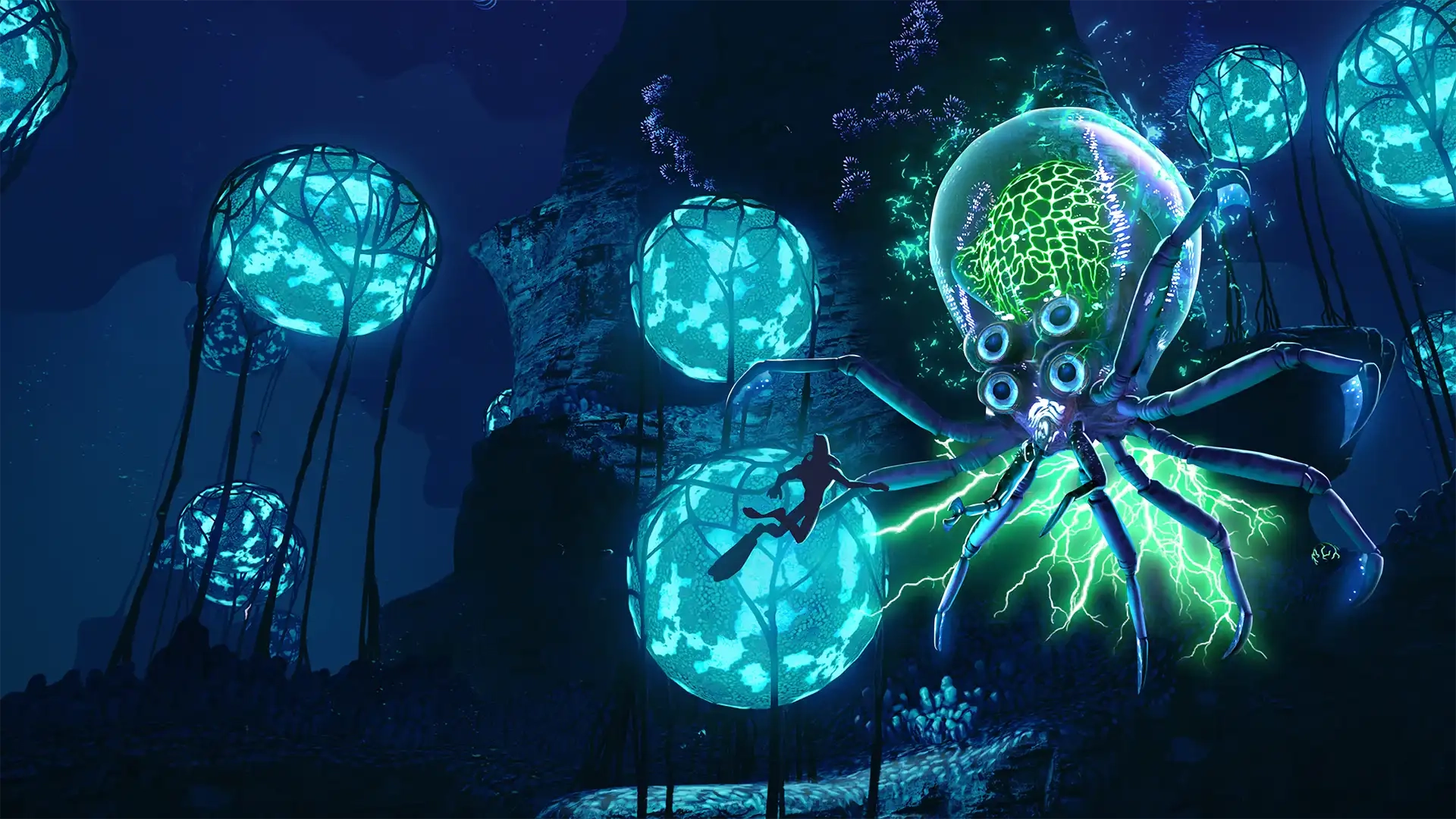
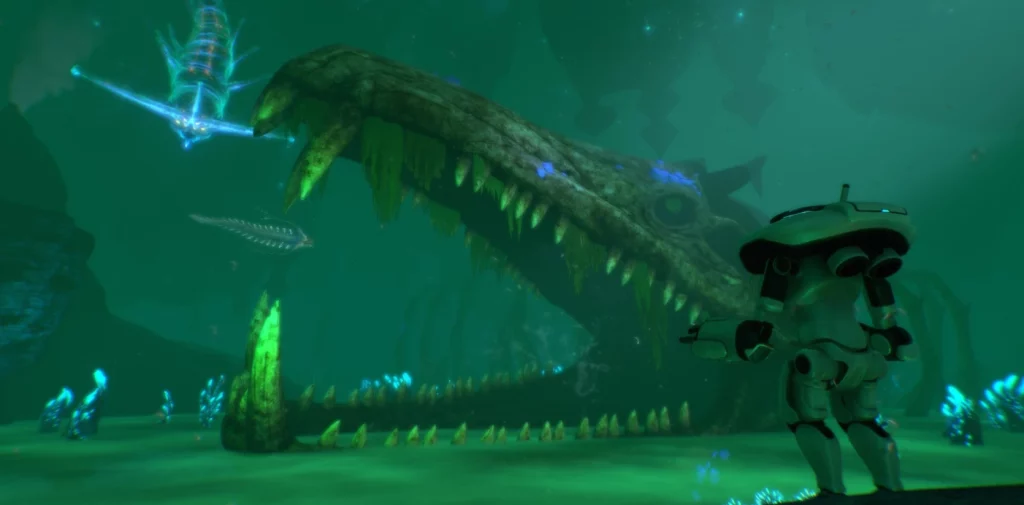
The alien ocean of Subnautica is filled with monstrous fish that would love to make you their next meal. You'll need to gather resources, keep an eye on your oxygen levels, and outswim some apex predators in order to survive. However, you ought to familiarize yourself with the game's controls first! Luckily, our Subnautica controls guide can help you out no matter which platform you're swimming on.
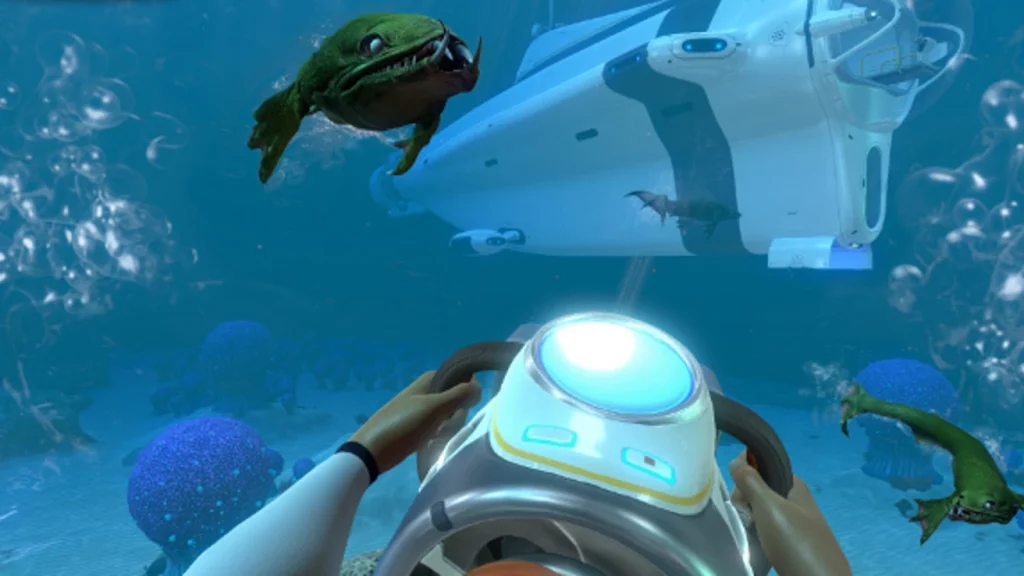 There's not too many controls to wrap your head around in Subnautica. You'll do some light inventory management and interact with some building menus, but swimming and controlling vehicles make up the bulk of your gameplay controls. Naturally, you'll have more keybinds available to you if you're playing on PC, but you can rebind your preferred keybinds on any console or PC.
Subnautica has more controls and options than everything we've listed below, but these are the game's default controls. Interestingly, Subnautica allows you to list more than one button to a specific function. You can swap things around however you like and find what works best for you as you and your friends attempt to flee the planet.
There's not too many controls to wrap your head around in Subnautica. You'll do some light inventory management and interact with some building menus, but swimming and controlling vehicles make up the bulk of your gameplay controls. Naturally, you'll have more keybinds available to you if you're playing on PC, but you can rebind your preferred keybinds on any console or PC.
Subnautica has more controls and options than everything we've listed below, but these are the game's default controls. Interestingly, Subnautica allows you to list more than one button to a specific function. You can swap things around however you like and find what works best for you as you and your friends attempt to flee the planet.
Subnautica Controls & Keybinds: PC
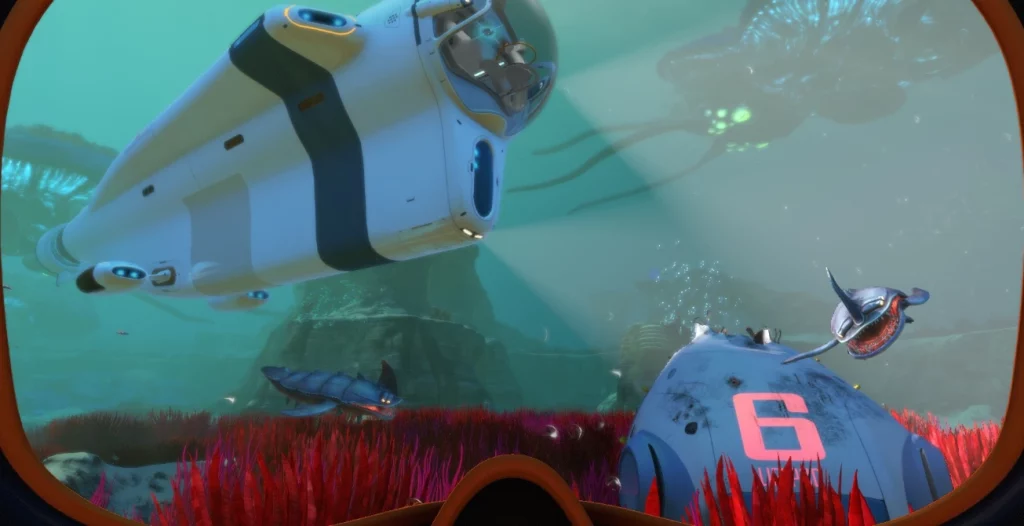
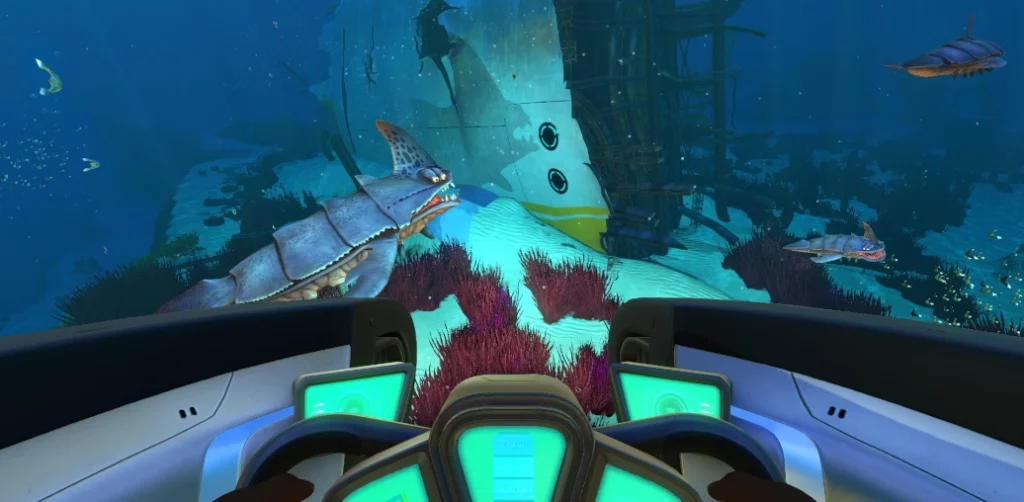
There's not too many controls to wrap your head around in Subnautica. You'll do some light inventory management and interact with some building menus, but swimming and controlling vehicles make up the bulk of your gameplay controls. Naturally, you'll have more keybinds available to you if you're playing on PC, but you can rebind your preferred keybinds on any console or PC.
Subnautica has more controls and options than everything we've listed below, but these are the game's default controls. Interestingly, Subnautica allows you to list more than one button to a specific function. You can swap things around however you like and find what works best for you as you and your friends attempt to flee the planet.
- Jump: Spacebar
- PDA: Tab
- Deconstruct: Q
- Exit / Holster: E
- Left Hand / Use: Left Mouse Click
- Right Hand: Right Mouse Click
- Next Item: Scroll Wheel Up
- Previous Item: Scroll Wheel Down
- Slot 1: 1
- Slot 2: 2
- Slot 3: 3
- Slot 4: 4
- Slot 5: 5
- Load Tool: F
- Rotate Item Left: Q
- Rotate Item Right: E
- Take Picture: F11
- Reload: R
- Sprint: Left Shift
- Move Up: Spacebar
- Move Down: C
- Move Forward: W
- Move Backward: S
- Move Left: A
- Move Right: D
- Debug Information Menu: F1
- Debug Graphics Menu: F3
- Hide/Show Interface: F6
- Feedback Menu: F8
- Windowed / Fullscreen: Alt+Enter
Abiotic Factor Controls: Xbox
- Move: Left Control Stick
- Look: Right Control Stick
- Jump: Y
- PDA: View
- Deconstruct: Down on D-Pad
- Exit / Holster: B
- Left Hand / Use: A / LT
- Right Hand: RT
- Cycle Next: Right on D-Pad
- Cycle Previous: Left on D-Pad
- Tool Alternate Use: Up on D-Pad
- Take Picture: Click Right Stick
- Reload: X
- Sprint: A
- Move Up: RB
- Move Down: LB
Subnautica Controls: PlayStation
- Move: Left Control Stick
- Look: Right Control Stick
- Jump: Triangle
- PDA: Touchpad
- Deconstruct: Down on D-Pad
- Exit / Holster: Circle
- Left Hand / Use: Cross / L2
- Right Hand: R2
- Cycle Next: Right on D-Pad
- Cycle Previous: Left on D-Pad
- Tool Alternate Use: Up on D-Pad
- Take Picture: R3
- Reload: Square
- Sprint: Cross
- Move Up: R1
- Move Down: L1
Subnautica Controls: Nintendo Switch
- Move: Left Control Stick
- Look: Right Control Stick
- Jump: X
- PDA: -
- Deconstruct: Down on D-Pad
- Exit / Holster: A
- Left Hand / Use: B / L2
- Right Hand: ZR
- Cycle Next: Right on D-Pad
- Cycle Previous: Left on D-Pad
- Tool Alternate Use: Up on D-Pad
- Take Picture: Click Right Stick
- Reload: Y
- Sprint: B
- Move Up: R
- Move Down: L
Zapisz się do newslettera
Subskrybuj, aby otrzymywać najnowsze informacje ze świata gier!

Dołącz do naszego Discorda
Zostań częścią naszej społeczności ponad 20,000 podobnie myślących członków!
Jak oceniasz ten wpis?
Podziel się swoją opinią i pomóż nam tworzyć jeszcze lepsze artykuły!
Nie podobał mi się
Neutralnie
Podobał mi się

Potrzebujesz serwera do gry?
Wynajmij serwer gier, na którym Ty i Twoi znajomi możecie grać prywatnie z niskim opóźnieniem i własnymi ustawieniami. Wybieraj spośród 110+ gier, zaproś ludzi z całego świata i ciesz się prywatnymi rozgrywkami lub zbuduj własną społeczność online z własnymi zasadami.

Powiązane wpisy







BĄDŹ NA BIEŻĄCO!
Dołącz do naszego newslettera, aby otrzymywać informacje o naszych hostowanych grach, nowościach firmowych i ekskluzywnych ofertach. Bądź na bieżąco!













