
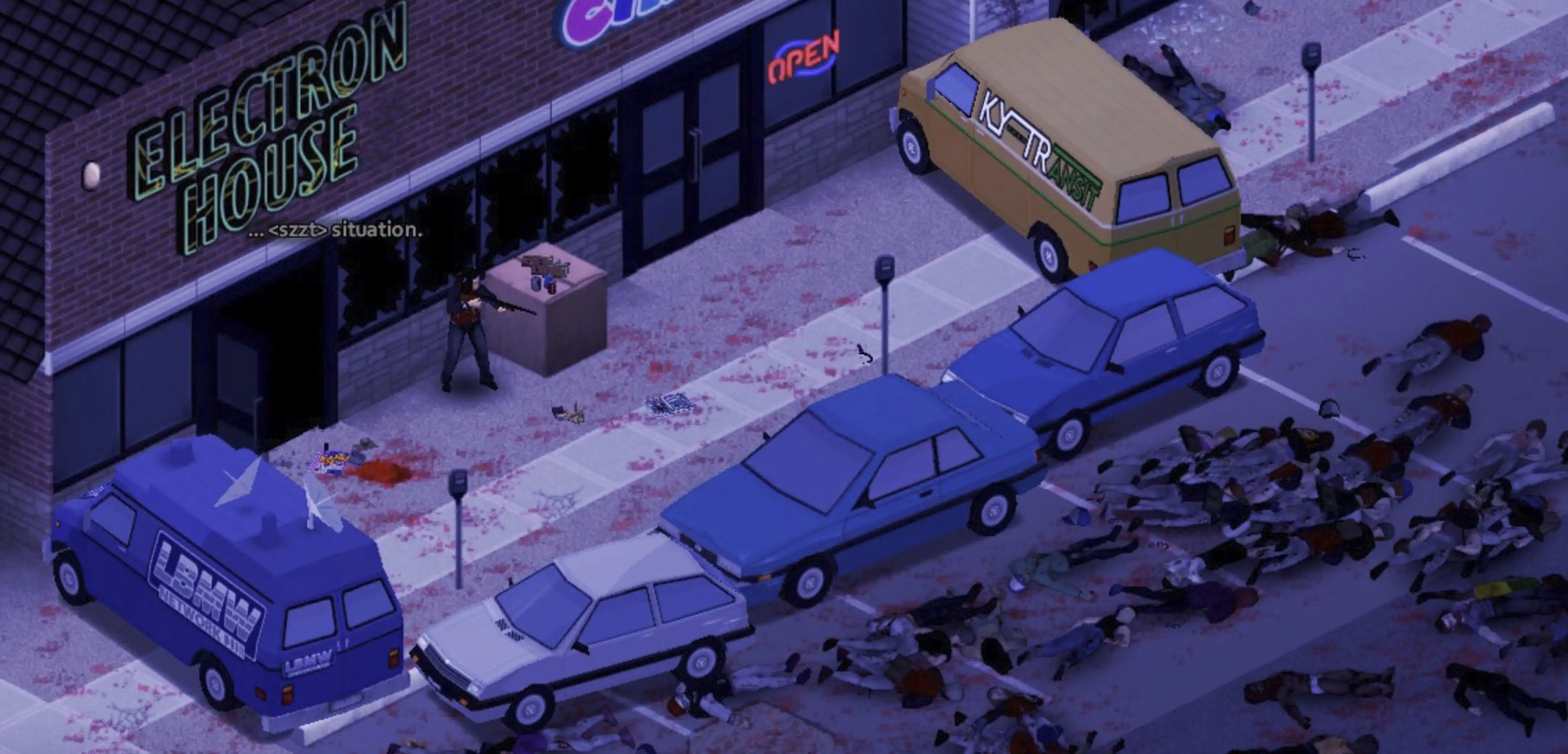
Project Zomboid: How to Fix the "File Does Not Match the One on the Server" Error
Opublikowano przez

Udostępnij:

Udostępnij na X

Udostępnij na Facebooku

Udostępnij na Threads

Udostępnij na Bluesky

Skopiuj do schowka

Udostępnij przez e-mail
Project Zomboid players have learned to fear the red “File does not match the one on the server” error message more than any horde of living dead. It’s the bane of many survivors’ existence, but there are some possible fixes for the issue so you can get back to the action. Here we'll cover everything you need to know about the "File Does Not Match the One on the Server" error in Project Zomboid, its causes, and how you may be able to fix it today!
 One of the game’s security protocols, particularly the “DoLuaChecksum,” flags the “File does not match the one on the server” error message in Project Zomboid. It’s a verification process to ensure that all clients and the server use identical game and mod files, preventing crashes and desyncs.
This mismatch can come from various yet fairly common sources. Some notable examples include the client’s game version being out of sync with the server, installed mods being outdated or incorrectly installed, or a corrupted file in the game’s directory.
Fortunately, some possible fixes exist, such as the following:
One of the game’s security protocols, particularly the “DoLuaChecksum,” flags the “File does not match the one on the server” error message in Project Zomboid. It’s a verification process to ensure that all clients and the server use identical game and mod files, preventing crashes and desyncs.
This mismatch can come from various yet fairly common sources. Some notable examples include the client’s game version being out of sync with the server, installed mods being outdated or incorrectly installed, or a corrupted file in the game’s directory.
Fortunately, some possible fixes exist, such as the following:
How to Fix the " File Does Not Match the One on the Server" Error in Project Zomboid
One of the game’s security protocols, particularly the “DoLuaChecksum,” flags the “File does not match the one on the server” error message in Project Zomboid. It’s a verification process to ensure that all clients and the server use identical game and mod files, preventing crashes and desyncs.
This mismatch can come from various yet fairly common sources. Some notable examples include the client’s game version being out of sync with the server, installed mods being outdated or incorrectly installed, or a corrupted file in the game’s directory.
Fortunately, some possible fixes exist, such as the following:
Align Game Versions
Arguably, the most common culprit behind this error is a version mismatch. For example, you haven’t updated Project Zomboid to the latest build, which, at the time of writing, is Version 42.20. Currently, you might be running an older version, like 42.13.1. If so, simply align the versions to remove the message:- 1. Log in to your Steam account and navigate to the “Library” tab
- 2. Right-click on “Project Zomboid” in the left sidebar, and click on “Properties” from the context menu
- 3. Select “Game Versions & Betas,” and choose “Default Public Version”
- 4. Wait for the game to update, and then run the client to check if the problem persists
Update Mods
Apart from mismatched client versions, mods that refuse to automatically update may also cause the “File does not match the one on the server” error in Project Zomboid. If so, consider unsubscribing and uninstalling all mods saved locally and on the server. Reconnect to the Project Zomboid server afterward. The game should re-download the server’s required mods for you, ensuring you have the correct versions. Alternatively, server hosts can force the update for mods. Start by stopping the server, then navigate to your “steamapps/workshop/” folder. Here, delete the “appworkshop_108600.acf” file. Next, restart the server to check if the error message continues to appear.Cleanse the Lua Folder
While the security check triggers the file mismatch error, the source of this activation may be a core game file in the Lua folder. If so, follow these steps:- 1. Navigate to your Project Zomboid installation directory, which by default is in the following path: Steam\steamapps\common\ProjectZomboid
- 2. Open the “media” folder, and then delete the “lua” folder
- 3. Log in to your Steam account and navigate to the “Library” tab
- 4. Right-click on “Project Zomboid” in the left sidebar, and click on “Properties” from the context menu
- 5. Select “Installed Files,” and click on “Verify integrity of game files”
- 6. Wait for the process to complete, and re-launch the Project Zomboid server to check if the message appears
Override the DoLuaChecksum Check
As a final, server-side workaround, you can simply disable the verification check. If you have access to the Project Zomboid server’s files, find the Project.ini or servertest.ini configuration file. Open it using Notepad or your preferred text editor. Once opened, locate the line “DoLuaChecksum=true,” and change it to “false.” Warning: Use this possible fix with caution. Disabling this check can lead to game-breaking bugs and desync issues. Nonetheless, it’s a known and reasonably effective fix when all else fails, especially for diagnosing a problematic Project Zomboid mod.Zapisz się do newslettera
Subskrybuj, aby otrzymywać najnowsze informacje ze świata gier!

Dołącz do naszego Discorda
Zostań częścią naszej społeczności ponad 20,000 podobnie myślących członków!
Jak oceniasz ten wpis?
Podziel się swoją opinią i pomóż nam tworzyć jeszcze lepsze artykuły!
Nie podobał mi się
Neutralnie
Podobał mi się

Potrzebujesz serwera do gry?
Wynajmij serwer gier, na którym Ty i Twoi znajomi możecie grać prywatnie z niskim opóźnieniem i własnymi ustawieniami. Wybieraj spośród 110+ gier, zaproś ludzi z całego świata i ciesz się prywatnymi rozgrywkami lub zbuduj własną społeczność online z własnymi zasadami.

Powiązane wpisy







BĄDŹ NA BIEŻĄCO!
Dołącz do naszego newslettera, aby otrzymywać informacje o naszych hostowanych grach, nowościach firmowych i ekskluzywnych ofertach. Bądź na bieżąco!













