
LOTR: Return to Moria Controls Guide: PC, Xbox, & PlayStation
Opublikowano przez

Udostępnij:

Udostępnij na X

Udostępnij na Facebooku

Udostępnij na Threads

Udostępnij na Bluesky

Skopiuj do schowka

Udostępnij przez e-mail
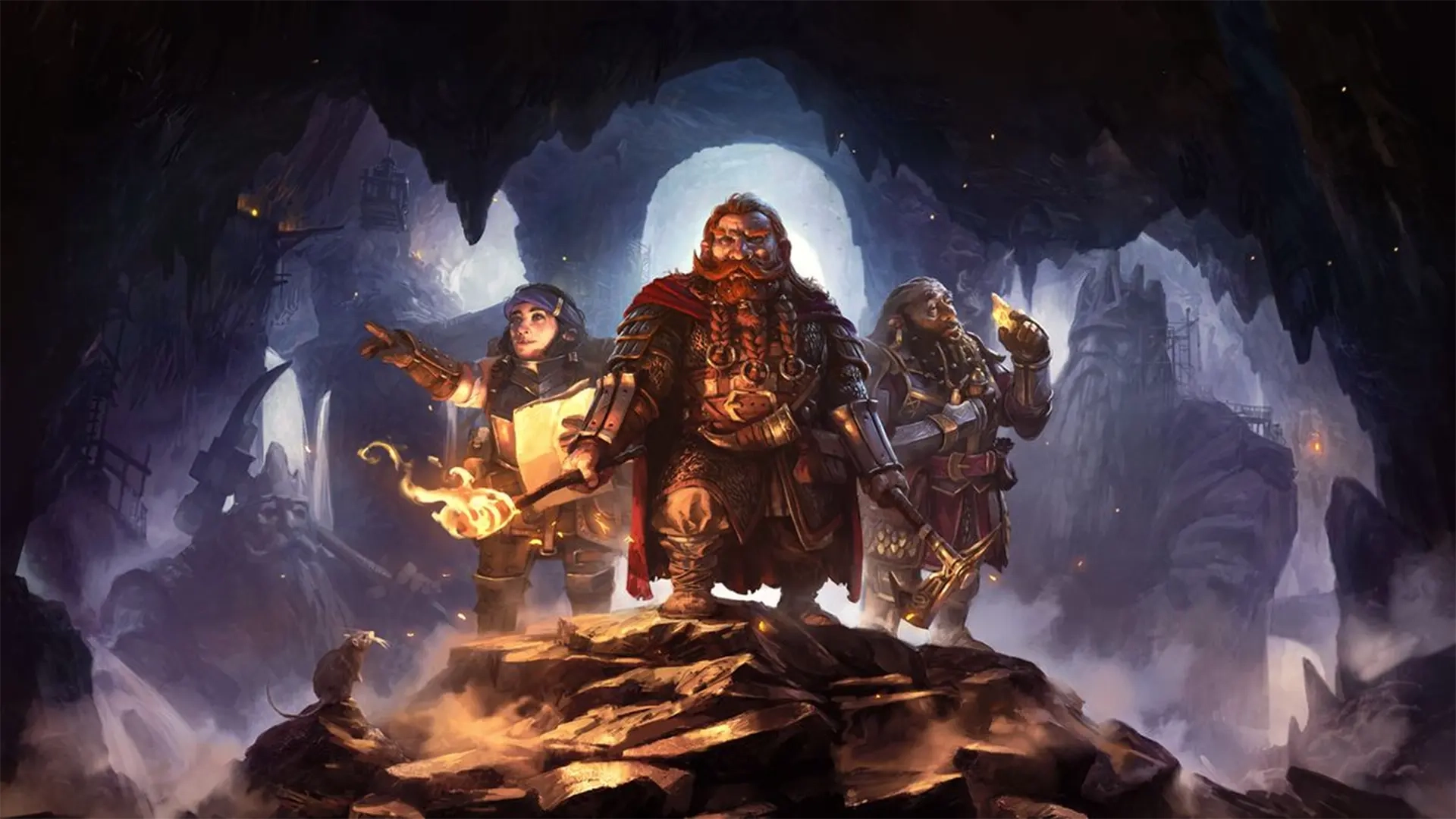
It's time to return to the kingdom under the mountain. In Lord of the Rings: Return to Moria, you and your dwarven brothers and sisters must reclaim, rebuild, and refortify the home of your ancestors. Feeling ready for an unexpected journey? Keep our LOTR: Return to Moria controls guide with you and keep it safe! Before restoring Moria to its former glory, you'll need to learn how things work.
 In LOTR: Return to Moria, you'll fight enemies, explore cavernous ruins, and build up new fortifications. That may sound like a lot, but the controls are simple and should feel familiar to fans of survival games. If you're playing on PC, you'll naturally have more options and controls than on consoles. However, you can rebind your controls no matter which platform you use.
Even on console, you'll find that some controls and settings don't have keybinds by default. You can assign buttons to these prompts however you like, but make sure you don't accidentally overwrite some of the game's essential controls. If things don't feel quite right, mix around the controls however you want. All of the controls listed below are the game's default settings for each platform.
In LOTR: Return to Moria, you'll fight enemies, explore cavernous ruins, and build up new fortifications. That may sound like a lot, but the controls are simple and should feel familiar to fans of survival games. If you're playing on PC, you'll naturally have more options and controls than on consoles. However, you can rebind your controls no matter which platform you use.
Even on console, you'll find that some controls and settings don't have keybinds by default. You can assign buttons to these prompts however you like, but make sure you don't accidentally overwrite some of the game's essential controls. If things don't feel quite right, mix around the controls however you want. All of the controls listed below are the game's default settings for each platform.
LOTR - Return to Moria Controls & Keybinds: PC
In LOTR: Return to Moria, you'll fight enemies, explore cavernous ruins, and build up new fortifications. That may sound like a lot, but the controls are simple and should feel familiar to fans of survival games. If you're playing on PC, you'll naturally have more options and controls than on consoles. However, you can rebind your controls no matter which platform you use.
Even on console, you'll find that some controls and settings don't have keybinds by default. You can assign buttons to these prompts however you like, but make sure you don't accidentally overwrite some of the game's essential controls. If things don't feel quite right, mix around the controls however you want. All of the controls listed below are the game's default settings for each platform.
Movement and Interaction
- Move Forward: W
- Move Backward: S
- Move Left: A
- Move Right: D
- Jump: Spacebar
- Dodge: Left Control
- Crouch: Z
- Sprint: Left Shift
- Use / Attack / Mine: Left Mouse Click
- Block / Aim: Right Mouse Click
- Toggle Target Lock: Push Scroll Wheel
- Interact: E
- Call Out: Q
General
- Throw Item: R
- Crafting: C
- Map: M
- Place Waypoint on Map: X
- Open Chat: Enter
- Goals: G
- Lore: H
- Tips: T
- Open Free Cam: O
- Game Menu Next: E
- Game Menu Previous: Q
- Inventory Quick Move Modifier: Left Shift
- Inventory Grab One Modifier: Left Control
Building
- Build: B
- Deconstruct: X
- Quick Deconstruct: Z
- Toggle Camera Height: G
- Rotate Construction: R
- Rotate Construction Counterclockwise: T
- Quick Build Platform: V
- Quick Build Rope: F
Inventory
- Inventory: Tab
- Equip Masterwork Item: 0
- Equip Slot 1: 1
- Equip Slot 2: 2
- Equip Slot 3: 3
- Equip Slot 4: 4
- Equip Slot 5: 5
- Equip Slot 6: 6
- Equip Slot 7: 7
- Equip Slot 8: 8
Emotes
- Emote 1: Up Arrow
- Emote 2: Right Arrow
- Emote 3: Down Arrow
- Emote 4: Left Arrow
LOTR - Return to Moria Controls: Xbox
- Move: Left Control Stick
- Camera: Right Control Stick
- Attack / Mine / Use: RT
- Block / Aim: LT
- Action Bar Select Right: RB
- Action Bar Select Left: LB
- Last Game Menu: Menu
- Map: View
- Jump: A
- Interact: X
- Dodge/Crouch: B
- Inventory: Y
- Target Lock: Click Right Stick
- Toggle Sprint: Click Left Stick
- Building Plans: Up on D-Pad
- Quick Build: Down on D-Pad
- Throw Primary Item: Right on D-Pad
- Call Out: Left on D-Pad
LOTR - Return to Moria Controls: PlayStation
- Move: Left Control Stick
- Camera: Right Control Stick
- Attack / Mine / Use: R2
- Block / Aim: L2
- Action Bar Select Right: R1
- Action Bar Select Left: L1
- Last Game Menu: Options
- Map: Touchpad
- Jump: Cross
- Interact: Square
- Dodge/Crouch: Circle
- Inventory: Triangle
- Target Lock: R3
- Toggle Sprint: L3
- Building Plans: Up on D-Pad
- Quick Build: Down on D-Pad
- Throw Primary Item: Right on D-Pad
- Call Out: Left on D-Pad
Stwórz swój własny
serwer Lord of the Rings: Return to Moria
serwer Lord of the Rings: Return to Moria
Wybierz plan, wskaż grę i graj ze znajomymi!
Zapisz się do newslettera
Subskrybuj, aby otrzymywać najnowsze informacje ze świata gier!

Dołącz do naszego Discorda
Zostań częścią naszej społeczności ponad 20,000 podobnie myślących członków!
Jak oceniasz ten wpis?
Podziel się swoją opinią i pomóż nam tworzyć jeszcze lepsze artykuły!
Nie podobał mi się
Neutralnie
Podobał mi się

Potrzebujesz serwera do gry?
Wynajmij serwer gier, na którym Ty i Twoi znajomi możecie grać prywatnie z niskim opóźnieniem i własnymi ustawieniami. Wybieraj spośród 110+ gier, zaproś ludzi z całego świata i ciesz się prywatnymi rozgrywkami lub zbuduj własną społeczność online z własnymi zasadami.

Powiązane wpisy







BĄDŹ NA BIEŻĄCO!
Dołącz do naszego newslettera, aby otrzymywać informacje o naszych hostowanych grach, nowościach firmowych i ekskluzywnych ofertach. Bądź na bieżąco!













