

Icarus Console Commands Guide: All Server Commands & How to Use Them
Opublikowano przez

Udostępnij:

Udostępnij na X

Udostępnij na Facebooku

Udostępnij na Threads

Udostępnij na Bluesky

Skopiuj do schowka

Udostępnij przez e-mail
(Estimated Read Time: 3 Minutes)
In a game as chaotic as ICARUS, a little extra control can go a long way. So, today, we explore all Icarus console commands and server commands that can be used in-game.Icarus Console Commands
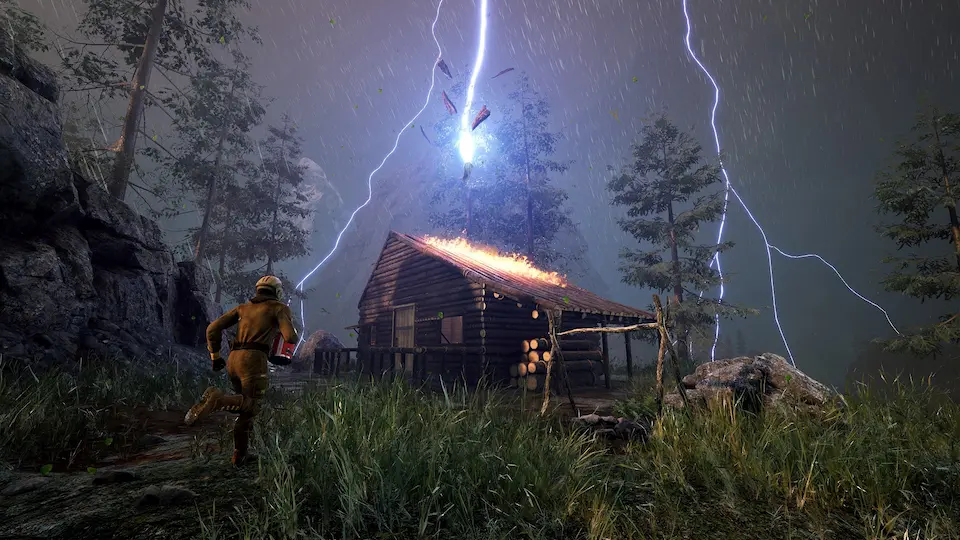 Sadly, at this time, there are no official Icarus console commands outside of those used for player management in multiplayer. However, players can instead edit their profile.json file to provide everything from items to levels and even quest completions. Still not as convenient as commands, but a workaround nonetheless.
Editing the profile.json file can be done using the steps below:
Sadly, at this time, there are no official Icarus console commands outside of those used for player management in multiplayer. However, players can instead edit their profile.json file to provide everything from items to levels and even quest completions. Still not as convenient as commands, but a workaround nonetheless.
Editing the profile.json file can be done using the steps below:
- Right Click on the Windows Start Button
- Open File Explorer
- Type %localappdata% in the Quick Access Bar and Click Enter
- Find and Open the Icarus Folder
- Open the Saved Folder
- Open the PlayerData Folder
- Open the Character Folder (Appears as a long String of Numbers)
- Open the profile.json File in Notepad
- Edit as Desired
- Click Save
Server Commands
- /AdminLogin (Password Here) – Grants admin using the password set in the server’s icarus.properties file.
- /AdminSay (Message Here) – Sends an admin message to all players.
- /BanPlayer (Steam ID or Player Name Here) (Reason Here) – Removes and permanently prevents a player from rejoining the server.
- /Help – Lists all Icarus admin commands.
- /KickPlayer (Steam ID or Player Name Here) (Reason Here) – Temporarily removes a player from the server.
- /ReturnToLobby – Returns the server to prospect selection.
- /ReturnToLobbyWhenEmpty – Returns the server to prospect selection once no players are online.
- /UnbanPlayer (Steam ID or Player Name Here) – Unbans a player removed using the “BanPlayer” command.
Zapisz się do newslettera
Subskrybuj, aby otrzymywać najnowsze informacje ze świata gier!

Dołącz do naszego Discorda
Zostań częścią naszej społeczności ponad 20,000 podobnie myślących członków!
Jak oceniasz ten wpis?
Podziel się swoją opinią i pomóż nam tworzyć jeszcze lepsze artykuły!
Nie podobał mi się
Neutralnie
Podobał mi się

Potrzebujesz serwera do gry?
Wynajmij serwer gier, na którym Ty i Twoi znajomi możecie grać prywatnie z niskim opóźnieniem i własnymi ustawieniami. Wybieraj spośród 110+ gier, zaproś ludzi z całego świata i ciesz się prywatnymi rozgrywkami lub zbuduj własną społeczność online z własnymi zasadami.

Powiązane wpisy







BĄDŹ NA BIEŻĄCO!
Dołącz do naszego newslettera, aby otrzymywać informacje o naszych hostowanych grach, nowościach firmowych i ekskluzywnych ofertach. Bądź na bieżąco!













